PDF to Structured XML Exporter
PDF Content as XML a Program Can Read
Convert PDF files to structured XML in batch, offline: pages, headings, paragraphs and tables as rows and cells. Optional coordinates and fonts for every block. Free trial.
Full seller details: Legal information.
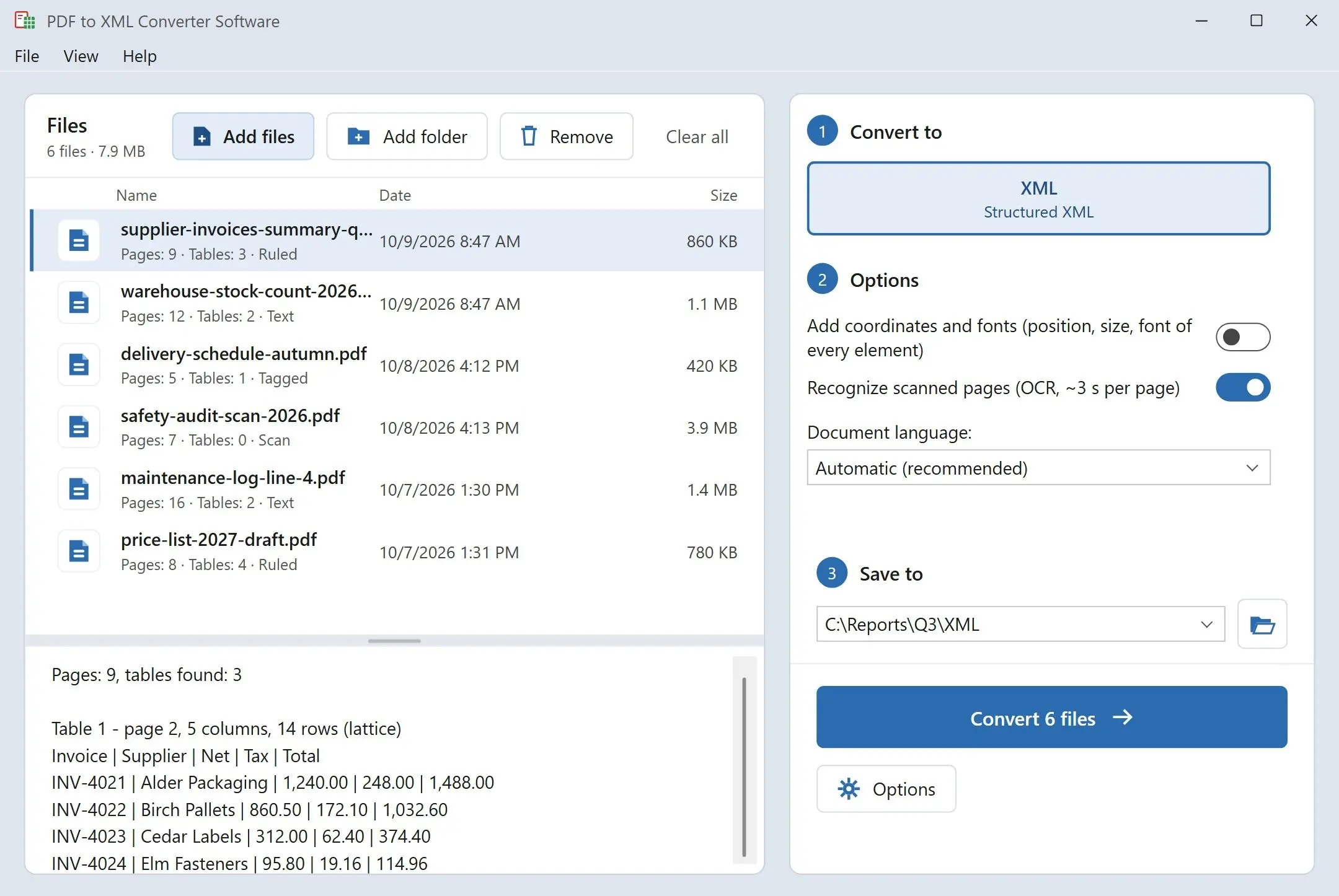
Feed it a folder of reports and get one XML file per PDF: a page element for each page, headings with their level, paragraphs, and tables broken into rows and cells. It runs on your Windows PC, so nothing is uploaded.
A PDF knows where the ink goes, not what it means
Inside a PDF there is no paragraph, no heading and no table - only pieces of text placed at coordinates on a page. That is fine for printing and useless for an import script. The XML export in PDF editors mostly describes that layout, and upload sites rarely say how their output is built. This program rebuilds the structure instead: it groups lines into paragraphs, ranks headings by font size, finds table grids and writes it all to the same schema every time, so the code that reads it does not have to guess.
How to use it
Load the PDFs
Add single files or a whole folder. Each PDF gets its own XML file named after the source, and the program asks once per batch before it replaces older output.
Pick light or detailed output
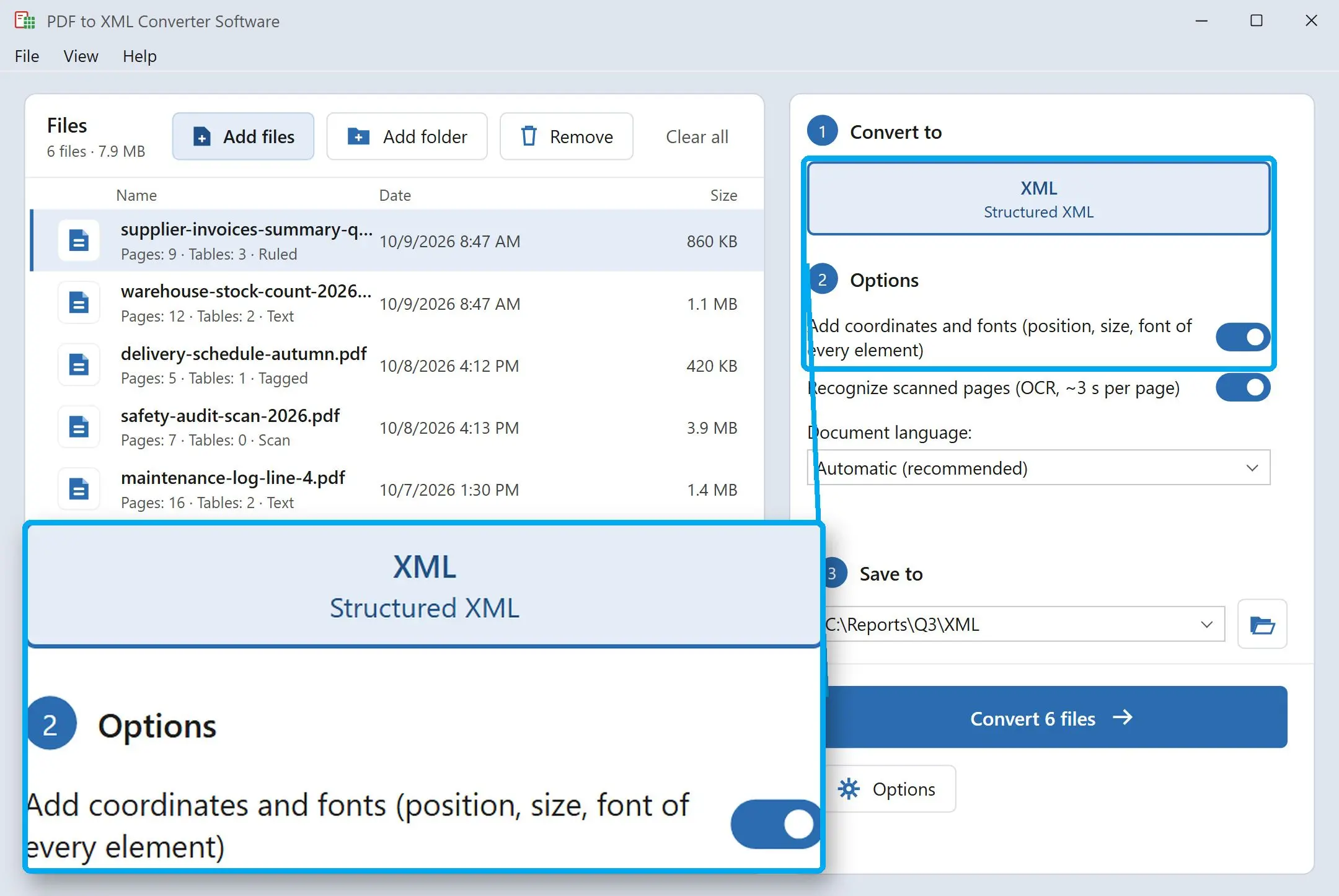
Leave coordinates off for a compact file with structure and text only. Turn them on and every block gets x, y, w and h in points, a reference to a font entry, and nested line and text elements - the level of detail you would expect from pdftohtml -xml.
Hand the files to your code
Every file is well-formed UTF-8 without a byte order mark. Read it with ElementTree, lxml, XSLT or the XML loader of your database; the element names do not change from one report to the next.
Benefits

Tables arrive as a grid, not loose strings
Each table carries its row and column counts, a header row marked header="1", and colspan or rowspan on merged cells. Your loader can take column names from the header and turn every other row into a record. A table that runs over several pages is written as one table per page.
One schema for every file
document, page, heading, paragraph, table, row, cell - the same names and attributes in every output, whether the PDF came from finance, a supplier or a scanner. When next quarter's report arrives, the import you wrote for this one reads it too.
Runs on your own PC
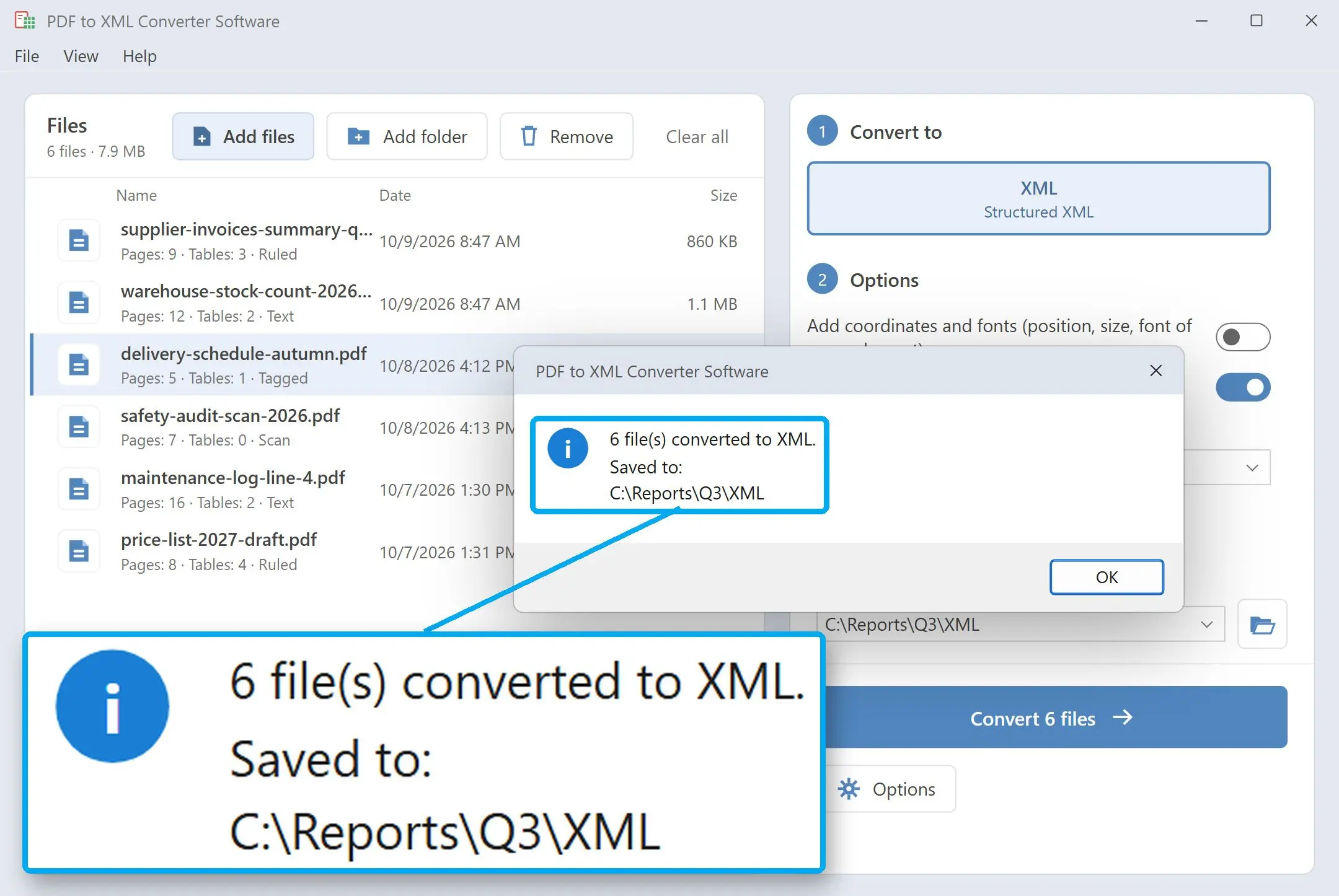
Reports, contracts and price lists are read and written locally, with no upload and no account. Confidential documents stay out of third-party services, and the job runs on a machine with no internet access at all.
Why people use it
Heading levels you can rely on
Levels 1 to 6 are set from font size compared with the body text of the whole document, not page by page. A chapter title on page 40 gets the same level as the one on page 2, so a search index or a table of contents can trust it.
Scanned pages are flagged, not hidden
A page with no text layer is marked scanned="1". When its text comes from recognition (Latin and Cyrillic scripts), the page carries ocr="1" and a confidence value, and you get paragraphs only - tables are not detected on recognized pages. Your pipeline can route those pages to a manual check.
Prose is not mistaken for a table
Wide gaps between words fool many table finders into turning a two-column article into a fake grid. Candidates like that are rejected, and every real table records how it was found - from PDF tags, from ruling lines or from text alignment - in its source attribute.
FAQ
System Requirements
PDF to Structured XML Exporter
Languages
3.3
9 Mb
October 8, 2026
- Windows 11/10/8.1/8/7 (32/64 bit)
- Intel i3, AMD Ryzen 5 or above
- 4 GB of RAM or above
- NVIDIA® GeForce® series 8 and 8M, Intel® HD Graphics 2000, Quadro FX 4800, Quadro FX 5600, AMD Radeon™ R600, Mobility Radeon™ HD 4330, Mobility FirePro™ series, Radeon™ R5 M230 or higher graphics card with up-to-date drivers
- 1280 × 768 screen resolution, 32-bit color
- 1 GB of free hard disk space or above
GRT requirements trial note