
Permanent Data Eraser for Windows
Deleted Should Mean Gone
Deleted files stay on the disk until overwritten. Erase them for good, wipe free space or a whole drive, and keep a PDF certificate of the job. Free trial.
Full seller details: Legal information.
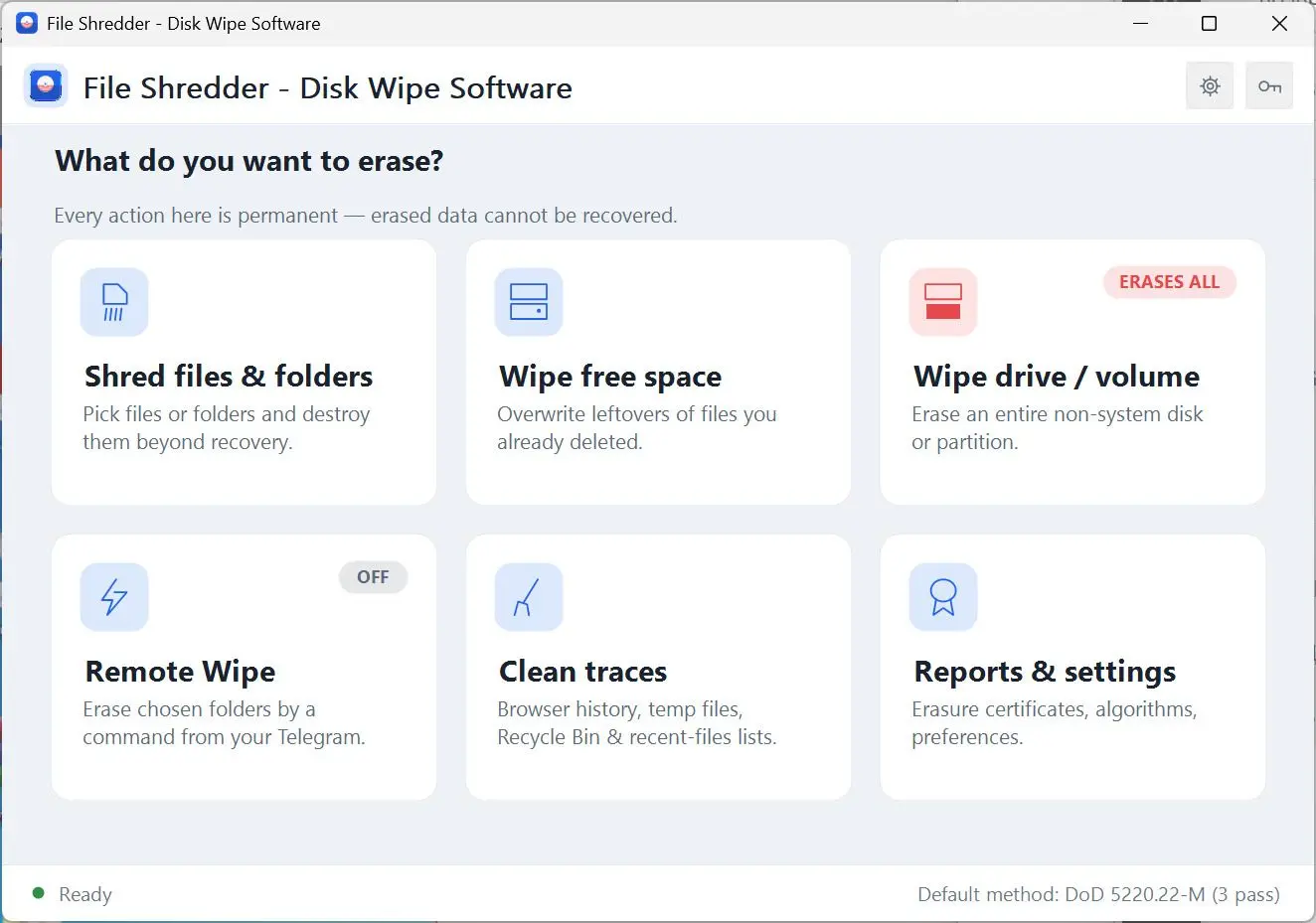
Pick files, folders, the free space of a drive or a whole non-system volume, and Permanent Data Eraser for Windows writes new data over every byte before the entry is removed. The overwrite methods on the list run from one quick pass to the 35 passes of Gutmann.
The Recycle Bin empties the list, not the disk
Windows deletes a file by forgetting where it was. The contents stay in place until some other file happens to land on the same spot, which can take months, and a free recovery tool will read them back in the meantime. A quick format does the same thing on a bigger scale. None of that matters until the PC is sold, handed to a new employee or sent off for repair with tax scans, client contracts and family photos still sitting in the so-called empty space.
How to use it
Choose what goes
Add files and folders with the buttons or drag them onto the list. For a bigger job, open the free space wipe or the drive wipe and pick a volume. Windows, Program Files and ProgramData are refused, so a stray click will not take the system down with it.
Pick an overwrite method
Leave the default method as it is, or open the advanced list for DoD 5220.22-M, the 7-pass DoD, German VSITR, British HMG IS5, Schneier, Gutmann, NIST 800-88 or a custom pattern. For a shred job, tick the verify option and every byte is read back afterwards to check that the new pattern is really there.
Confirm and keep the report
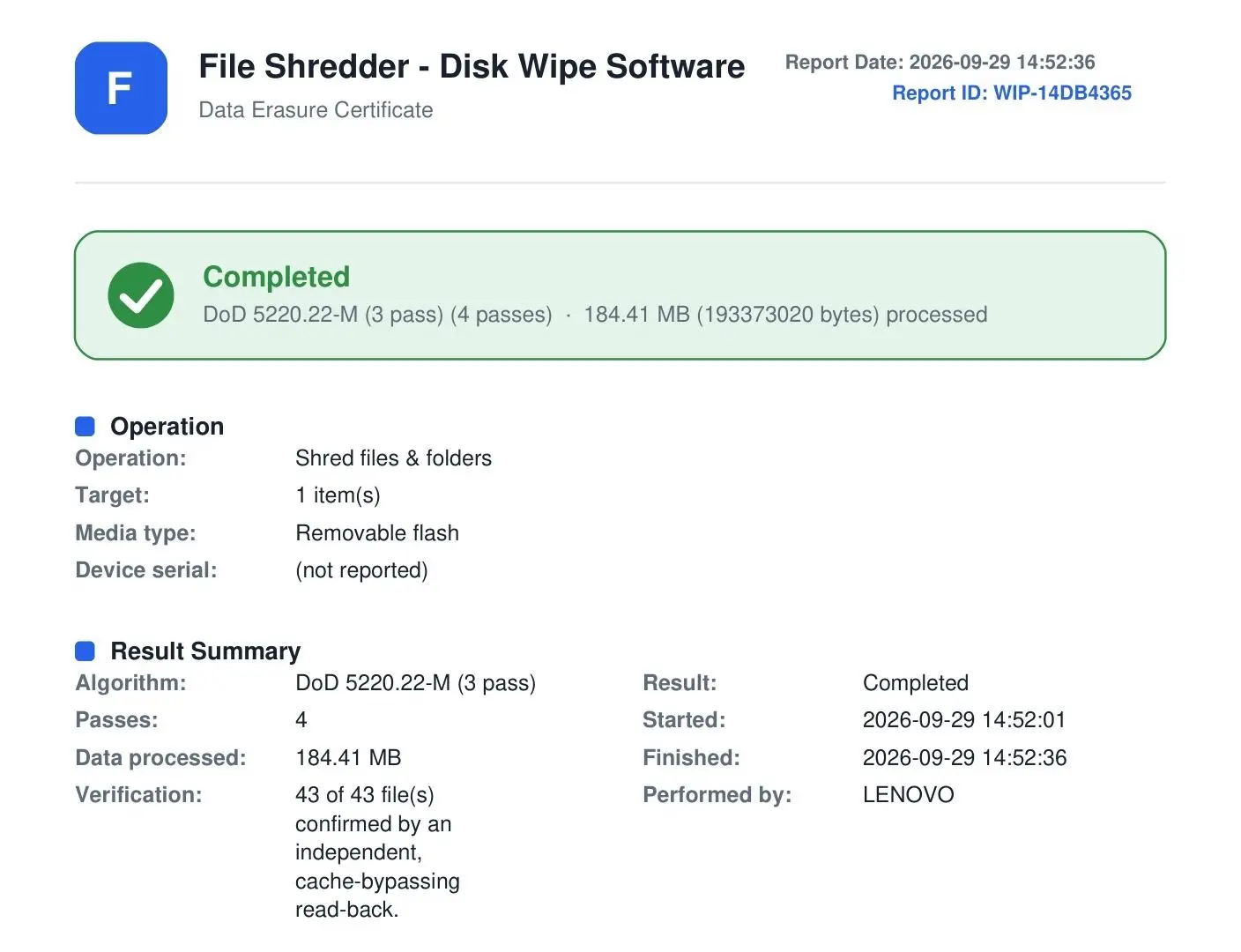
The confirmation dialog states exactly how many items are about to be erased, and there is no undo after it. When the run ends you see the passes, the elapsed time and any errors, and can save a PDF certificate of the erasure wherever you like.
Benefits
It checks what kind of drive it is writing to
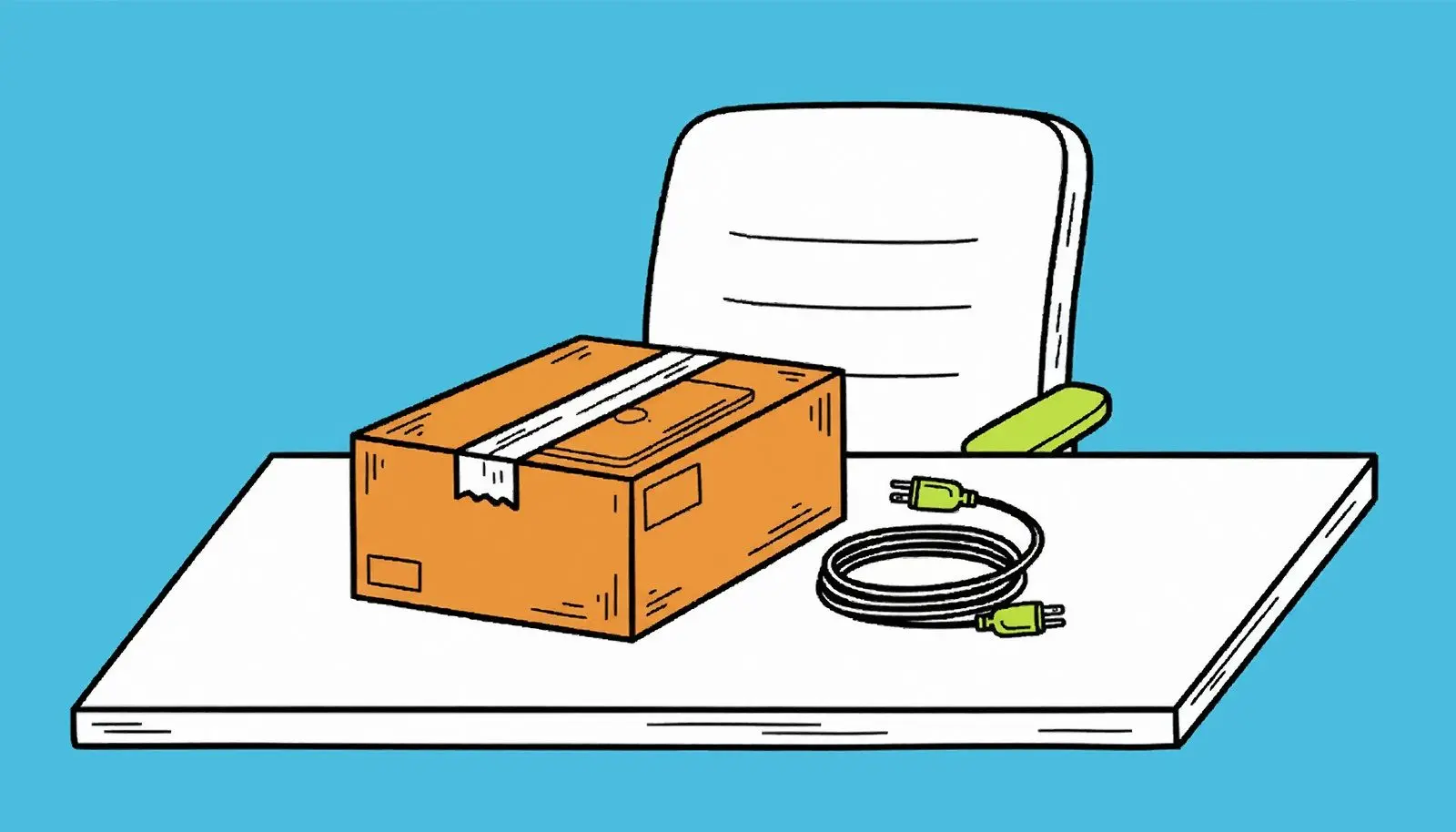
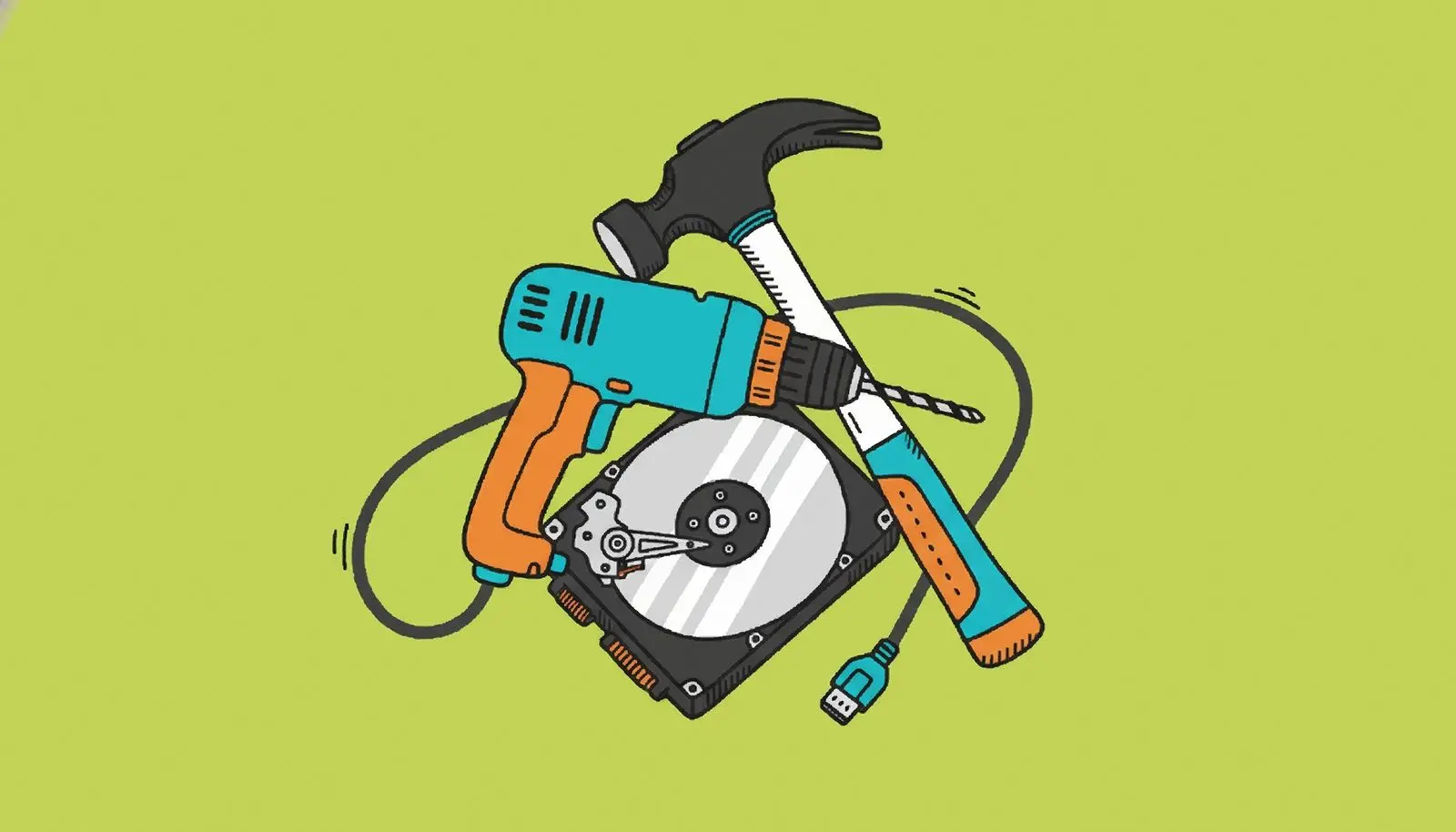
Overwriting is dependable on a spinning hard disk and unreliable on an SSD or a flash stick, where wear leveling can leave old data in cells an ordinary write never reaches. The program detects the media type before it starts and says so plainly, pointing you to the drive's own Secure Erase or NVMe Sanitize rather than promising a result it has no way to deliver.
A PDF certificate for the job you just ran
A shred or wipe run can finish with a Certificate of Data Erasure saved as a PDF. Print it, file it with the asset record or attach it to the ticket. It is the paper a client, an auditor or the next owner of the hardware asks for, and you get it without buying an erasure suite priced for a whole data center.
Remote wipe from your own Telegram
Create a Telegram bot of your own, paste its token and your chat ID, and mark the folders to protect. If the laptop is lost or stolen, send /wipe from your phone and those folders are erased; /status tells you whether the PC is online. The feature stays off until you turn it on, the bot answers your chat ID and nobody else, a password can be required for /wipe, and the command gets through whenever the laptop is online.
Why people use it
Clear the free space and keep your files
Years of deleted documents sit in the part of a drive that Windows reports as empty. A free space wipe overwrites that part and leaves the files you still use exactly where they are. It runs on every non-system drive, USB drives included.
Erase a whole secondary drive, start to end
A non-system partition or an entire second drive is overwritten sector by sector. The erase button stays grey until you tick a box saying you understand that everything on the volume will go. The system drive shows up in the list but is not selectable, because Windows will not erase the disk it is running from.
Clean the traces Windows and browsers keep
One click removes Temp folders, the Recycle Bin, recent documents and jump lists, plus browsing history in Chrome, Edge, Firefox, Brave, Opera and Vivaldi. If a browser is open at the time, the report names it instead of skipping it in silence.
FAQ
System Requirements
Permanent Data Eraser for Windows
Languages
3.7
15 Mb
October 5, 2026
- Windows 11/10/8.1/8/7 (32/64 bit)
- Intel i3, AMD Ryzen 5 or above
- 4 GB of RAM or above
- NVIDIA® GeForce® series 8 and 8M, Intel® HD Graphics 2000, Quadro FX 4800, Quadro FX 5600, AMD Radeon™ R600, Mobility Radeon™ HD 4330, Mobility FirePro™ series, Radeon™ R5 M230 or higher graphics card with up-to-date drivers
- 1280 × 768 screen resolution, 32-bit color
- 1 GB of free hard disk space or above
GRT requirements trial note