
Photo Deblur
Mild Blur and Compression “Mush”—Fixed Before You Delete the Keepers
Handshake blur & soft focus ruin good shots. Sharpen with controlled sliders—avoid halos. Easy Photo Unblur for Windows; try the free trial before you trash the folder.
Full seller details: Legal information.
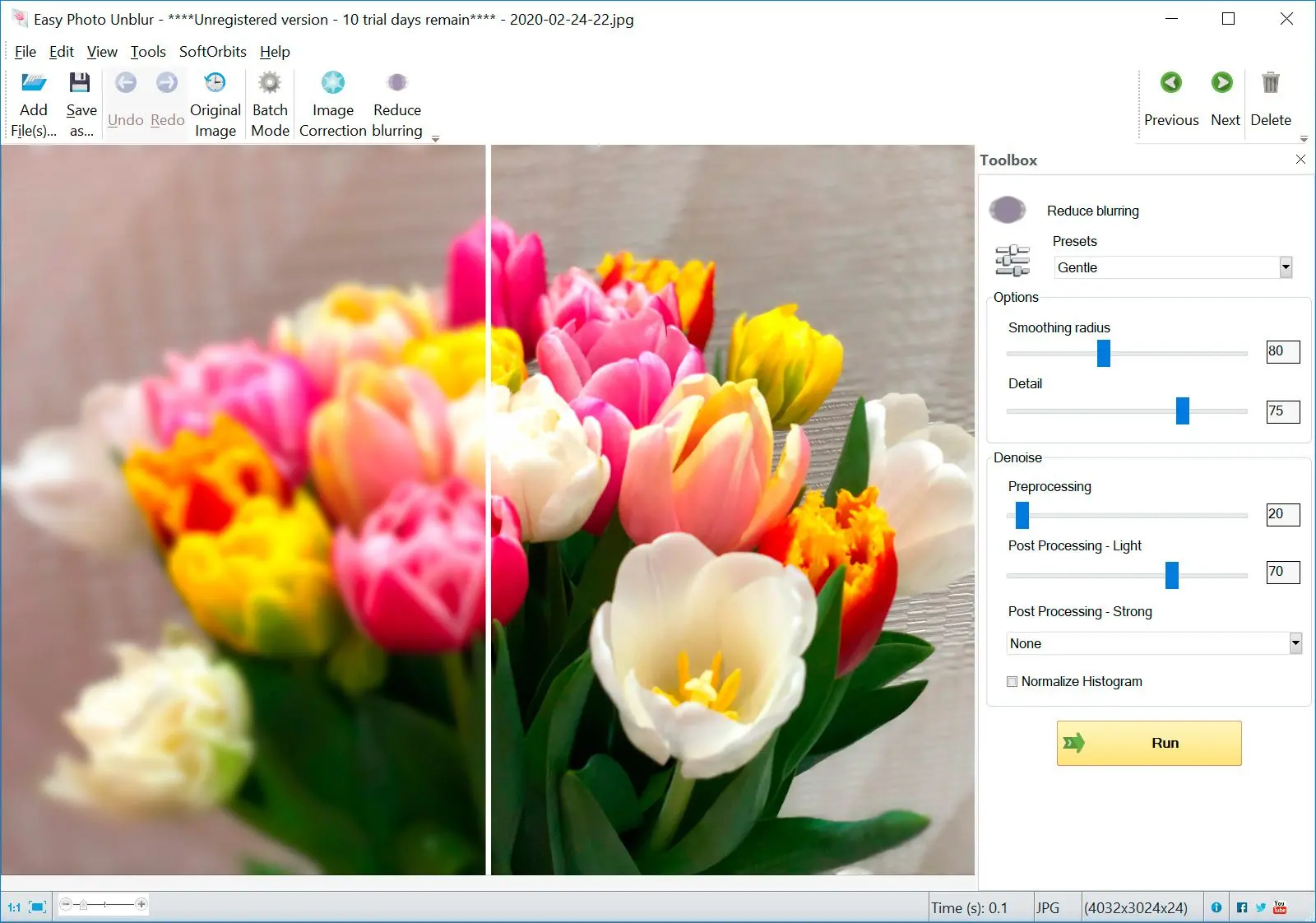
Open an image, compare before and after, then export when edges look natural—not plastic.
Honest expectations
Heavy motion blur is still missing data; this tool targets mild softness, handshake, and light compression mush.
How to use it
Load a noisy shot
Open a grainy or soft photo—night shots and phone captures work well as a starting point.
Tune denoise strength
Start with a mild preset, then adjust sliders while watching the preview so skin and edges stay believable.
Save or batch similar files
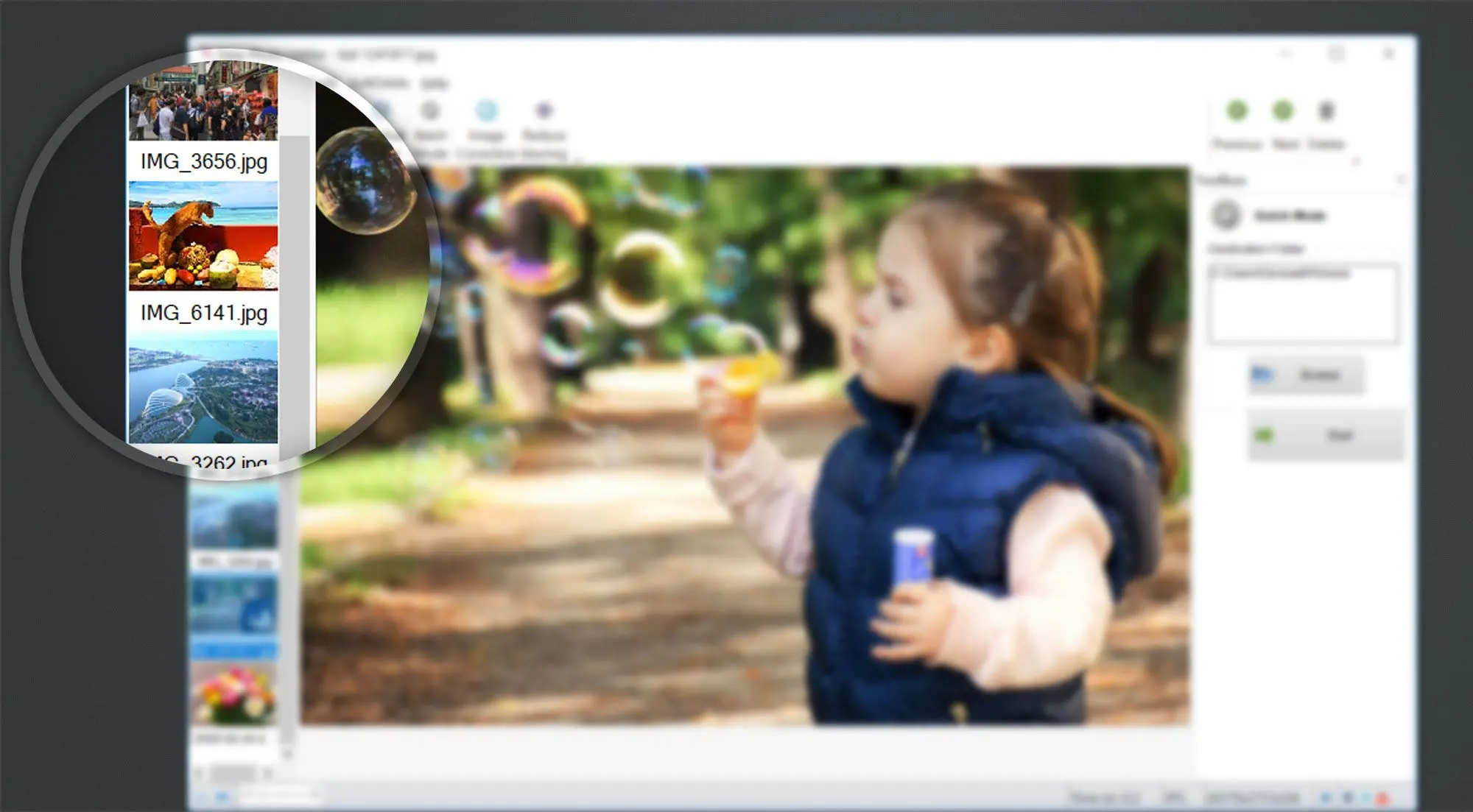
Export the cleaned image or apply the same recipe to a folder when lighting matched across the set.
Benefits
Save grainy night shots
Pull a bit more detail out of phone and compact-camera noise while keeping skin and edges from turning plastic.
Start mild, then push
Readable presets and sliders mean you can nudge strength until the picture looks believable, not over-processed.


Batch similar lighting
Apply one recipe to a folder when exposure matched across the set—great after events and indoor shoots.
Why people use it
Readable defaults
Start gentle, then nudge strength so faces stay believable.
Batch-friendly
Apply one recipe to a folder when lighting matched across the set.
Runs locally
No upload queue—helpful on slow or locked-down networks.
FAQ
System Requirements
- Windows 11/10/8.1/8/7 (32/64 bit)
- Intel i3, AMD Ryzen 5 or above
- 4 GB of RAM or above
- NVIDIA® GeForce® series 8 and 8M, Intel® HD Graphics 2000, Quadro FX 4800, Quadro FX 5600, AMD Radeon™ R600, Mobility Radeon™ HD 4330, Mobility FirePro™ series, Radeon™ R5 M230 or higher graphics card with up-to-date drivers
- 1280 × 768 screen resolution, 32-bit color
- 1 GB of free hard disk space or above
GRT requirements trial note