
PDF Logo Cleaner
Delete Vector Watermarks the Right Way—Without Smearing the Text Underneath
Corner logo on every PDF page? Click real vector objects—not black boxes—keep text sharp. PDF Logo Remover for Windows. Try the trial on your contract or report.
Full seller details: Legal information.
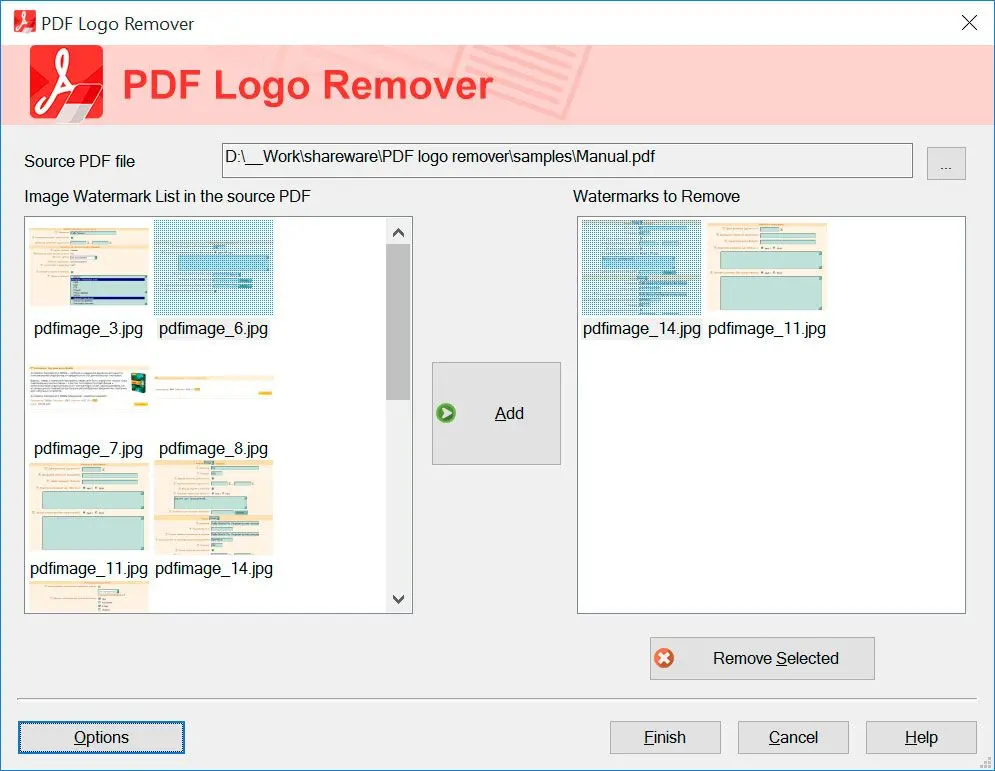
Open the PDF, click the offending object, delete, save a clean export.
For editable PDFs
Flattened scans still need a photo-oriented tool; this shines when layers are real PDF objects.
How to use it
Open the PDF
Load a vector-based PDF where logos or stamps are real objects, not a flat scan.
Select vector objects
Click the graphic elements to remove them carefully.
Save and re-check
Export a new PDF and open it in a fresh reader to confirm text and layout stayed intact.
Benefits
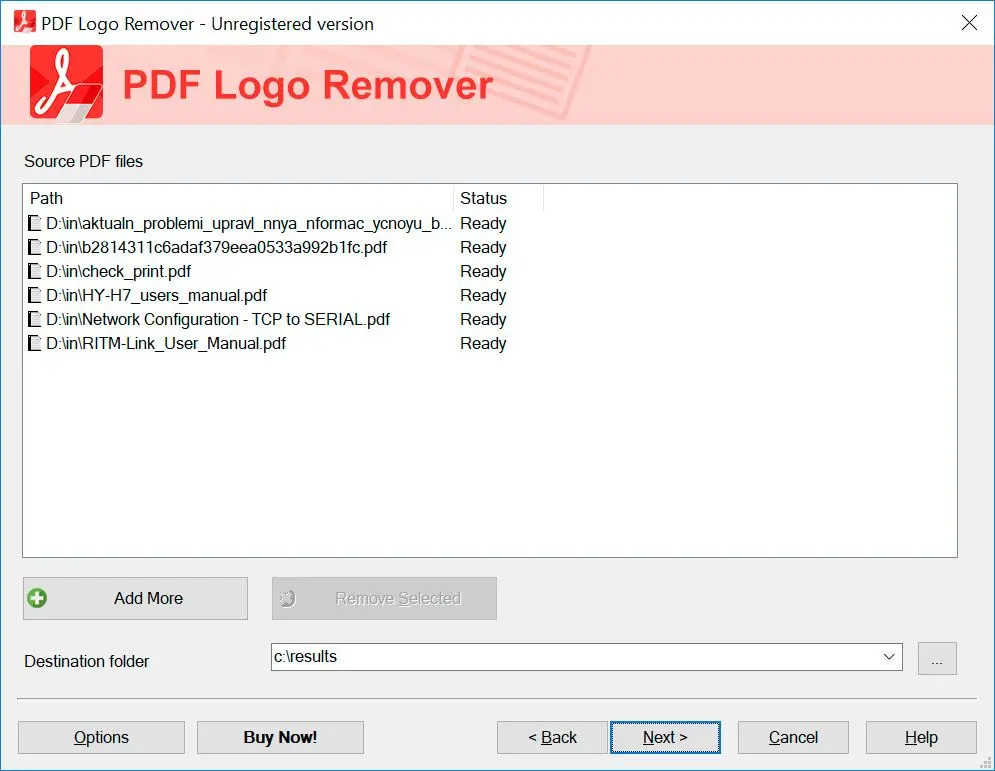
Remove vector logos cleanly
Click real PDF objects instead of painting black boxes—text stays sharp when the watermark layer is vector art.
Faster than re-export wars
Fix client PDFs on desktop without round-tripping through five apps when you only need the corner mark gone.
Verify in a fresh reader
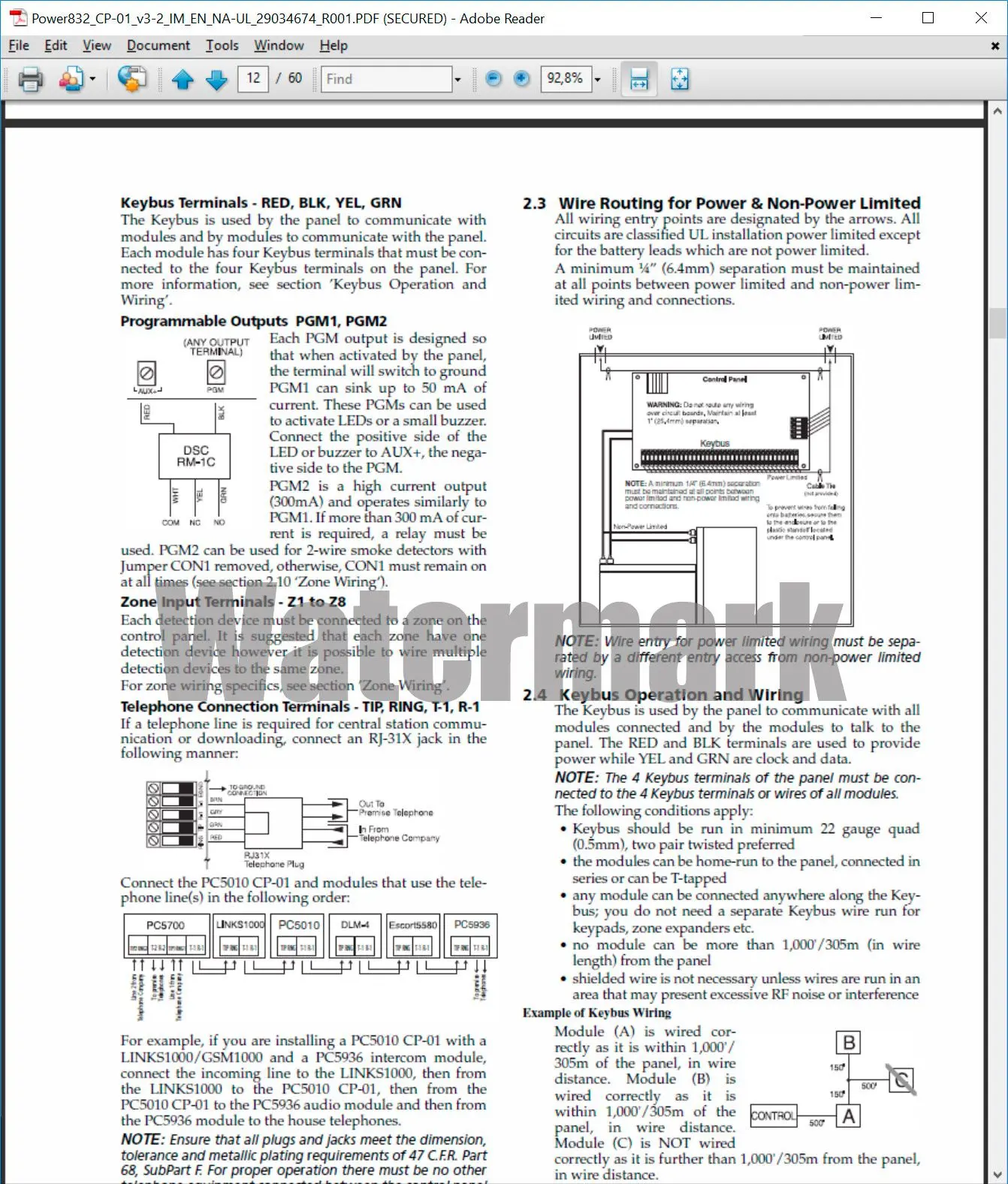
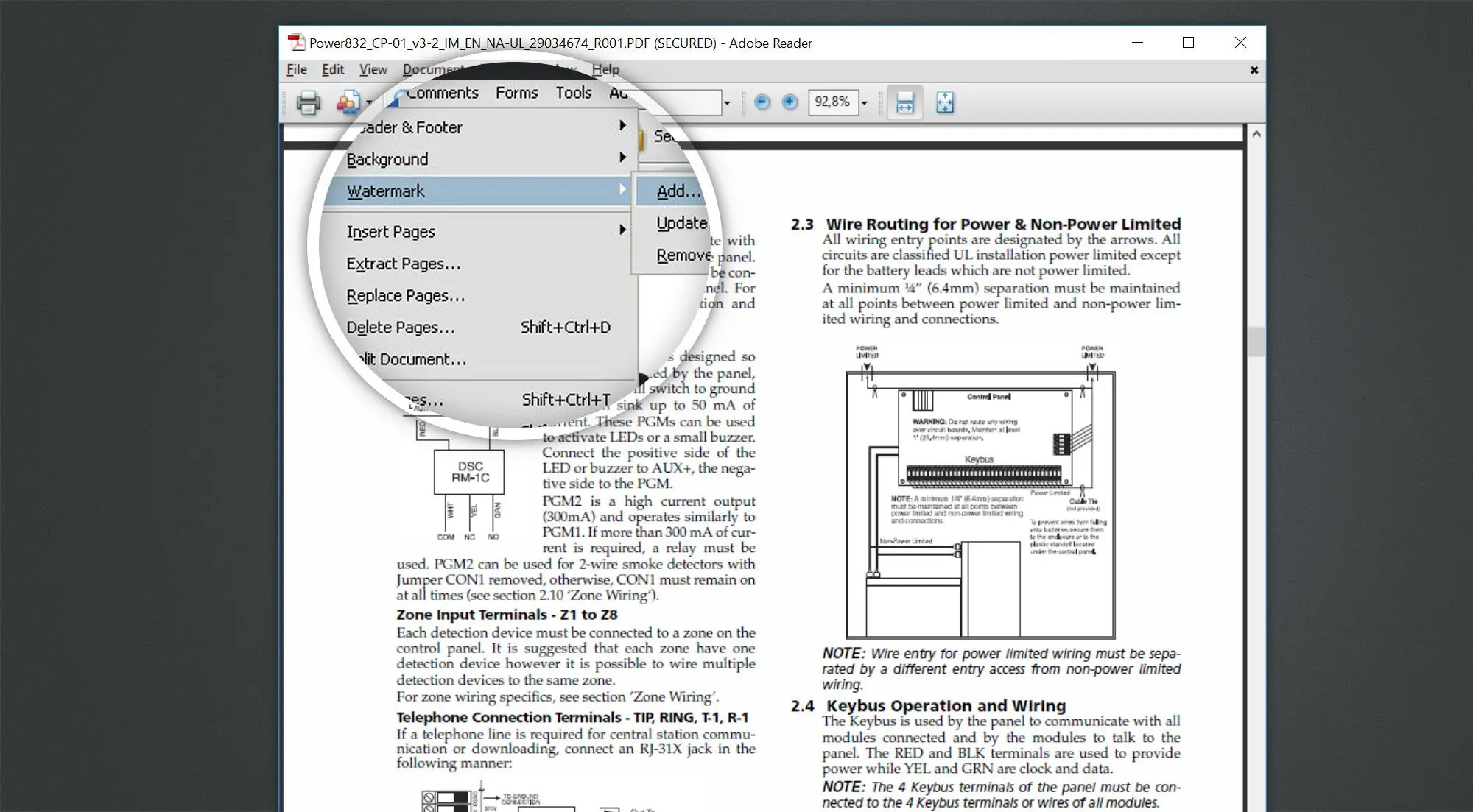
Save a new file and reopen it to confirm nothing important disappeared with the stamp.
Why people use it
Precise picks
Click what you mean—not a whole page blackout.
Keeps text sharp
Vector text stays crisp after the logo layer goes away.
Desktop speed
Large contracts stay on fast local storage.
FAQ
System Requirements
PDF Logo Cleaner
Languages
1.6
16.6 Mb
August 6, 2026
- Windows 11/10/8.1/8/7 (32/64 bit)
- Intel i3, AMD Ryzen 5 or above
- 4 GB of RAM or above
- NVIDIA® GeForce® series 8 and 8M, Intel® HD Graphics 2000, Quadro FX 4800, Quadro FX 5600, AMD Radeon™ R600, Mobility Radeon™ HD 4330, Mobility FirePro™ series, Radeon™ R5 M230 or higher graphics card with up-to-date drivers
- 1280 × 768 screen resolution, 32-bit color
- 1 GB of free hard disk space or above
GRT requirements trial note