Bulk PDF to Image Exporter
Every PDF Page as Its Own Image File
Save every page of a PDF as a separate JPG, PNG, BMP or TIFF file. Batch mode, 72 to 900 DPI, page ranges, runs offline on your PC. Free trial from GRTSoft.
Full seller details: Legal information.
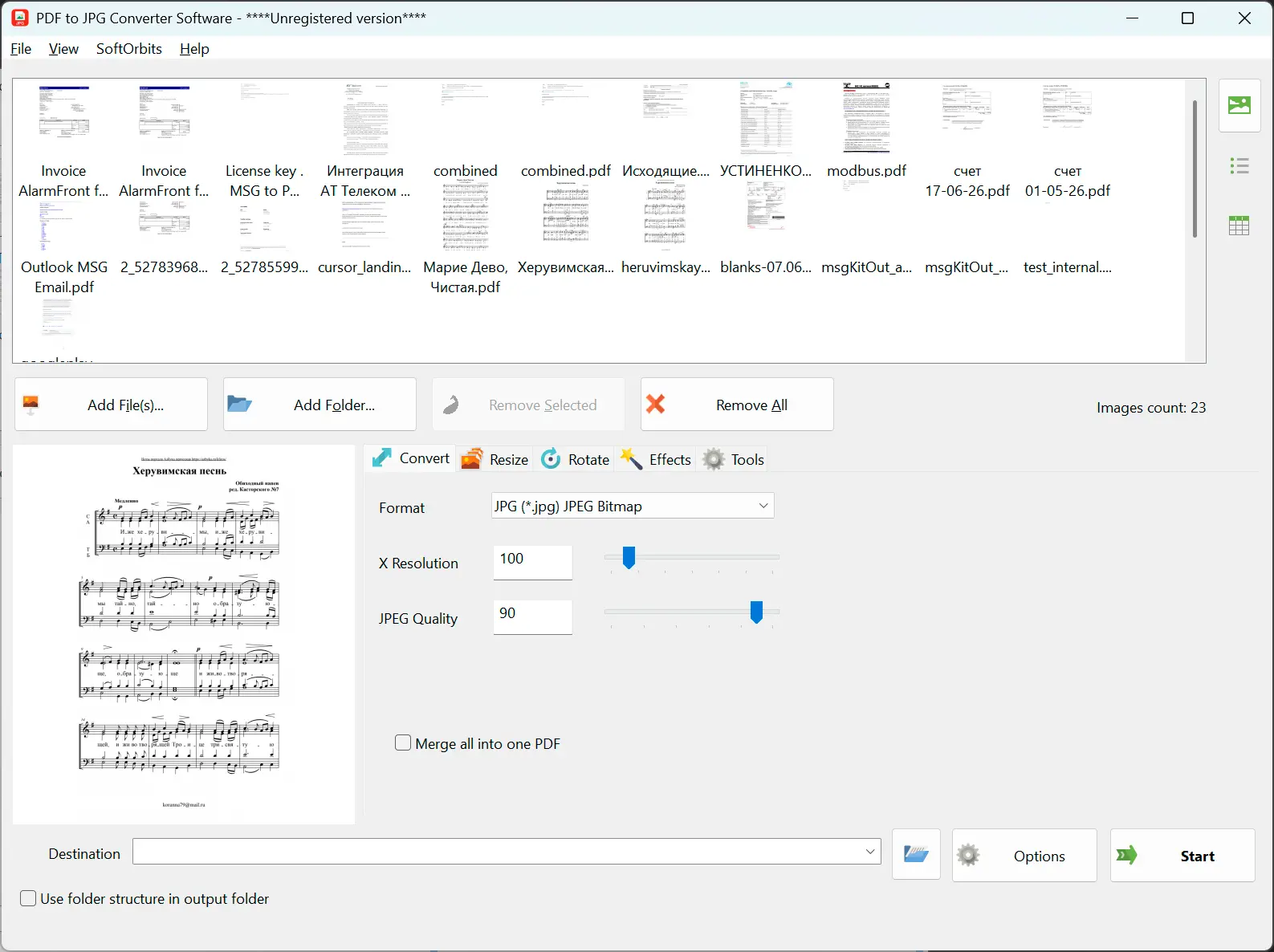
Drop in one PDF or a hundred, pick the DPI and the pages you want, and get a numbered image for each page in the folder you choose - all on your own Windows PC.
A page you can paste, not a document you have to open
Sometimes a PDF is the wrong container: you need page 4 in a slide deck, the whole scanned contract as thumbnails, or a set of images a website will actually accept. Online converters do this, but only after you upload the document to someone else's server. This one reads the PDF on your machine and writes plain image files next to it, with no account and no upload.
How to use it
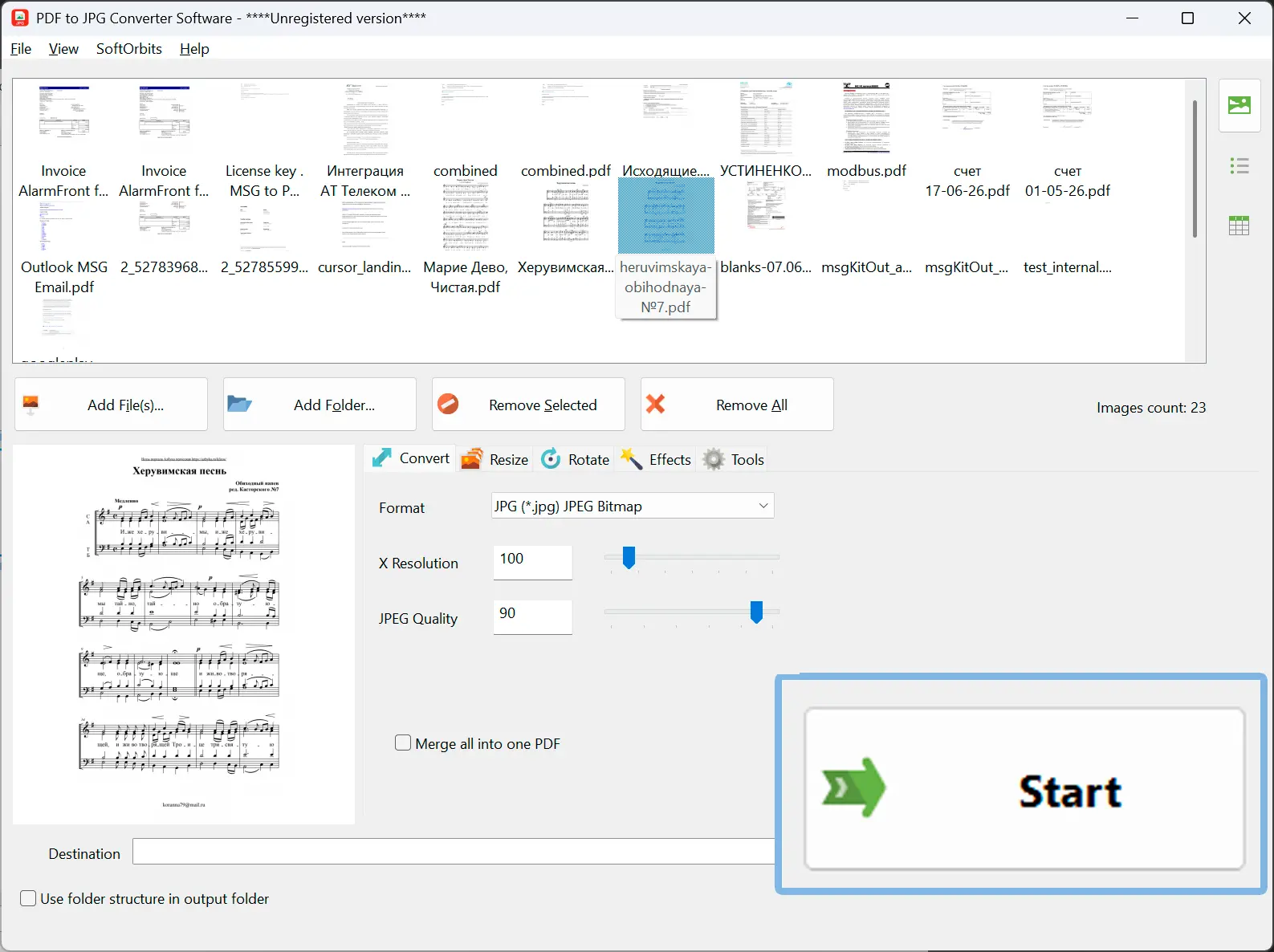
Load your PDFs
Drag in a single file, a selection, or a whole folder. Each PDF is unrolled into its pages in the queue, so a 40 page document becomes 40 jobs you can see before anything is written.
Set quality and range
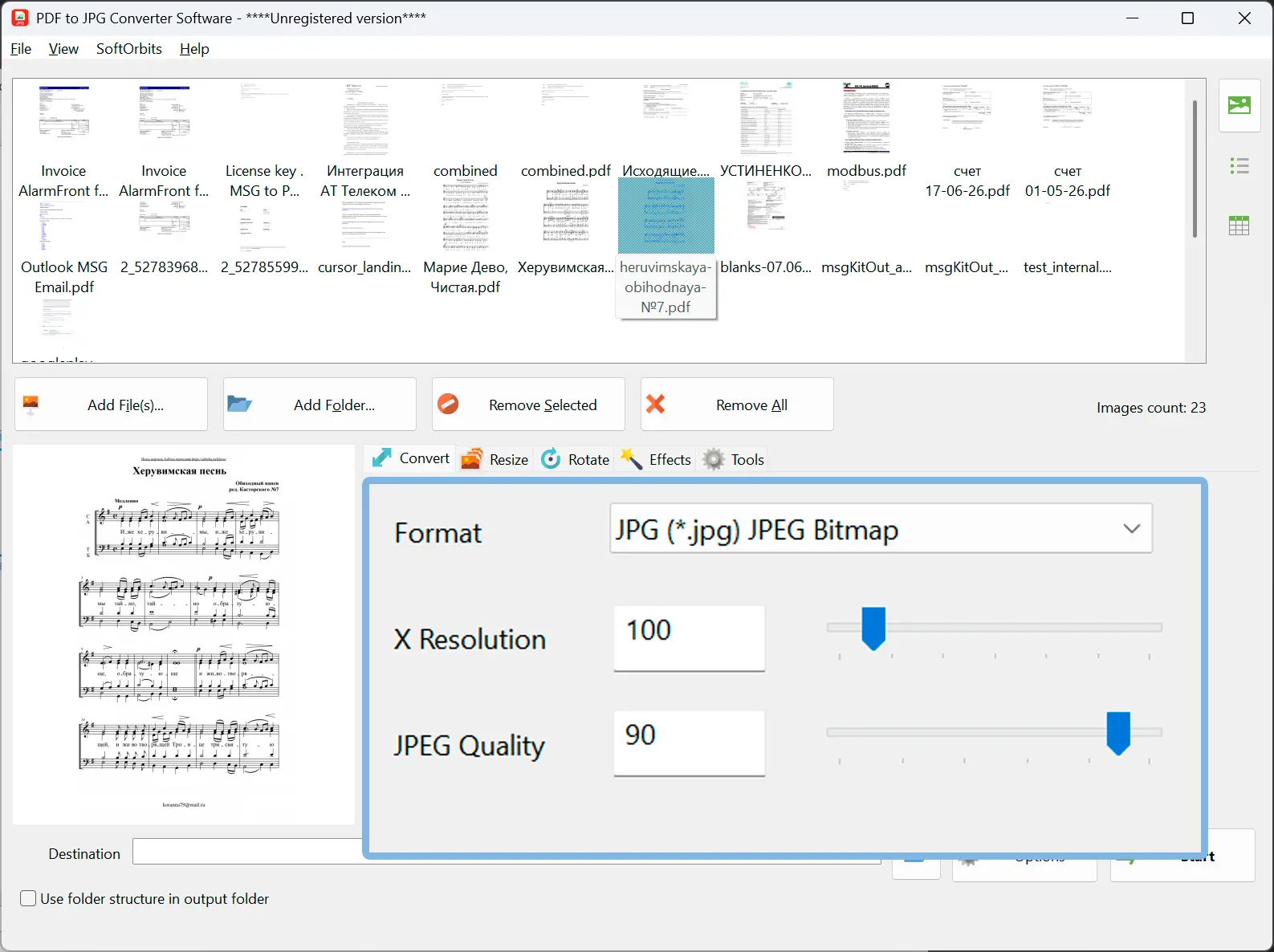
Choose 72, 150, 300 or 600 DPI, or type any value from 60 to 900. Convert every page or just pages 3 to 12. Higher DPI means a sharper, larger image - 150 is fine on screen, 300 is the usual choice for print.
Pick a format and run it
JPG by default, or PNG, BMP and TIFF when you need them. Files land in the folder you choose, or beside the original, named after the PDF with a zero padded page number so they stay in order.
Benefits
One page in, one image out
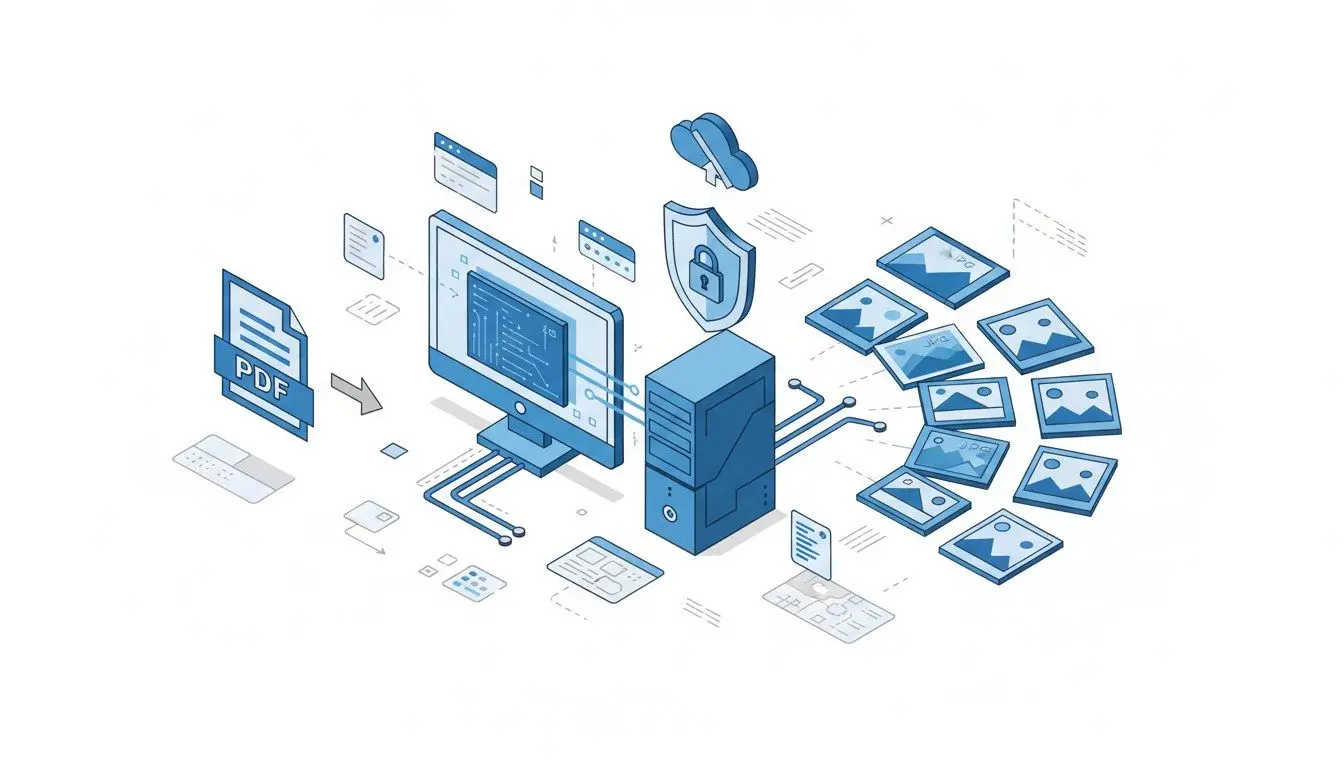
Every page becomes its own file instead of one long strip or a single first page. A 200 page scan gives you 200 numbered images in one pass, which is what you need for review, for slides, or for uploading page by page.
DPI you actually control
Pages are rendered at the resolution you ask for, not at whatever a web service decides. 72 DPI for a quick preview, 150 for screen use, 300 or 600 when small print in a scanned contract has to stay readable.
Built for whole folders
Point it at a directory of invoices, statements or manuals and let the queue work through them unattended. The same DPI, format and page rule applies to every document, so the output set is consistent.
Why people use it
Four output formats
JPG keeps files small for sharing and email. PNG is lossless when text edges matter. BMP suits older tools that expect raw bitmaps. TIFF is the format archives and print shops usually ask for.
Nothing leaves your computer
The PDF is opened and rendered locally on Windows. No upload, no account, no copy sitting in a stranger's storage - which matters when the document is a contract, a medical record or a payroll report.
Predictable file names
Output is named from the source PDF plus a padded page number, so page 9 sorts before page 10 in every file manager. Convert the same folder twice and you get the same names back.
FAQ
System Requirements
Bulk PDF to Image Exporter
Languages
1.0
9 Mb
August 5, 2026
- Windows 11/10/8.1/8/7 (32/64 bit)
- Intel i3, AMD Ryzen 5 or above
- 4 GB of RAM or above
- NVIDIA® GeForce® series 8 and 8M, Intel® HD Graphics 2000, Quadro FX 4800, Quadro FX 5600, AMD Radeon™ R600, Mobility Radeon™ HD 4330, Mobility FirePro™ series, Radeon™ R5 M230 or higher graphics card with up-to-date drivers
- 1280 × 768 screen resolution, 32-bit color
- 1 GB of free hard disk space or above
GRT requirements trial note