
Personalized Email Sender for Outlook
One List, One Letter Each
Send every contact on your Excel list their own subject, their own letter and their own attachment. Works with your Outlook mailbox or any SMTP server, and nothing leaves your PC. Free trial.
Full seller details: Legal information.
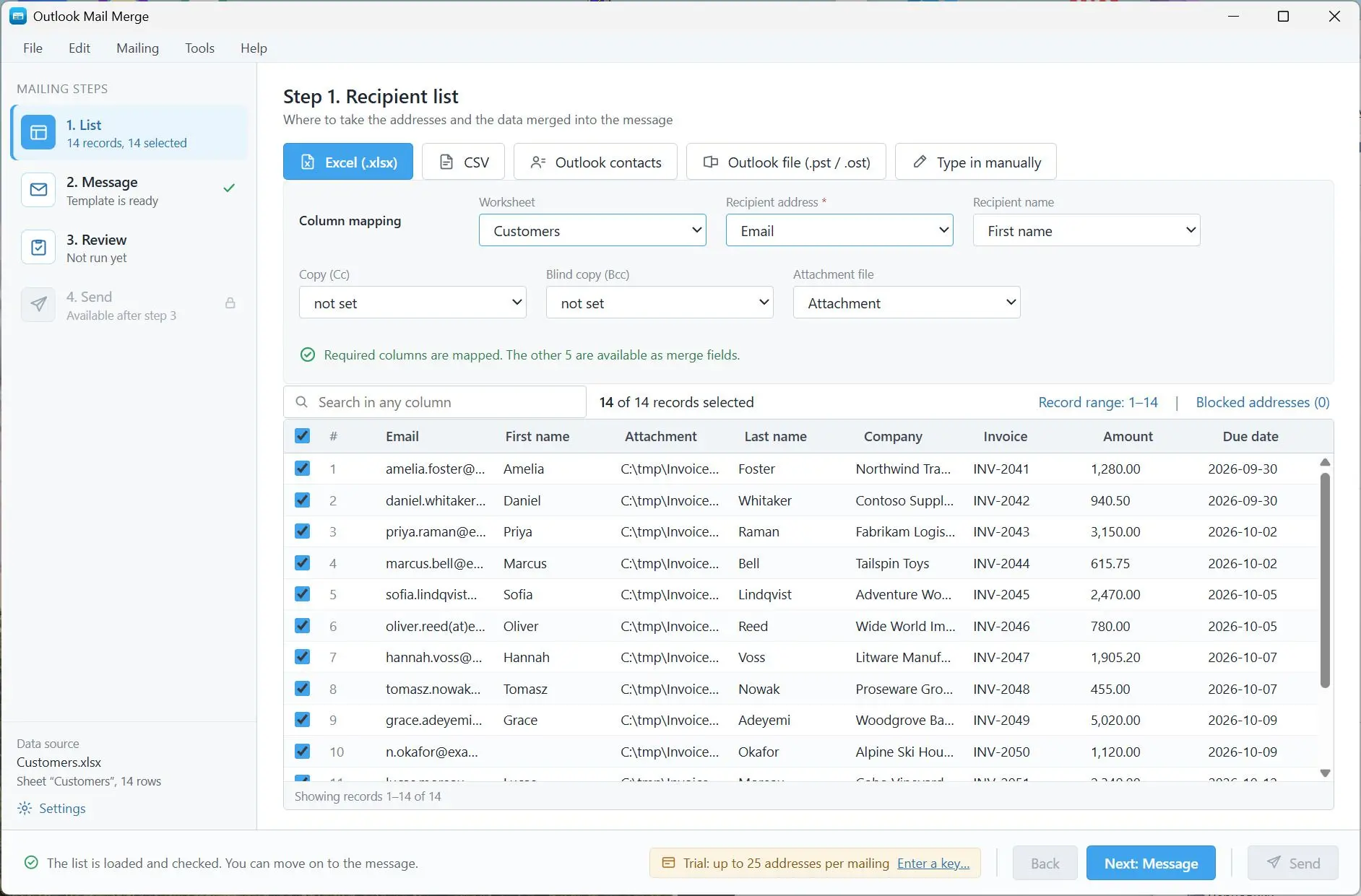
Take your own contact list from Excel, CSV or Outlook, write the letter once with fields in it, and each recipient gets their own version - including their own attachment and their own copy line. Sent from your mailbox, never through ours.
Word mail merge stops at the attachment
The moment a payslip, an invoice or a certificate has to travel with the letter, the mail merge built into Word is finished: it personalises text and nothing else, and a copy line driven by a column is out too. What people do instead is paste one address at a time into a new message for two hours, and then find out that the file on row 41 went to the wrong person. This is that same job, done from the list.
How to use it
Bring in the list
Import an Excel sheet or a CSV, pull your Outlook contacts, or read addresses out of an old .pst or .ost. Whatever the source, the rows land in one grid with checkboxes, a search box and a count of what is selected, and you say which column holds the address.
Write it once
Compose in a rich-text editor with your columns listed beside it as fields, or import a ready HTML template and edit its source. The subject line takes fields as well. Shared files and a per-row attachment path are both attached on this step.
Check, then send
The preview shows a finished letter for any row you pick, every field resolved, with the real To, Cc and Bcc it will carry. Missing files, blank addresses and repeated addresses are counted before anything goes out, and the mailbox connection is tested from the same screen.
Benefits
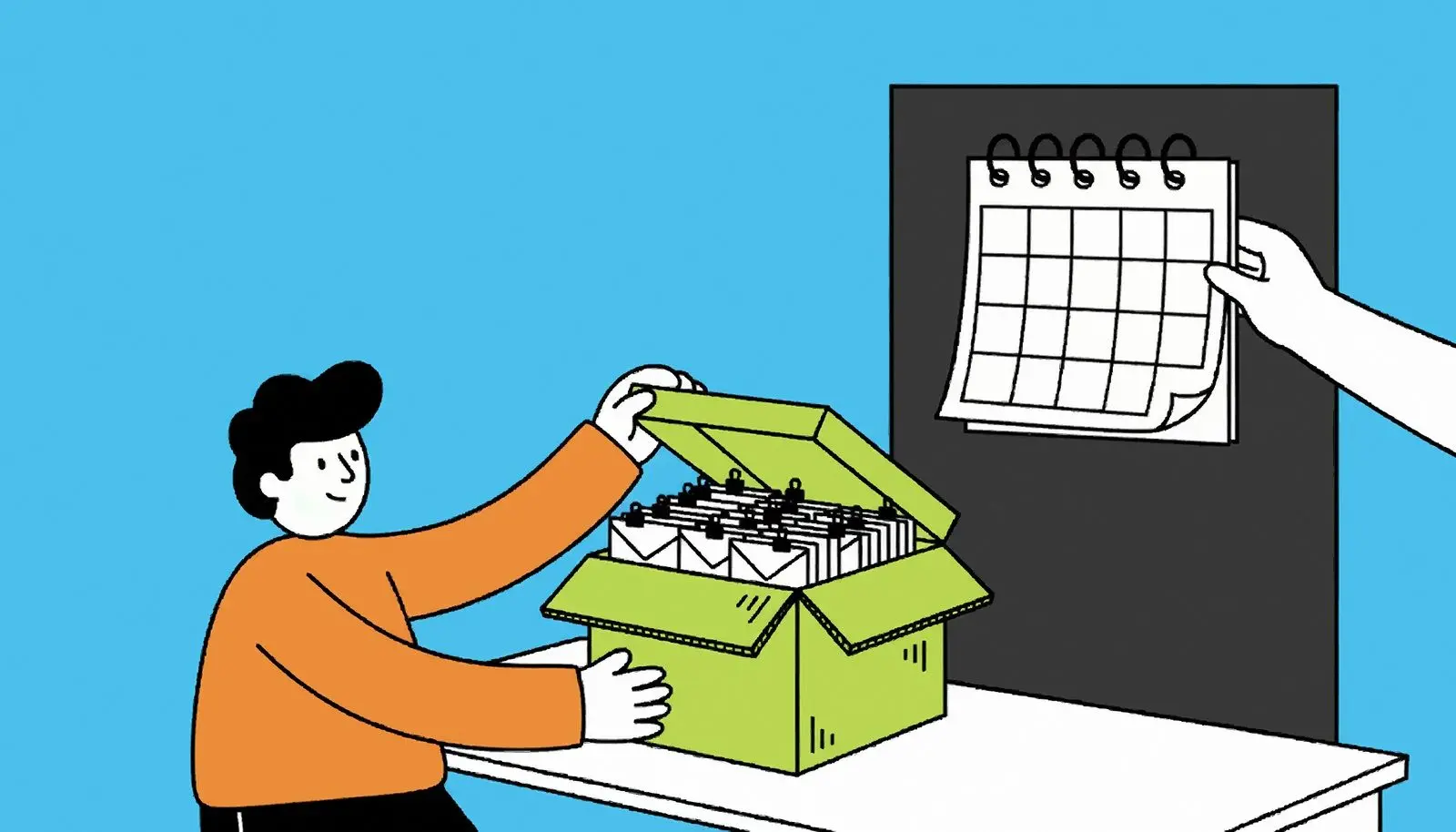
Each recipient gets their own file
Put a file path in a column and that row gets that attachment - this payslip to this employee, this invoice to this customer. Shared attachments go to everyone in the same pass, so a covering document and a personal one travel together.
Problems surface before the send, not after
The usual way to learn that eleven attachment paths were wrong is a report produced after three hundred letters have already left. Here the count of missing files, empty addresses and duplicates sits on screen while the spreadsheet can still be fixed.
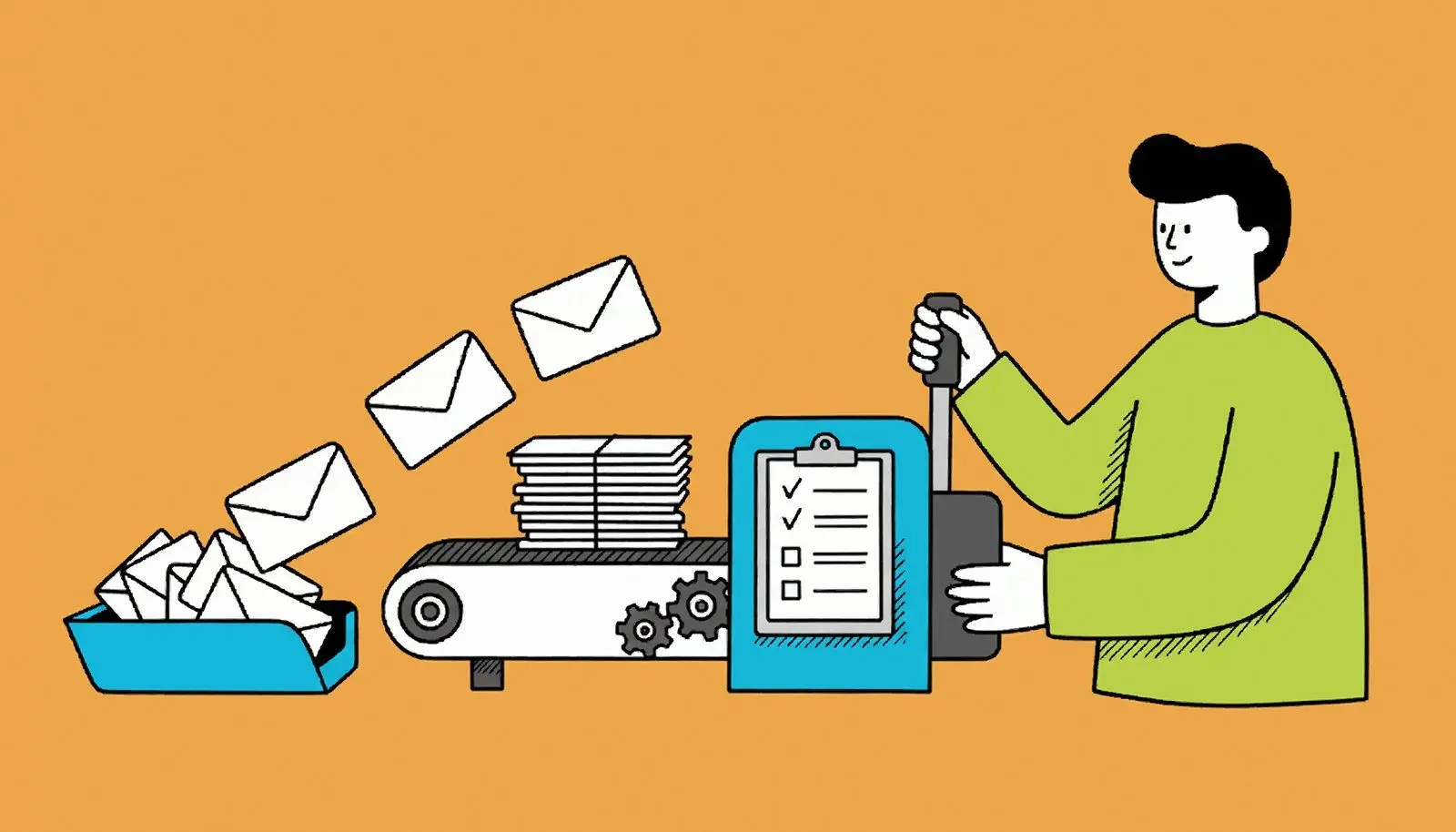
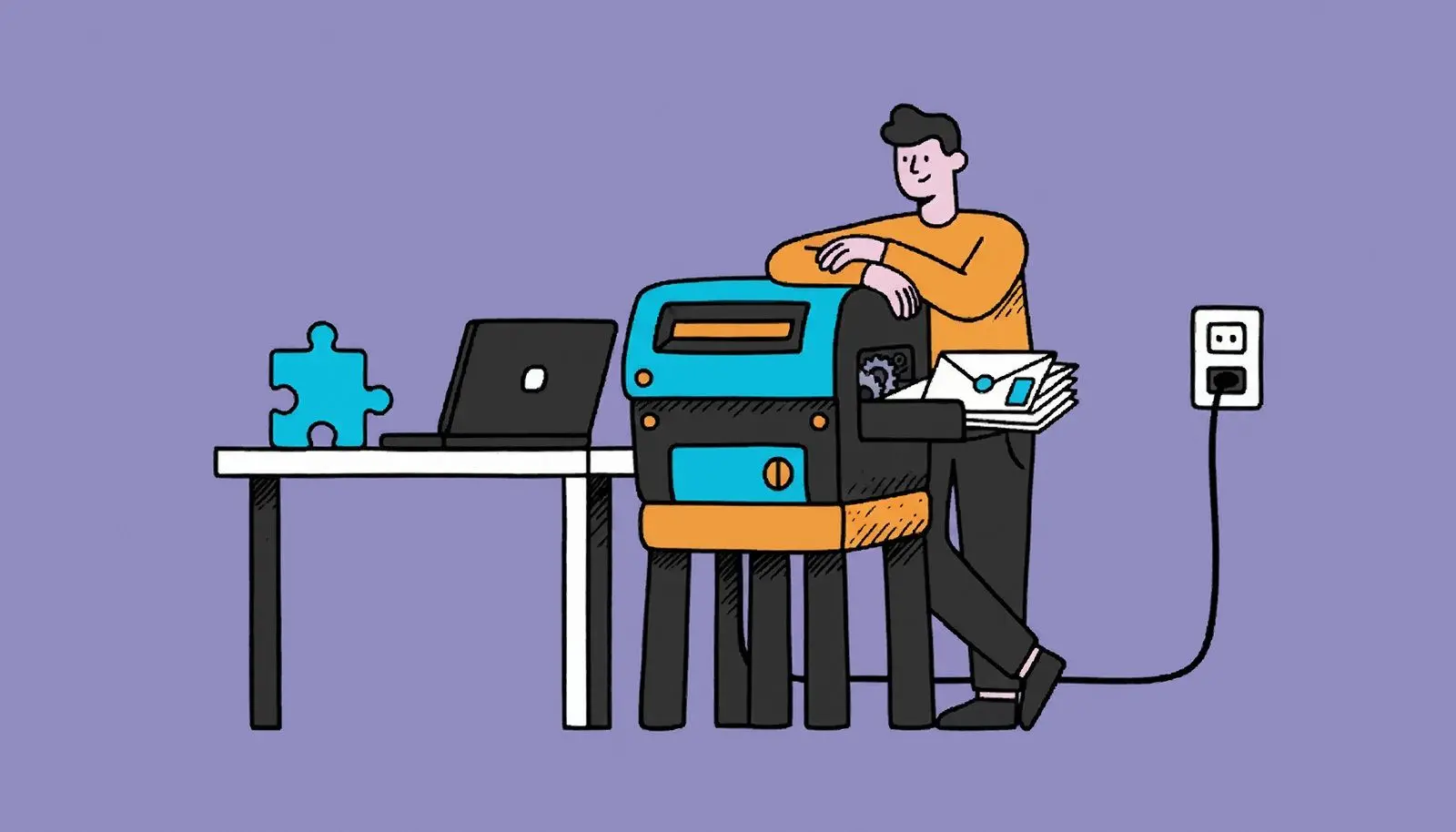
Next month it is three clicks
A send is saved as a project file: source, column mapping, subject, body, attachments, exclusions and pacing. Swap in the new spreadsheet and go. That file deliberately holds no token and no password, so it is safe to hand to a colleague.
Why people use it
Your mailbox, your credentials
Mail leaves through your own Outlook or Microsoft 365 account over OAuth, or through any SMTP server you already use. There is no relay of ours anywhere in the path, and no address of yours is reported back to us.
Cc and Bcc from a column
A manager on copy, an accounts inbox in blind copy, different for every row - it comes out of the data like everything else. A row with an empty value simply goes without that header instead of failing.
Pictures arrive without a prompt
Images sitting next to your HTML template are embedded in the message itself, so the reader sees them at once instead of a grey box and a "download pictures" bar. Links pointing at an external image are left exactly as the author wrote them.
FAQ
System Requirements
Personalized Email Sender for Outlook
Languages
3.2
70.3 Mb
August 5, 2026
- Windows 11/10/8.1/8/7 (32/64 bit)
- Intel i3, AMD Ryzen 5 or above
- 4 GB of RAM or above
- NVIDIA® GeForce® series 8 and 8M, Intel® HD Graphics 2000, Quadro FX 4800, Quadro FX 5600, AMD Radeon™ R600, Mobility Radeon™ HD 4330, Mobility FirePro™ series, Radeon™ R5 M230 or higher graphics card with up-to-date drivers
- 1280 × 768 screen resolution, 32-bit color
- 1 GB of free hard disk space or above
GRT requirements trial note