Contact List to vCard Exporter
Put a Spreadsheet of Contacts Back on Your Phone
Turn a CSV contact list from Google, Outlook or Excel into vCard .vcf files for your phone. Delimiter and encoding detected for you. Offline, free trial from GRTSoft.
Full seller details: Legal information.
A CSV is what every service exports and almost no phone imports. This turns that table into vCard files - one card each or one file for the lot - on your own PC.
The export you got is not the format you need
Contact lists travel as CSV, and phones, address books and CRMs want .vcf. The gap looks trivial until you try it: European exports separate with semicolons, names come back as question marks, and the phone labels you carefully kept are flattened into one number. Doing it in a browser means handing your whole address book to a stranger. This does the conversion locally and gets the awkward parts right.
How to use it
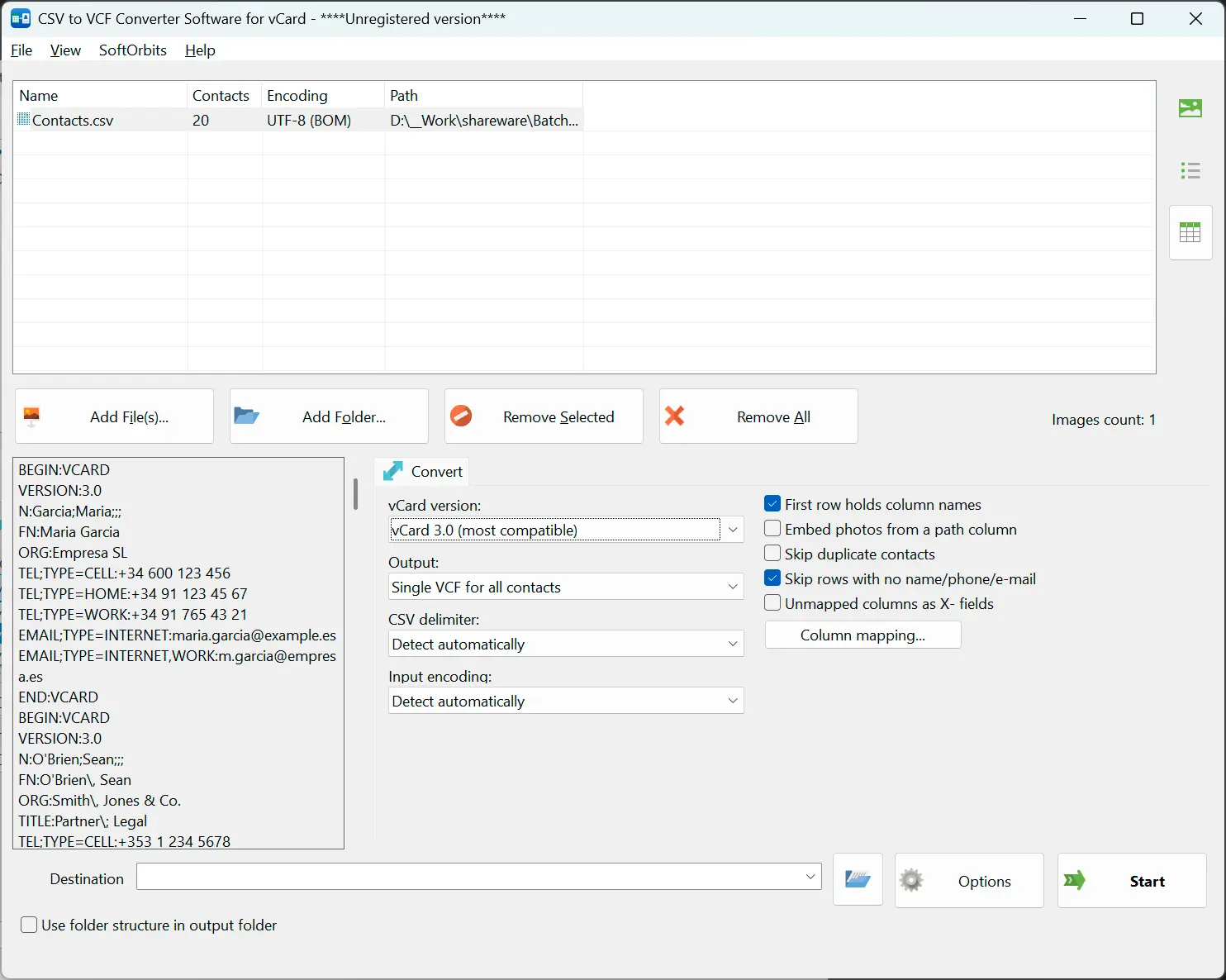
Add your CSV files
One file or a folder of them, thousands of rows each. The delimiter and the text encoding are detected before anything is parsed, and what was detected is shown next to each file so you can correct it if the guess was wrong.
Check the mapping
Exports from Google Contacts, Outlook and Yahoo are recognized by their headers and mapped for you. Anything else you map yourself in a dialog: pick which column is the mobile number, which is the work email, which columns to skip.
Write the cards
Choose vCard 2.1, 3.0 or 4.0, then one combined .vcf or a separate file per contact named after the person, their email or their number. The preview shows the finished card for the first row before anything is written.
Benefits
Semicolons and cp1251 handled
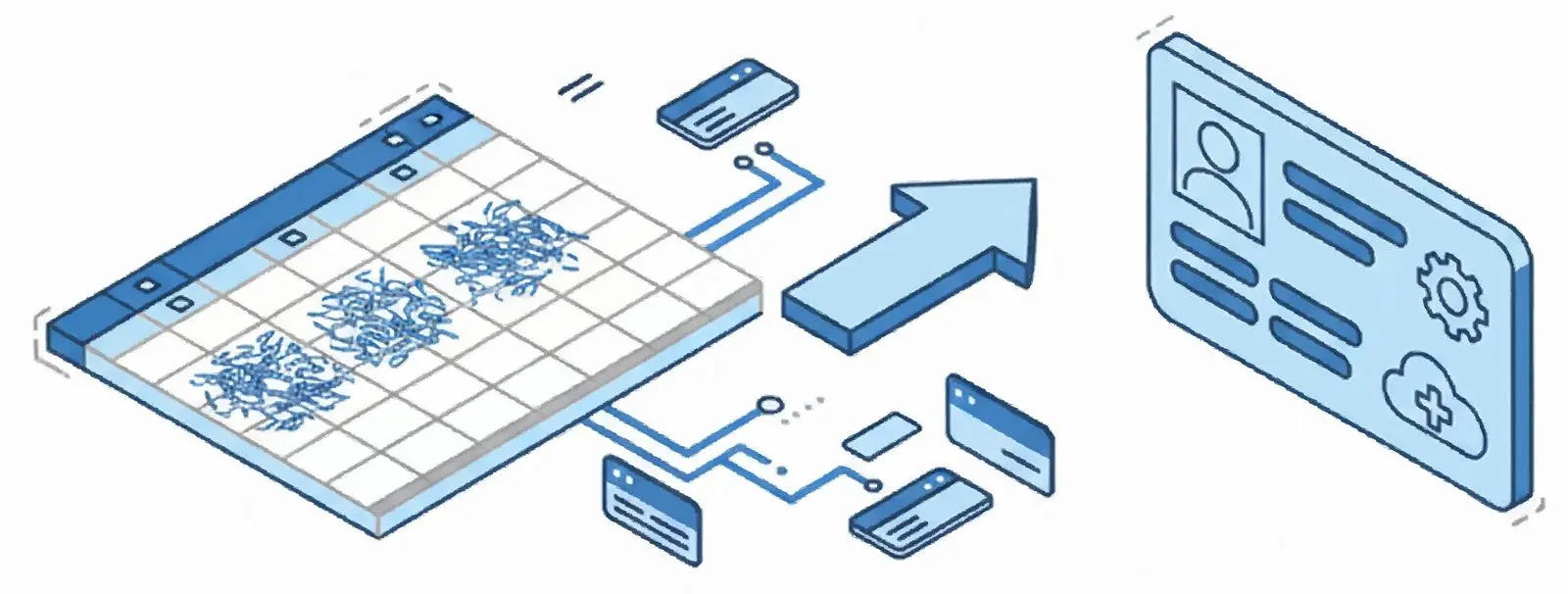
The separator is worked out by looking at the actual rows, quoted fields and line breaks inside cells included. The encoding is detected from the byte order mark or from the text itself, so an export made on a Russian or Chinese machine does not arrive as question marks.
vCard 2.1 that old phones can read
Version 2.1 requires non-ASCII text to be quoted-printable encoded, and almost nothing writes it that way. Here it is written correctly, which is the difference between a readable name and a line of garbage on a car head unit or a basic handset.

Phone labels stay attached
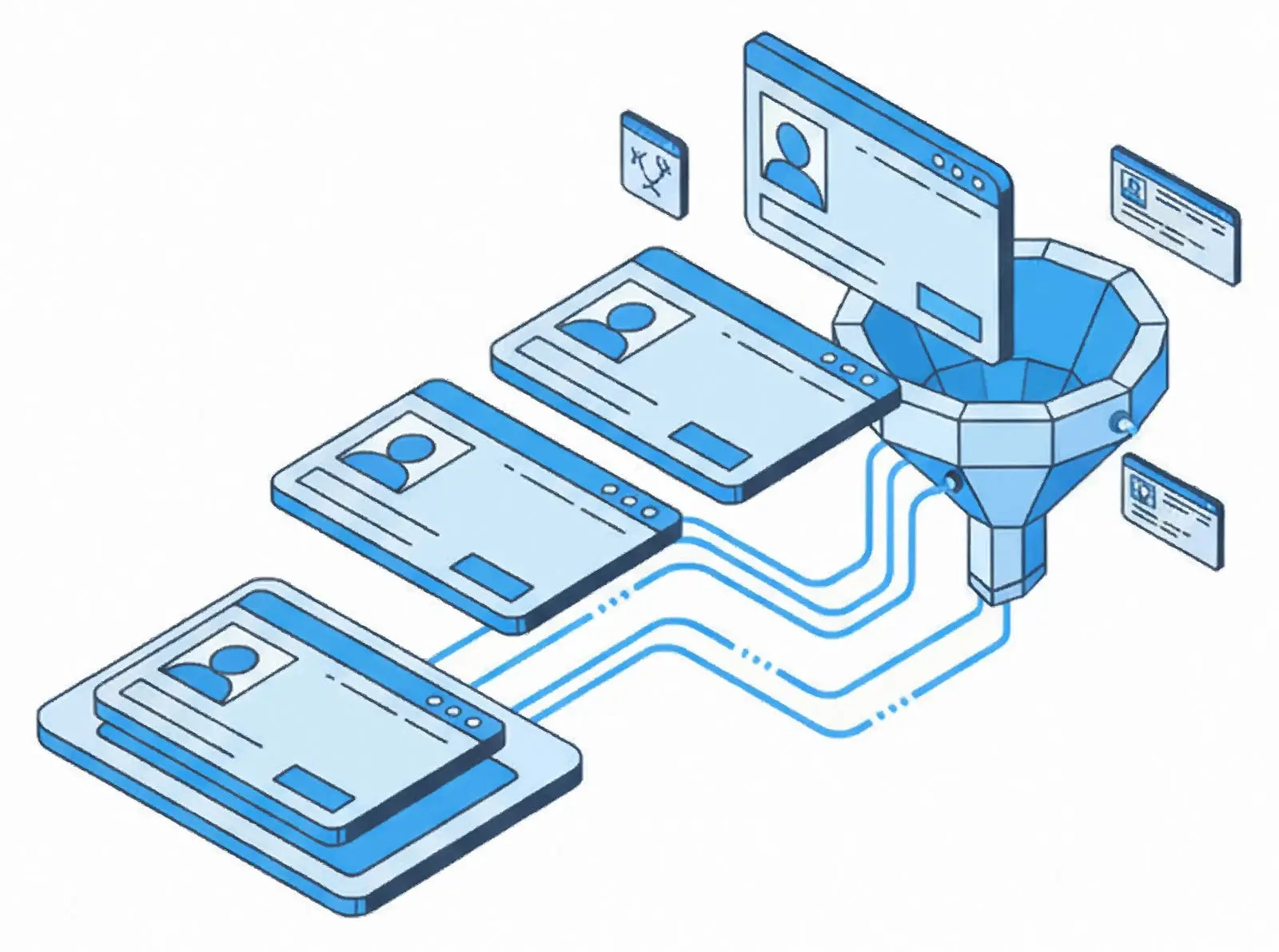
A Google export splits a number and its label across two columns; an Outlook export uses a column per kind. Both come out as separate typed entries on the card, so mobile stays mobile and work stays work.
Why people use it
Addresses in the right parts
Street, city, region, postal code and country are written into their own fields instead of being dumped as one line, which is what makes an imported contact usable for navigation and for letters.
Photos from a path
If a column holds the path to a picture, the file is read and embedded in the card itself, encoded the way the chosen vCard version expects. The contact arrives with a face, not a broken link.
Nothing quietly dropped
Duplicate rows are folded and rows with no name, phone or email are skipped. Columns you did not map can be kept as custom fields rather than thrown away, so a second pass is still possible.
FAQ
System Requirements
Contact List to vCard Exporter
Languages
1.0
5 Mb
August 6, 2026
- Windows 11/10/8.1/8/7 (32/64 bit)
- Intel i3, AMD Ryzen 5 or above
- 4 GB of RAM or above
- NVIDIA® GeForce® series 8 and 8M, Intel® HD Graphics 2000, Quadro FX 4800, Quadro FX 5600, AMD Radeon™ R600, Mobility Radeon™ HD 4330, Mobility FirePro™ series, Radeon™ R5 M230 or higher graphics card with up-to-date drivers
- 1280 × 768 screen resolution, 32-bit color
- 1 GB of free hard disk space or above
GRT requirements trial note