USB Warden
A Flash Drive Only You Can Open
Encrypt and password-protect a USB flash drive with real AES-256. The drive opens on any Windows PC with nothing installed and no admin rights. Free version included.
Full seller details: Legal information.
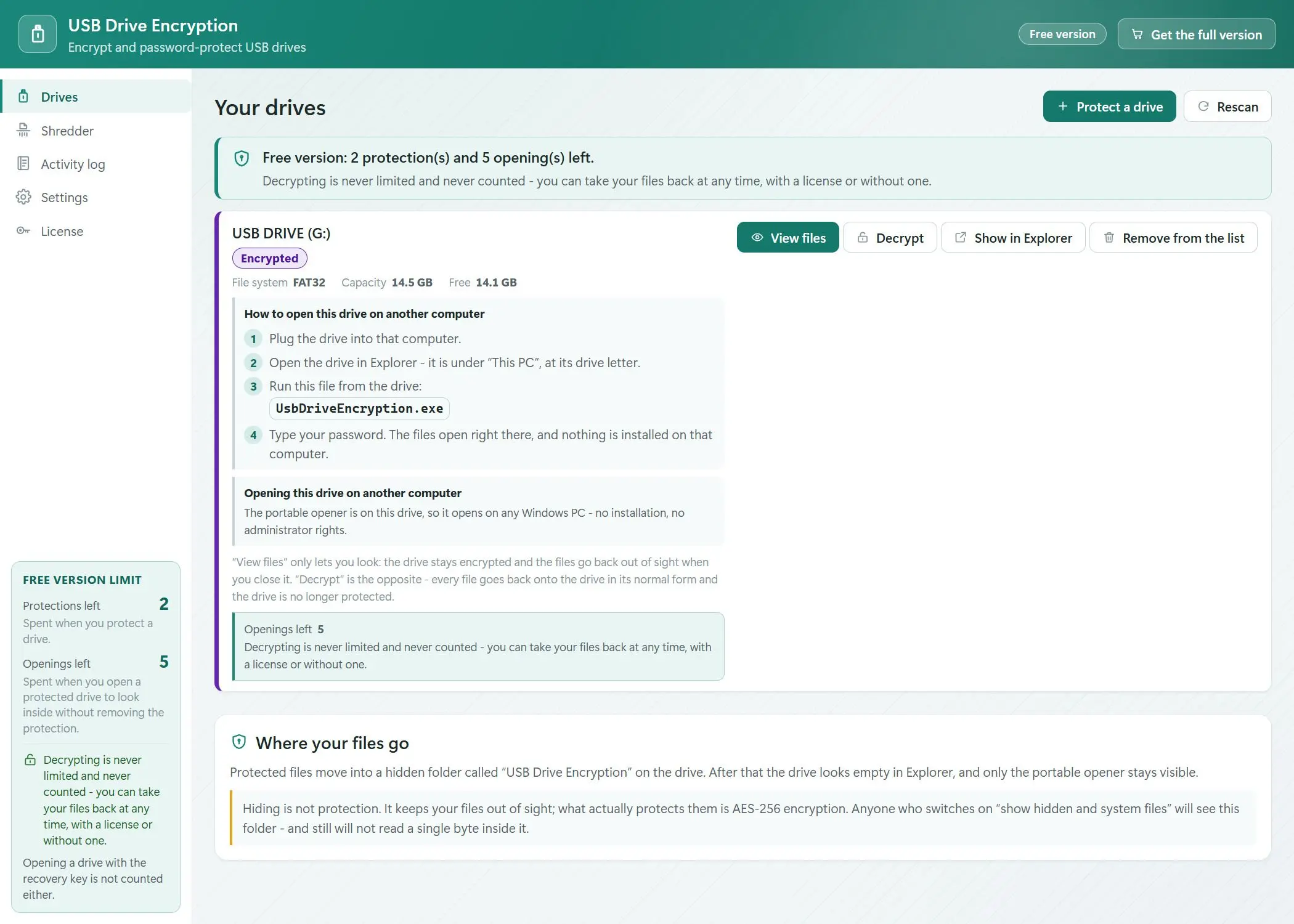
Encrypt the drive with AES-256 on your own machine, then open it later on any Windows PC - a colleague's laptop, a machine in a print shop - with nothing installed there and no administrator rights.
Windows Home cannot encrypt a flash drive at all
BitLocker To Go, the answer everyone gives, is a feature of Windows Pro, Enterprise and Education. Home is not in the table of supported editions, and the Device Encryption that some Home machines do have encrypts the system and fixed drives only, never an external USB stick. So on the edition of Windows most people actually own, there is no built-in way to do this. The alternatives ask for a kernel driver and administrator rights on every machine where you want to open the drive - which is exactly the machine where you do not have them.
How to use it
Point it at the drive
Removable drives are detected with their file system and free space, and you are told up front if something about the volume matters. The drive is not reformatted and not repartitioned - the files that are already on it stay where they are.
Set a password
The content is encrypted with AES-256-GCM and the key comes from your password through Argon2id. A recovery key is produced at the same time, to print or store somewhere else; it is tied to neither the drive, nor the PC, nor any account. When it is done, the drive shows one small program and nothing else.
Open it on any Windows PC
The unlocker travels on the drive itself and is about 2 MB. Double-click it on a borrowed computer, type the password, and browse your files - no installer, no administrator prompt, nothing left behind on that machine.
Benefits
Encryption, not something that looks like it
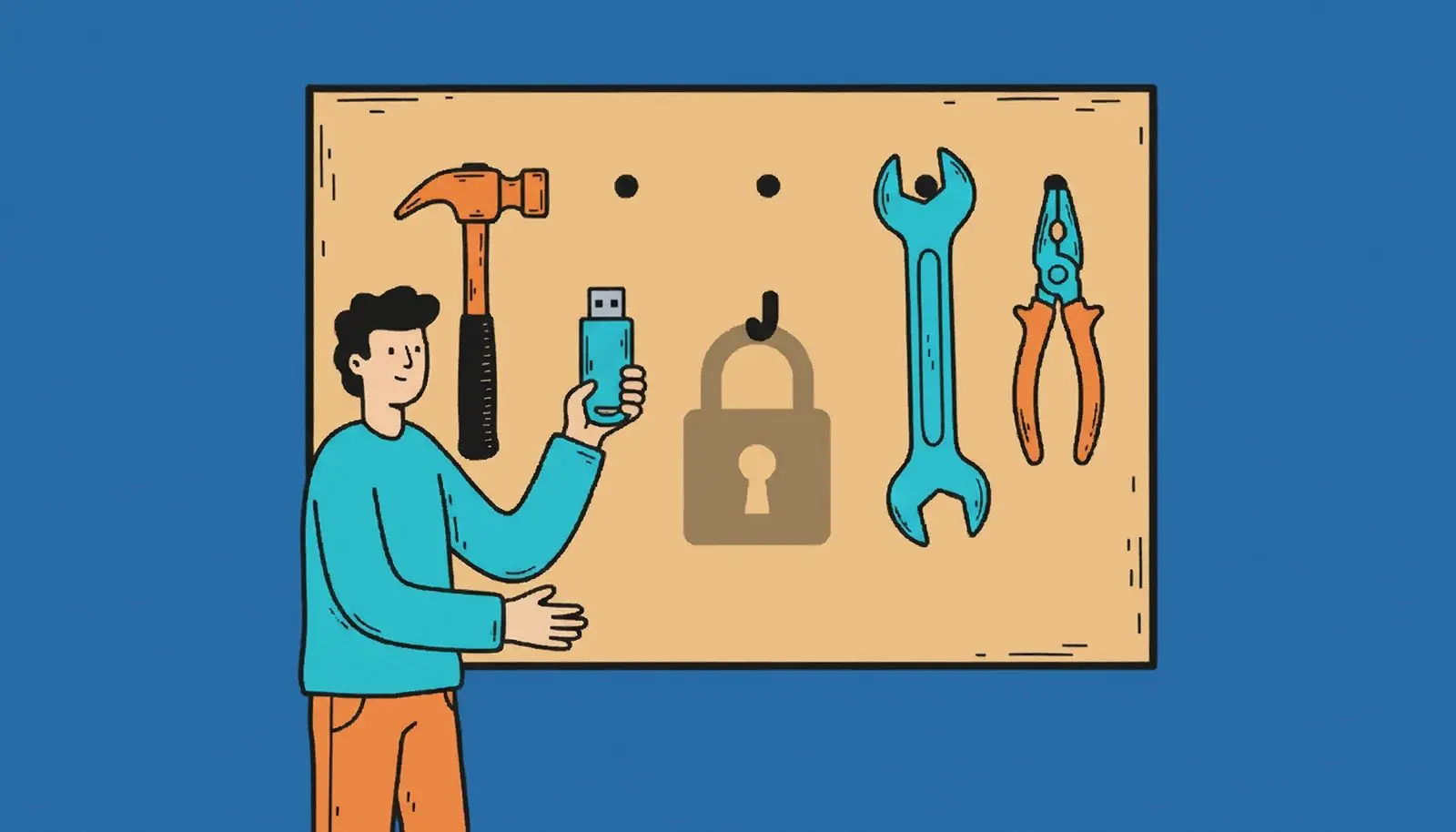
Tools in this niche have been caught hiding files in an alternate data stream and keeping the password in plain text - a free archiver opens those drives in one step. Here it is AES-256-GCM with the key derived from your password. There is no master key, no backdoor, and nothing about your drive on our side.
No driver, no administrator rights
Nothing is installed into Windows to read a protected drive, and no kernel-mode component is loaded. That is the whole point of the product: the machine where you need the files is usually not yours, and asking its owner for an admin password is not an option.
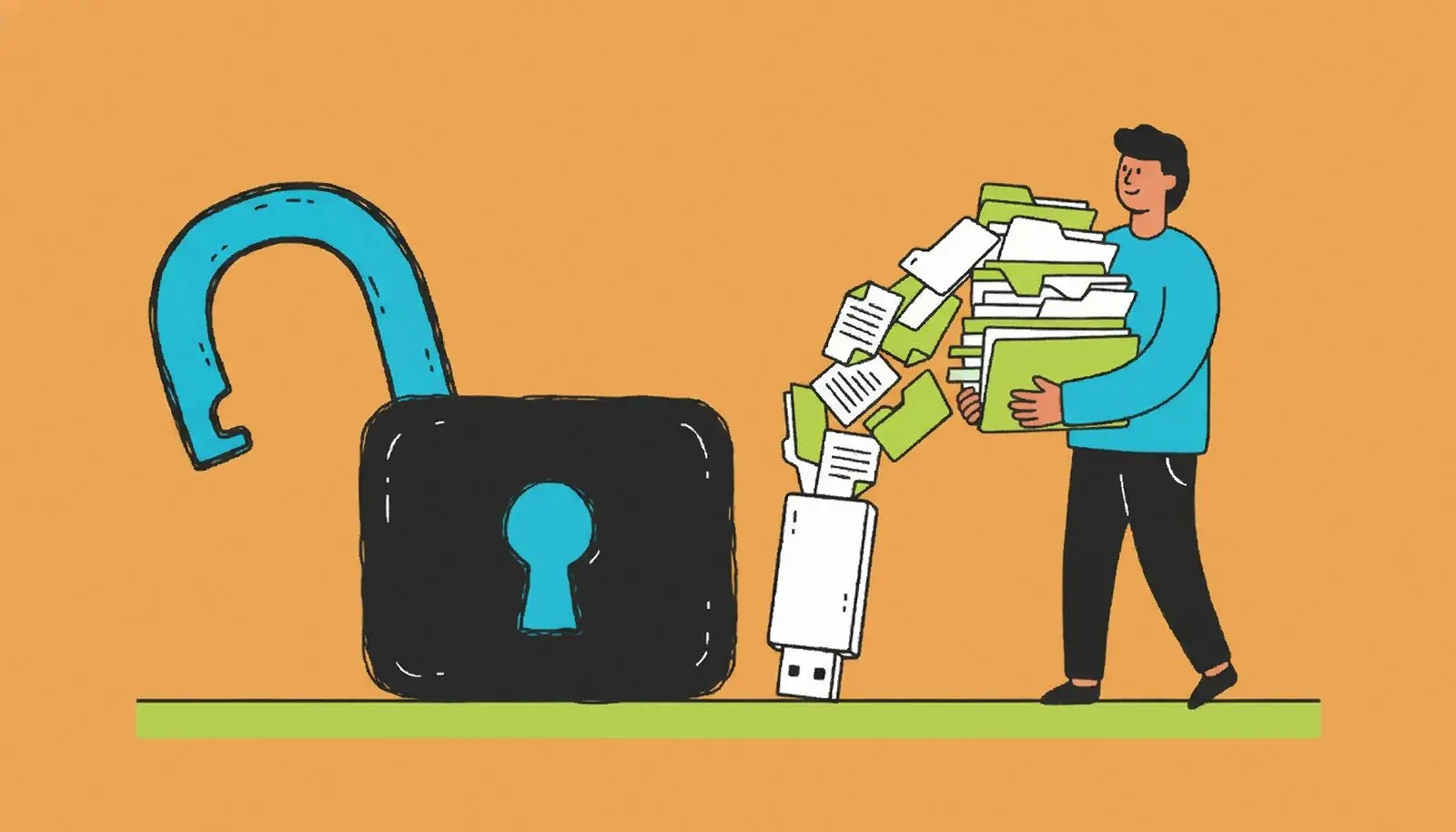
The drive looks empty
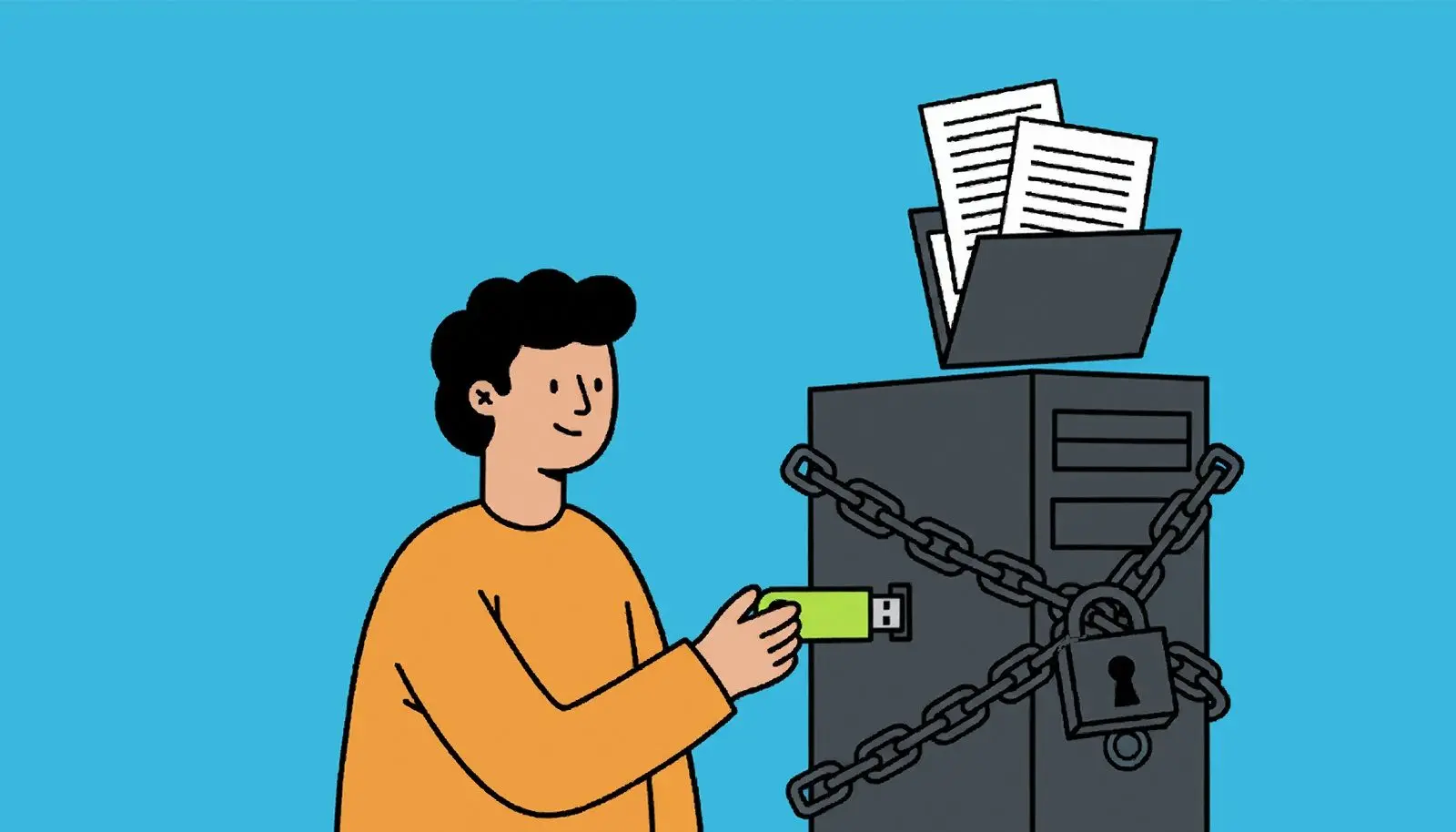
After protection, all anyone sees is the unlocker; the storage sits in a hidden folder beside it. The interface is honest about what that buys: hiding keeps the drive out of a casual glance, and the encryption is what actually keeps people out of your files.
Why people use it
Your files are never held hostage
Once the free allowance is used up you can still decrypt everything and take your files off the drive, and the recovery key still works. Running out of free operations stops you protecting more drives - it never stands between you and data you already own.
Delete the program, keep the data
The protection lives in the data on the drive, not in the executable sitting next to it. If the unlocker is wiped, put the program back on that same drive and your password opens the content again. There is no name to restore and no identifier to reconstruct.
Nothing has to be formatted first
No repartitioning, no wiping the stick before you start, no fixed-size container decided in advance. The drive stays a normal drive that Windows recognises, and one licence is not chained to one particular piece of hardware.
FAQ
System Requirements
USB Warden
Languages
3.2
69.4 Mb
August 5, 2026
- Windows 11/10/8.1/8/7 (32/64 bit)
- Intel i3, AMD Ryzen 5 or above
- 4 GB of RAM or above
- NVIDIA® GeForce® series 8 and 8M, Intel® HD Graphics 2000, Quadro FX 4800, Quadro FX 5600, AMD Radeon™ R600, Mobility Radeon™ HD 4330, Mobility FirePro™ series, Radeon™ R5 M230 or higher graphics card with up-to-date drivers
- 1280 × 768 screen resolution, 32-bit color
- 1 GB of free hard disk space or above
GRT requirements trial note