Outlook to Thunderbird Exporter
Leave Outlook With a Folder Tree Thunderbird Really Imports
Export Outlook .pst and .ost mail to MBOX for Thunderbird and Apple Mail, or to .eml files. Folder tree intact, real internet headers, runs offline with no Outlook installed. Free trial from GRTSoft.
Full seller details: Legal information.
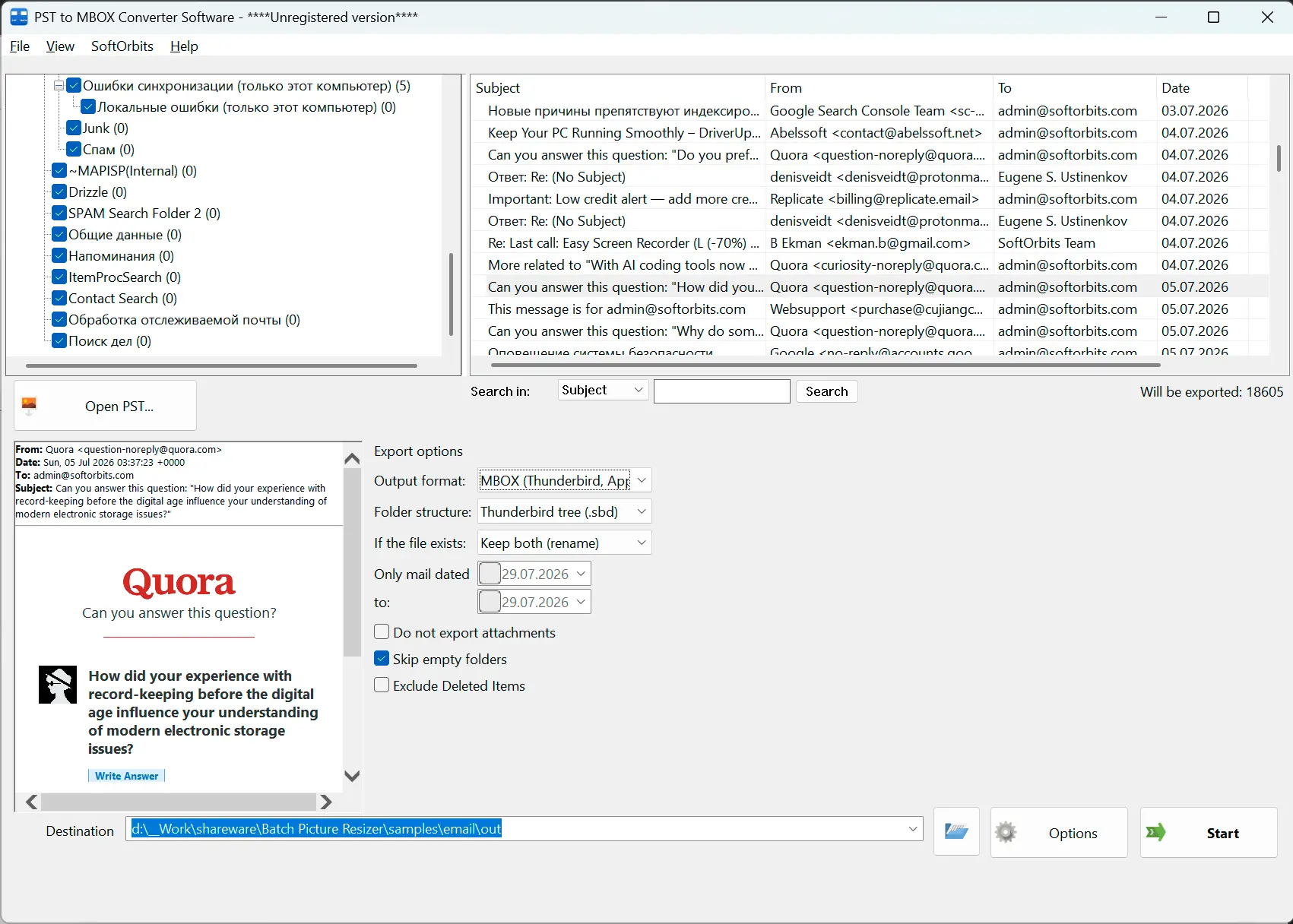
Point it at a .pst or .ost file and get MBOX mailboxes laid out the way Thunderbird stores mail on disk, so its own profile import wizard takes the whole tree - no add-on required. Need one file per message instead? Switch the output to EML.
Most PST to MBOX tools hand you a pile of loose files
MBOX has no concept of a subfolder - the format holds one flat mailbox and nothing more. That is why converters advertising "folder hierarchy preserved" so often leave you with a directory of separate .mbox files to import one at a time. Thunderbird can rebuild the tree, but only from a specific layout on disk: each mailbox file beside a matching .sbd directory, all of it under a Mail folder. That is exactly what this writes.
How to use it
Open the archive
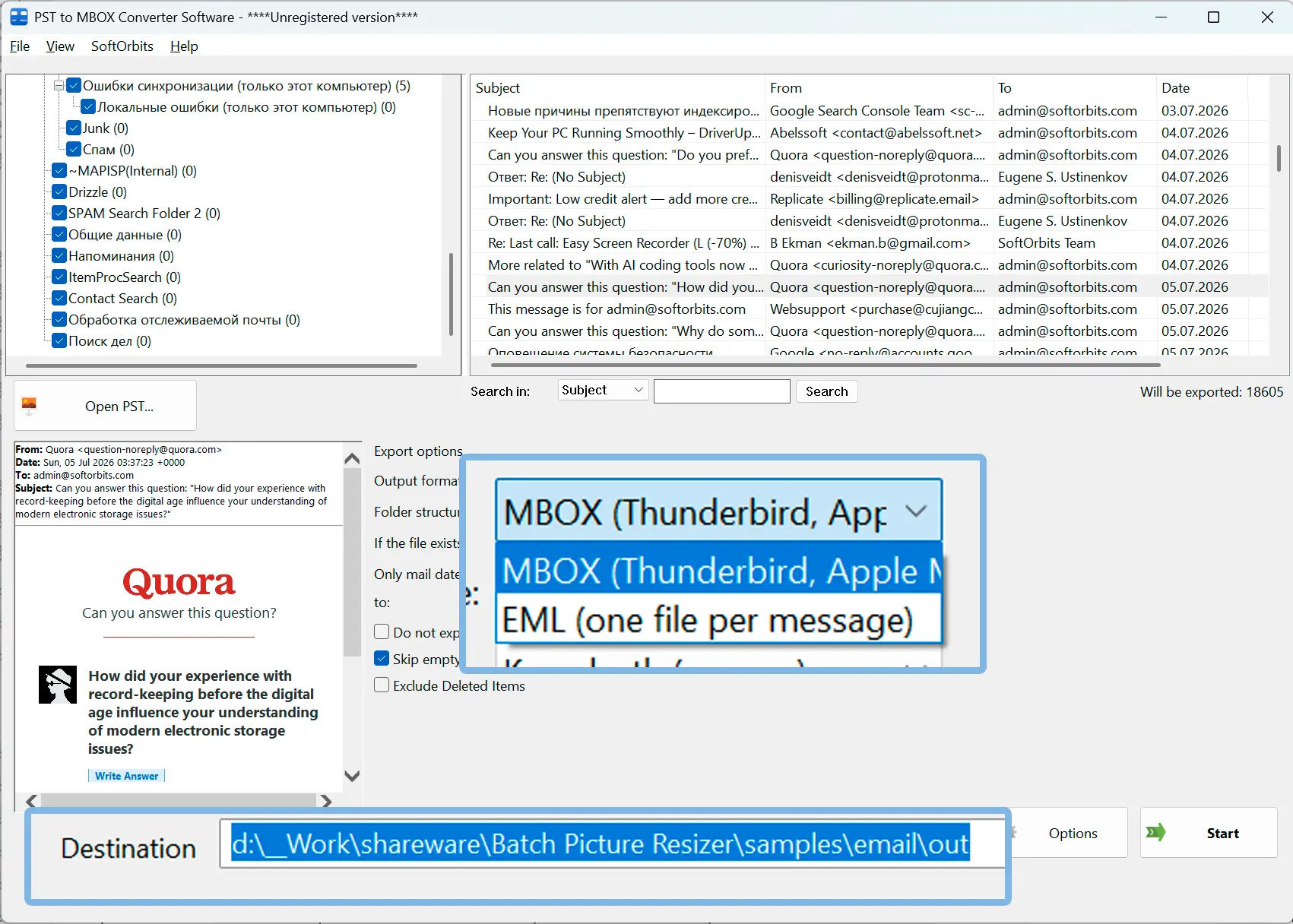
Pick one .pst or .ost file. Outlook does not have to be installed, and the archive is opened for reading only. You get the folder tree with checkboxes and a preview of any message you click, so you can confirm you have the right mailbox before anything is written.
Decide what comes out
MBOX for Thunderbird, Apple Mail, Postbox and Eudora, or EML for one file per message. Narrow it down with a date range, skip empty folders, leave Deleted Items behind, or drop file attachments to keep the export small.
Export, then import
Messages go straight into the folder you chose, with a text report listing every folder that succeeded or failed. The result window then shows the import recipe for the exact format you picked, so you are not left searching a forum for it.
Benefits
A layout Thunderbird accepts as a profile
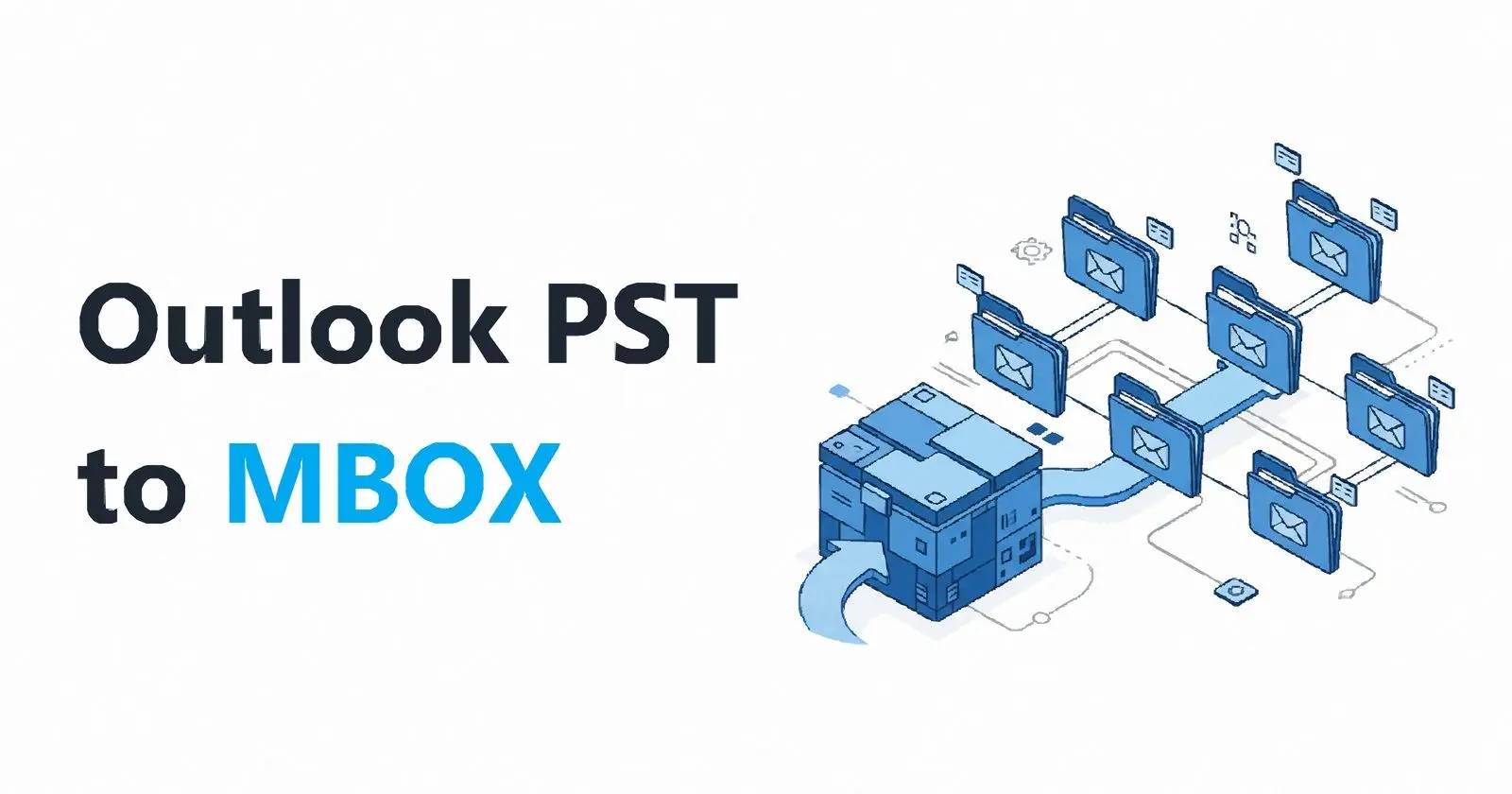
The export lands in a Mail directory with .sbd subfolders under it - the same structure Thunderbird uses for its own mail. The built-in "Import from a Thunderbird profile" wizard therefore takes the folder as a source with no add-on installed, and ImportExportTools NG still works if that is what you already use. A flat set of .mbox files is available as an option, not as the default nobody asked for.
The original delivery headers, word for word
For mail that arrived over SMTP, the whole header block is copied verbatim: the Received chain, DKIM, Return-Path and List- lines. On a real 18,600 message archive, every SMTP-delivered message still carried it. Recipients are read from the archive recipient table as genuine SMTP addresses rather than display names, on 99.6 percent of messages.
Attachments and content arrive unchanged
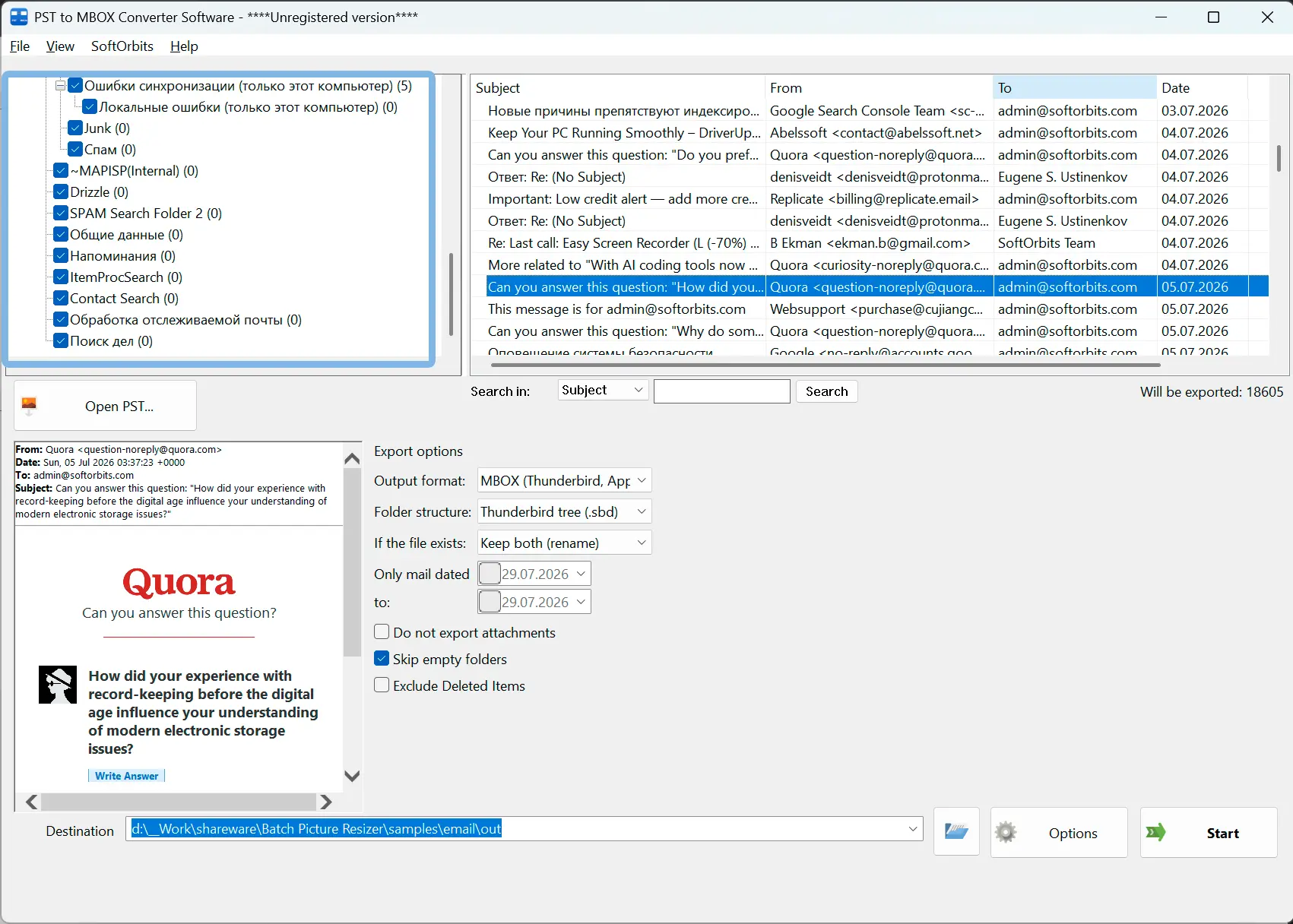
Attached files come out byte for byte identical to the originals, verified by hash against an independent extractor. Inline images stay inline instead of turning into broken picture boxes, and Cyrillic, CJK and emoji in subjects and folder names stay readable rather than collapsing into question marks.
Why people use it
Two formats, one program
MBOX by default for Thunderbird and Apple Mail, or EML when a document system, a lawyer or an auditor wants individual message files. Same engine and same headers behind both - only the packaging differs.
Read and unread status carries over
Status is written into the X-Mozilla-Status header, which is how Thunderbird itself records it - so mail you had already read does not come back as ten thousand bold lines.
Everything happens on your own machine
No upload, no account, no cloud queue waiting on someone else. The log keeps counts only - never a subject, an address, a message body or an attachment name.
FAQ
System Requirements
Outlook to Thunderbird Exporter
Languages
1.0
4.5 Mb
August 5, 2026
- Windows 11/10/8.1/8/7 (32/64 bit)
- Intel i3, AMD Ryzen 5 or above
- 4 GB of RAM or above
- NVIDIA® GeForce® series 8 and 8M, Intel® HD Graphics 2000, Quadro FX 4800, Quadro FX 5600, AMD Radeon™ R600, Mobility Radeon™ HD 4330, Mobility FirePro™ series, Radeon™ R5 M230 or higher graphics card with up-to-date drivers
- 1280 × 768 screen resolution, 32-bit color
- 1 GB of free hard disk space or above
GRT requirements trial note