
Photo Denoiser
Grainy Low-Light Photos Are Usable Again—Without the Waxy “AI Face” Look
Phone & camera night photos look like sandpaper? Denoise with presets + sliders—keep skin real, not plastic. Easy Photo Denoise runs locally on Windows; download the trial.
Full seller details: Legal information.
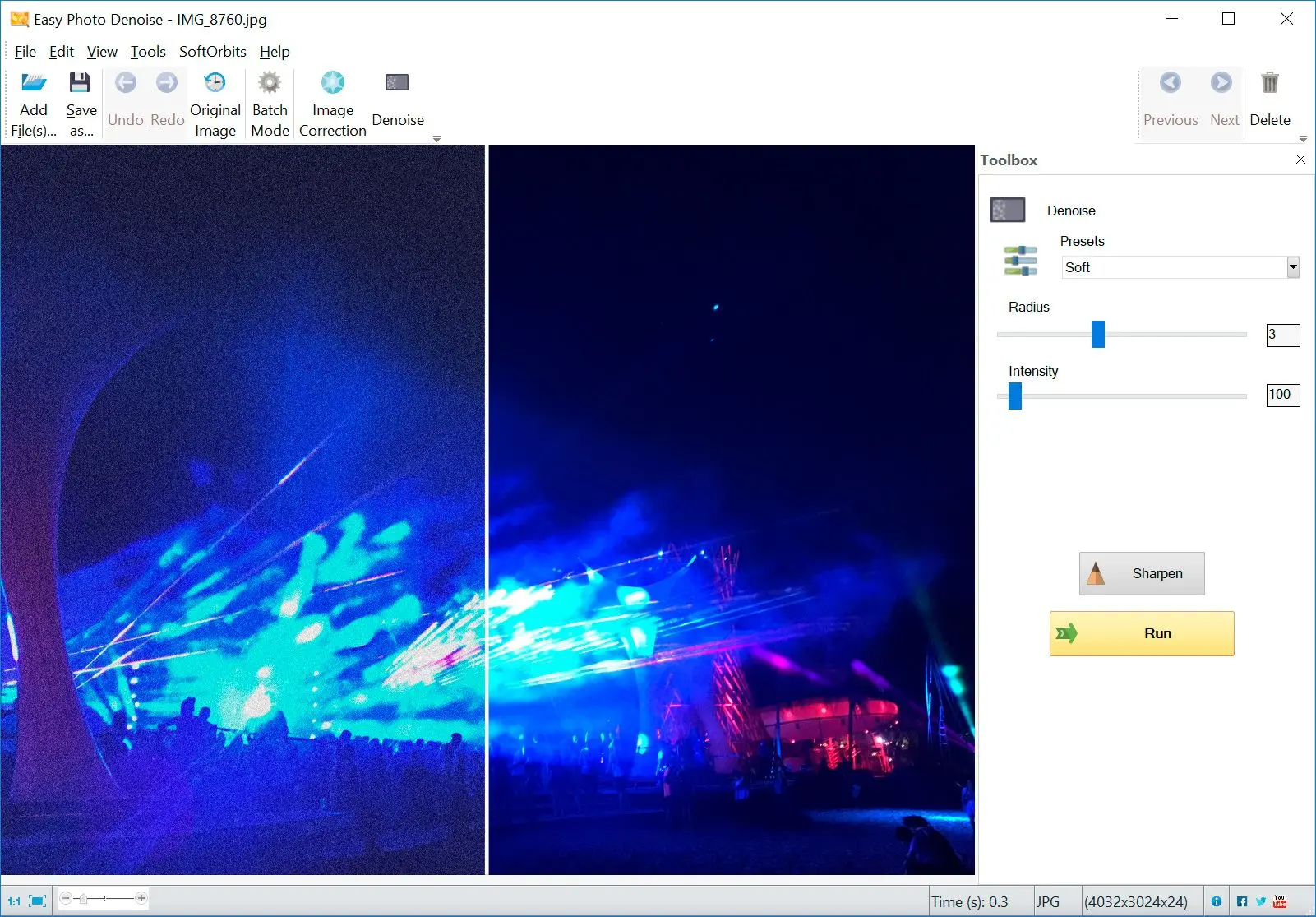
Drag in JPEG or PNG, preview side by side, and export when the balance looks right.
Small fixes, fast feedback
You are not building a fake HDR—just pulling a bit more detail out of acceptable shots.
How to use it
Open the blurry photo
Load a JPEG or PNG with mild blur or softness—avoid expecting miracles on heavily smeared frames.
Adjust unblur and detail
Use a gentle preset first, then nudge strength until edges sharpen without halos or plastic texture.
Export or batch
Save the result or run the same settings across a folder of similar shots.
Benefits

Sharpen soft edges
Target mild blur and handshake softness in JPEGs and PNGs so usable shots make it to print and social instead of the trash folder.
Avoid harsh halos
Work in small steps with live preview so you stop before oversharpened glow appears around contrast lines.
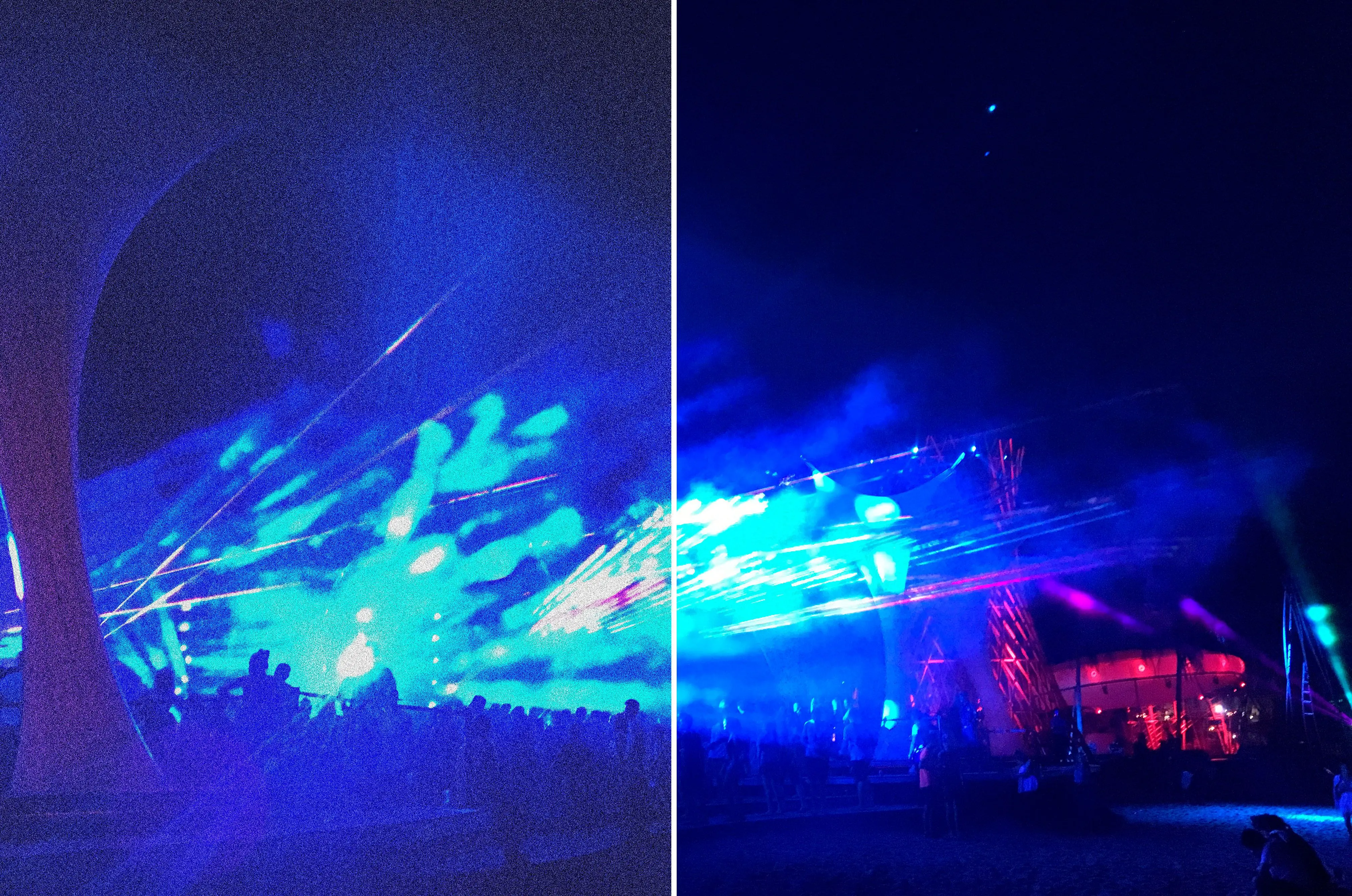
Repeat on a folder
When lighting matched, run the same settings across many files instead of retouching one by one.
Why people use it
Readable defaults
Start mild, then nudge—keeps faces from turning waxy.
Batch capable
Apply the same recipe to a folder when lighting matched across the set.
Offline friendly
Runs locally when you are on a plane or a locked-down network.
FAQ
System Requirements
Photo Denoiser
Languages
11.0
13.8 Mb
August 6, 2026
- Windows 11/10/8.1/8/7 (32/64 bit)
- Intel i3, AMD Ryzen 5 or above
- 4 GB of RAM or above
- NVIDIA® GeForce® series 8 and 8M, Intel® HD Graphics 2000, Quadro FX 4800, Quadro FX 5600, AMD Radeon™ R600, Mobility Radeon™ HD 4330, Mobility FirePro™ series, Radeon™ R5 M230 or higher graphics card with up-to-date drivers
- 1280 × 768 screen resolution, 32-bit color
- 1 GB of free hard disk space or above
GRT requirements trial note