Folder Warden
Lock the Folder, Not Yourself Out of It
Lock, hide and encrypt folders on Windows 11 and 10. Locking is instant on any folder size. Encryption is real AES-256. Unlocking always works, with or without a license. Free version included.
Full seller details: Legal information.
Pick a folder and lock it. It stays where it is and keeps its name, and nobody opens it without your password. Turn on encryption when the folder holds something that has to survive the disk being taken out of the machine.
Locking and encrypting are two different jobs
Most folder tools blur the two and let you believe you got the strong one. Locking is a permission change: it takes the same fraction of a second whether the folder holds four files or a terabyte, and it stops everyone who is using this Windows the normal way. It does not stop somebody who boots the machine from a USB stick and reads the disk directly. Encryption does stop that, because without the password there is nothing readable on the platter - and it costs time in proportion to the data. Both are here, each is labelled for what it is, and the interface says out loud where the line runs.
How to use it
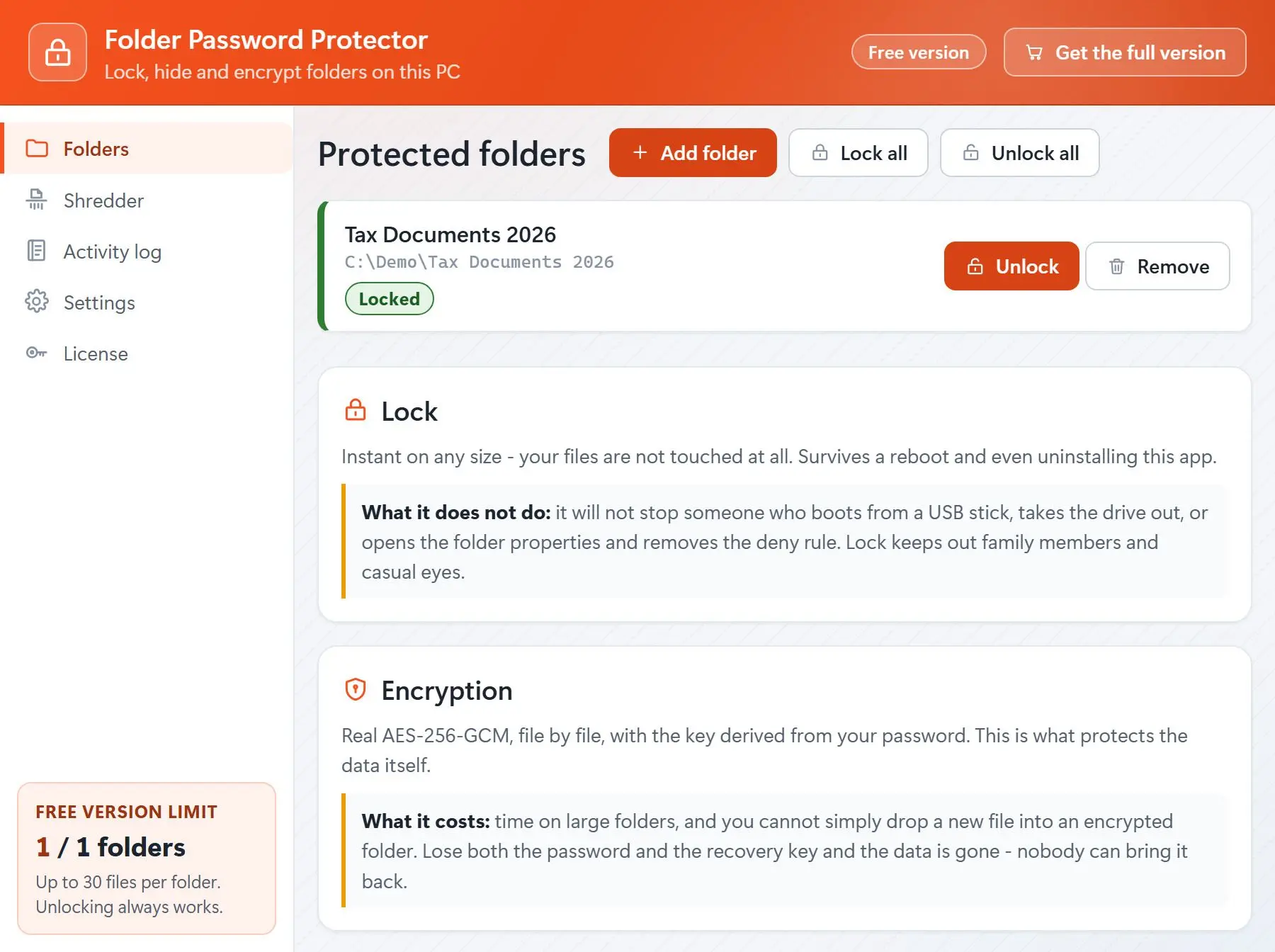
Add the folder
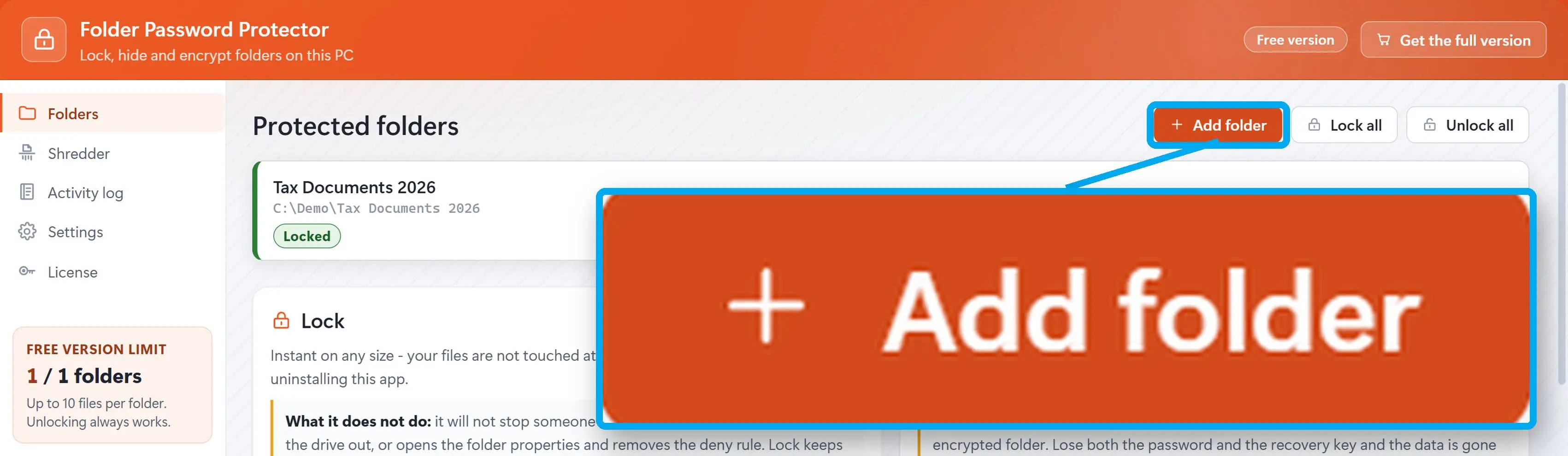
Drag it in or use the entry added to the Explorer right-click menu. The folder is not renamed, not moved and not packed into a container: it sits exactly where it always was, so nothing else on the machine notices. The volume is checked first and you are told if its file system cannot carry the permissions.
Lock it, or encrypt it
Locking is instant at any size, and it survives a reboot on its own. Encryption is AES-256-GCM file by file, with the key derived from your password by Argon2id. Writing is done to a temporary file and swapped in, so a power cut in the middle leaves you with the old file rather than half of a new one.
Get back in
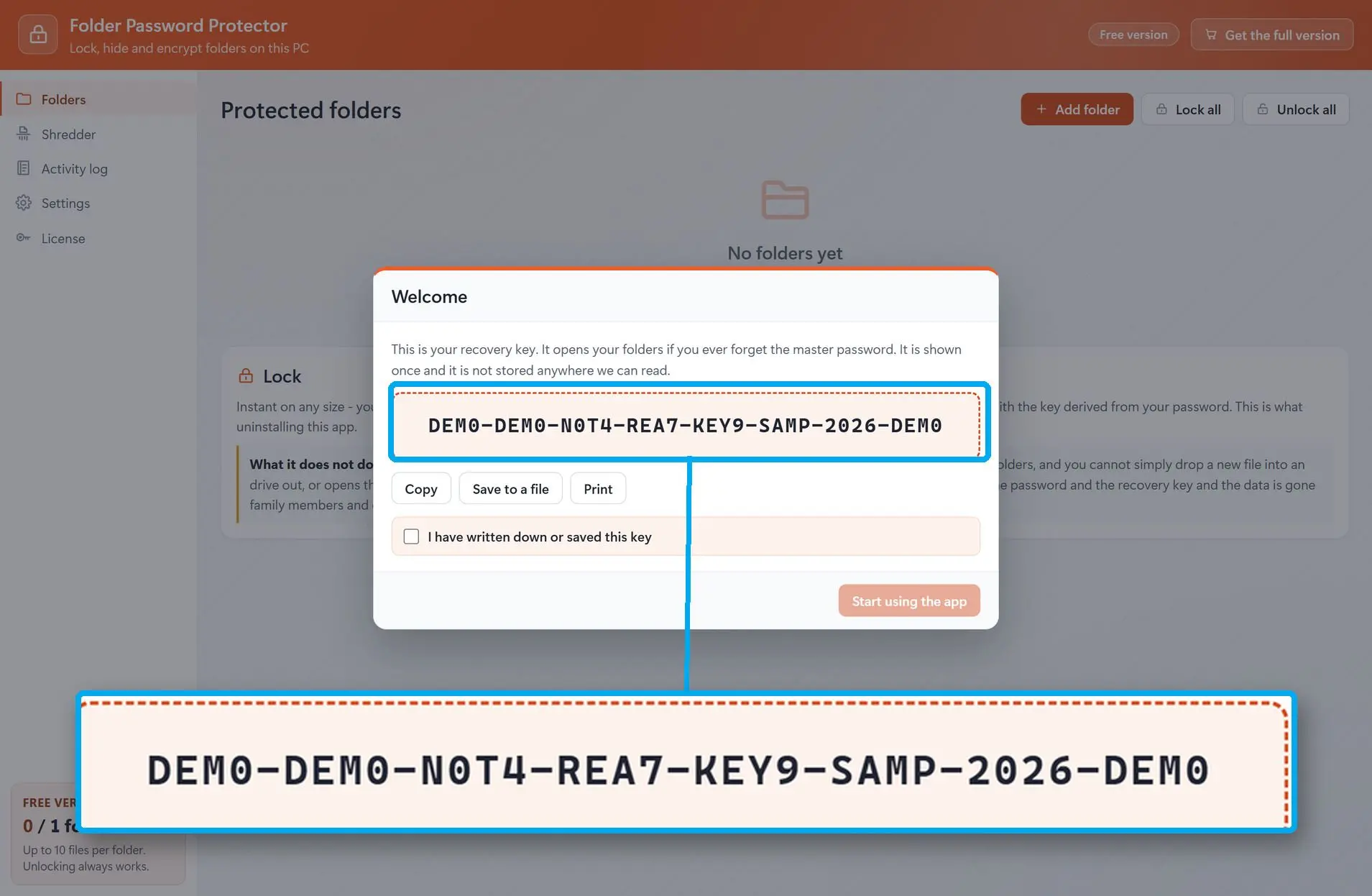
Your master password opens everything. The recovery key, which you print or save when you set the folder up, opens it if you forget the password - it is not tied to this machine, this email address or any server of ours. Unlocking and decrypting are never gated: they work without a licence, over the free limit, and after a reinstall.
Benefits
A terabyte locks as fast as a text file
Locking changes who is allowed in, not the bytes, so folder size is irrelevant. In our own run, 50 folders were locked in 319 milliseconds and unlocked in 39, with the contents of 150 files verified afterwards. Nothing has to be copied, moved or waited for.
Encryption that does not eat your files
The stories in this category are always the same one: the program was killed halfway and the folder came back empty. Every write goes to a temporary file, is swapped in atomically and is written down in a journal first. Fifteen scenarios that kill the process at the worst possible moment left zero lost files.
Your files never leave the computer
No cloud recovery, no email escrow, no telemetry and no advertising SDK inside the program. The only thing that ever talks to the network is licence activation, and it carries nothing about your folders. The log the program keeps deliberately never contains the names of files inside a protected folder.
Why people use it
The folder keeps its own name
Some tools lock a folder by renaming it to a system-looking identifier. Remove the tool and the name has nobody to restore it. Here the folder is never renamed, so even in the worst case you are looking at an ordinary folder with ordinary permissions - and the uninstaller warns you before anything is still protected.
It checks instead of claiming
After locking or unlocking, the result is verified against the folder itself before you are told it worked. "Locked successfully" on a folder that is still open is the single most common complaint about this class of software, and it is a lie the program is not allowed to tell.
Hiding is a separate switch
You can hide a protected folder from view as well as lock it, and the two are independent. The interface is blunt about what hiding is worth: it keeps a folder out of a casual glance, while it is the locking and the encryption that keep people out of it.
FAQ
System Requirements
Folder Warden
Languages
3.2
68.5 Mb
July 5, 2026
- Windows 11/10/8.1/8/7 (32/64 bit)
- Intel i3, AMD Ryzen 5 or above
- 4 GB of RAM or above
- NVIDIA® GeForce® series 8 and 8M, Intel® HD Graphics 2000, Quadro FX 4800, Quadro FX 5600, AMD Radeon™ R600, Mobility Radeon™ HD 4330, Mobility FirePro™ series, Radeon™ R5 M230 or higher graphics card with up-to-date drivers
- 1280 × 768 screen resolution, 32-bit color
- 1 GB of free hard disk space or above
GRT requirements trial note