Bank Statement PDF Report Maker
A Bank Export Nobody Wants to Read, Printed Properly
Turn CSV or TSV exports into a printable PDF statement with a repeating header, page numbers and negative amounts flagged. QBO output for QuickBooks import included. Free trial from GRTSoft.
Full seller details: Legal information.
The Export button gives you a CSV. Your accountant, your landlord or your visa officer wants a document. This turns one into the other on your own PC, with the column header repeated on every page and the debits impossible to miss.
A spreadsheet printout is not a statement
Print a CSV from a spreadsheet and you get columns cut in half, rows split across a page break, and no header after page one. Fixing that by hand is an afternoon of margins and print areas. This reads the export directly, lays out a table built for paper, and writes the PDF - no spreadsheet involved.
How to use it
Drop in the export
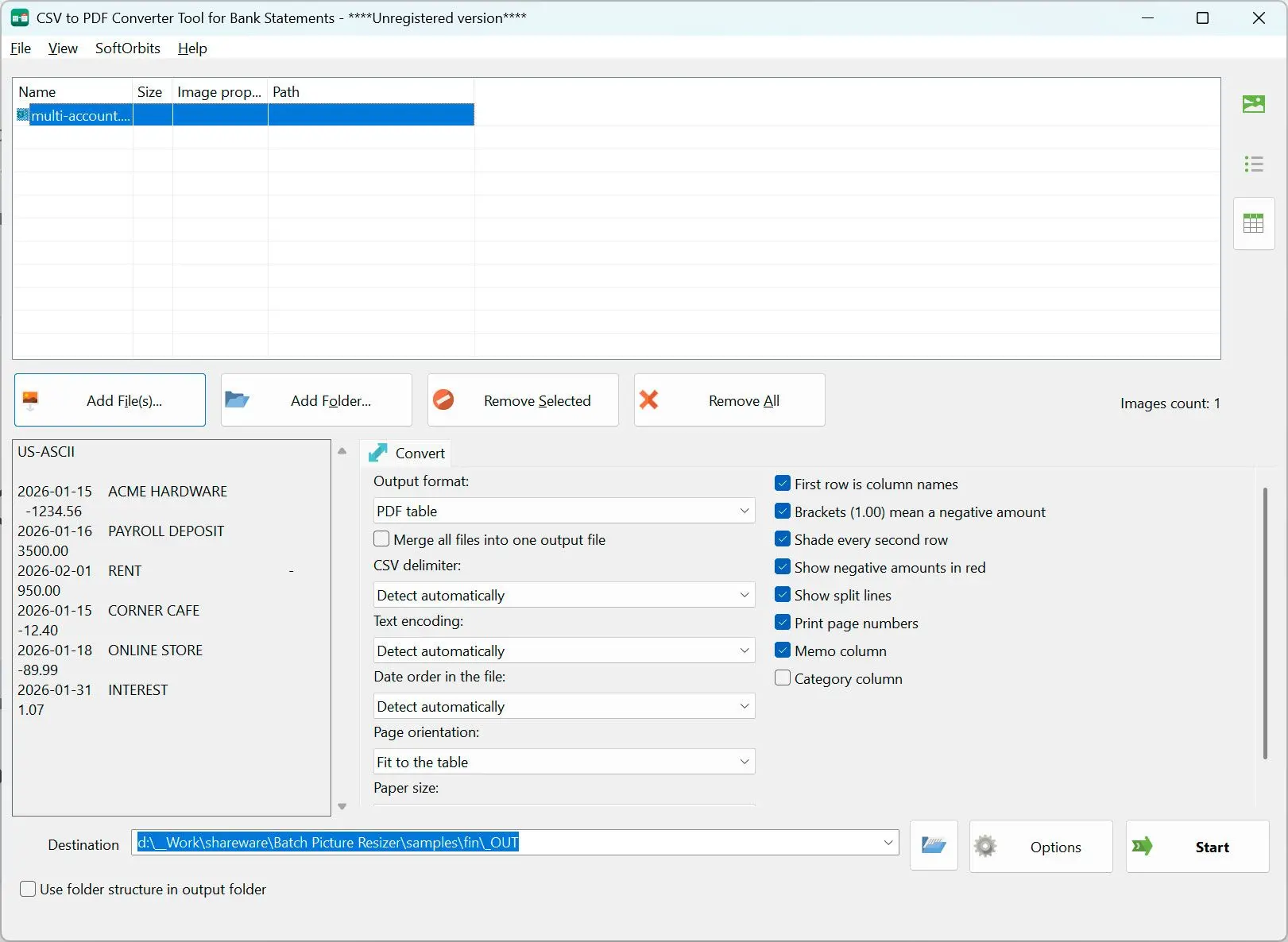
CSV, TSV or plain TXT. The separator and the encoding are detected for you, junk lines above the real header are skipped, and columns are matched by name in English, German or Russian - so a file from a foreign bank still lines up.
Check what it read
The preview shows how many transactions were recognized, which encoding was used and what the first rows look like. Separate debit and credit columns are folded into one amount, and files holding several accounts stay sorted by account.
Print to PDF, or write QBO
PDF is the default: repeating header, page numbers in the footer, alternating row shading, amounts aligned right. Switch the output box to QBO when the file has to go into QuickBooks instead, and pick your bank from the built-in directory.
Benefits
The header comes back on every page
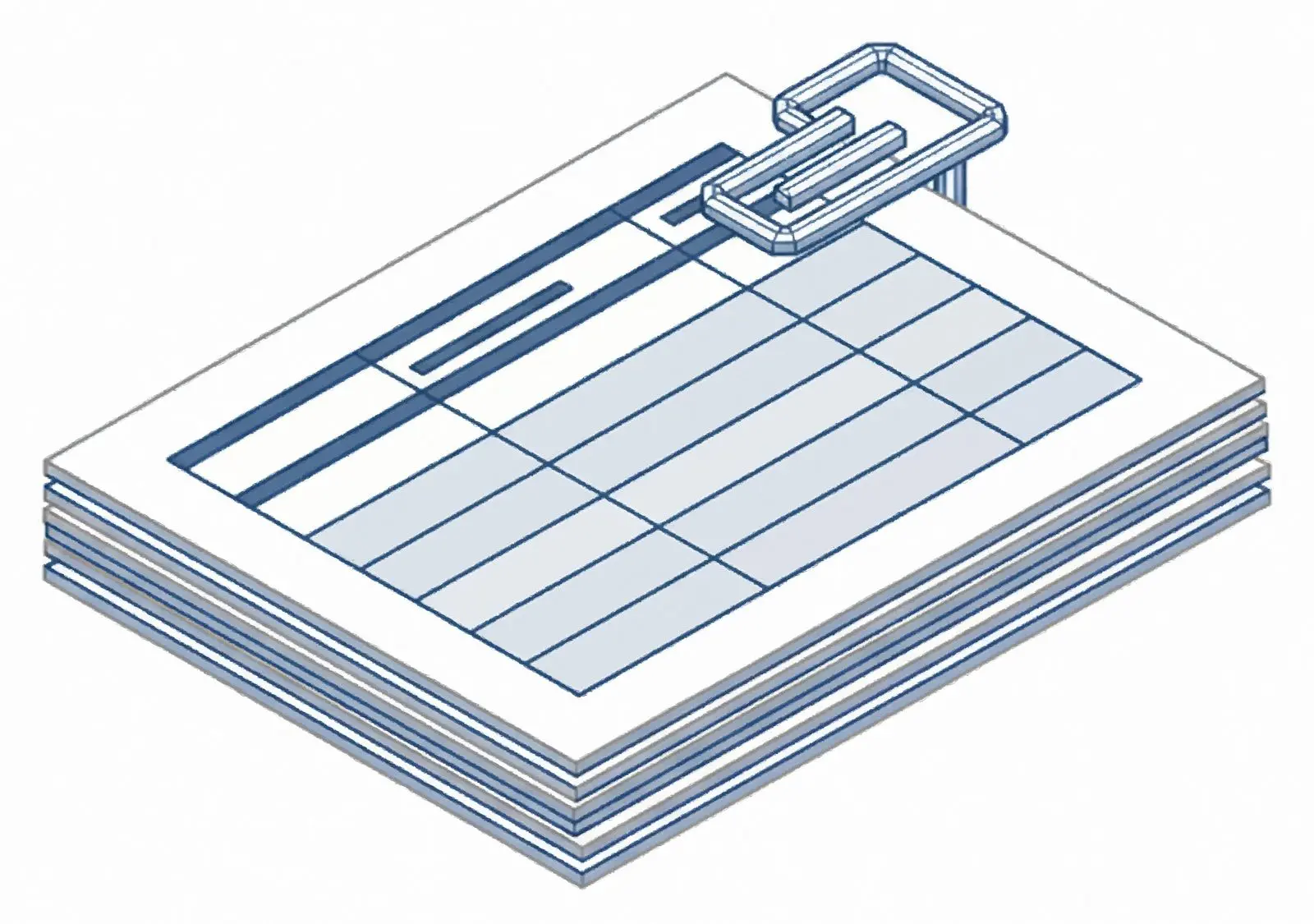
Page four of a statement still tells the reader which column is the date and which is the amount, and no transaction is split across a page break. That is the difference between a document someone files and one they send back.
Negative amounts marked twice
Money out is shown in color and in brackets. Color alone dies in a black and white printout, on a fax, and for a reader with color blindness - and this is a report an accountant has to trust at a glance.


Batch a year in one pass
Queue twelve monthly exports and convert them in one run, one PDF each. Turn on Merge and they become a single continuous report instead, which is usually what a loan application or a tax filing actually asks for.
Why people use it
Reads the file your bank actually gave you
Comma, semicolon or tab, UTF-8 or an old code page, a preamble of bank blurb before the real header - it is all handled without you editing the file first. Column names are matched by meaning, not by position.
A QBO writer in the same window
When the goal is not paper but QuickBooks, the same transactions are written as QBO with a proper financial institution ID. The lookup covers thousands of banks, and the file is not written at all if the ID would be invalid.
Optional category column
Most exports leave the category field empty, so it is off by default and the space goes to the payee instead. Turn it on for the files where it is filled in and the column appears in the report.
FAQ
System Requirements
Bank Statement PDF Report Maker
Languages
1.0
9 Mb
August 11, 2026
- Windows 11/10/8.1/8/7 (32/64 bit)
- Intel i3, AMD Ryzen 5 or above
- 4 GB of RAM or above
- NVIDIA® GeForce® series 8 and 8M, Intel® HD Graphics 2000, Quadro FX 4800, Quadro FX 5600, AMD Radeon™ R600, Mobility Radeon™ HD 4330, Mobility FirePro™ series, Radeon™ R5 M230 or higher graphics card with up-to-date drivers
- 1280 × 768 screen resolution, 32-bit color
- 1 GB of free hard disk space or above
GRT requirements trial note