
Word Password Retriever
Back Into Your Own Document - Recover the Password or Remove the Protection
Forgot the password to your own Word document? Recover it or lift the editing protection you set yourself - local, batch, nothing uploaded. Free trial on Windows for .docx and .doc.
Full seller details: Legal information.
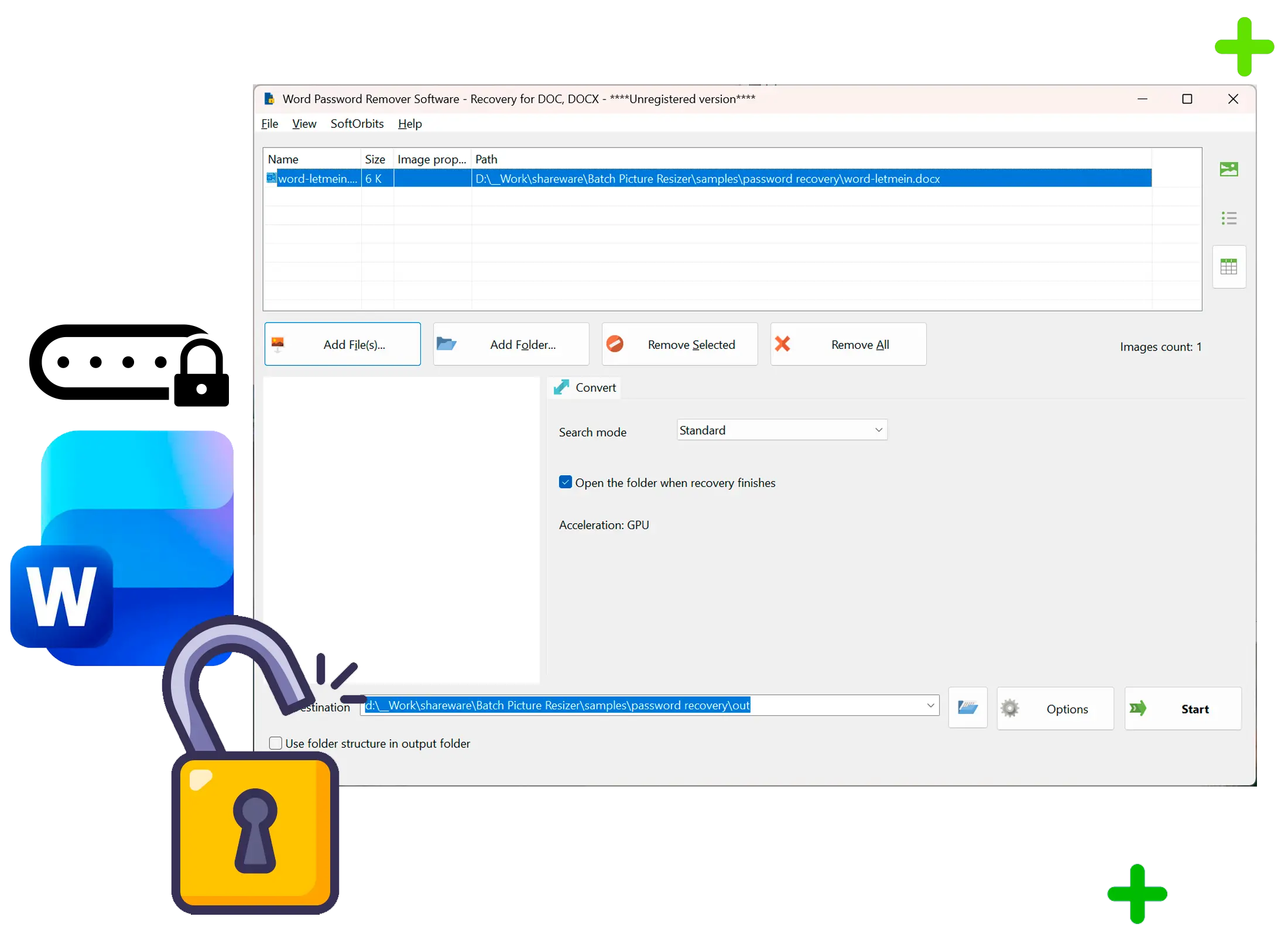
Load your .docx or .doc, let it work, and get your password or an unprotected document back.
For documents you own
For your own forgotten passwords and the editing protection you set and forgot - not for files that are not yours. Everything runs on your PC and nothing leaves it.
How to use it
Add your documents
Drop in one or many .docx and .doc files. Editing protection is handled first, with no password needed.
Start the search
If the document is encrypted with an open password, a dictionary and rules search runs with a progress bar you can watch.
Get the result
Preview the recovered password or the unprotected document, then save what you need where you want it.
Benefits
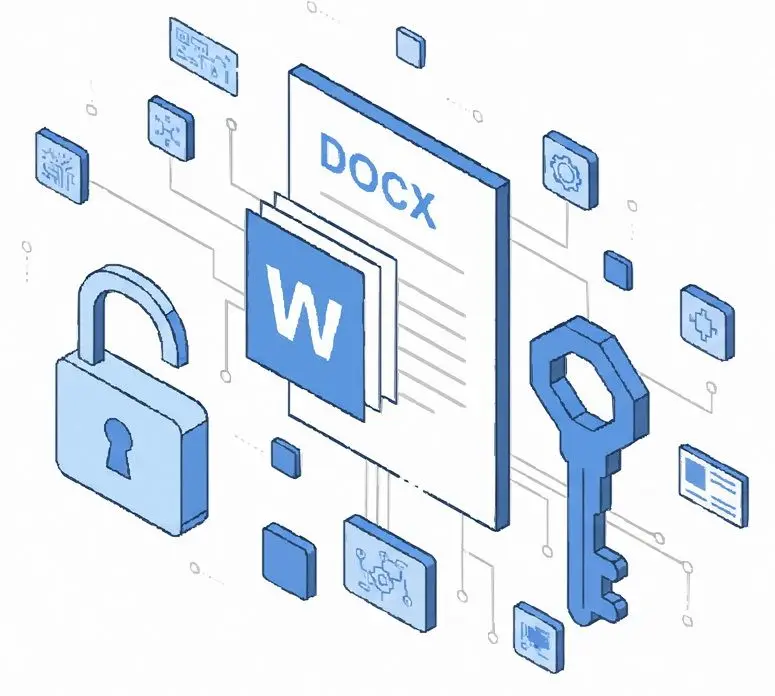
Editing protection comes off at once
Document protection that blocks editing is not encryption, so it is removed instantly with no password and no wait.
Recovers forgotten open passwords
For an encrypted document it searches human and dictionary passwords with rules and shows the one that opens your file.

Old and new Word files
Handles modern .docx and legacy .doc, in batch, entirely on your Windows PC with nothing uploaded.
Why people use it
Two locks, the right approach for each
Editing protection is a flag that lifts at once; an open password is real encryption that has to be searched. The app handles each correctly.
Honest about newer Office
Word encryption from Office 2013 on is slow to test by design, so human and dictionary passwords are realistic and a long random one is not something we promise.
Uses your GPU
Open-password search runs on the graphics card, and falls back to CPU dictionary attempts without one.
FAQ
System Requirements
Word Password Retriever
Languages
1.0
60 Mb
August 5, 2026
- Windows 11/10/8.1/8/7 (32/64 bit)
- Intel i3, AMD Ryzen 5 or above
- 4 GB of RAM or above
- NVIDIA® GeForce® series 8 and 8M, Intel® HD Graphics 2000, Quadro FX 4800, Quadro FX 5600, AMD Radeon™ R600, Mobility Radeon™ HD 4330, Mobility FirePro™ series, Radeon™ R5 M230 or higher graphics card with up-to-date drivers
- 1280 × 768 screen resolution, 32-bit color
- 1 GB of free hard disk space or above
GRT requirements trial note