
Object Remover from Photos
Erase Unwanted Objects Without Rebuilding the Whole Image
People, Dates, logos & scratches ruin resale photos and scans. Paint them away—Object Remover from Photos blends real texture on your PC, no sketchy uploads. Try the trial on your worst shot.
Full seller details: Legal information.
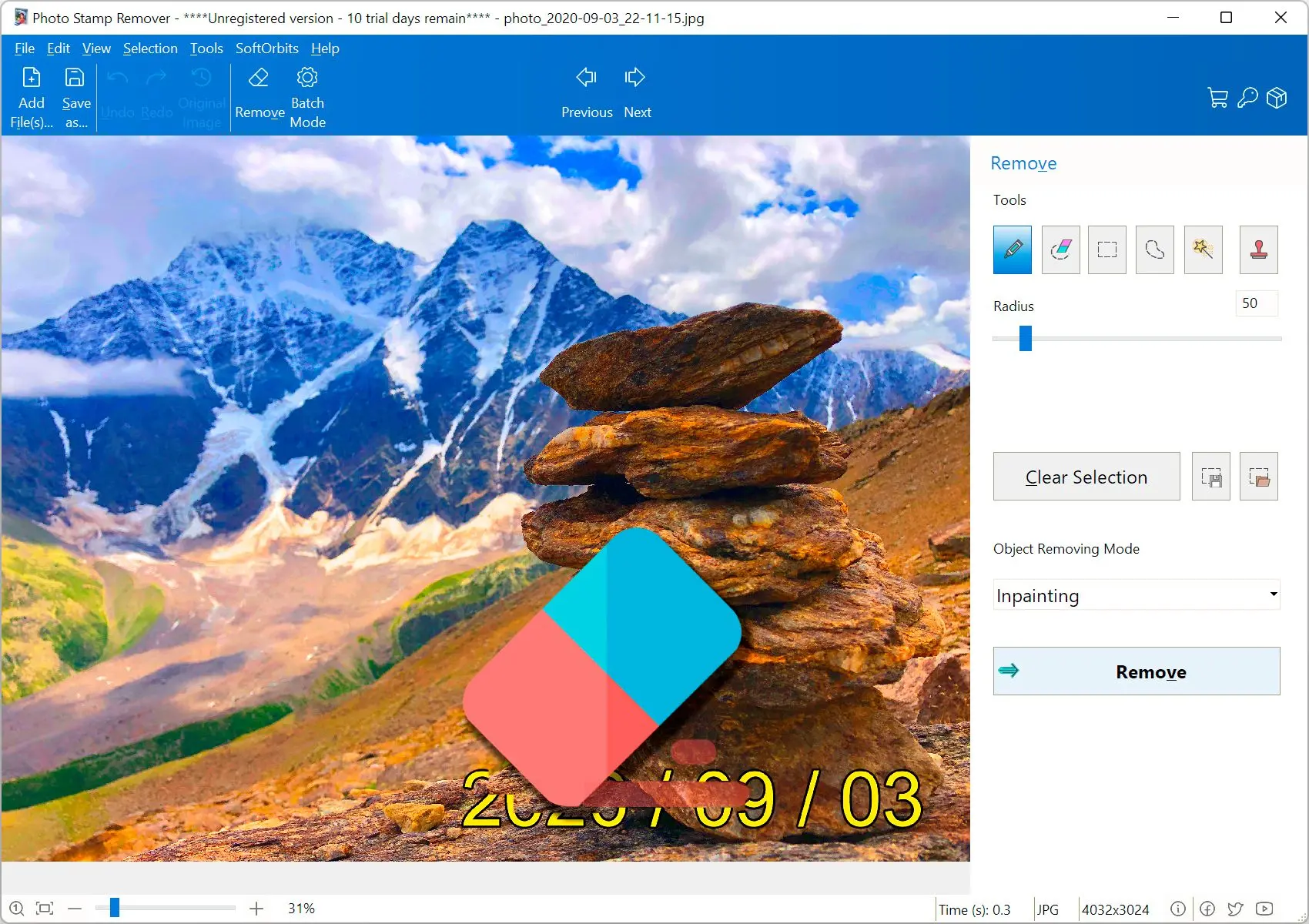
Use the selection brush, let the fill engine sample nearby pixels, and iterate until the surface looks natural.
Meant for real-world damage
Tourist shots, scanned prints, and marketplace listings all pick up marks you do not want in the final crop.
How to use it
Open your photo
Load the image with stamps, dates, logos, or small blemishes you want cleaned up.
Paint the problem area
Mark the region; let the tool sample nearby texture and blend until the patch looks natural.
Export the result
Save a new JPEG or PNG and keep the original until you are satisfied with the fix.
Benefits
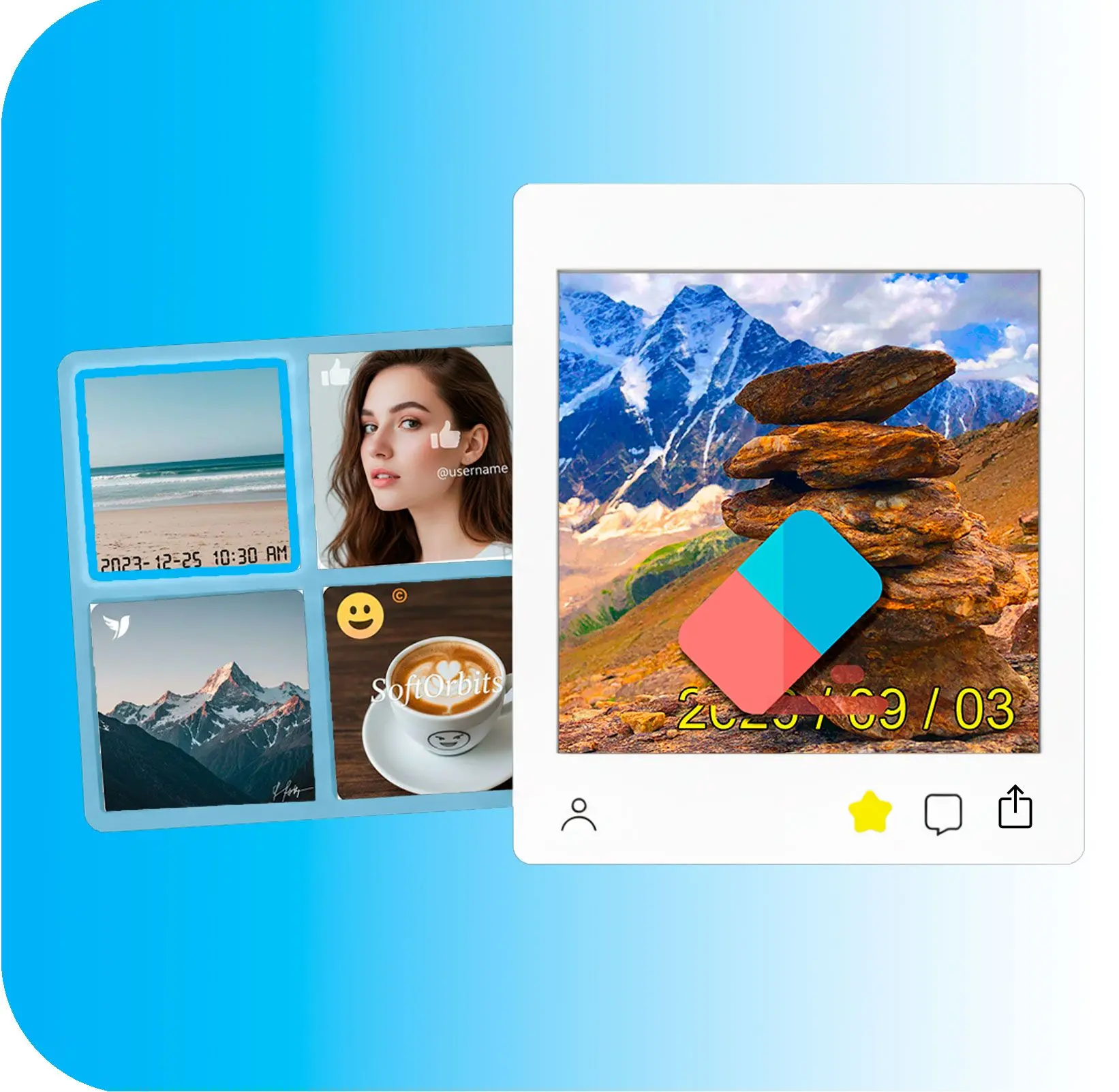
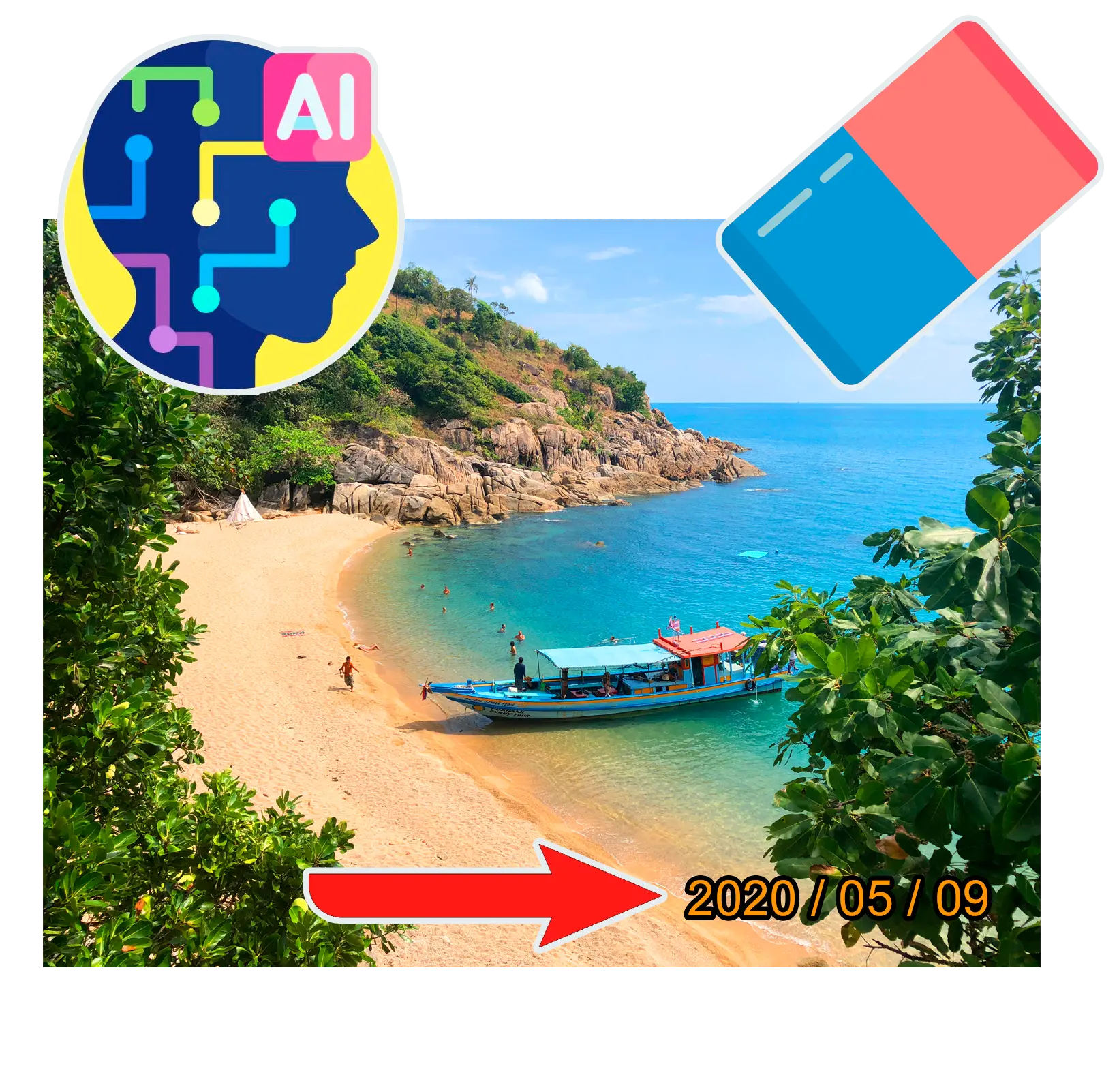
Clean stamps fast
Paint over dates, or small blemishes and let the fill engine blend surrounding texture so the frame still looks natural.
Stay local and private
Process sensitive shots on your PC—useful for legal, resale, and family archives you do not want uploaded to random online tools.
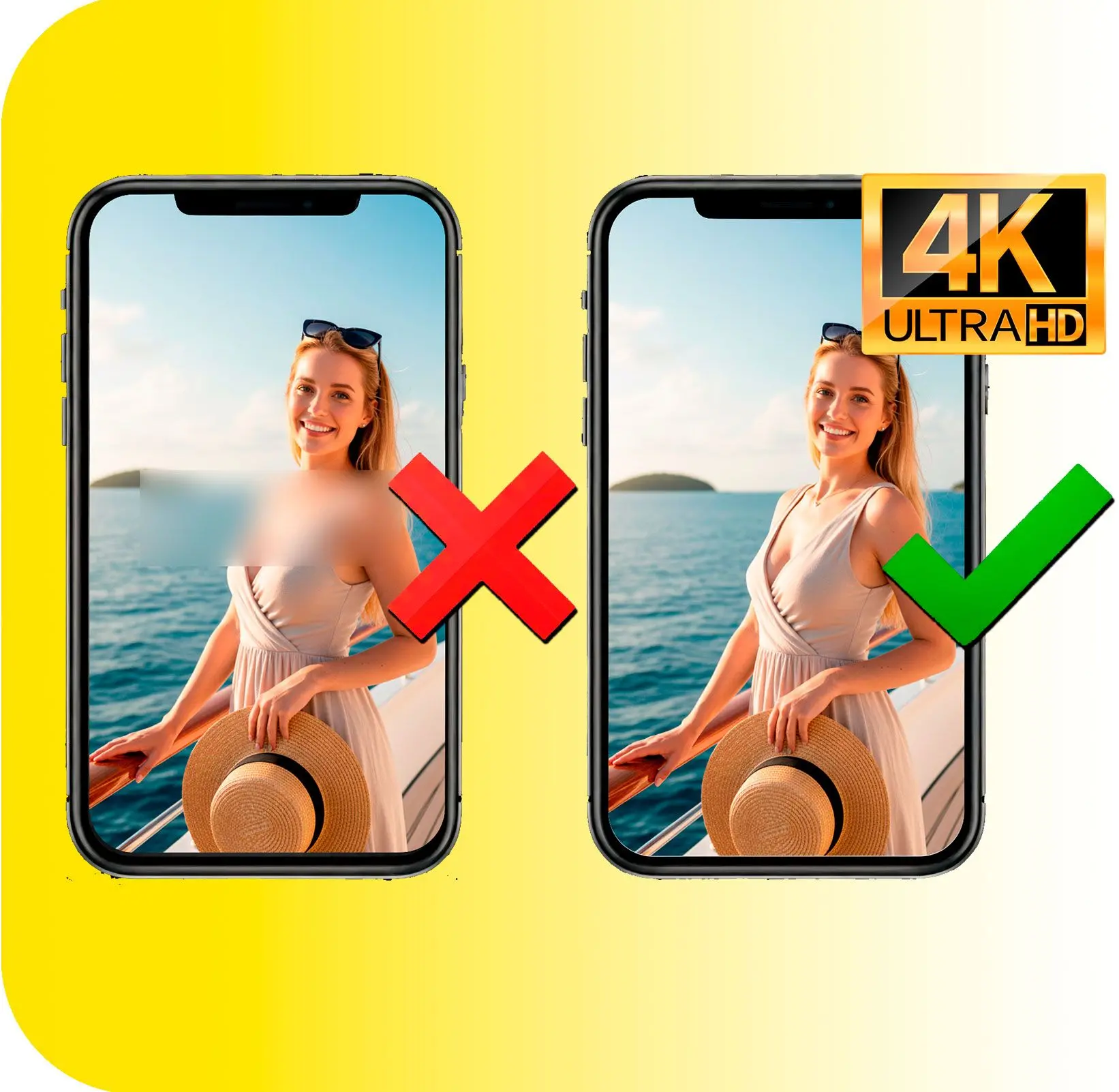
Iterate until it disappears
Zoom in, adjust brush size, and refine tough corners without smearing the whole image.
Why people use it
Local processing
Files stay on your machine—useful when images are private or NDA-bound.
Fine control
Zoom in, adjust brush size, and fix small areas instead of smearing the entire frame.
Batch-friendly mindset
Pair it with a resizer when you need both cleanup and uniform output sizes.
FAQ
System Requirements
Object Remover from Photos
Languages
19.0
13.5 Mb
August 6, 2026
- Windows 11/10/8.1/8/7 (32/64 bit)
- Intel i3, AMD Ryzen 5 or above
- 4 GB of RAM or above
- NVIDIA® GeForce® series 8 and 8M, Intel® HD Graphics 2000, Quadro FX 4800, Quadro FX 5600, AMD Radeon™ R600, Mobility Radeon™ HD 4330, Mobility FirePro™ series, Radeon™ R5 M230 or higher graphics card with up-to-date drivers
- 1280 × 768 screen resolution, 32-bit color
- 1 GB of free hard disk space or above
GRT requirements trial note