
Audio Silence Cutter
Trim the Silence Out of Your Recordings Without Editing by Hand
Cut dead air and long pauses out of recordings in batch. Voice-aware detection tells speech from noise instead of guessing by volume, so quiet talking survives and hiss does not. Works on audio and video, fully offline. Free trial from GRTSoft.
Full seller details: Legal information.
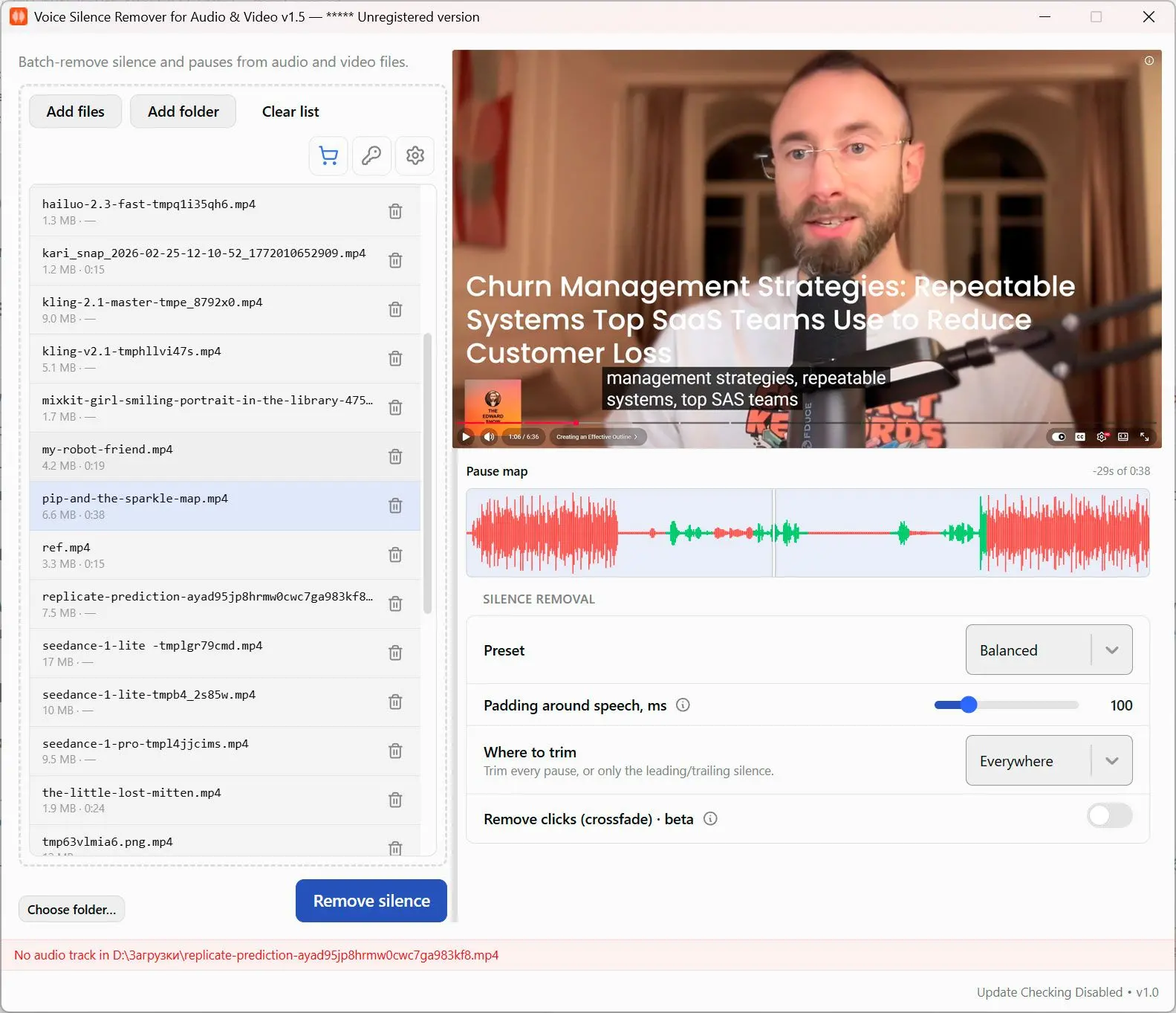
Add files or a whole folder, pick how aggressively to cut, and get trimmed copies saved next to the originals - the source files are never overwritten.
Dead air is the slowest part of editing
Podcasts, lectures, screen recordings and long calls are full of pauses nobody wants to sit through. Cutting them by hand in an editor takes longer than the recording itself. This finds the silence for you and removes it across a whole batch at once, on your own PC.
How to use it
Add your recordings
Drop in single files or point it at a folder to process everything inside. Audio and video are both handled, in the formats your recorder produced.
Choose how much to cut
Pick a preset from gentle to aggressive, or open the controls to set how long a pause has to be before it is trimmed and how much natural breathing room to leave.
Export the trimmed copies
Trimmed files are written next to the originals with a suffix, so the source recording stays exactly as it was. Each file reports how many seconds came out.
Benefits
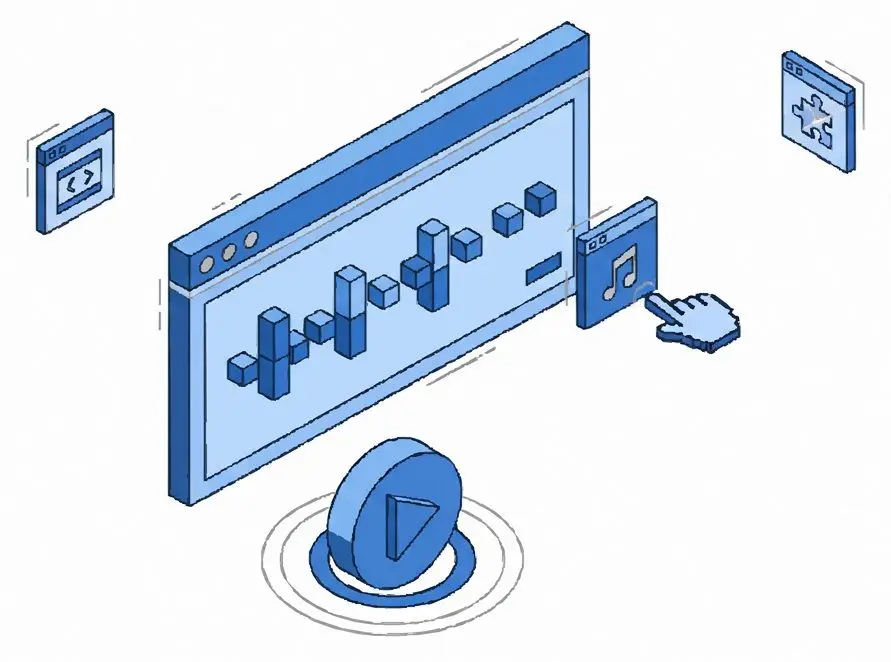
It knows speech from noise
Detection is voice-aware, not a volume gate. Quiet speech is kept and background hiss is cut, so it does not chop the start of a soft sentence the way threshold tools do.
Whole folders at once
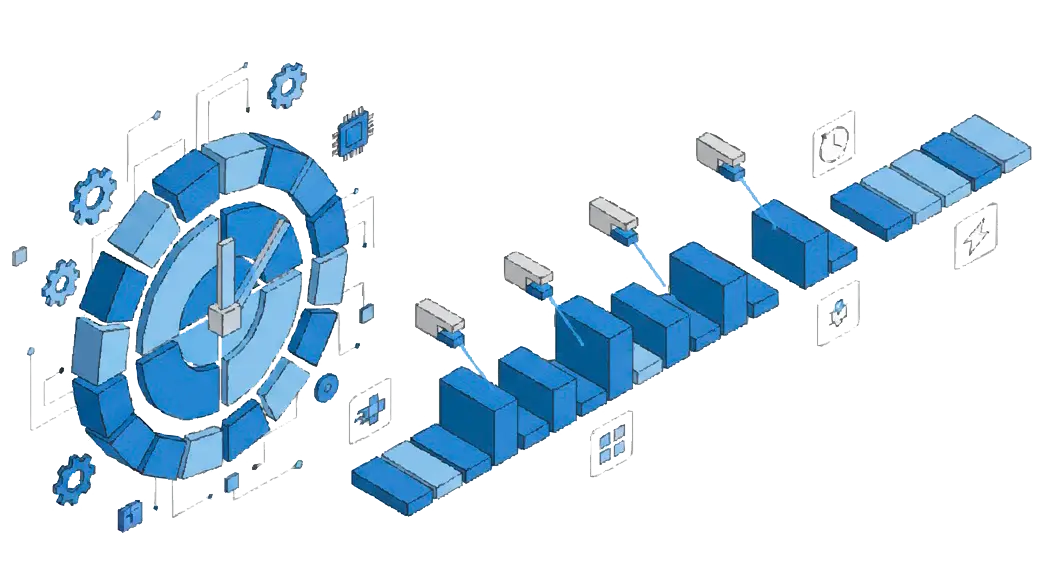
Queue dozens of files and let the batch run. A full season of episodes or a term of lecture recordings goes through in one pass instead of file by file.
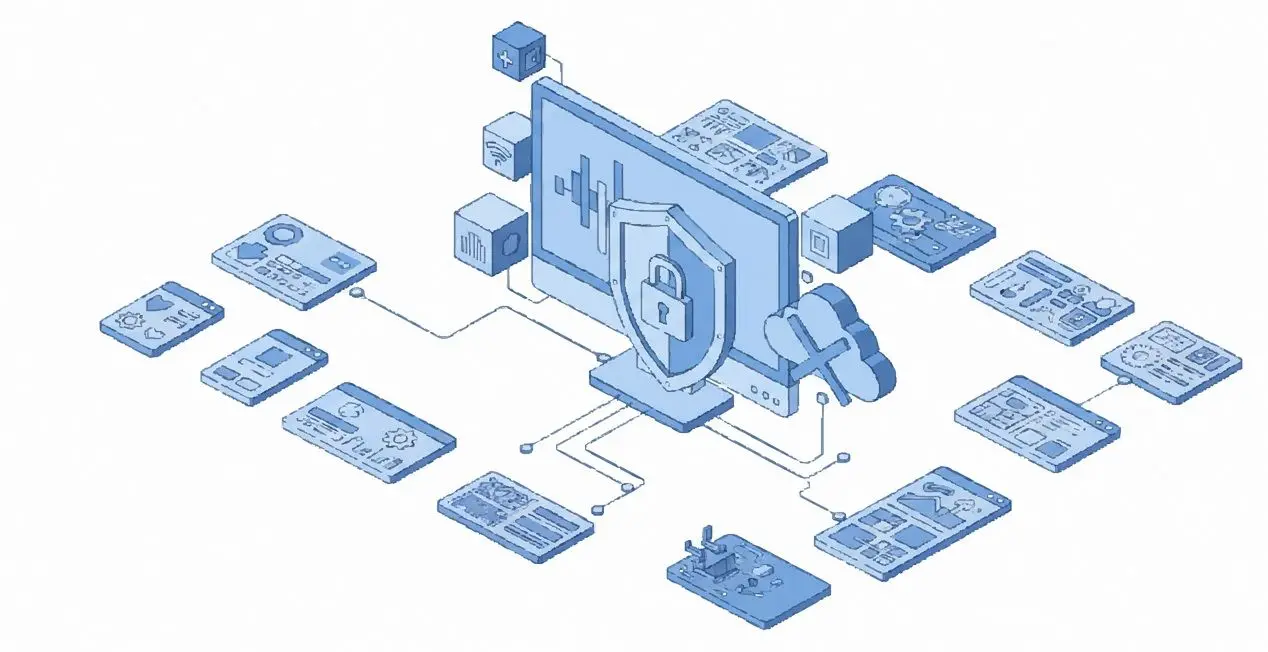
Audio and video, fully offline
Any common format is accepted and nothing is uploaded. Your recordings stay on your machine from start to finish.
Why people use it
Presets or full control
Start with gentle, balanced or aggressive, then fine-tune sensitivity, minimum pause length and padding when you want a specific feel.
Originals are never touched
Output is written to new files, so a bad setting costs a re-run, never the source recording.
See what was removed
Every file shows the time cut, so you can tell at a glance how much dead air a recording carried.
FAQ
System Requirements
Audio Silence Cutter
Languages
1.0
60 Mb
September 4, 2026
- Windows 11/10/8.1/8/7 (32/64 bit)
- Intel i3, AMD Ryzen 5 or above
- 4 GB of RAM or above
- NVIDIA® GeForce® series 8 and 8M, Intel® HD Graphics 2000, Quadro FX 4800, Quadro FX 5600, AMD Radeon™ R600, Mobility Radeon™ HD 4330, Mobility FirePro™ series, Radeon™ R5 M230 or higher graphics card with up-to-date drivers
- 1280 × 768 screen resolution, 32-bit color
- 1 GB of free hard disk space or above
GRT requirements trial note