Voice Dictation
Hold the Key, Talk, Paste Recognition Stays on Your Windows PC
Dictate into Word, Slack, or your IDE with a global hotkey. Speech recognition runs on your PC after one model download no cloud STT upload. GRTSoft Voice Dictation: trial on Windows 10/11, lifetime home license.
Full seller details: Legal information.
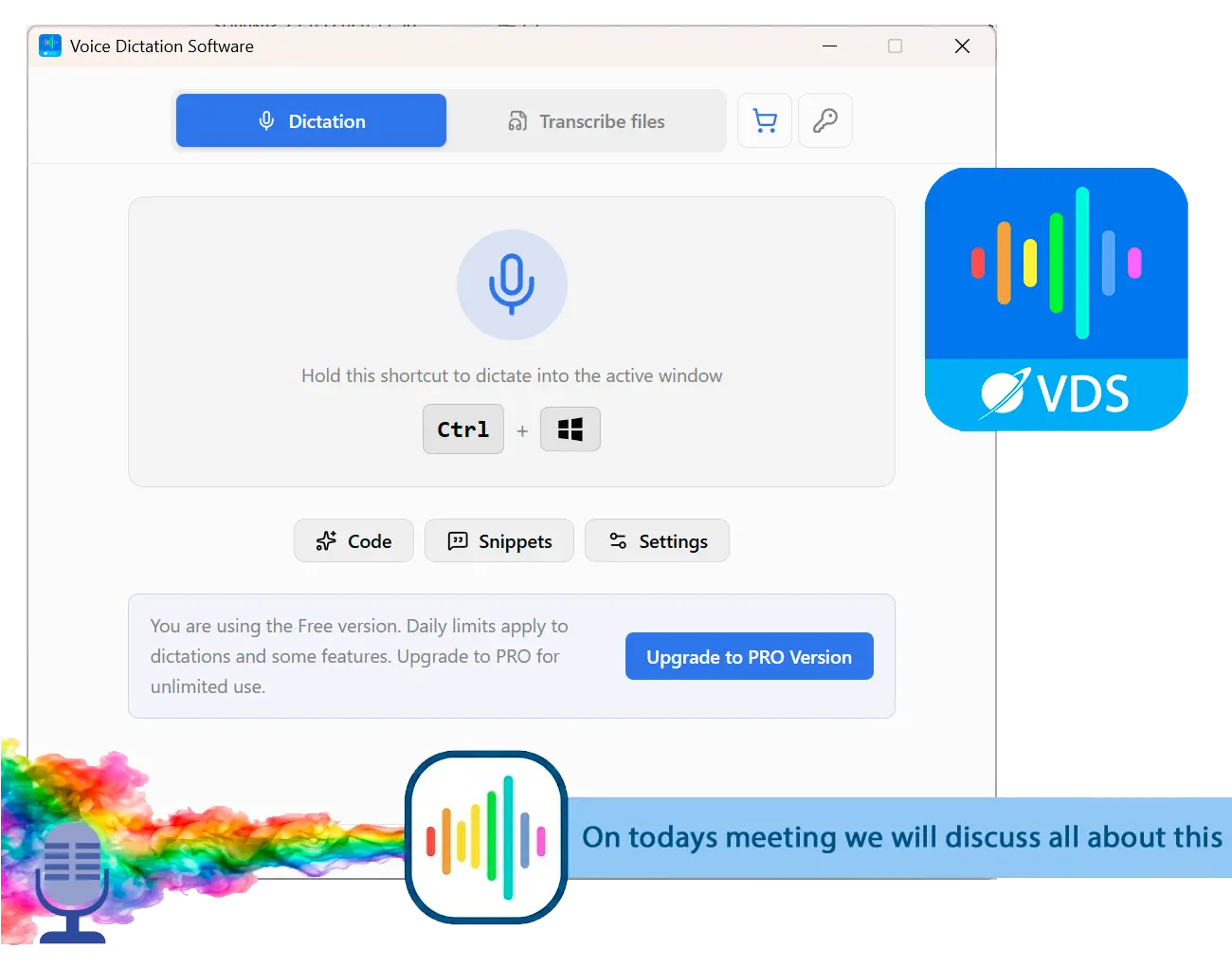
Install once, fetch the on-device model (~478 MB), then dictate offline into whatever window already has focus.
For developers and heavy typists
When another monthly cloud dictation tab is overkill but Windows voice typing still sends audio upstream or when you need batch TXT from saved MP3 and MP4 folders.
How to use it
Install and download the speech model
Run the installer, open the app, and let first-run setup fetch the on-device recognizer once. After that, dictation does not depend on an upload step.
Hold the hotkey and speak
Default: hold Ctrl+Win, talk, release. The tray overlay shows when the mic is live and when text is heading to the cursor in the active window.
Batch recordings on the Files tab
Queue WAV, MP3, MP4, or other supported items, run batch transcribe, and collect plain TXT next to each source or in one output folder you choose.
Benefits
Paste at the cursor, any app
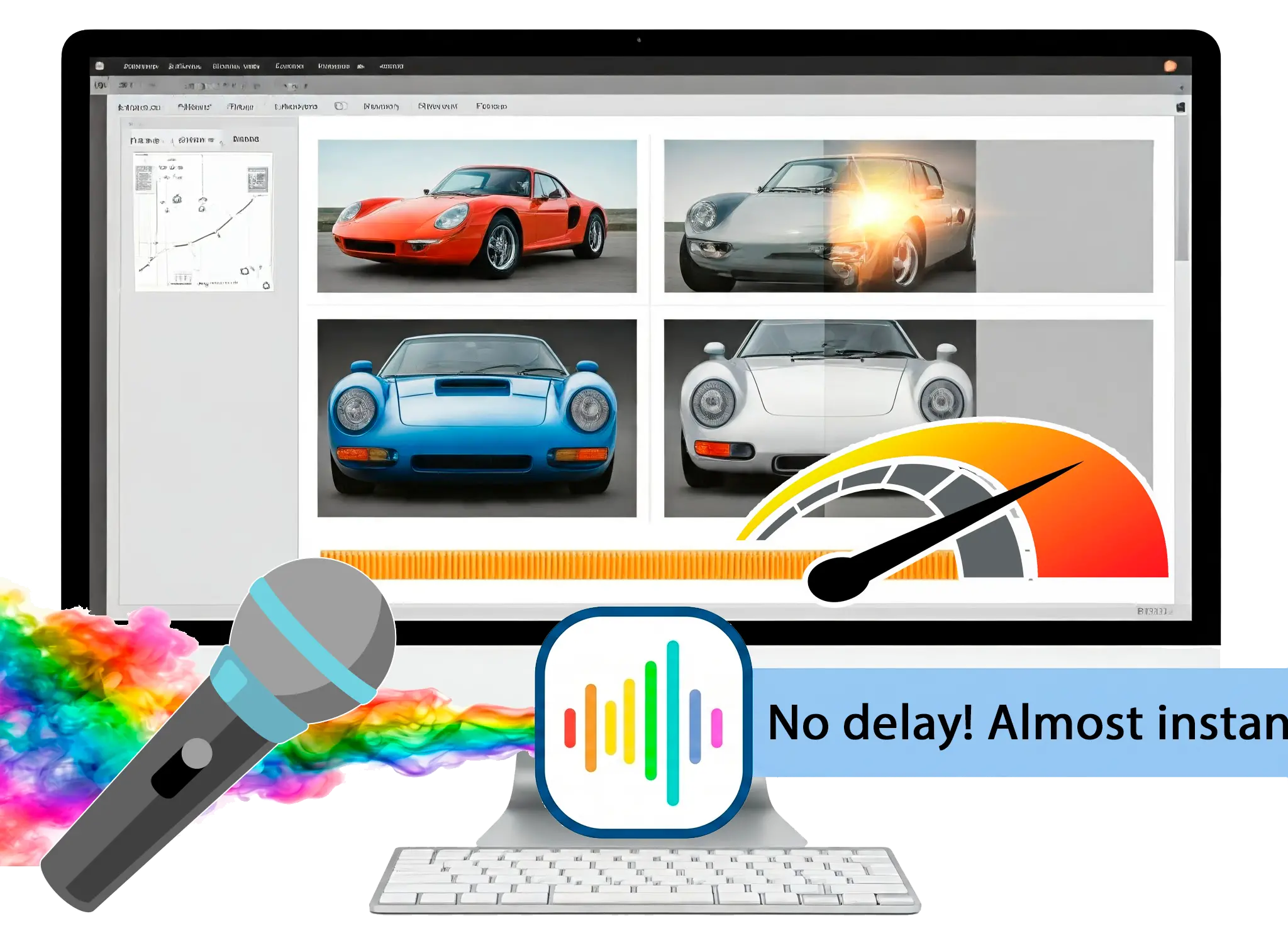
Push-to-talk sends finished text into the foreground window IDE, browser, or mail using your chosen paste method with clipboard fallback.
Code mode for IDE sessions
Light post-processing keeps symbols and casing closer to raw speech when you dictate commits and refactors in VS Code or Cursor.
Folder of media to TXT
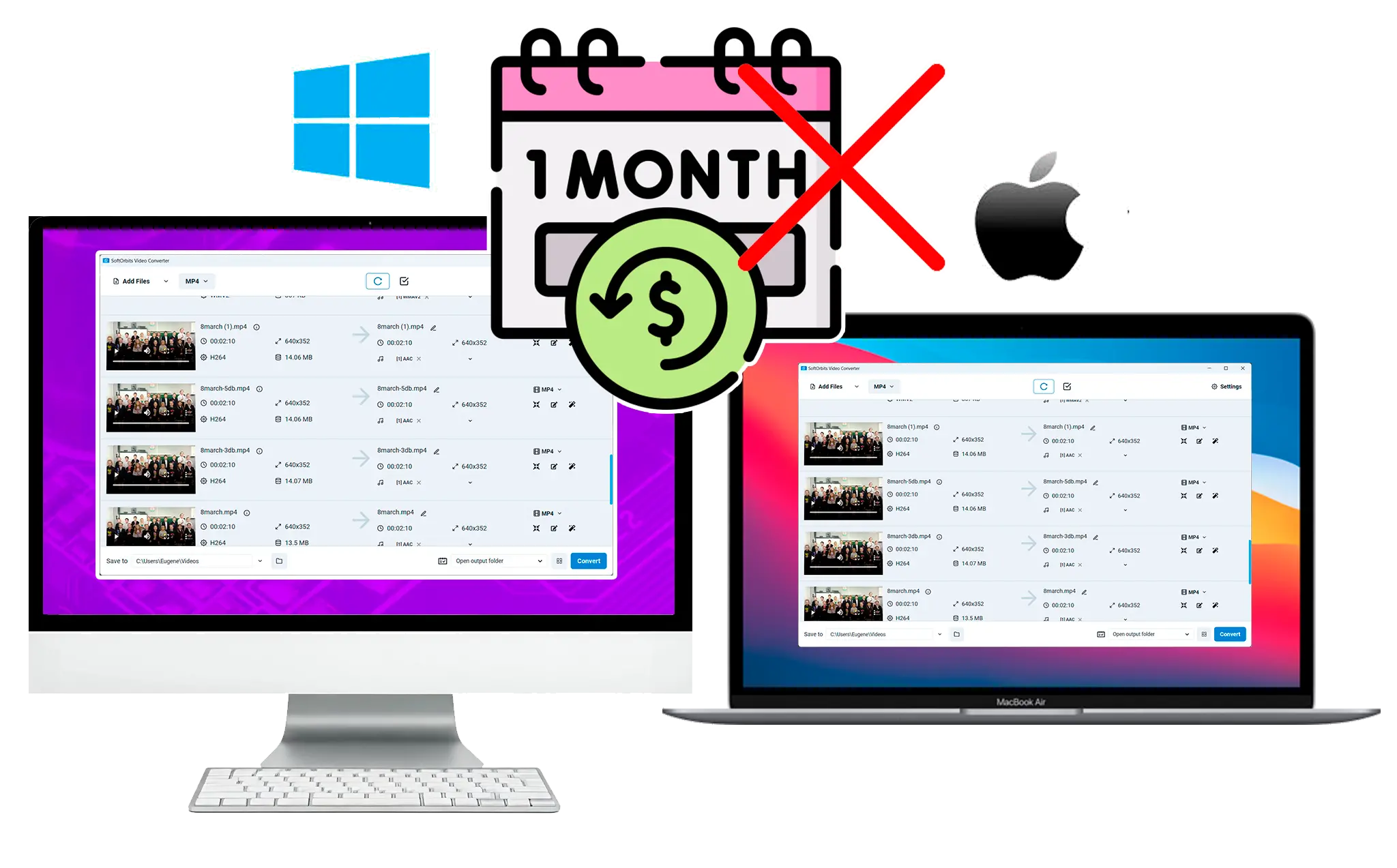
Drop interviews and meeting recordings on the Files tab when re-dictating line by line would waste an afternoon.
Why people use it
Local neural STT after one download
Live dictation and Files batch use the bundled recognizer on CPU-first hardware; a discrete GPU is not required.
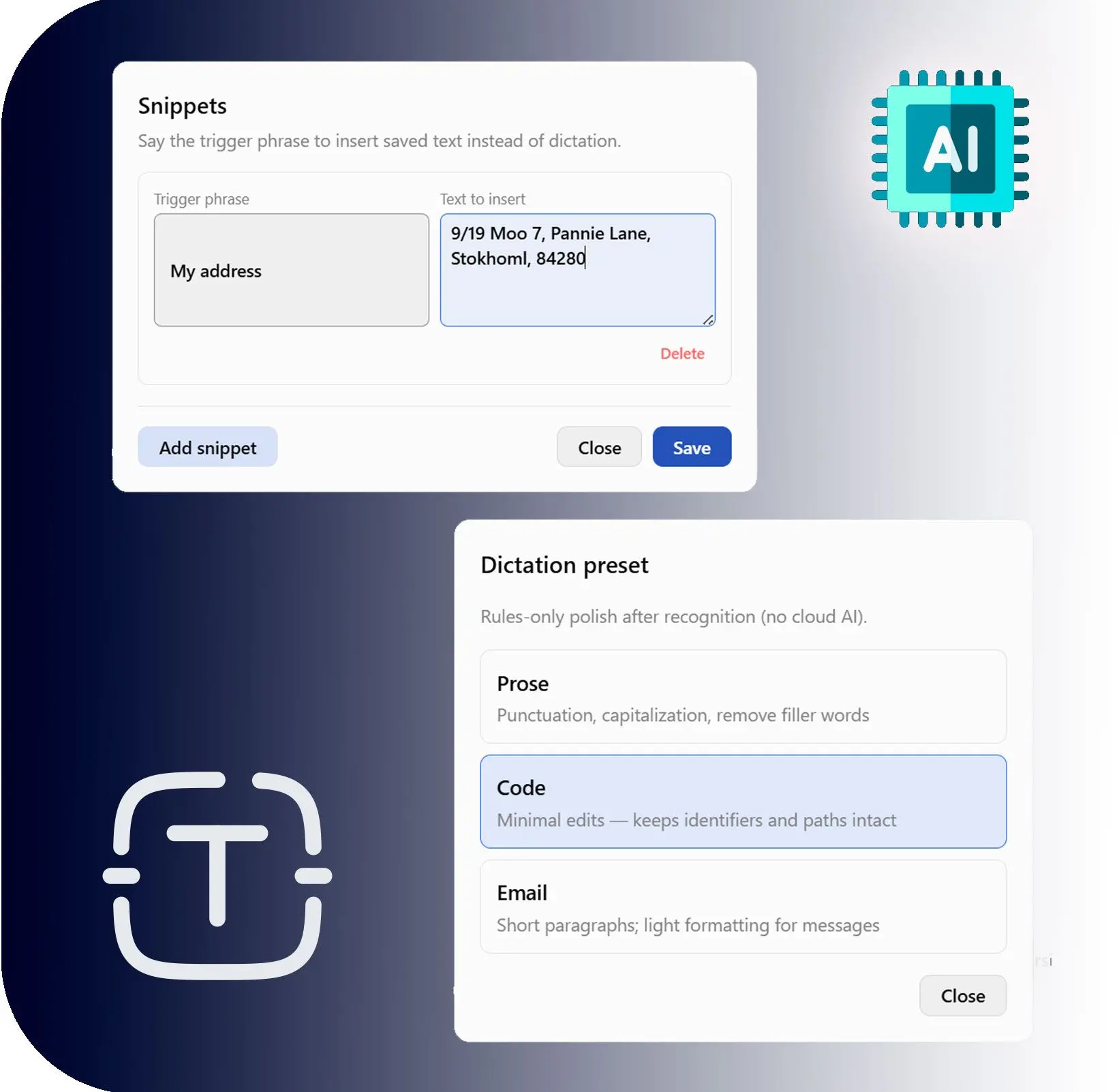
Presets, snippets, dictionary
Prose, Code, and Email rules polish text without calling an LLM; snippets and personal dictionary fix names and boilerplate.
Pay once, not per month
Home lifetime pricing near $49 at checkout compare that to recurring cloud dictation plans you only use at the desk.
FAQ
System Requirements
Voice Dictation
Languages
1.2
12 Mb
September 2, 2026
- Windows 11/10/8.1/8/7 (32/64 bit)
- Intel i3, AMD Ryzen 5 or above
- 4 GB of RAM or above
- NVIDIA® GeForce® series 8 and 8M, Intel® HD Graphics 2000, Quadro FX 4800, Quadro FX 5600, AMD Radeon™ R600, Mobility Radeon™ HD 4330, Mobility FirePro™ series, Radeon™ R5 M230 or higher graphics card with up-to-date drivers
- 1280 × 768 screen resolution, 32-bit color
- 1 GB of free hard disk space or above
GRT requirements trial note