
Video Watermark Studio
Mark Review Cuts So Everyone Knows Who Owns Them—Before They Leave Slack
Clips spread without credit? Add text or PNG logo watermarks, tune opacity & margins, encode MP4 for review or social. Video Watermark Studio—try free, not forensic DRM.
Full seller details: Legal information.
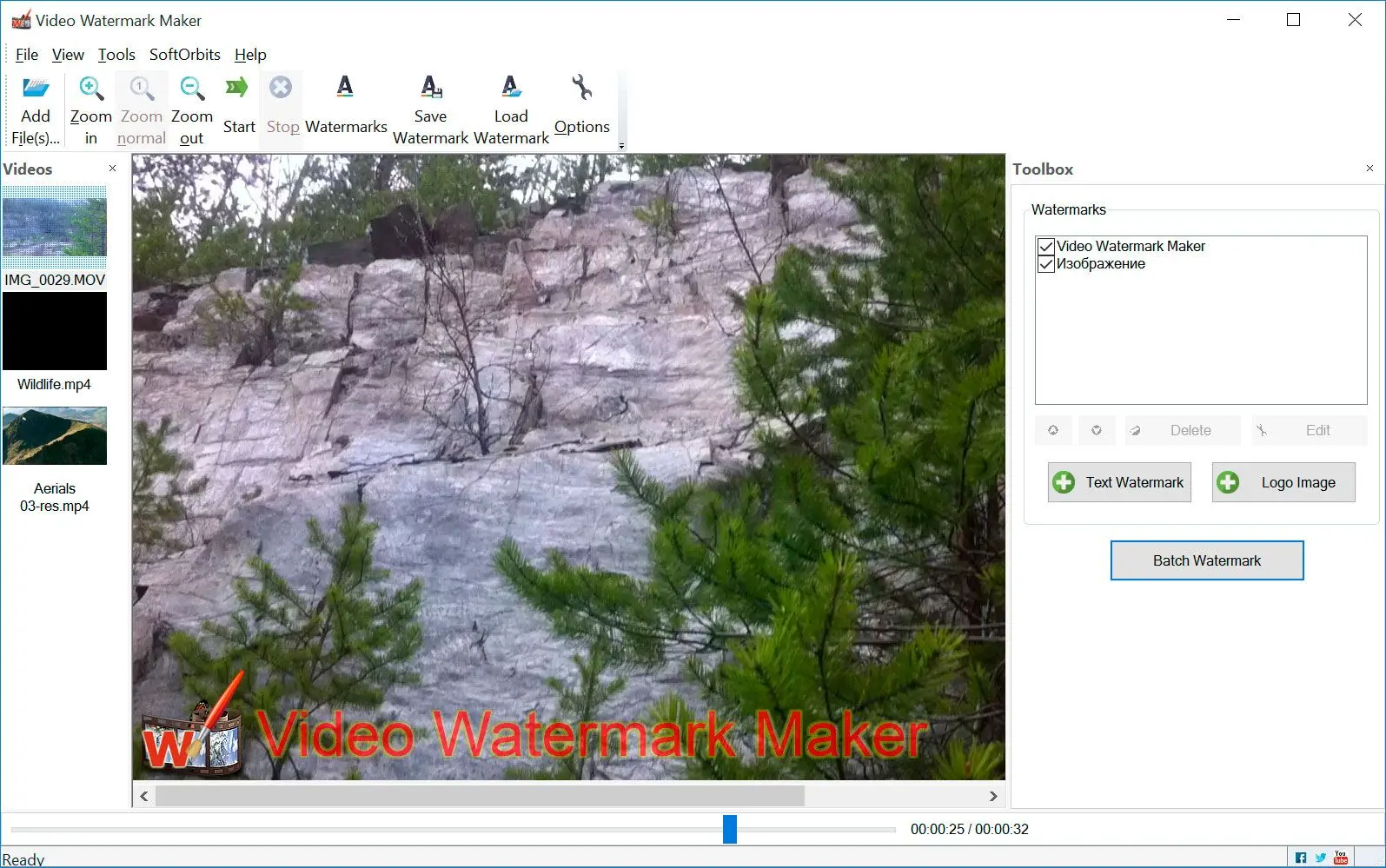
Import, place watermark, choose codec settings, export.
Simple ownership signal
Not forensic DRM—just a visible reminder who produced the file.
How to use it
Add video and watermark
Load a clip, then place text or an image logo where it should sit on every frame.
Set opacity and margins
Tune transparency, scale, and safe areas so social crops do not cut off your mark.
Render the final file
Encode to your target format and watch the first minute to confirm timing and readability.
Benefits
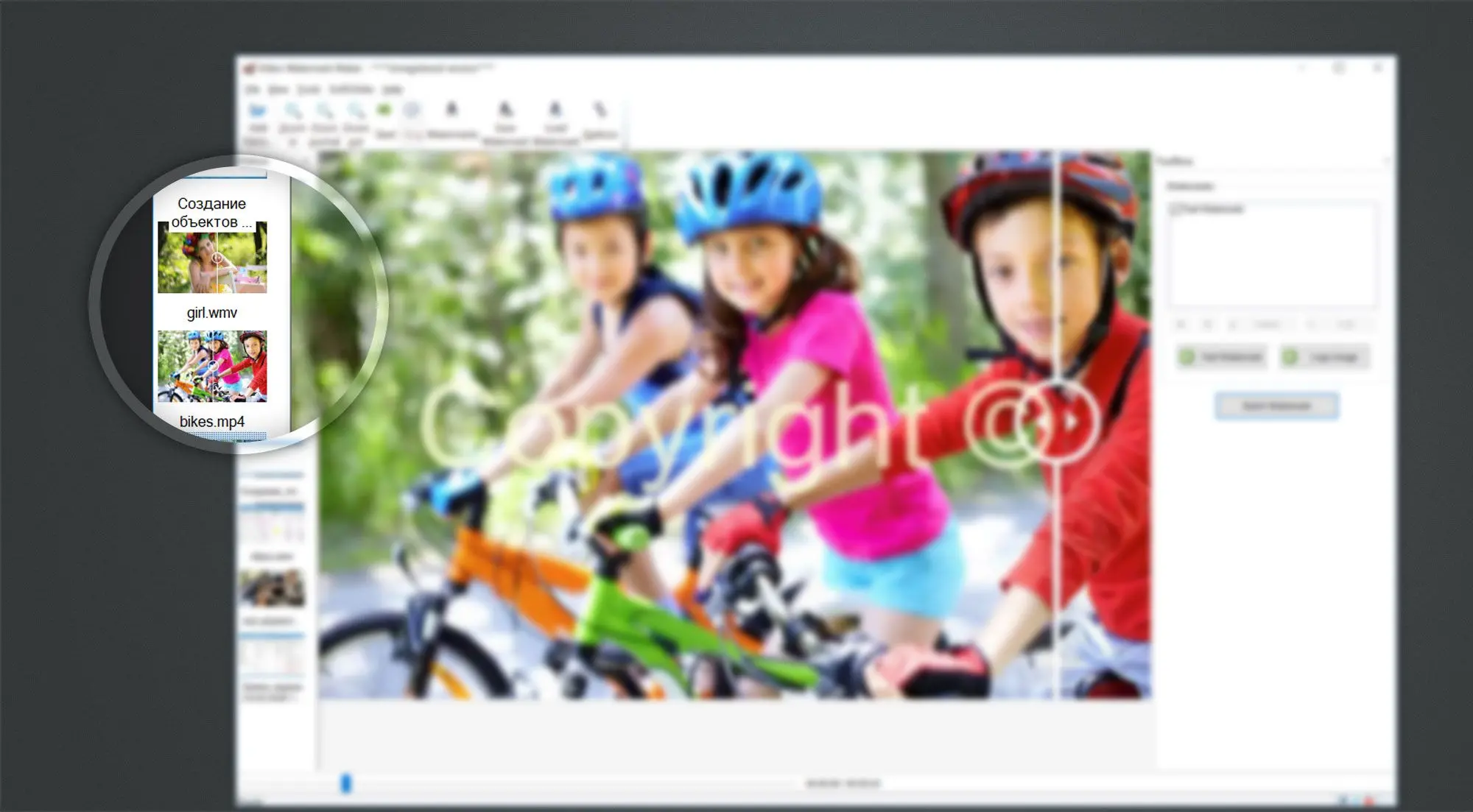
Brand every render
Drop text or image marks where they belong on each frame—great for reviews, promos, and leak control.
Tune opacity and safe margins
Keep logos readable after social crops and vertical re-frames.


Encode with confidence
Preview timing and readability before you queue long exports overnight.
Why people use it
Text or logo
PNG with alpha works well for corner marks.
Opacity control
Keep the picture watchable while the mark stays readable.
Batch-minded
Pair with scripting outside the app if you have dozens of similar clips.
FAQ
System Requirements
Video Watermark Studio
Languages
2.2
13.2 Mb
June 21, 2026
- Windows 11/10/8.1/8/7 (32/64 bit)
- Intel i3, AMD Ryzen 5 or above
- 4 GB of RAM or above
- NVIDIA® GeForce® series 8 and 8M, Intel® HD Graphics 2000, Quadro FX 4800, Quadro FX 5600, AMD Radeon™ R600, Mobility Radeon™ HD 4330, Mobility FirePro™ series, Radeon™ R5 M230 or higher graphics card with up-to-date drivers
- 1280 × 768 screen resolution, 32-bit color
- 1 GB of free hard disk space or above
GRT requirements trial note