Video Toolkit
From Raw Clips to Branded, Upload-Ready Files—Without App-Hopping
Tired of three apps for encode + logo + resize? Video Toolkit queues conversions then opens tools on the outputs. Windows-focused presets—trial before your next campaign batch.
Full seller details: Legal information.
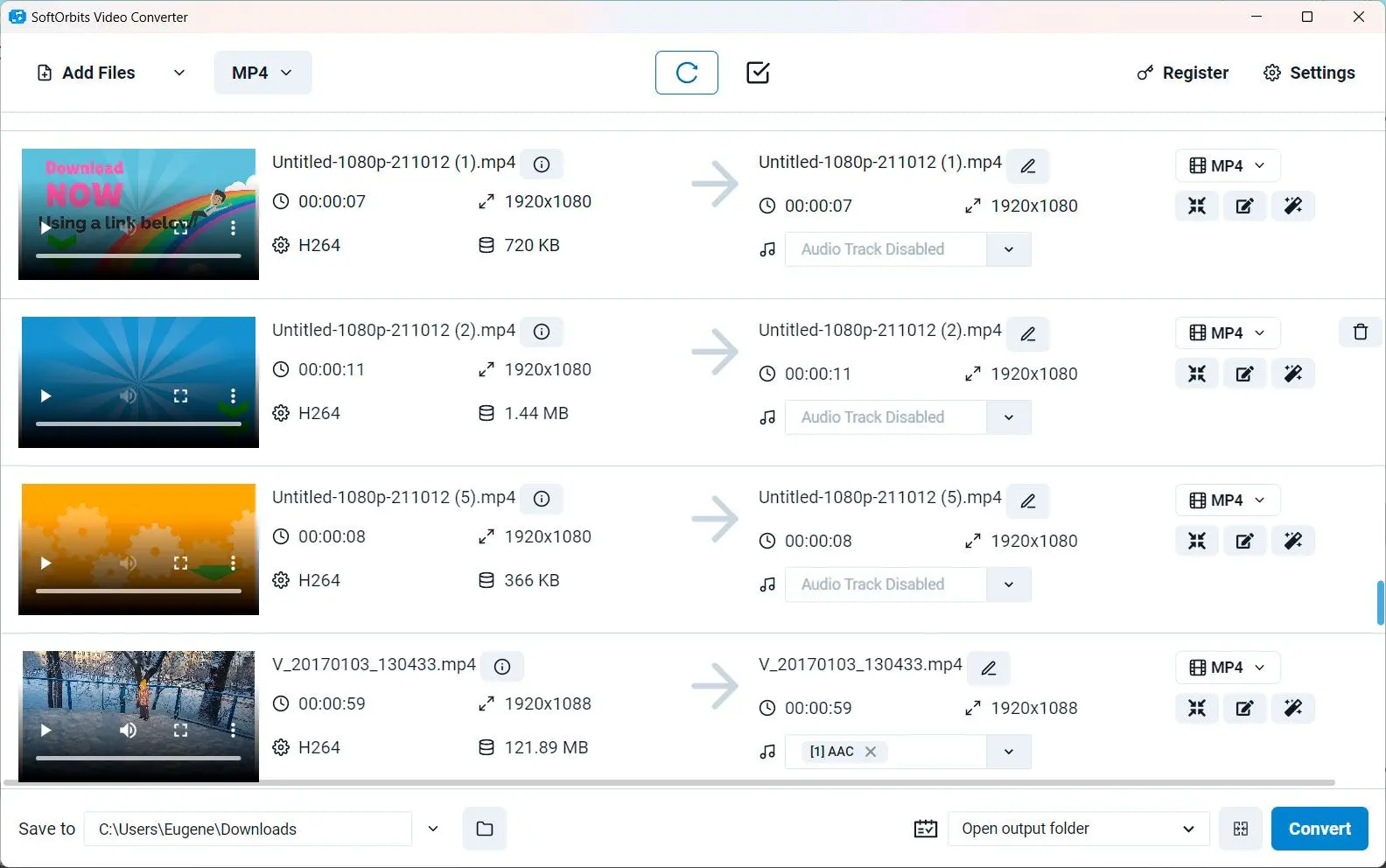
Queue conversions, then open the module on the outputs you choose.
Small marketing teams
When every campaign clip needs the same corner bug and bitrate cap.
How to use it
Queue conversions
Add clips and set target formats and bitrates for delivery or editing.
Add logos or watermarks
Open the marking tools on finished encodes when your workflow needs branded outputs.
Finish and review
Export final files and spot-check playback and sync before publishing.
Benefits

Convert, then mark
Normalize codecs and bitrates, then open watermark tools on the outputs your campaign needs.
Fewer vendor hops
Stay inside one update cycle for encoding and corner-bug workflows.


Hardware-friendly presets
Lean on profiles tuned for common Windows GPUs when you batch long queues.
Why people use it
Fewer context switches
Stay inside one vendor update cycle.
Matched presets
Converter profiles align with what the GRT tool expects.
Windows tuned
Hardware encoder paths tested on common NVIDIA/AMD setups.
FAQ
System Requirements
- Windows 11/10/8.1/8/7 (32/64 bit)
- Intel i3, AMD Ryzen 5 or above
- 4 GB of RAM or above
- NVIDIA® GeForce® series 8 and 8M, Intel® HD Graphics 2000, Quadro FX 4800, Quadro FX 5600, AMD Radeon™ R600, Mobility Radeon™ HD 4330, Mobility FirePro™ series, Radeon™ R5 M230 or higher graphics card with up-to-date drivers
- 1280 × 768 screen resolution, 32-bit color
- 1 GB of free hard disk space or above
GRT requirements trial note