Auto Video Redaction Software
AI-Powered Video Redaction for Faces, Heads, Plates, and Screens
Smart video redaction software to blur faces, heads, and license plates in bodycam, dashcam, and CCTV videos. Works fully offline, ready for privacy compliance, free to try.
Full seller details: Legal information.
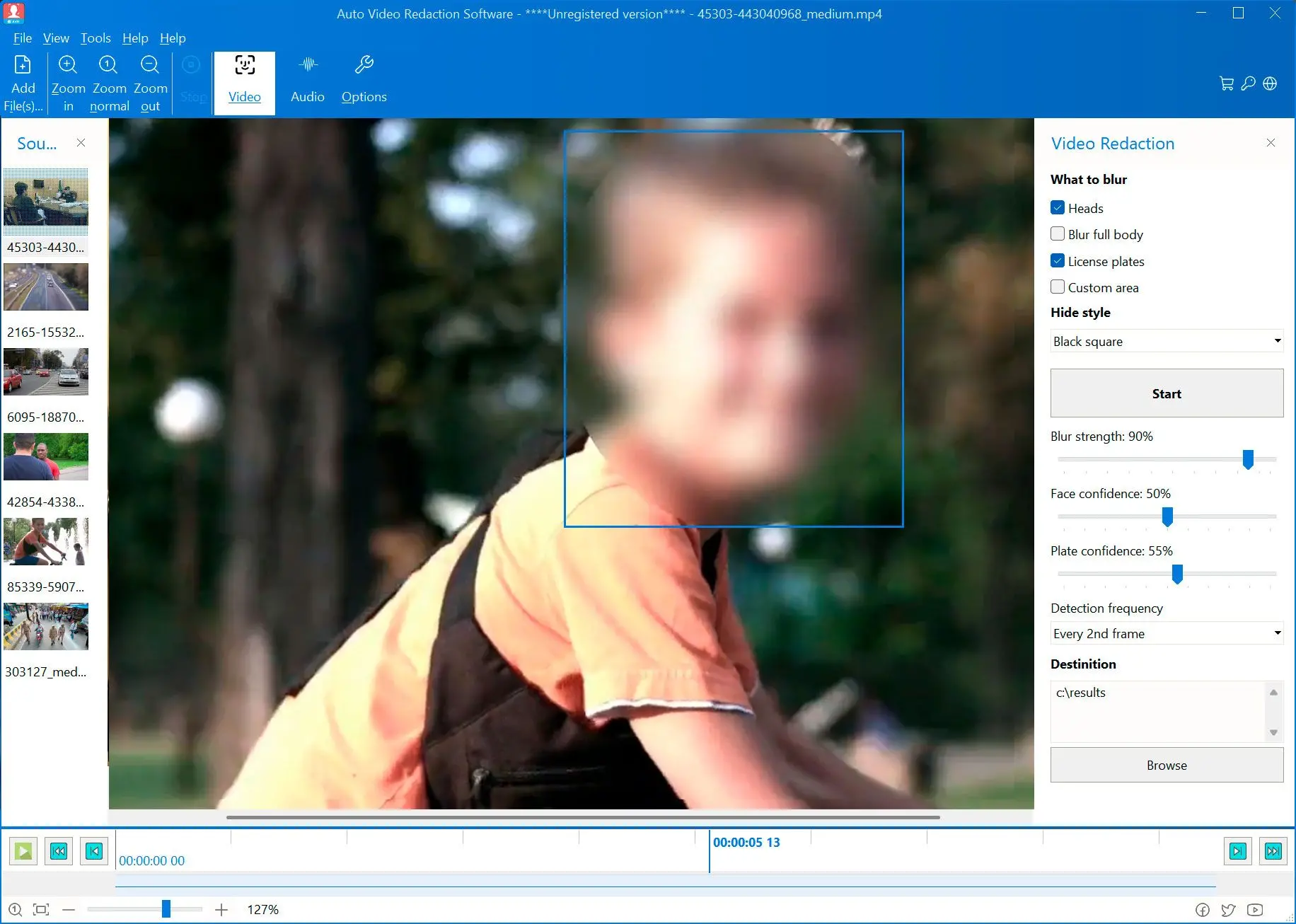
This tool removes personal data from videos. Perfect for police bodycams, interviews, dashcams, CCTV, and YouTube. Built-in AI tracks moving objects, so even if detection drops, the blur stays on target. Your videos are safe for sharing or publishing.
How to use it
Import the clip
Load MP4 or other supported formats from disk. Trim to the segment you need if the file is long—redaction time grows with duration and resolution.
Detect and adjust masks
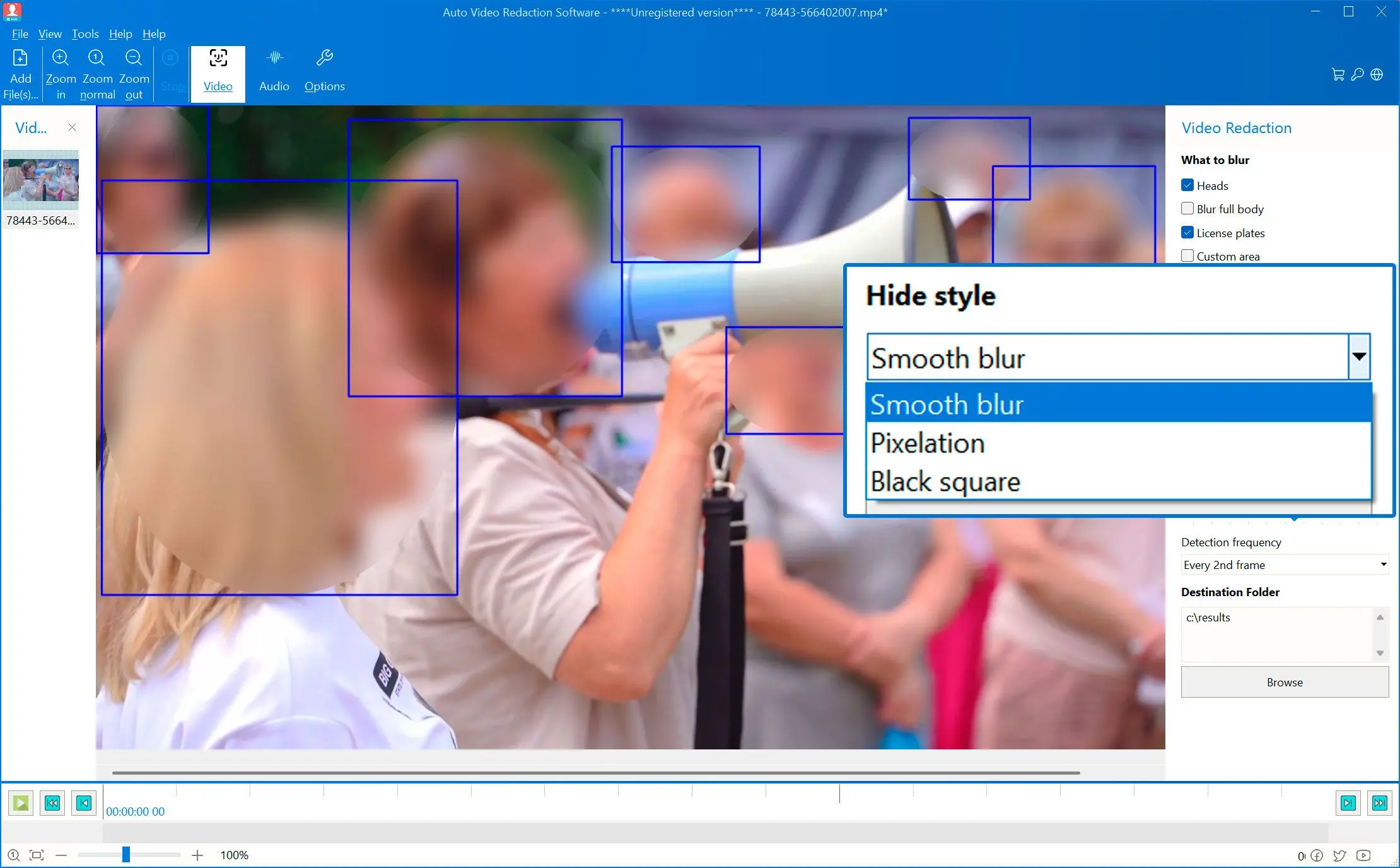
Run auto detection for faces and common text areas, then nudge boxes where the model missed glare, helmets, or angled plates.
Export a redacted copy
Write a new file with burns applied—original media stays untouched. Keep bitrate and container sensible for your review platform.
Benefits
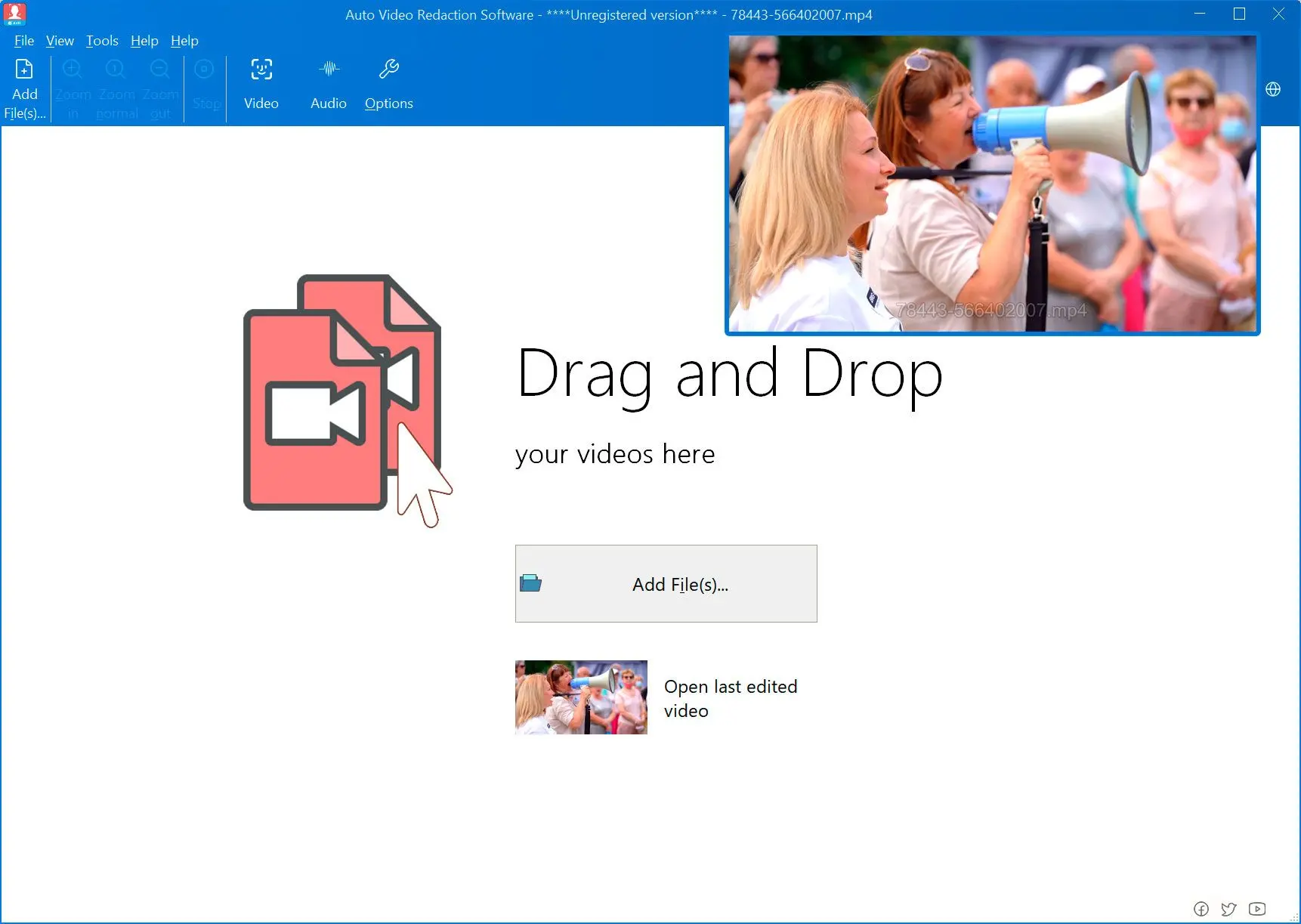
Blur or box what must not leak
Cover faces, license plates, and on-screen IDs with adjustments you can defend in a quick legal or PR review.
Keep the story, hide the identifiers
Publish training cuts, incident excerpts, or customer testimonials without hunting frame-by-frame in an editor.
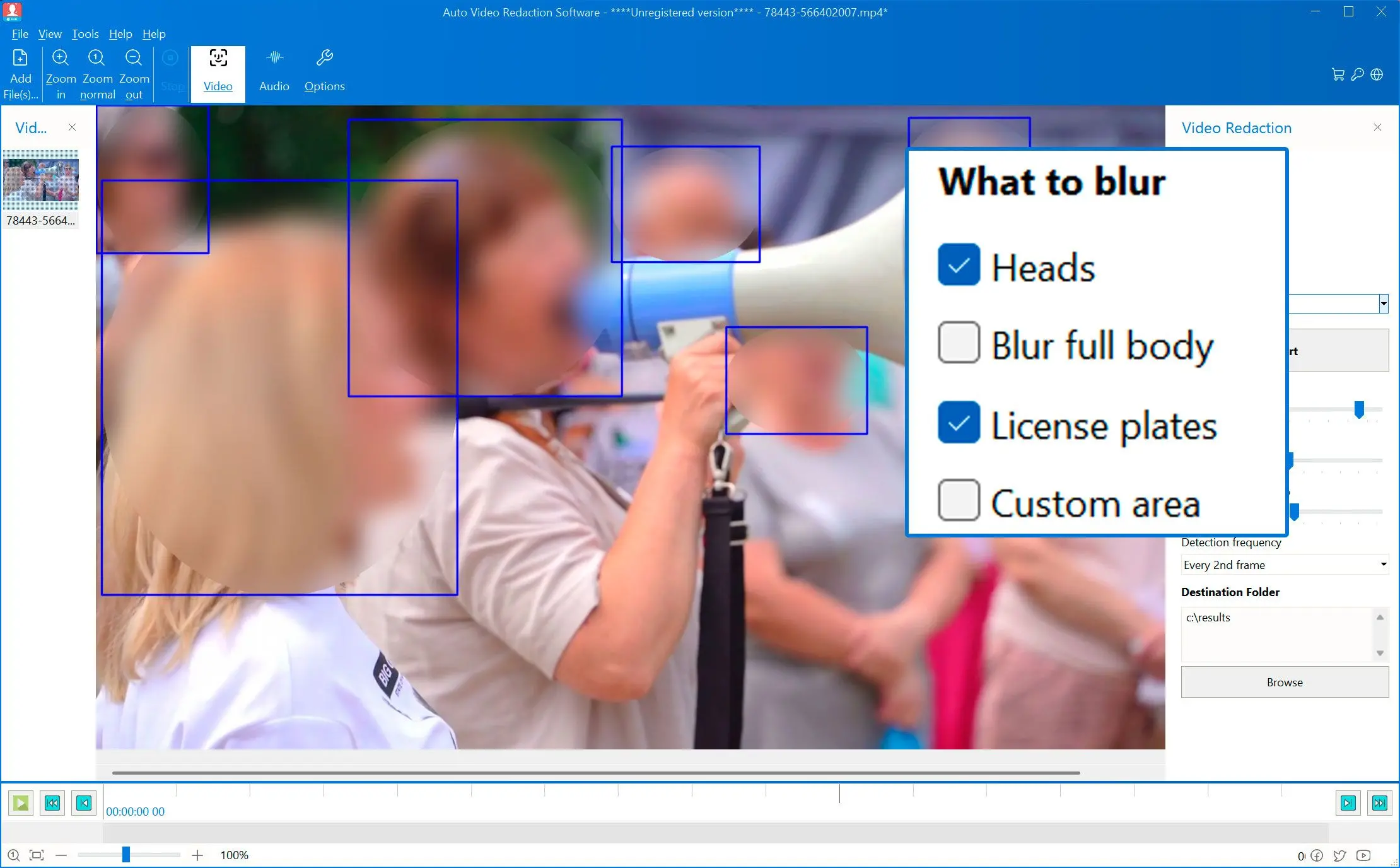
Separate output file
Render to a new path so your camera originals and project masters stay unchanged while you iterate on strength and coverage.
Why people use it
AI Finds Faces, Heads, and Plates
Files stay on your PC—useful when source video is confidential or under NDA.
Offline Security – No Cloud Uploads
Runs locally on your PC. No internet needed. Unlimited use, no per-minute fees.
Compliant Output for Privacy Laws
Removes personal data for legal and privacy compliance. Blurs and boxes cannot be reversed.
FAQ
System Requirements
Auto Video Redaction Software
Languages
1.1
6.1 Mb
August 5, 2026
- Windows 11/10/8.1/8/7 (32/64 bit)
- Intel i3, AMD Ryzen 5 or above
- 4 GB of RAM or above
- NVIDIA® GeForce® series 8 and 8M, Intel® HD Graphics 2000, Quadro FX 4800, Quadro FX 5600, AMD Radeon™ R600, Mobility Radeon™ HD 4330, Mobility FirePro™ series, Radeon™ R5 M230 or higher graphics card with up-to-date drivers
- 1280 × 768 screen resolution, 32-bit color
- 1 GB of free hard disk space or above
GRT requirements trial note