
Media Converter
Turn “Random Download Folder” Into Files That Actually Play Everywhere
Folder full of codecs you cannot play? Batch-convert video & audio for phone, TV or editing—named presets, no codec math. Media Converter for Windows; free trial.
Full seller details: Legal information.
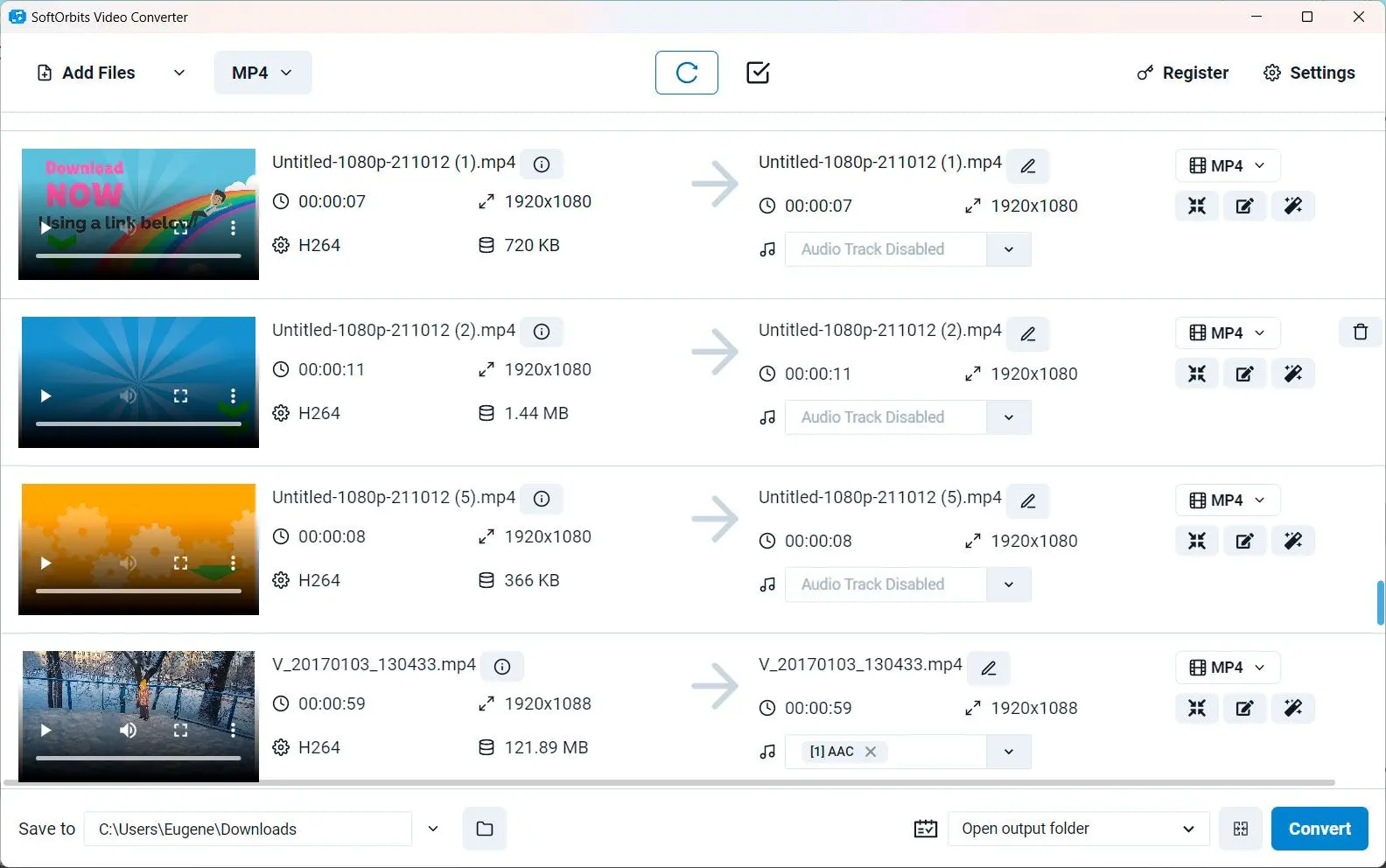
Profiles spell out resolution and bitrate so you are not guessing codec math.
Kitchen-sink formats
Handbrake veterans still like a simpler UI for relatives.
How to use it
Add media files
Drop in videos or audio you need in another codec or container for editing or upload.
Pick output preset
Choose format, resolution, bitrate, and optional trim—queue multiple jobs if needed.
Convert and verify
Start conversion, then open outputs in your usual player or editor before deleting sources.
Benefits

One queue, many formats
Feed the converter clips and audio in mixed codecs; pick presets for editors, phones, and upload limits.
Trim and tweak basics
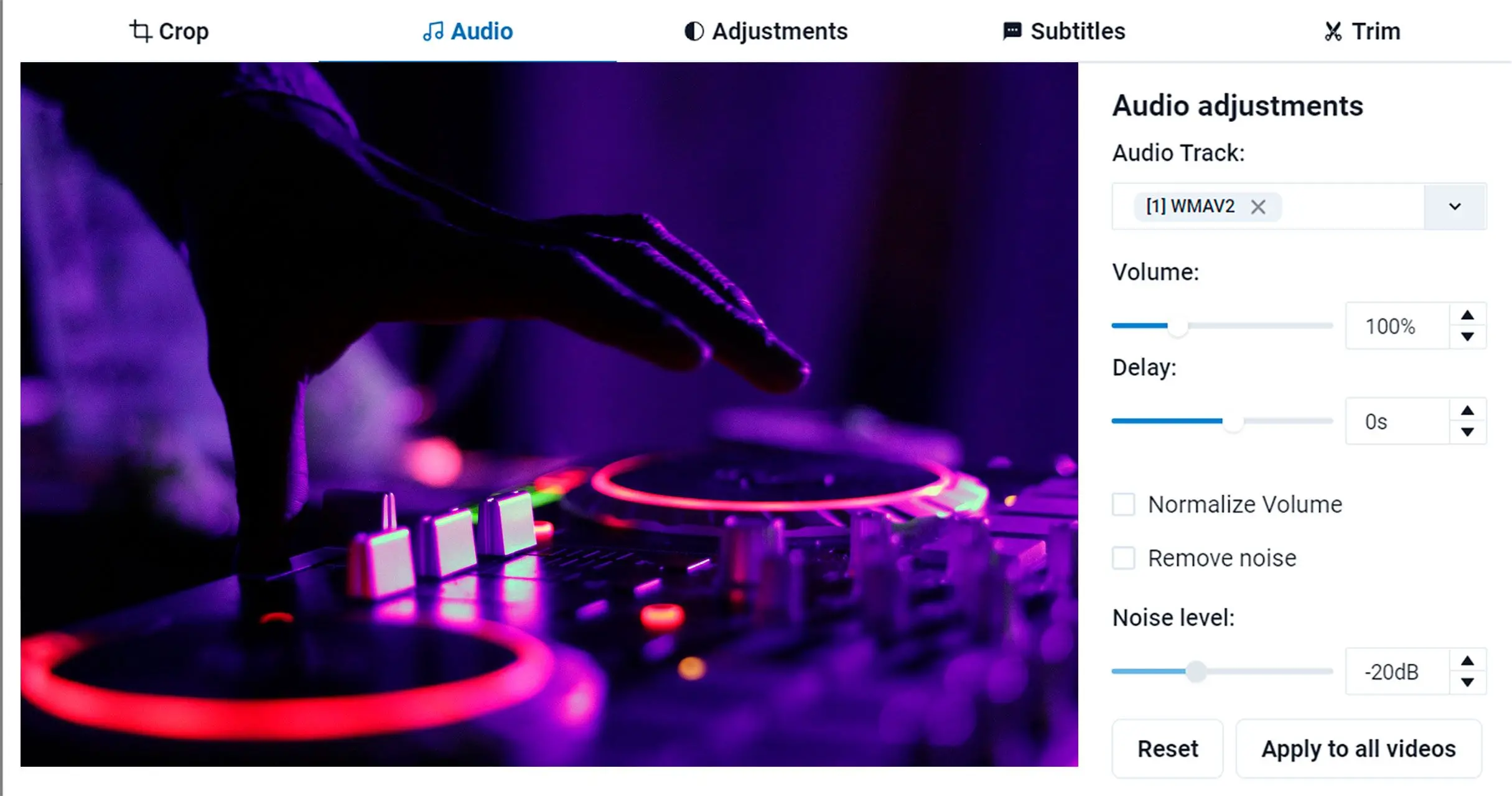
Handle simple cuts and audio tweaks where the tool supports them so you stay in one app.

Verify before you delete sources
Open outputs in your usual player to confirm sync and quality, then archive masters.
Why people use it
Batch queue
Add everything before bed, wake up to finished files.
Presets
Pick device names instead of acronyms.
Local processing
No upload quota surprises.
FAQ
System Requirements
- Windows 11/10/8.1/8/7 (32/64 bit)
- Intel i3, AMD Ryzen 5 or above
- 4 GB of RAM or above
- NVIDIA® GeForce® series 8 and 8M, Intel® HD Graphics 2000, Quadro FX 4800, Quadro FX 5600, AMD Radeon™ R600, Mobility Radeon™ HD 4330, Mobility FirePro™ series, Radeon™ R5 M230 or higher graphics card with up-to-date drivers
- 1280 × 768 screen resolution, 32-bit color
- 1 GB of free hard disk space or above
GRT requirements trial note