
VCF to CSV Exporter
Merge a Folder of vCards Into One CSV That Actually Imports Cleanly
Turn a folder of .vcf vCard files into one tidy CSV on your PC - ready to import into Google Contacts, Outlook, or Excel. Cyrillic and CJK names stay readable, nothing is uploaded. GRTSoft VCF to CSV Exporter, free trial.
Full seller details: Legal information.
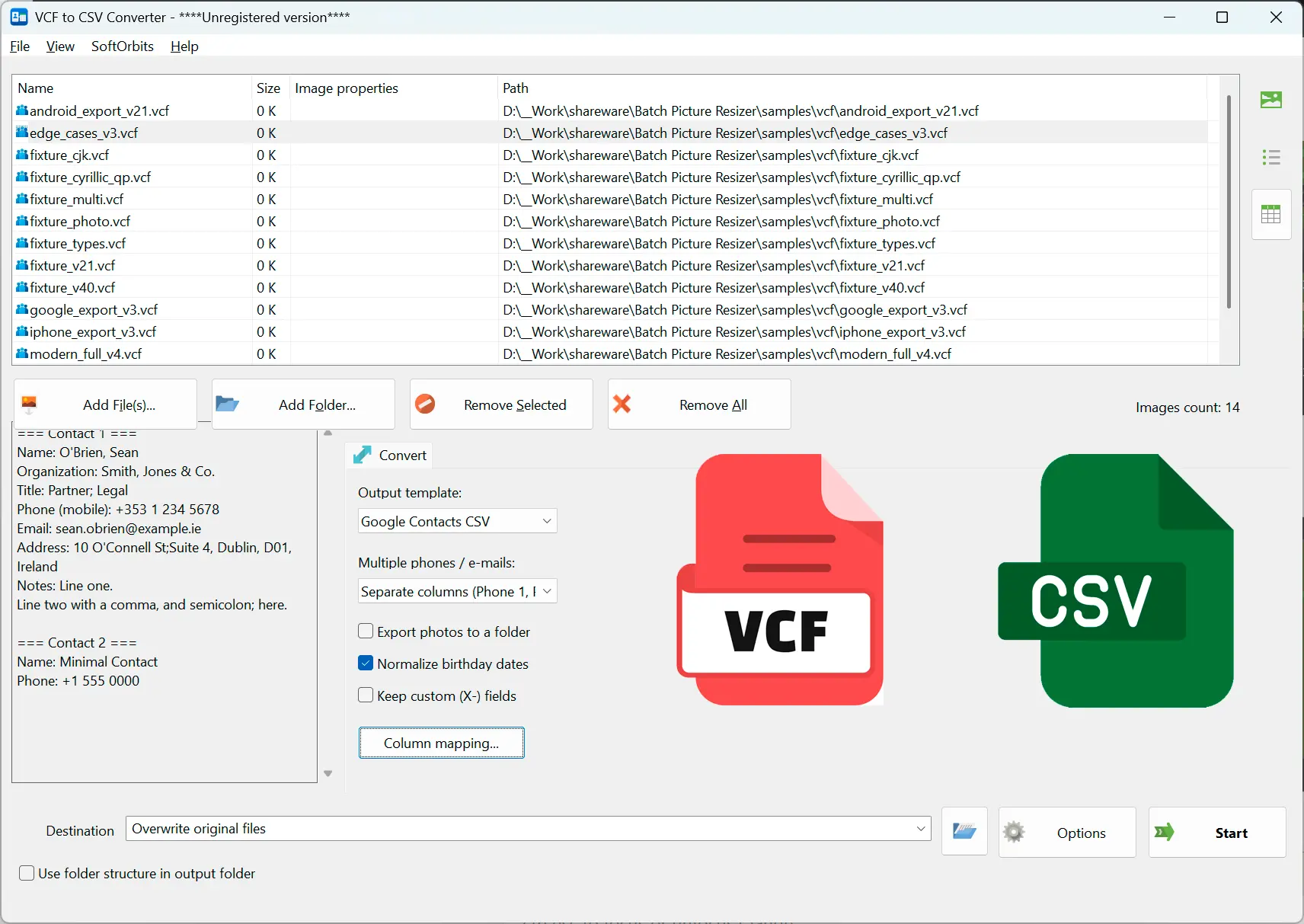
Point it at a folder of .vcf exports, pick a CSV template, and get a single import-ready file - no cloud, no retyping.
When phone and mail exports pile up as .vcf
You exported contacts from a phone, Outlook, or a backup and ended up with a pile of .vcf files. This runs the whole folder locally and hands you one CSV you can open in Excel or import anywhere - with accented and non-Latin names intact.
How to use it
Add your .vcf files or a folder
Drop in single vCards or a whole folder, including multi-card files that hold many contacts each. vCard 2.1, 3.0, and 4.0 are all read.
Pick a template and map columns
Choose a Google Contacts, Outlook, Yahoo, or plain CSV layout, then include, rename, or reorder columns and set how multi-value phones and emails are written.
Run the batch and import
Export one UTF-8 CSV with a BOM so Excel opens it correctly by double-click, then import it straight into your contacts app or spreadsheet.
Benefits

Many vCards into one CSV
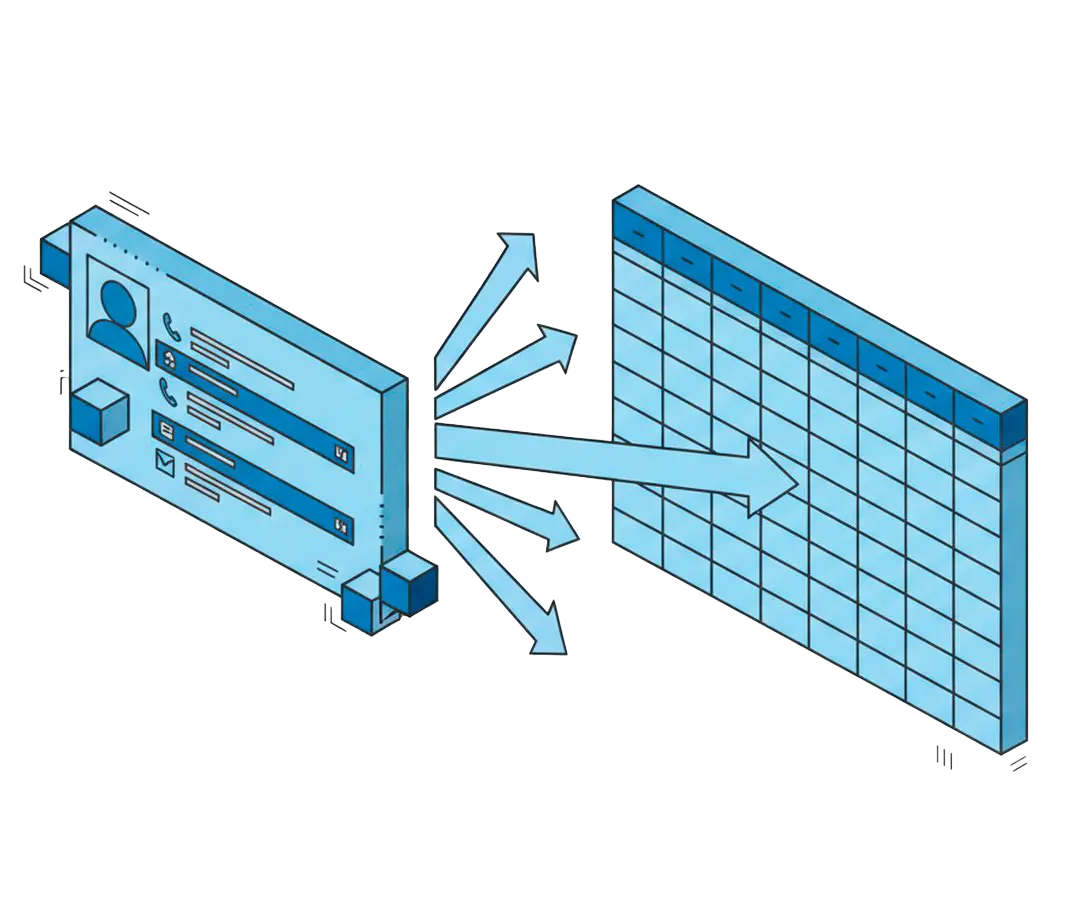
Scan a folder recursively and merge every contact - including several cards inside one file - into a single spreadsheet.
Encodings that do not garble names
QUOTED-PRINTABLE and per-property charset decoding keep Cyrillic, accented, and CJK names readable instead of turning them into question marks.

Runs entirely on your PC
Contacts are personal data, so nothing is uploaded - the whole conversion happens offline on your machine.
Why people use it
Templates that map fields correctly
Google, Outlook, and Yahoo layouts map phones and emails the right way - numbered Phone 1 columns or named Mobile Phone fields - and keep TYPE labels like Home and Work.
Visual column control
Tick columns to include or drop, drag to reorder, rename headers, and save the layout as a profile you can reuse on the next batch.
Preview and dedupe before export
A preview grid lets you check parsed contacts and merge duplicates first, and X- or unknown fields are kept as extra columns instead of being dropped.
FAQ
System Requirements
VCF to CSV Exporter
Languages
1.0
5 Mb
August 6, 2026
- Windows 11/10/8.1/8/7 (32/64 bit)
- Intel i3, AMD Ryzen 5 or above
- 4 GB of RAM or above
- NVIDIA® GeForce® series 8 and 8M, Intel® HD Graphics 2000, Quadro FX 4800, Quadro FX 5600, AMD Radeon™ R600, Mobility Radeon™ HD 4330, Mobility FirePro™ series, Radeon™ R5 M230 or higher graphics card with up-to-date drivers
- 1280 × 768 screen resolution, 32-bit color
- 1 GB of free hard disk space or above
GRT requirements trial note