
Easy Screen Recorder
Send a 90-Second MP4 Instead of Scheduling Another “Quick” Screen Share
Another long call to show three clicks? Record region or full screen with mic, pause/resume, export MP4. Screen Recorder for Windows—try the trial for support & training clips.
Full seller details: Legal information.
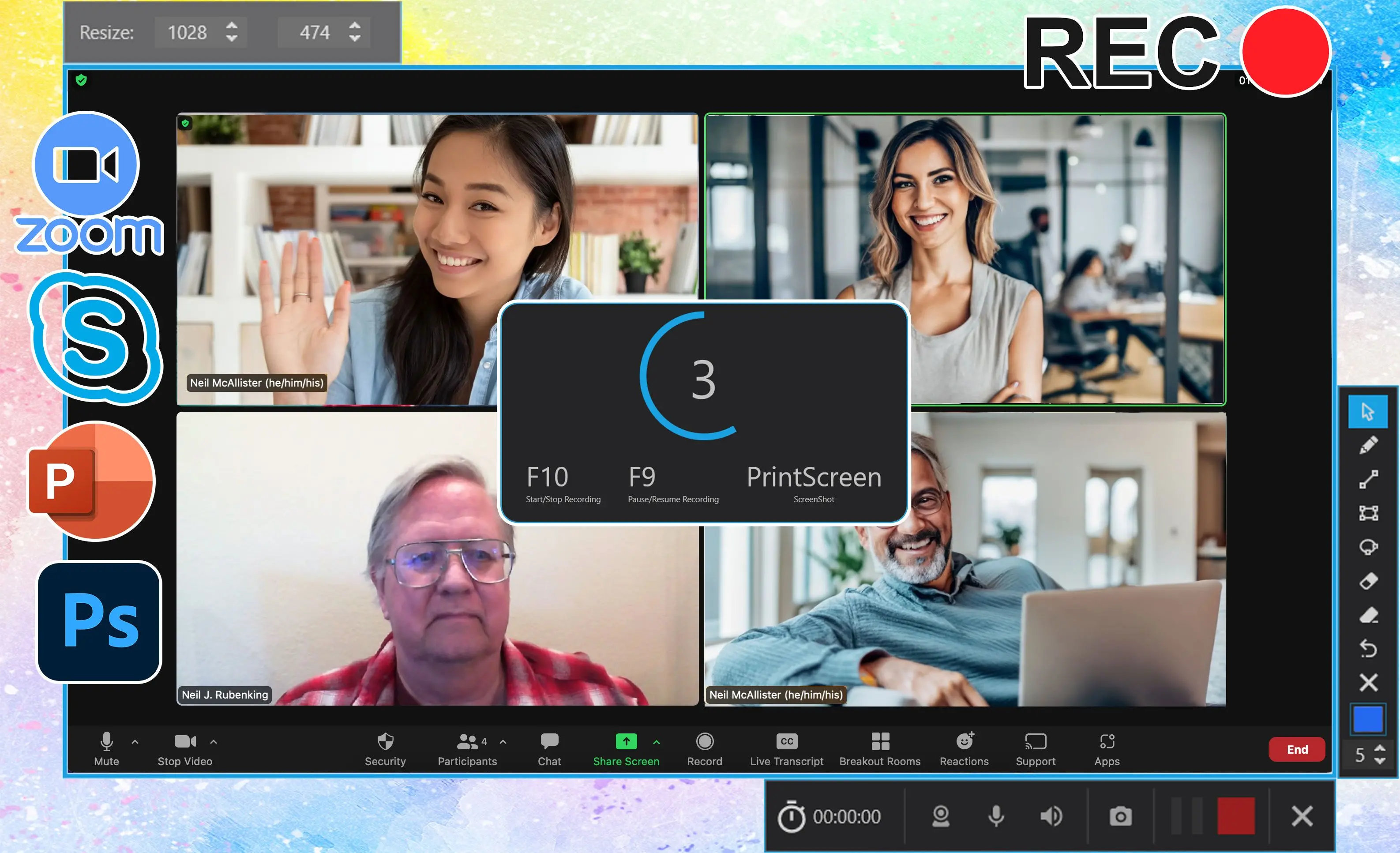
Outline the capture box, hit record, narrate, export MP4.
Teachers and IT desks
Short reproducible steps beat another Zoom call.
How to use it
Choose area and audio
Pick full screen or a window and select microphone or system audio as the workflow needs.
Record your session
Start capture, pause if supported, and stop when the demo or meeting segment is done.
Preview and export
Review the timeline, trim if the tool allows, then save MP4 or the offered format.
Benefits

Record demos and calls
Capture full screen or a window with the mic and system audio mix your tutorial needs.
Pause when life interrupts
Use pause/resume when supported so you do not restart a ten-minute walkthrough from zero.

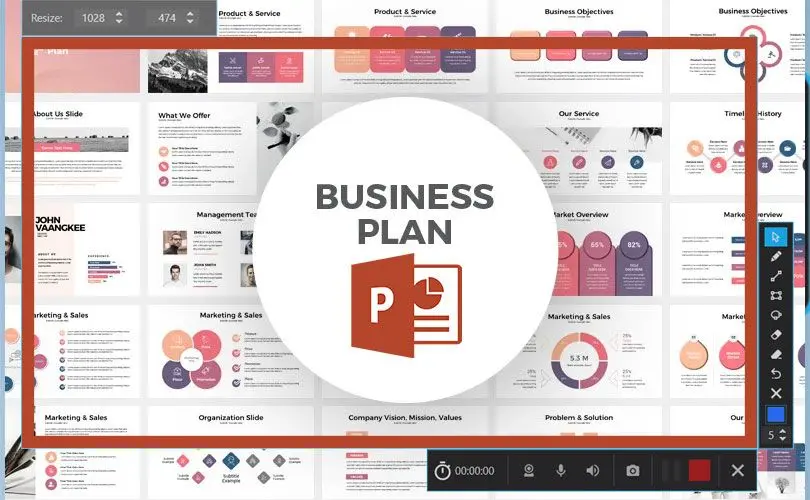
Share MP4 quickly
Export a format teammates can open without codec hunts.
Why people use it
Flexible frames
Whole screen or cropped UI.
Audio mix
Mic plus system sound when you explain clicks.
Pause/resume
Think while recording without ruining the timeline.
FAQ
System Requirements
Easy Screen Recorder
Languages
1.3
5.2 Mb
August 5, 2026
- Windows 11/10/8.1/8/7 (32/64 bit)
- Intel i3, AMD Ryzen 5 or above
- 4 GB of RAM or above
- NVIDIA® GeForce® series 8 and 8M, Intel® HD Graphics 2000, Quadro FX 4800, Quadro FX 5600, AMD Radeon™ R600, Mobility Radeon™ HD 4330, Mobility FirePro™ series, Radeon™ R5 M230 or higher graphics card with up-to-date drivers
- 1280 × 768 screen resolution, 32-bit color
- 1 GB of free hard disk space or above
GRT requirements trial note