
PST File Reader
Open That PST Without Outlook
Open Outlook PST and OST files on Windows with no Outlook installed. Folder tree, message list, filters by sender, subject and date. Your file is opened read-only. Free trial.
Full seller details: Legal information.
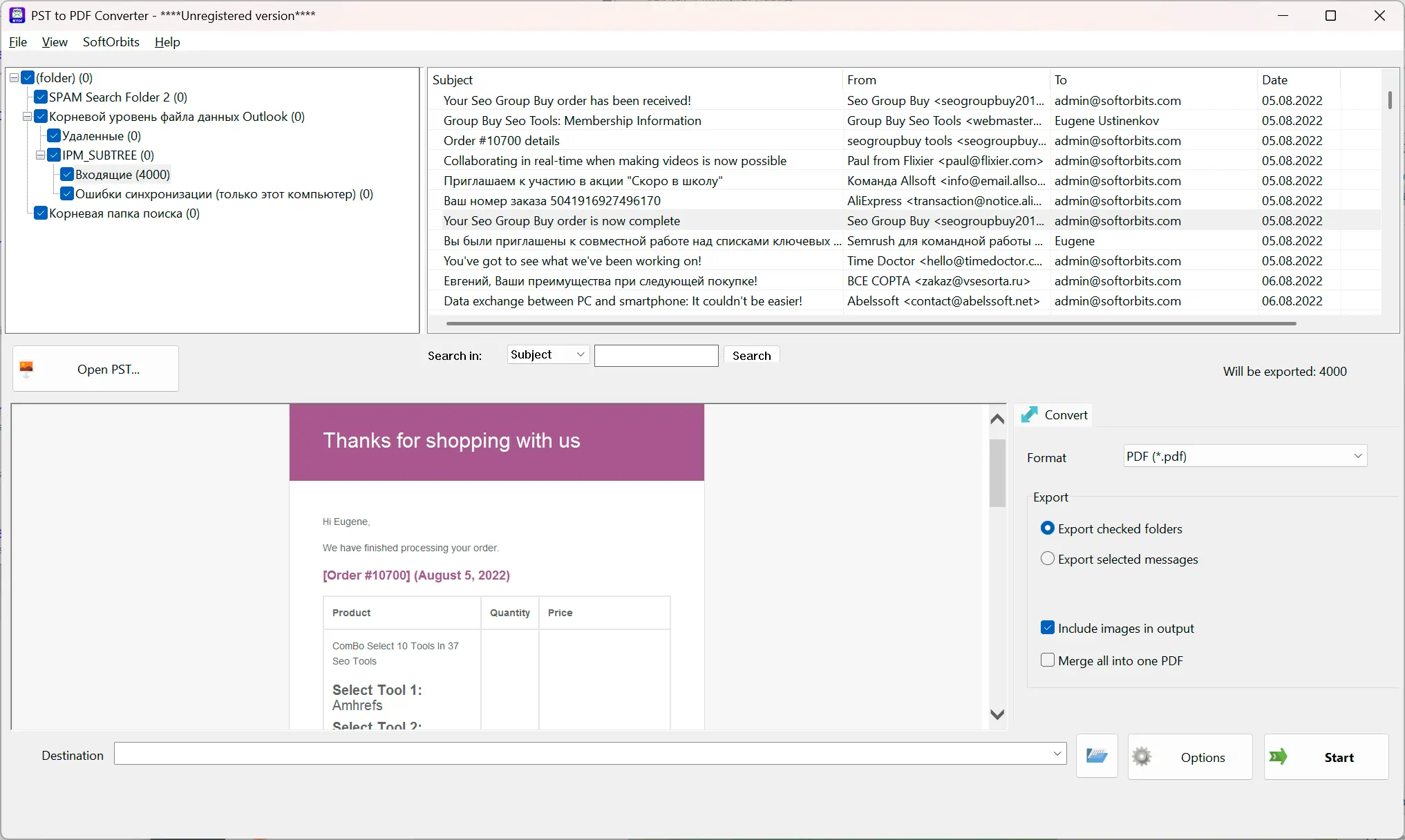
Point it at a .pst or .ost, get the folder tree, and read any message at full width. Nothing is converted, nothing is written back, and Outlook does not have to be on the machine.
A .pst is not a file Windows knows
The mailbox arrives from an old machine, a backup drive or a lawyer, and nothing on the PC will open it. The usual advice is to buy Outlook, add the file as a data store and dig around in it - a licence, a mail profile, and your own mailbox suddenly carrying somebody else's folders. Most of the time the question is far smaller than that: what is in this file, and is the message I need still in there. That is the question this answers, and it stops there.
How to use it
Open the file
Add a .pst or an .ost, including an orphaned .ost whose Exchange account is long gone. The file is opened for reading only, so a copy pulled off a backup drive stays exactly as it was found.
Find the message
The folder tree comes up with the message count of every folder. Filter by subject, sender, recipient, body text or a date range; a large folder keeps loading in the background while you already scroll what has arrived.
Save or print what you needed
The open message can be saved as EML, MSG, PDF or HTML, printed through the normal Windows print dialog, or have its attachments written out to a folder. One message at a time, the one you chose.
Benefits

No Outlook, no account, no profile
The file is read directly on Windows. There is no licence to buy, no mail profile to build and no Exchange server that has to be reachable - which is the whole point when the mailbox belongs to a machine that no longer exists.
Your file is opened read-only
The mailbox is never written to. Importing a PST into Outlook changes it and mixes it into your own mail; reading it here leaves the file exactly as it was, which is what matters when the copy is evidence or the only one left.


Filters that work on the whole folder
Subject, From, To, body text and a date range narrow a folder of forty thousand messages down to the handful you are after. You are shown how many matched, so you know whether the search is finished.
Why people use it
Orphaned OST files open too
An .ost left behind by a deleted Exchange or Microsoft 365 account is the case Outlook itself turns down. Here it is read like any other file, with the same tree, the same filters and the same per-message save.
A big mailbox does not freeze the window
Folders arrive in chunks as they are read, so the list starts filling immediately instead of showing an hourglass while ten gigabytes are parsed. The counts in the tree are the real numbers, not an estimate.
It stays on your machine
The file is opened on your own disk and nothing about it is uploaded. There is no account to create and no server on our side that ever sees a folder name, a subject line or an address.
FAQ
System Requirements
PST File Reader
Languages
3.2
25 Mb
August 4, 2026
- Windows 11/10/8.1/8/7 (32/64 bit)
- Intel i3, AMD Ryzen 5 or above
- 4 GB of RAM or above
- NVIDIA® GeForce® series 8 and 8M, Intel® HD Graphics 2000, Quadro FX 4800, Quadro FX 5600, AMD Radeon™ R600, Mobility Radeon™ HD 4330, Mobility FirePro™ series, Radeon™ R5 M230 or higher graphics card with up-to-date drivers
- 1280 × 768 screen resolution, 32-bit color
- 1 GB of free hard disk space or above
GRT requirements trial note