
PST Mail Recovery for Outlook
Get Your Mail Out of a Broken Outlook File
Repair damaged Outlook PST and OST files offline, without Outlook installed. Saves recovered mail as PST, MSG, EML, MBOX, PDF or HTML. Your original file is opened read-only. Free trial.
Full seller details: Legal information.
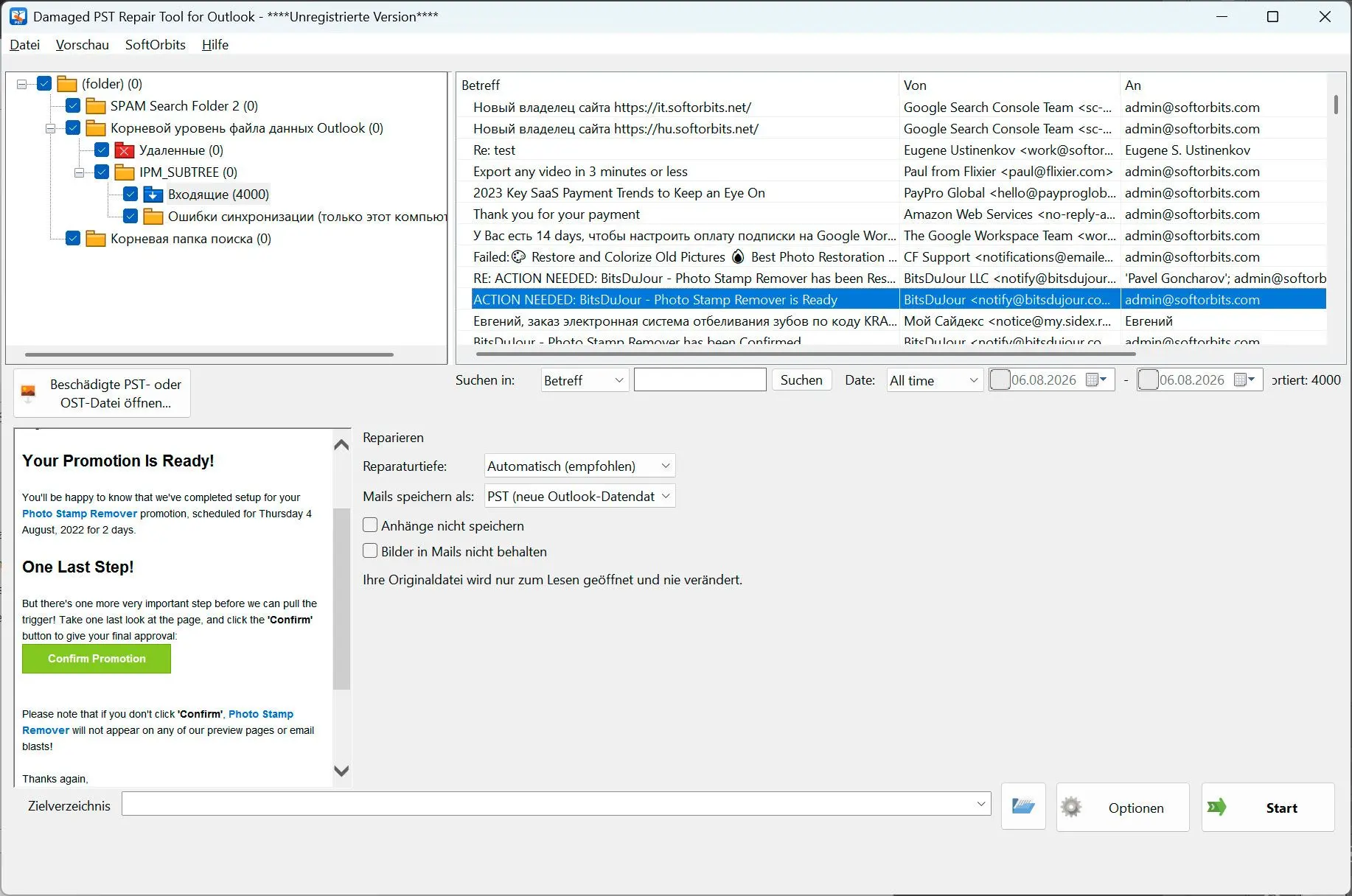
Point it at the .pst or .ost that will not open, see what is actually still in there, and save it as a fresh file. The damaged original is opened read-only and never written to.
The repair that does not risk the file
The free inbox repair tool that ships with Office fixes the file in place. Run it twice and the backup it made the first time is overwritten by the damaged copy - at that point there is nothing to go back to. This works the other way round: your file is opened for reading only, the rebuilding happens on a copy, and what comes out is a new file next to the old one.
How to use it
Open the damaged file
Add the .pst or .ost, with or without Outlook installed on the machine. A simple read is tried first, and if the file opens that way you are told so plainly instead of being walked through a long scan you did not need.
Look before you save
The folder tree that appears is the result of the repair, not a promise about it. Open folders, read messages, check dates and attachments, and tick only what you want to keep.
Write a clean file
Save as a new PST for Outlook, or as MSG, EML, MBOX, PDF or HTML when the mail has to be read without it. Free space is checked before the run starts, and the output is only given its final name once it is complete.
Benefits
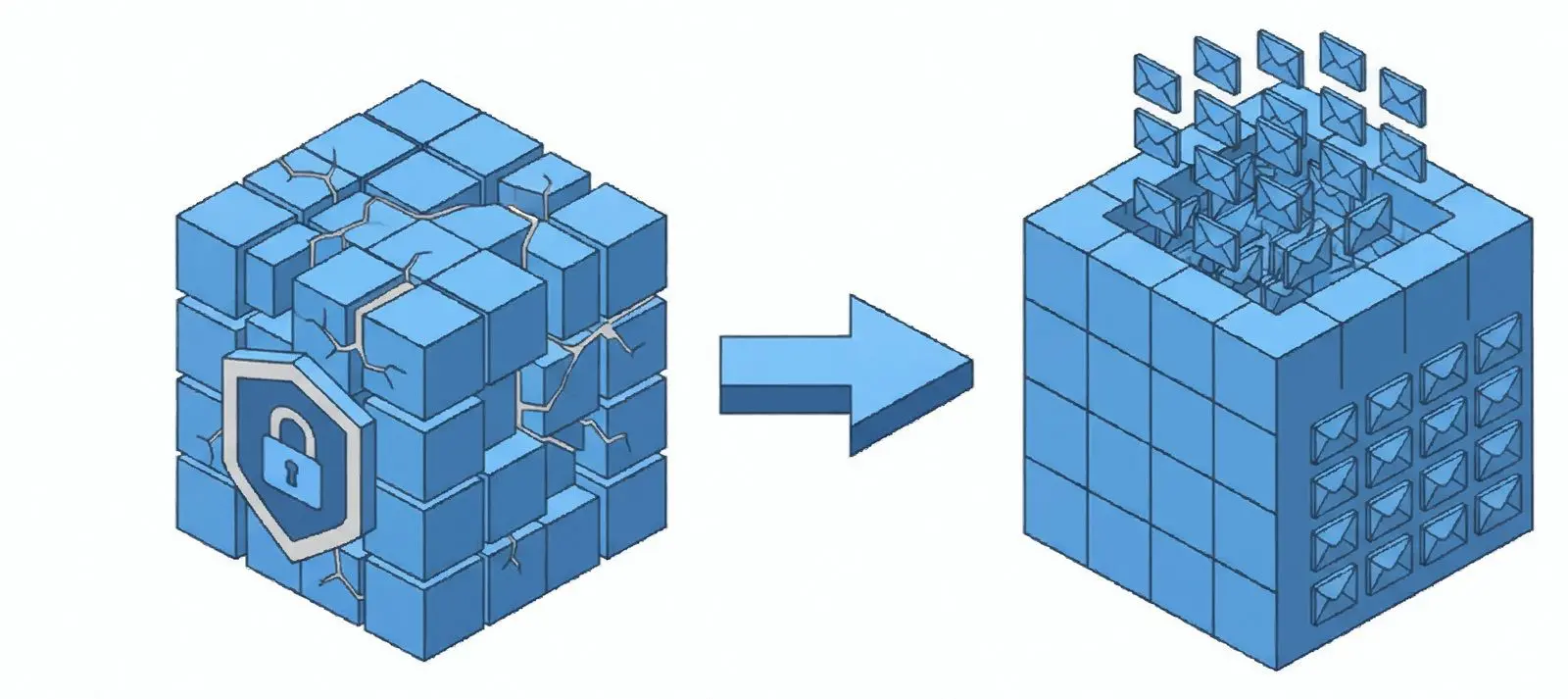
Your original is opened read-only
The damaged file is never written to, so a failed repair costs you nothing and you can still try something else afterwards. Everything the program rebuilds happens on a working copy it made itself.
Deleted mail can come back
A deep scan walks the whole file and finds messages that were emptied out of Deleted Items and are invisible to a normal read. Be aware of the honest limit: Outlook reuses the space that held the text first, so a recovered message often comes back with headers and no body.

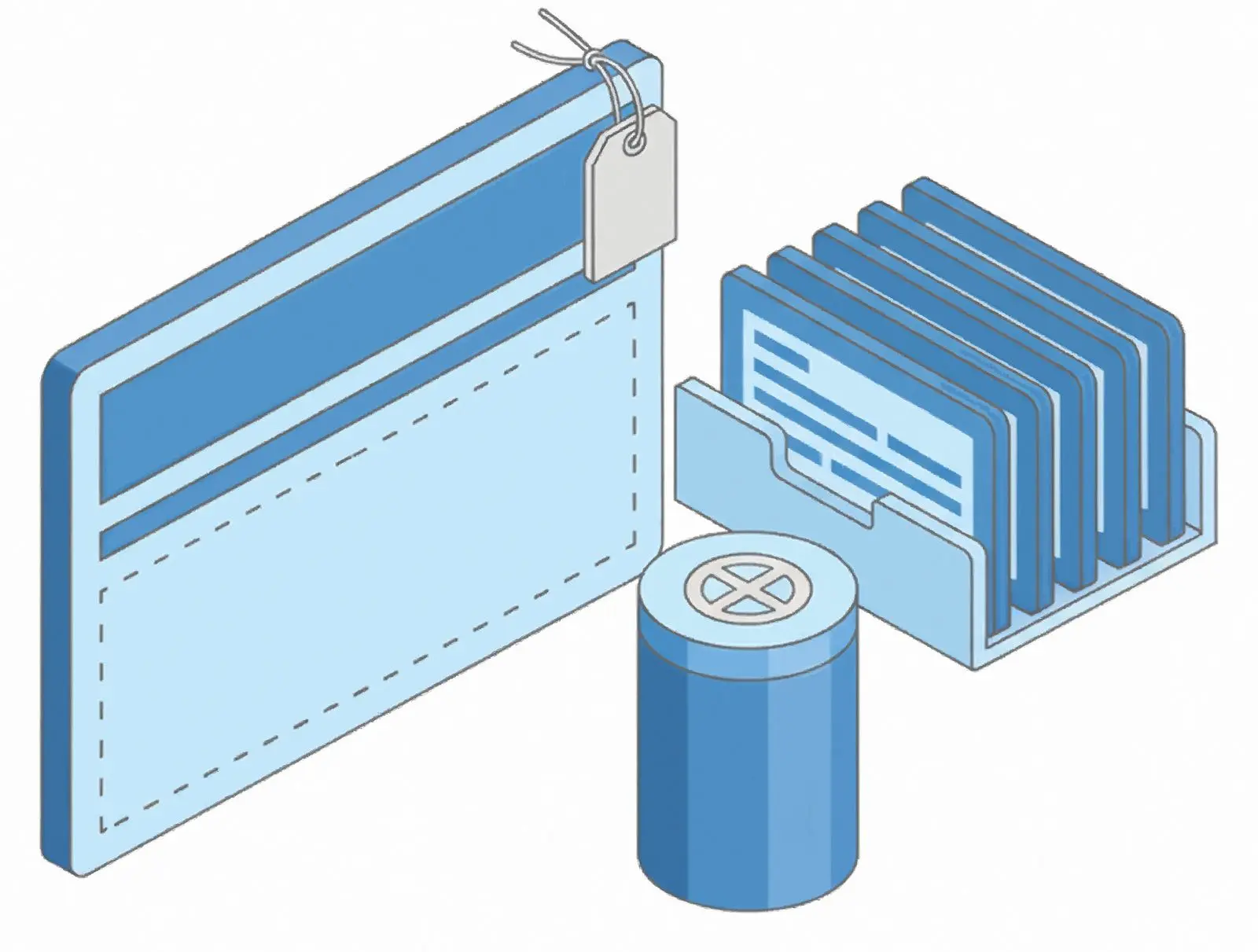
Partial messages are labelled
When a body or an attachment could not be recovered in full, the message is still saved and marked, with a note inside saying what is missing. Nothing is silently dropped and nothing incomplete is passed off as whole.
Why people use it
Three levels, in order
A plain open, then a header rebuilt on a copy, then a full signature scan of the file. Each step runs only if the cheaper one failed or if damage is visible, because the slow scan can take hours and is rarely what a file needs.
Six ways out
PST when the mail goes back into Outlook, MSG and EML for individual messages, MBOX for Thunderbird and Apple Mail, PDF and HTML for reading and archiving. Attachments and inline images can be left out.
A report you can send on
The summary says how the file was repaired, what was found, what was written and what could not be recovered. It carries no file names, subjects or addresses, so it can go to support as it is.
FAQ
System Requirements
PST Mail Recovery for Outlook
Languages
1.0
29.2 Mb
August 5, 2026
- Windows 11/10/8.1/8/7 (32/64 bit)
- Intel i3, AMD Ryzen 5 or above
- 4 GB of RAM or above
- NVIDIA® GeForce® series 8 and 8M, Intel® HD Graphics 2000, Quadro FX 4800, Quadro FX 5600, AMD Radeon™ R600, Mobility Radeon™ HD 4330, Mobility FirePro™ series, Radeon™ R5 M230 or higher graphics card with up-to-date drivers
- 1280 × 768 screen resolution, 32-bit color
- 1 GB of free hard disk space or above
GRT requirements trial note