
PowerPoint Password Finder
Get Back Into Your Own PowerPoint When You Forgot the Password
Forgot the open password to your own .pptx presentation? Recover it with dictionary and rule-based search on your PC, in batch. GPU accelerated, fully offline, free trial from GRTSoft.
Full seller details: Legal information.
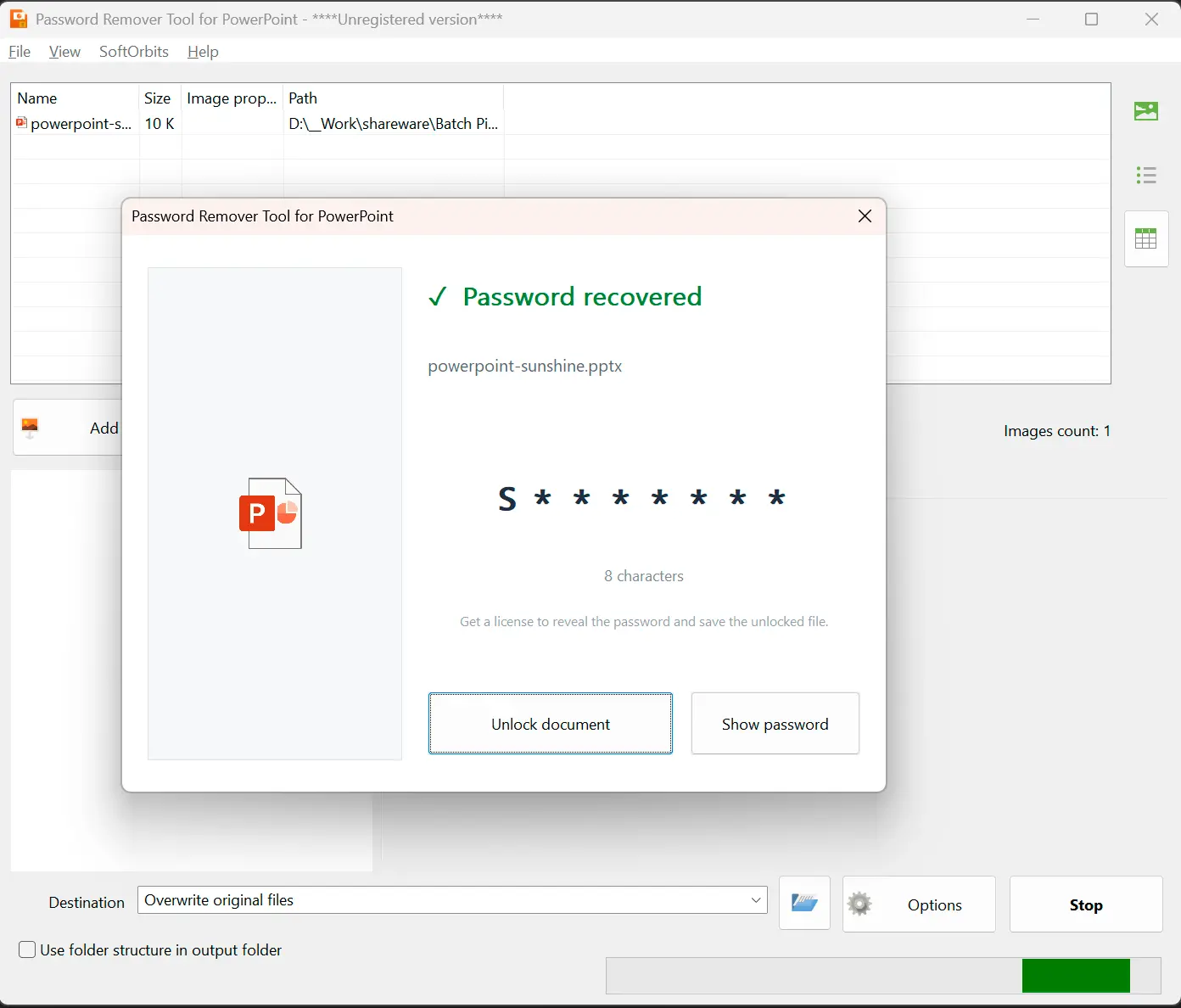
Load the .pptx you locked and can no longer open, let a dictionary and rule-based search run on your own machine, and get the password that opens your slides back.
The presentation is yours, the password is gone
You set an open password on a slide deck a while ago and now PowerPoint refuses to let you in because you do not remember it. Online services offer to help, but only if you upload your private file to a server you do not control. This runs on your own Windows PC, never sends the presentation anywhere, and works through likely passwords with a dictionary and smart rules.
How to use it
Add your presentations
Drop in a single .pptx or a whole folder of them. The tool reads each file, confirms it is protected with an open password, and pulls out what it needs to test candidates - your slides stay untouched.
Start the search
A dictionary of common and human passwords runs with rule-based variations - capitalization, digits and symbols on the end, the small changes people actually make. A progress bar shows how the run is going.
Get the password
When a candidate opens the file, the password is shown so you can unlock the presentation yourself and save an open copy wherever you want it.
Benefits

Recovers forgotten open passwords
For a .pptx locked with an open password it searches human and dictionary passwords with rules and shows the one that opens your presentation, all on your own PC.
Honest about newer Office
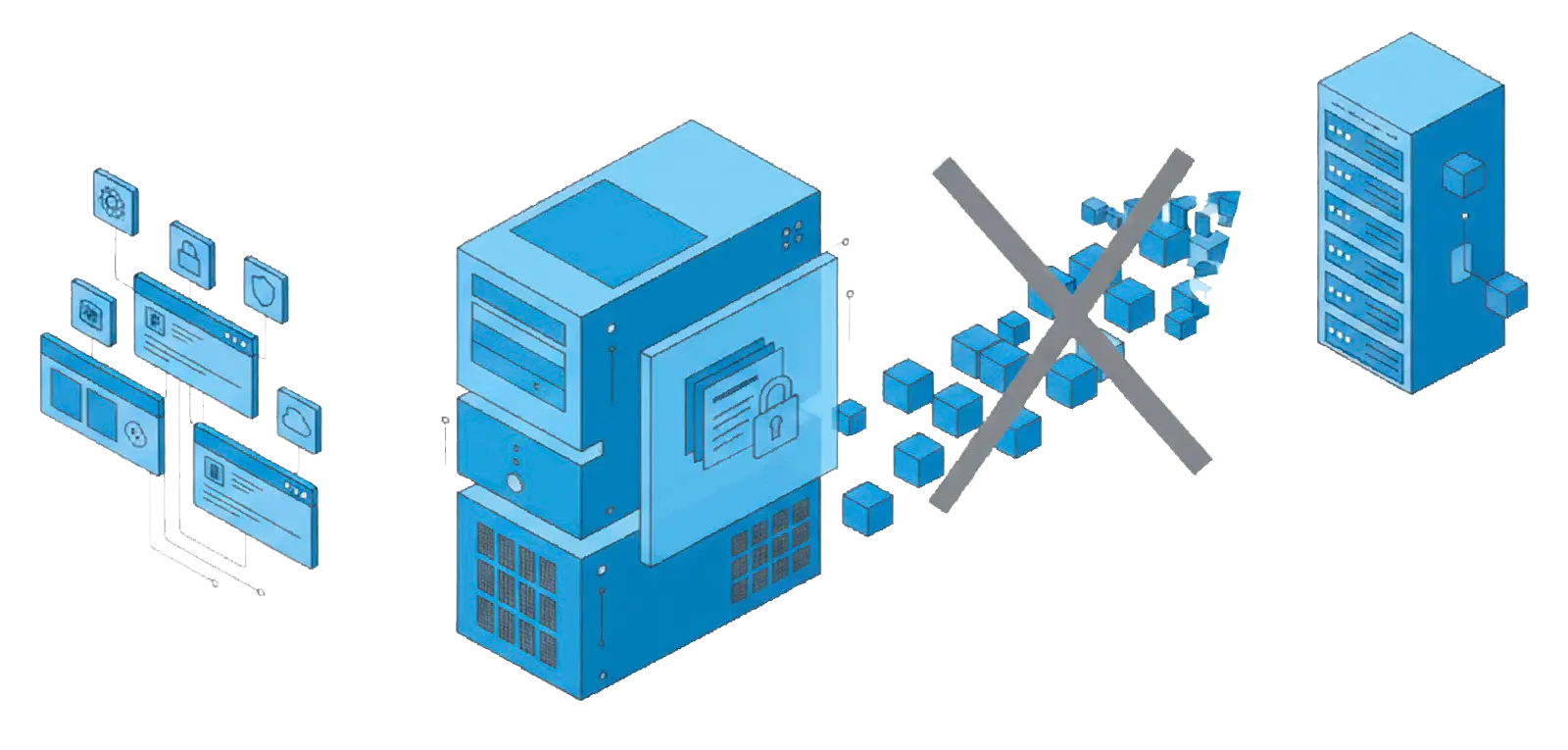
PowerPoint encryption from Office 2013 on is deliberately slow to test, so human and dictionary passwords are realistic while a long random one is not something we promise.
A whole folder in one run
Load many .pptx files at once and let the queue work through them unattended, with nothing uploaded and no account required.
Why people use it
Built for the password you might know
The search leans on a dictionary and rules rather than blind brute force, because a word, a name, a date or a short pattern is what people actually pick - and that is what gets found.
Everything stays offline
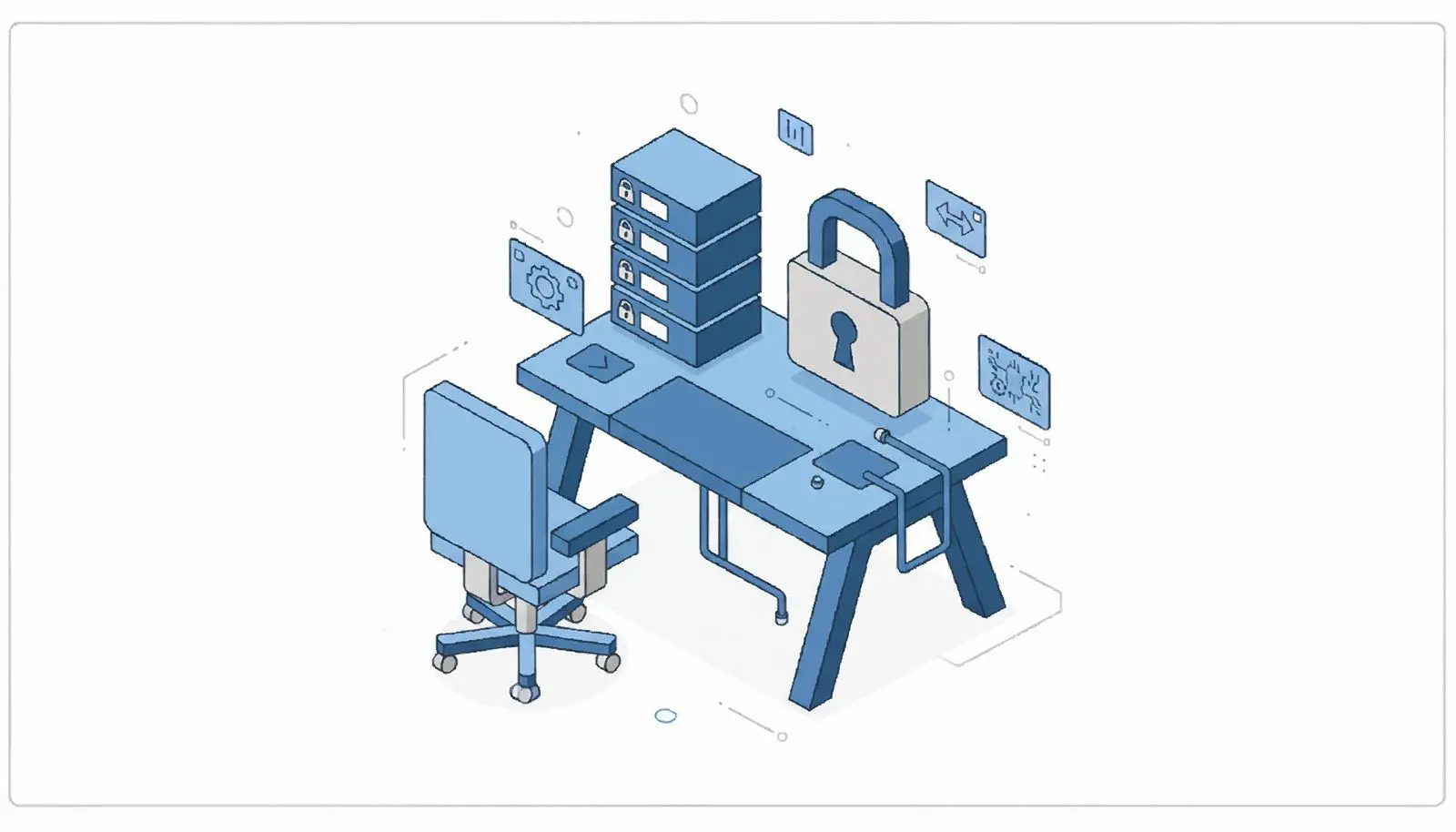
The presentation is opened and processed on your own Windows machine. Nothing is uploaded, no account is needed, and the file you are trying to open never leaves the computer.
Uses your GPU
The search runs on the graphics card to test many passwords a second, and falls back to CPU dictionary attempts without one, warning you up front how long it may take.
FAQ
System Requirements
PowerPoint Password Finder
Languages
1.0
60 Mb
August 23, 2026
- Windows 11/10/8.1/8/7 (32/64 bit)
- Intel i3, AMD Ryzen 5 or above
- 4 GB of RAM or above
- NVIDIA® GeForce® series 8 and 8M, Intel® HD Graphics 2000, Quadro FX 4800, Quadro FX 5600, AMD Radeon™ R600, Mobility Radeon™ HD 4330, Mobility FirePro™ series, Radeon™ R5 M230 or higher graphics card with up-to-date drivers
- 1280 × 768 screen resolution, 32-bit color
- 1 GB of free hard disk space or above
GRT requirements trial note