
Painting Effects
Wall Art That Reads Like Paint—Not a Sloppy Instagram Preset
Generic filters look cheap on a canvas print. Turn photos into painterly art with strength sliders—export large JPEG/TIFF. Painting Effects for Windows—trial before you order the frame.
Full seller details: Legal information.
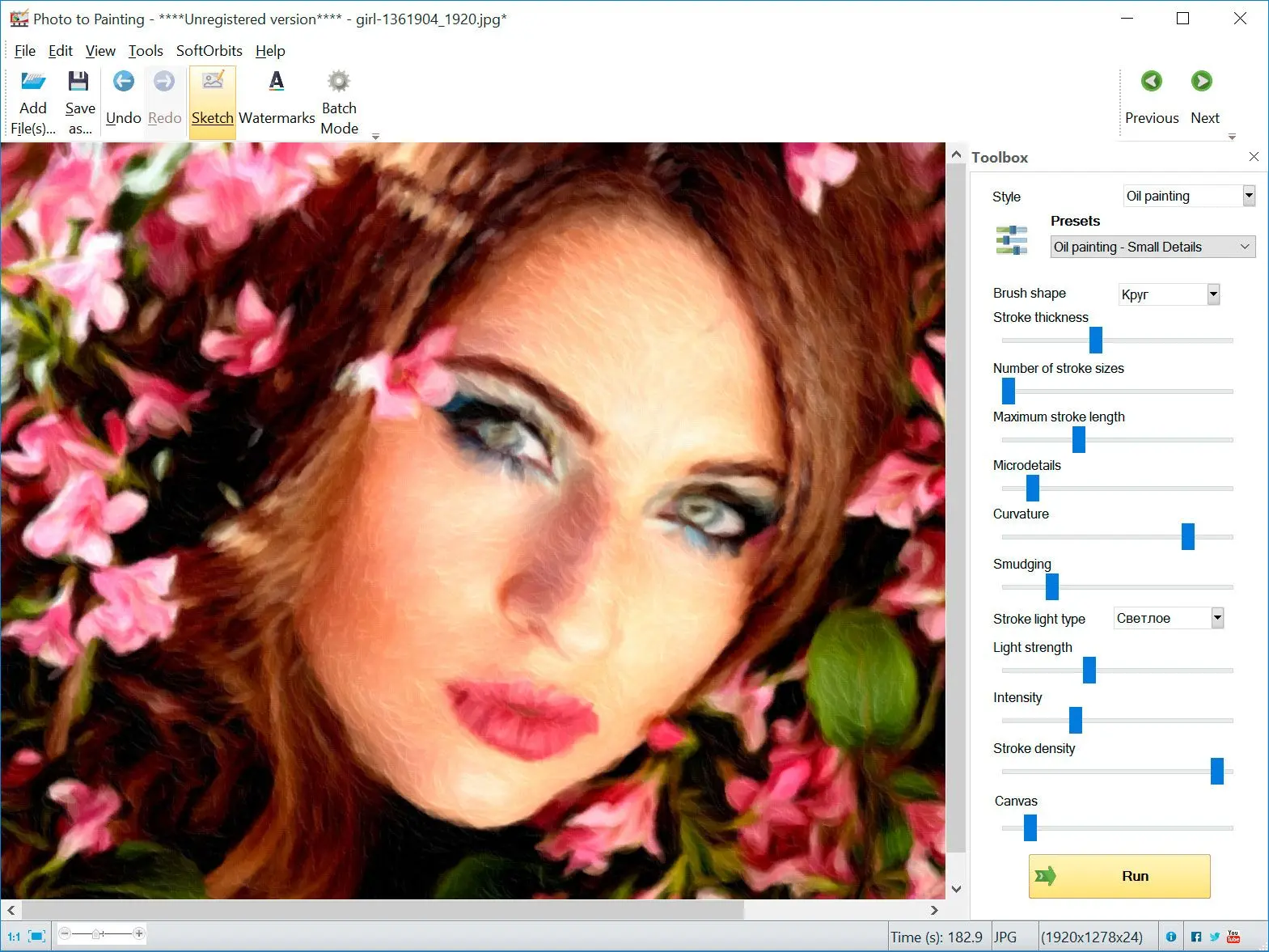
Open a landscape, pick a style, print on canvas if you like the preview.
Home decor
Turn phone shots into wall art that does not look like a filter slap.
How to use it
Open a photo
Load a landscape or still life you want to turn into an oil or watercolor-style piece.
Pick style and strength
Choose a painterly preset and dial intensity—zoom on faces if they are in frame.
Export for print or web
Save a large enough JPEG or TIFF for your frame or canvas vendor.
Benefits
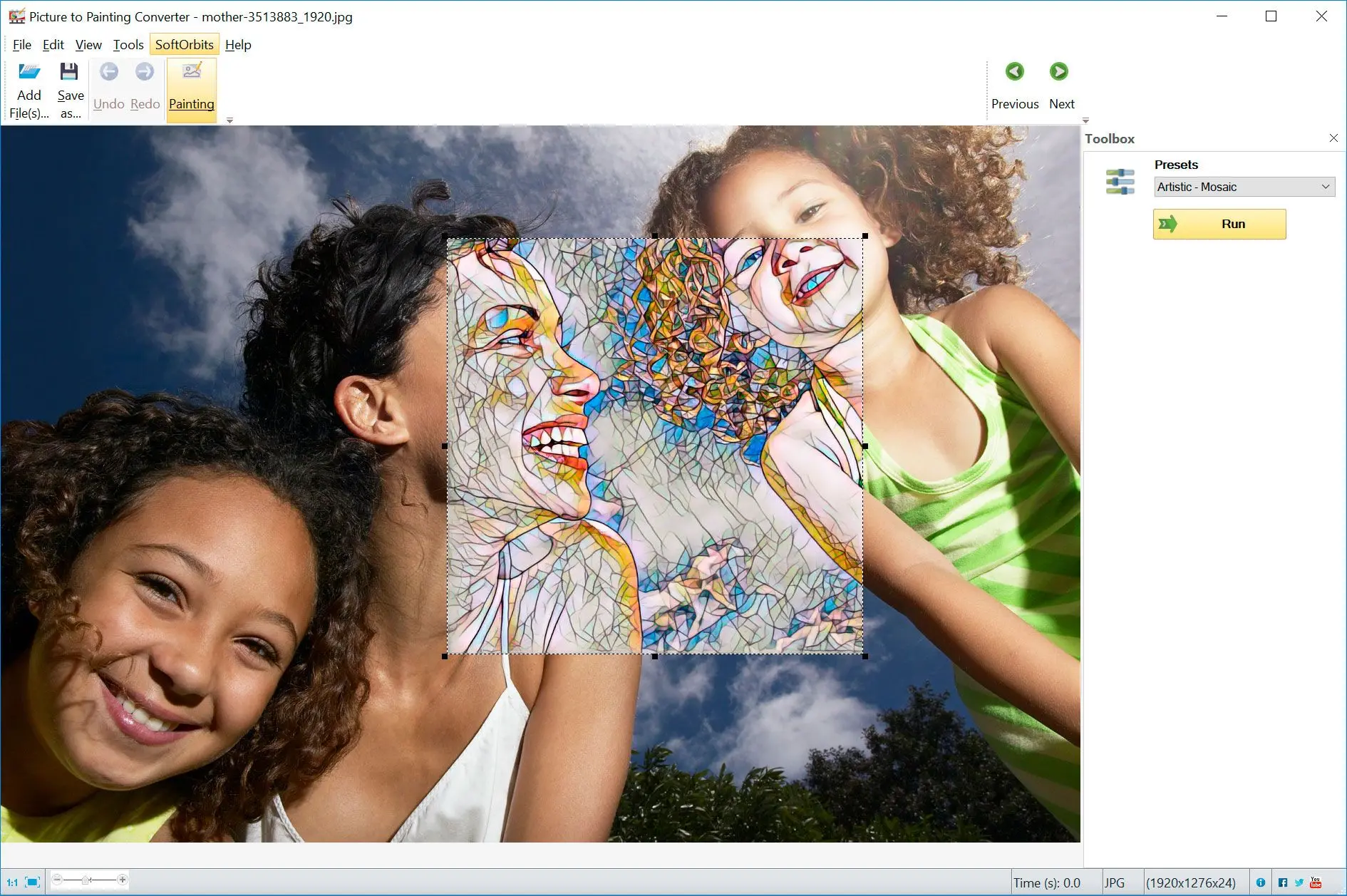
Gallery looks from phone shots
Turn landscapes and still lifes into painterly prints without mastering a full simulator.
Dial the drama
Blend oil or watercolor presets with strength sliders until faces and skies still feel believable.

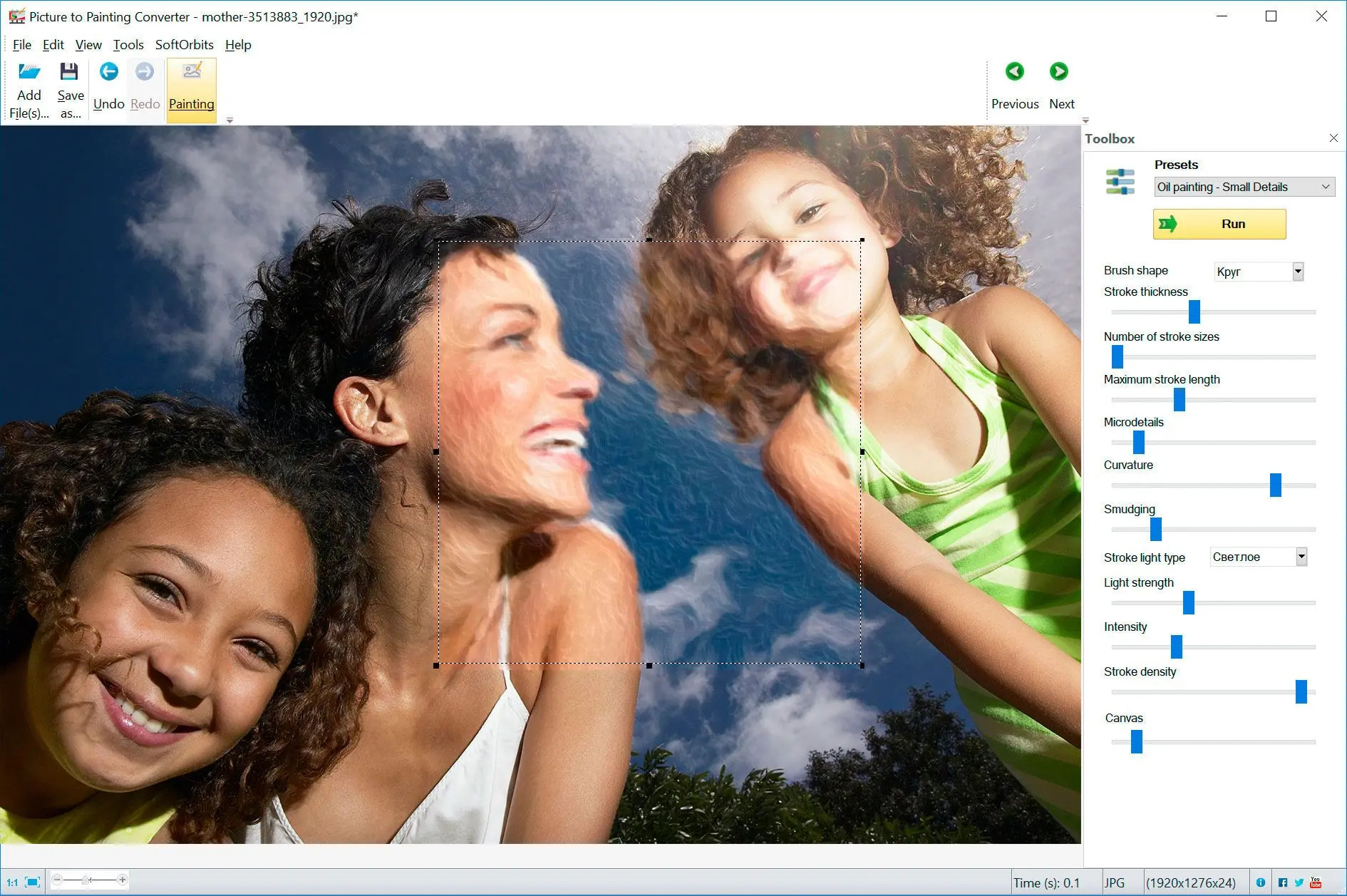
Print-ready exports
Save large JPEG or TIFF files sized for frames and canvas labs.
Why people use it
Print resolution
Export large enough for common canvas sizes.
Style variety
Oil, impasto, watercolor-inspired presets.
Undo friendly
Iterate styles before you spend on printing.
FAQ
System Requirements
Painting Effects
Languages
9.1
48.2 Mb
September 9, 2026
- Windows 11/10/8.1/8/7 (32/64 bit)
- Intel i3, AMD Ryzen 5 or above
- 4 GB of RAM or above
- NVIDIA® GeForce® series 8 and 8M, Intel® HD Graphics 2000, Quadro FX 4800, Quadro FX 5600, AMD Radeon™ R600, Mobility Radeon™ HD 4330, Mobility FirePro™ series, Radeon™ R5 M230 or higher graphics card with up-to-date drivers
- 1280 × 768 screen resolution, 32-bit color
- 1 GB of free hard disk space or above
GRT requirements trial note