Sketch Converter
From Phone Snap to “Drawn” Art—Without Learning a Full Paint App
Want hand-drawn wall art without tracing for hours? Turn JPG photos into pencil or ink sketches—presets + strength sliders, export PNG/TIFF. Sketch Converter—download the trial.
Full seller details: Legal information.
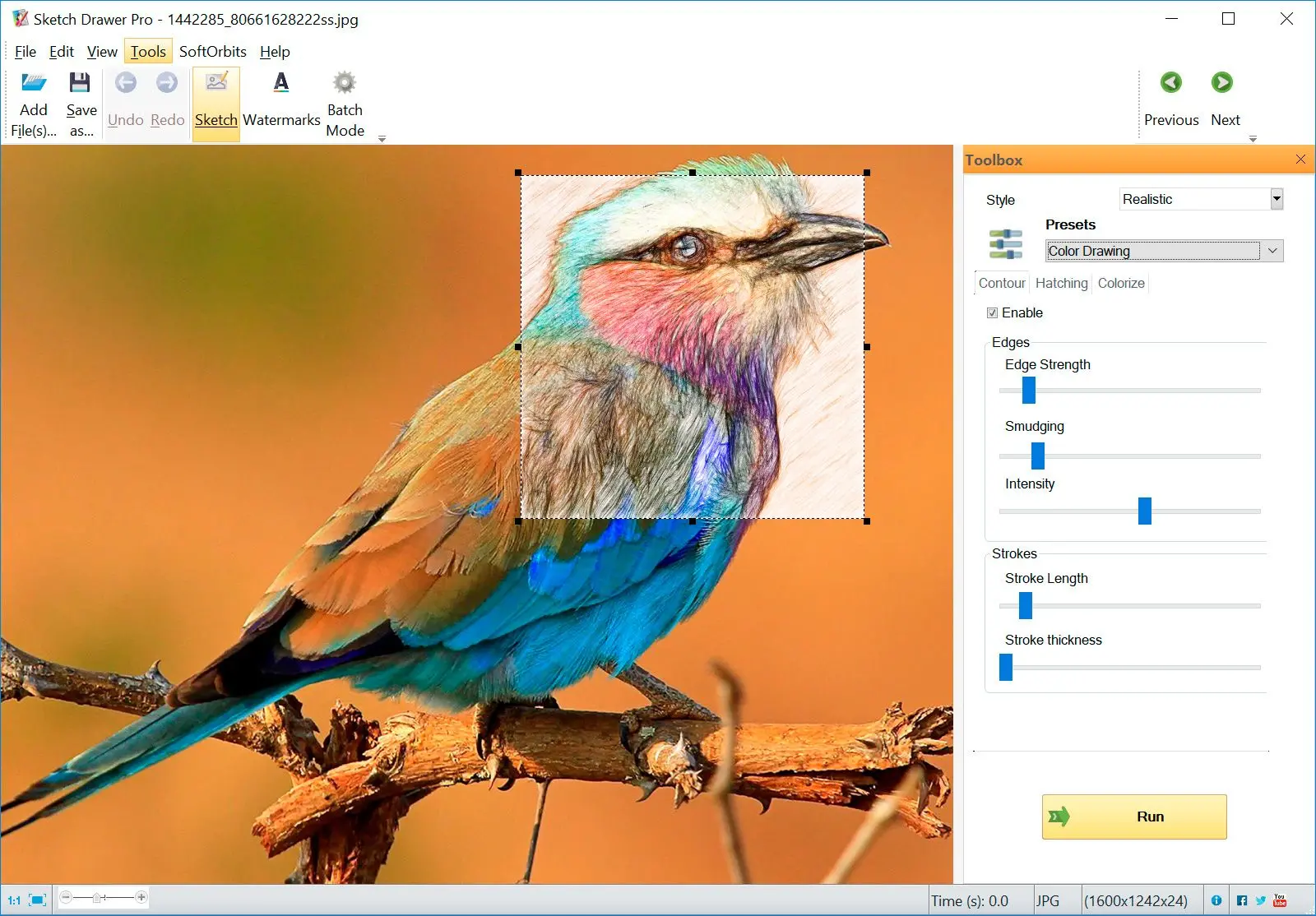
Drop a portrait or city shot in, pick a style, export PNG or TIFF.
Printable output
High enough resolution for home printers and small signage.
How to use it
Open a source image
Pick a photo or scan with clear edges and contrast so lines translate well to a sketch.
Choose a sketch style
Select line weight and style presets—preview before running at full resolution.
Save your artwork
Export PNG or other offered formats for sharing, tracing, or print.
Benefits
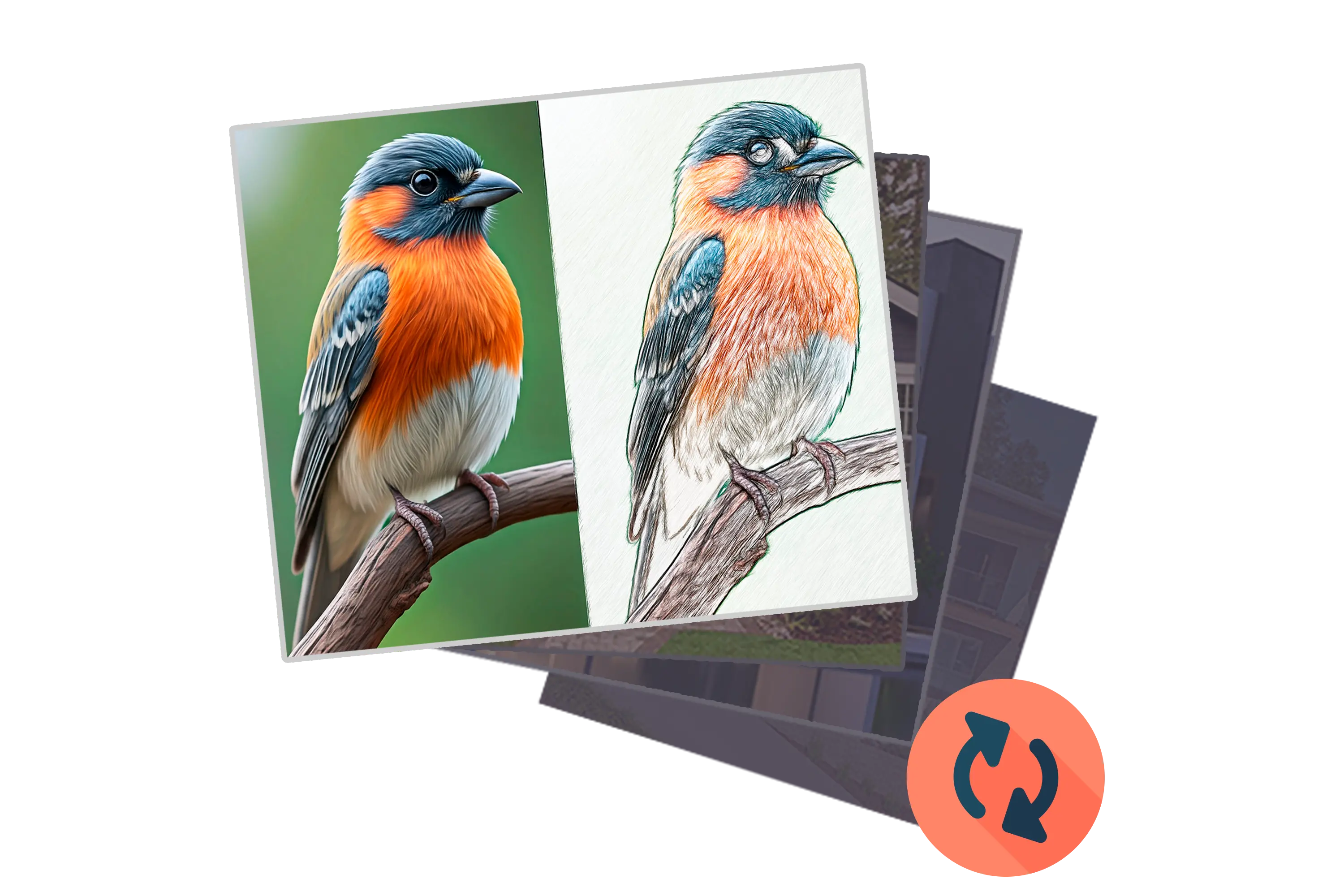
Turn photos into line art
Get poster and gift ideas from everyday shots without learning a full paint simulator.
Control line weight
Try presets and thickness settings until the sketch reads well at small sizes and large prints.

Export for sharing or tracing
Save bitmap output you can post online or hand off to vector tracing workflows.
Why people use it
Fast iteration
Swap styles until one matches the vibe.
Batch paths
Combine with folder workflows when an event needs dozens of souvenirs.
Offline
No cloud queue during school lab hours.
FAQ
System Requirements
Sketch Converter
Languages
13.0
53.9 Mb
August 6, 2026
- Windows 11/10/8.1/8/7 (32/64 bit)
- Intel i3, AMD Ryzen 5 or above
- 4 GB of RAM or above
- NVIDIA® GeForce® series 8 and 8M, Intel® HD Graphics 2000, Quadro FX 4800, Quadro FX 5600, AMD Radeon™ R600, Mobility Radeon™ HD 4330, Mobility FirePro™ series, Radeon™ R5 M230 or higher graphics card with up-to-date drivers
- 1280 × 768 screen resolution, 32-bit color
- 1 GB of free hard disk space or above
GRT requirements trial note