
Portrait Makeup Studio
Agree on a Look in Minutes—Before You Buy Product or Book the MUA
Buying the wrong lipstick or cosplay shade is expensive. Preview blush, lips & eye color on a portrait—adjust opacity, export looks for clients. Portrait Makeup Studio—trial available.
Full seller details: Legal information.
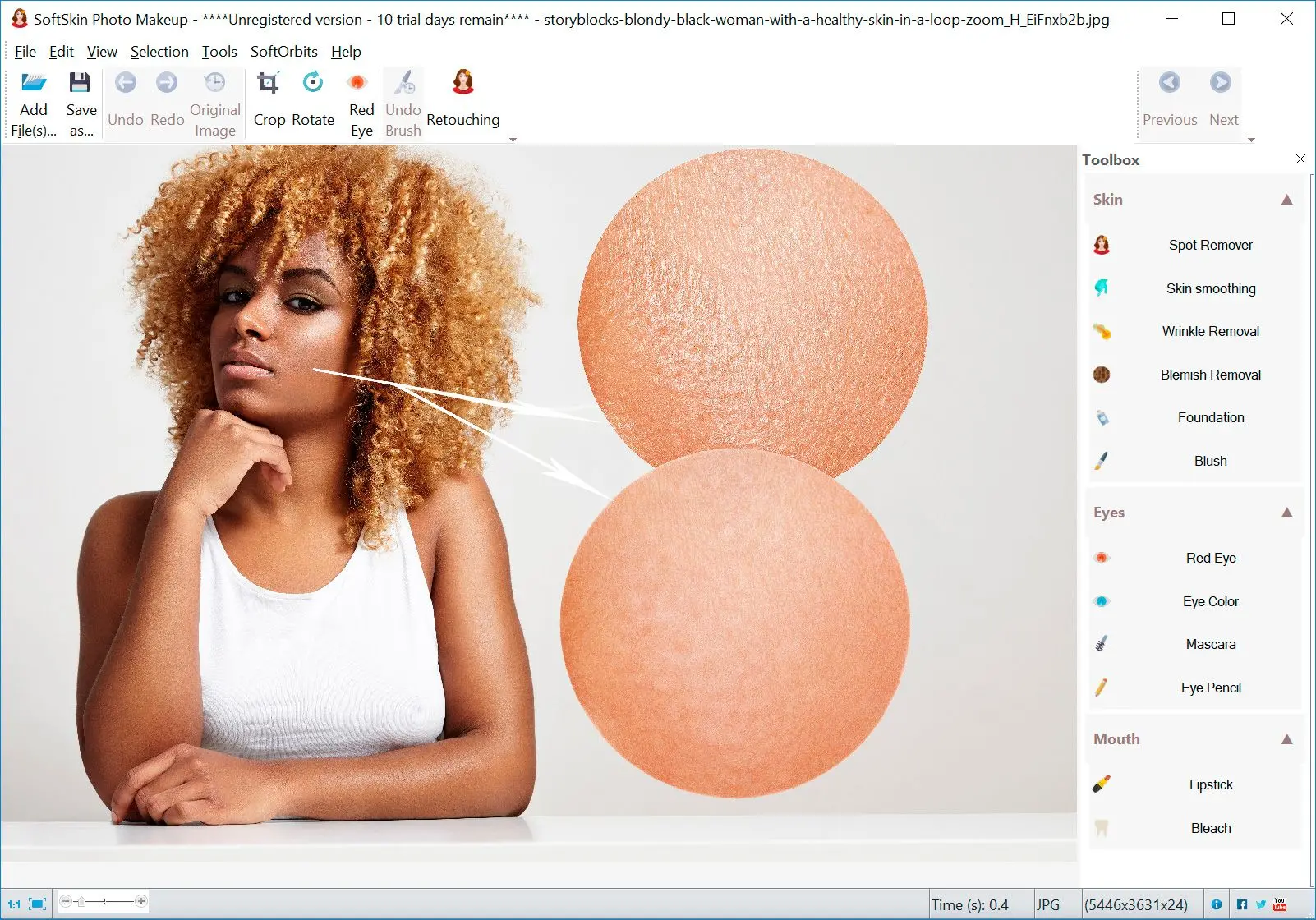
Mark facial zones, pick shades, dial opacity, export looks to share with clients.
For planners
MUA artists and stylists use it to agree on direction early.
How to use it
Load a face photo
Open a clear portrait so the app can map eyes, lips, and cheeks for makeup overlays.
Try colors and opacity
Pick lipstick, blush, or eye accents—dial opacity until the look matches your brief.
Share or export looks
Save preview images for clients or cosplay planning before real product or shoot day.
Benefits
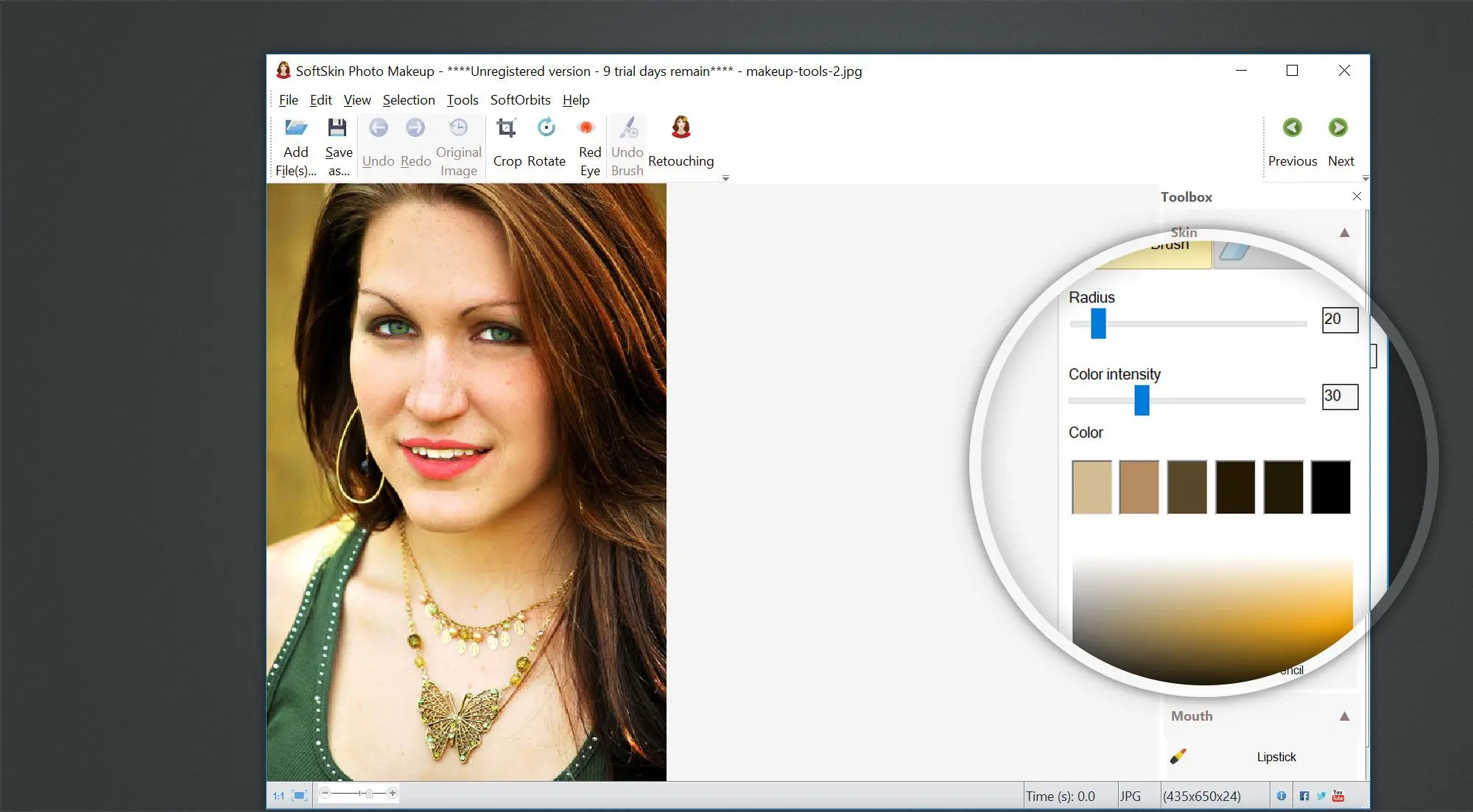
Preview makeup ideas
Test lipstick, blush, and eye accents on a still photo before you buy product or book a shoot.
Dial opacity and hue
Blend digital looks until the face still matches lighting from the original shot.
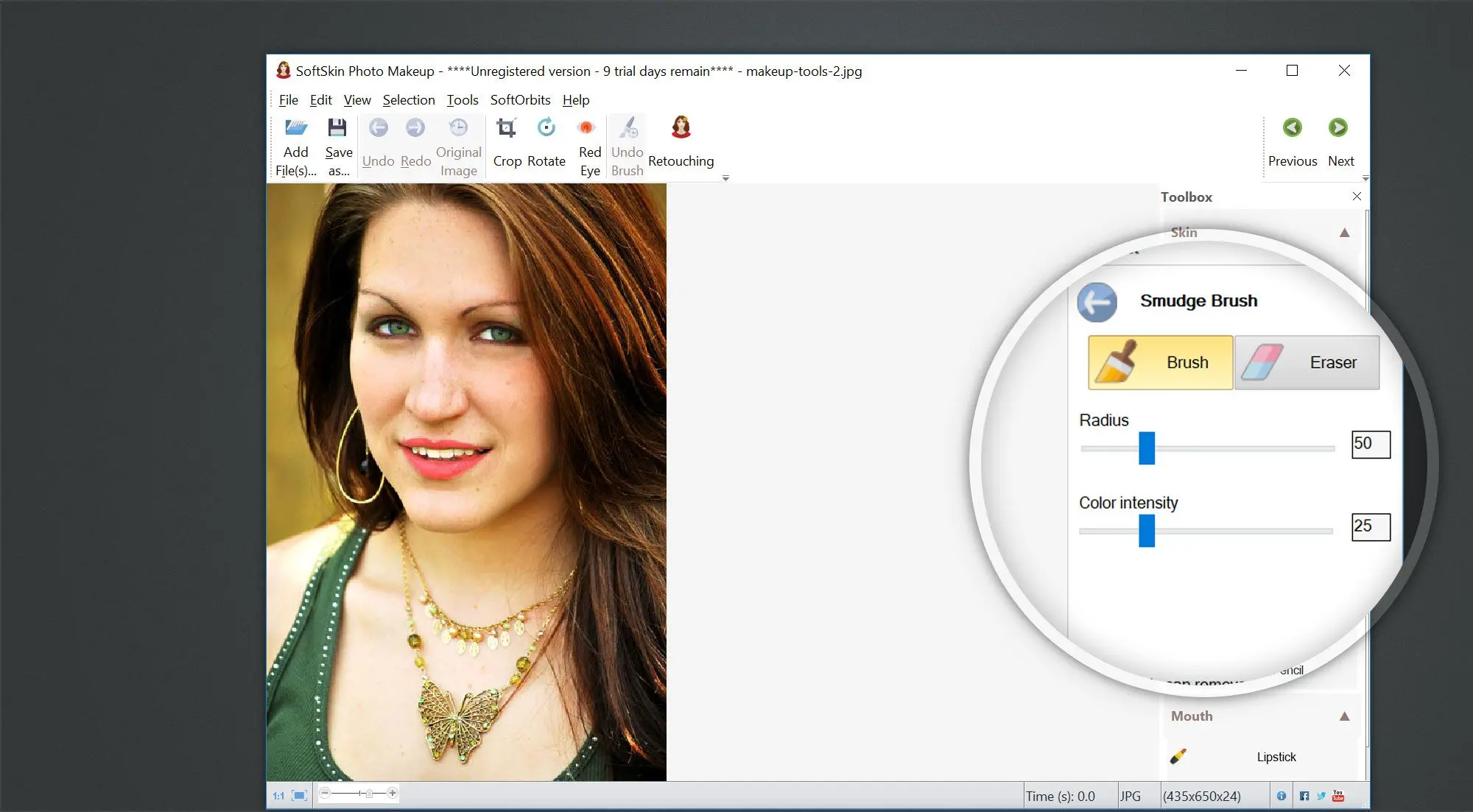
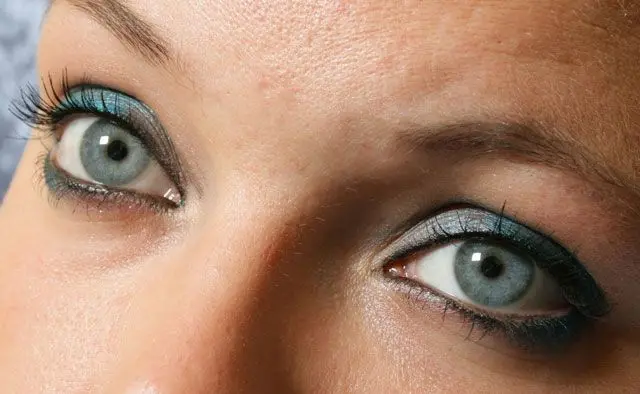
Share looks with clients
Export previews stylists and cosplayers can approve before real makeup goes on.
Why people use it
Non-permanent
Digital paint washes off with undo.
Client-friendly previews
Send a JPEG mood board before buying product.
Windows desktop
Runs with local files—no account wall.
FAQ
System Requirements
Portrait Makeup Studio
Languages
5.1
13.6 Mb
August 6, 2026
- Windows 11/10/8.1/8/7 (32/64 bit)
- Intel i3, AMD Ryzen 5 or above
- 4 GB of RAM or above
- NVIDIA® GeForce® series 8 and 8M, Intel® HD Graphics 2000, Quadro FX 4800, Quadro FX 5600, AMD Radeon™ R600, Mobility Radeon™ HD 4330, Mobility FirePro™ series, Radeon™ R5 M230 or higher graphics card with up-to-date drivers
- 1280 × 768 screen resolution, 32-bit color
- 1 GB of free hard disk space or above
GRT requirements trial note