PDF Password Rescue
Get Back Into Your Own PDF - Recover the Password or Lift the Restrictions
Forgot the password to your own PDF? Recover it, or strip print, copy and edit restrictions from PDFs you own - locally on Windows, in batch, nothing uploaded. Try the free trial.
Full seller details: Legal information.
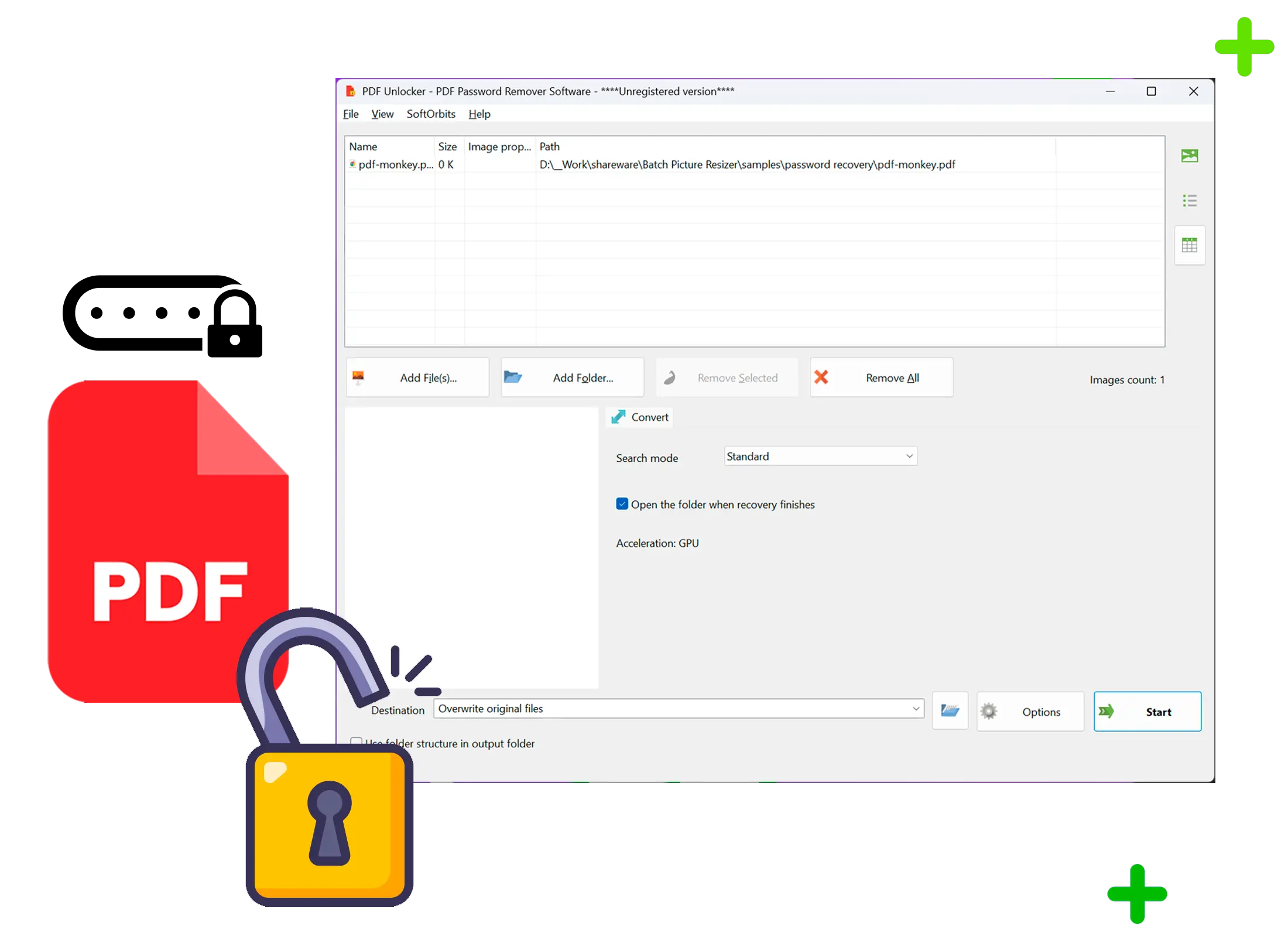
Point it at your locked PDF, let it work, and open the file again on your own PC.
For documents you own
This is for your own forgotten passwords and your own restricted PDFs, not for opening files that are not yours. Everything runs on your machine and no document leaves the computer.
How to use it
Add your PDFs
Drag in one file or a whole folder. Files that only block printing or copying are handled first, with no password needed.
Start the recovery
If the file is locked with an open password, it runs a dictionary and mask search on your GPU while a progress bar shows where it stands.
Open the result
Preview the unlocked document, then save a clean copy without the password or the restrictions to a folder you choose.
Benefits
Two jobs, one button
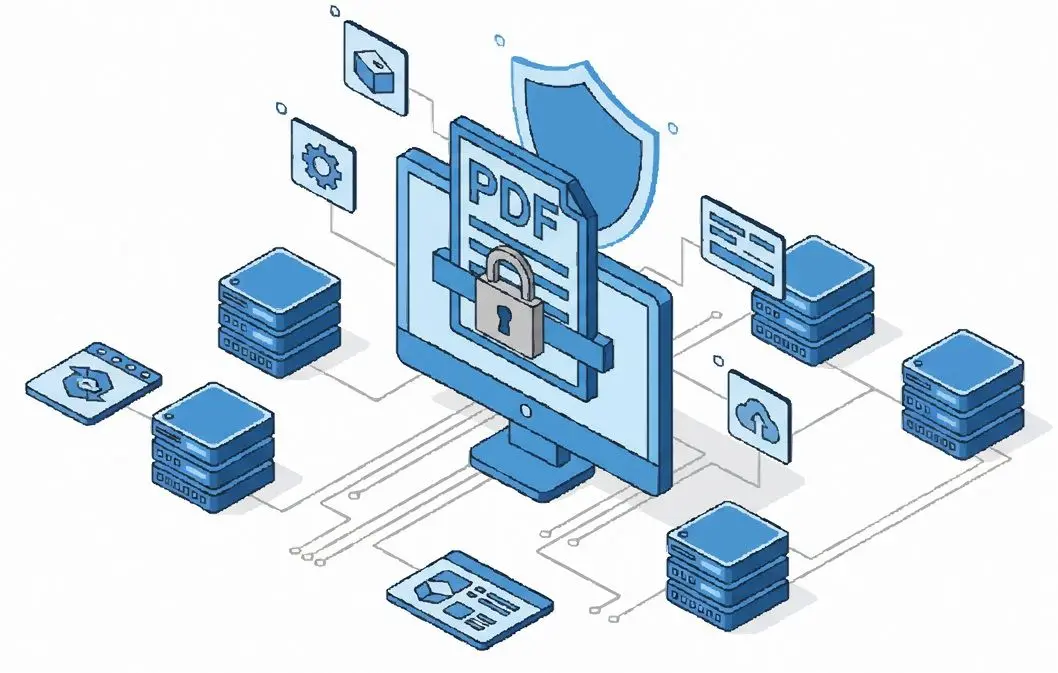
Strip owner restrictions on print, copy and edit instantly, or search for a forgotten open password - the app picks the right path for each file.
Uses your graphics card
Password search runs on the GPU, so short and dictionary-style passwords on older PDFs often come back in seconds to minutes. Without a GPU it falls back to dictionary attempts on the CPU.
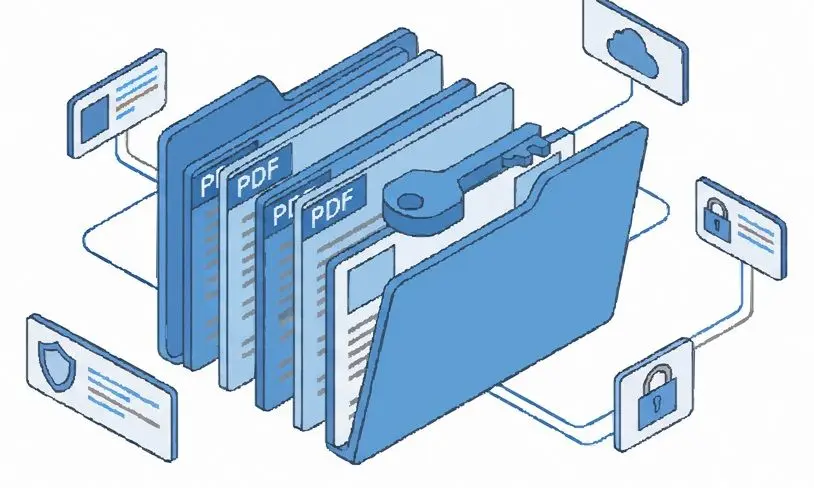
Stays on your computer
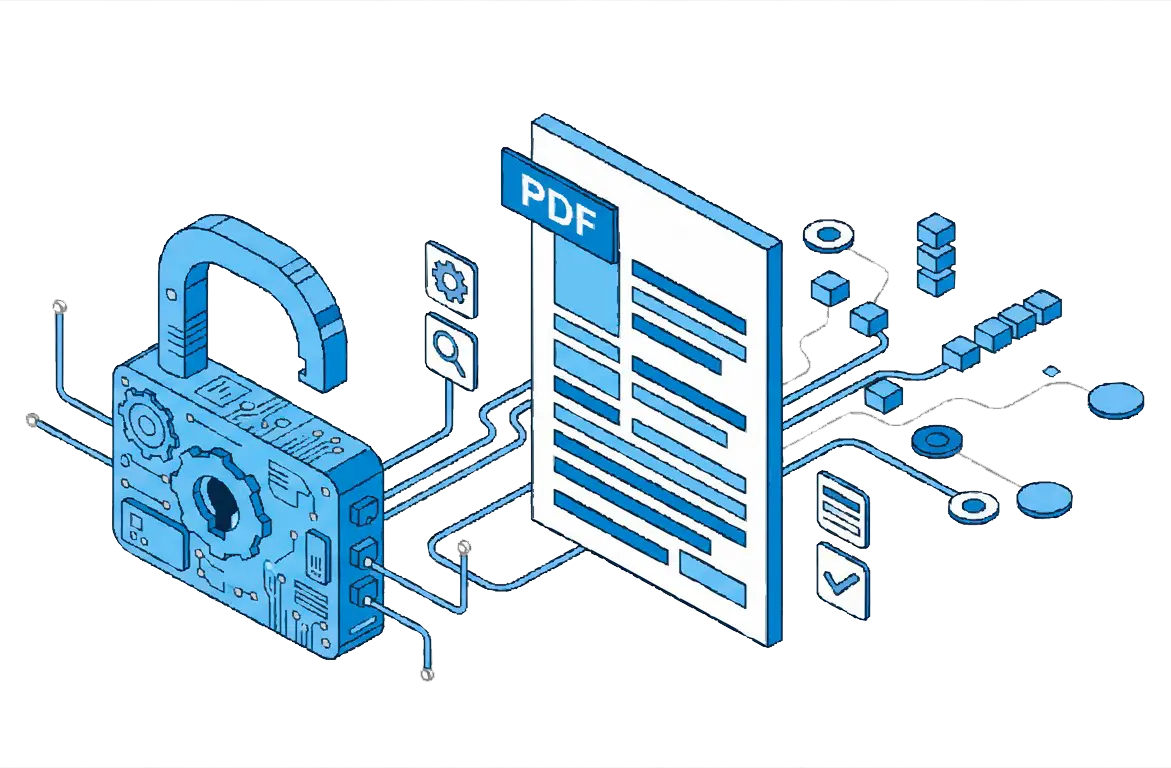
Files are processed locally in batch on Windows. Nothing is uploaded to a server and no copy is kept anywhere else.
Why people use it
Restrictions come off with no password
Owner limits that block printing, copying or editing your own PDF are removed directly, because that lock does not need the password at all.
Honest about strong encryption
A long random password on a modern AES-256 PDF is not something any tool can promise. Realistically it recovers human and dictionary passwords, not every possible string.
Batch a whole stack
Load many PDFs at once and let it work through them while you do something else.
FAQ
System Requirements
PDF Password Rescue
Languages
1.0
60 Mb
August 5, 2026
- Windows 11/10/8.1/8/7 (32/64 bit)
- Intel i3, AMD Ryzen 5 or above
- 4 GB of RAM or above
- NVIDIA® GeForce® series 8 and 8M, Intel® HD Graphics 2000, Quadro FX 4800, Quadro FX 5600, AMD Radeon™ R600, Mobility Radeon™ HD 4330, Mobility FirePro™ series, Radeon™ R5 M230 or higher graphics card with up-to-date drivers
- 1280 × 768 screen resolution, 32-bit color
- 1 GB of free hard disk space or above
GRT requirements trial note