
Windows Speed Tuner
Get a Faster PC Without Reinstalling Windows or Buying New Hardware
PC feels sluggish before a game or render? Suspend background apps, free RAM, trim startup and Windows services in one click. Every change is snapshotted so you can roll back. Try the trial.
Full seller details: Legal information.
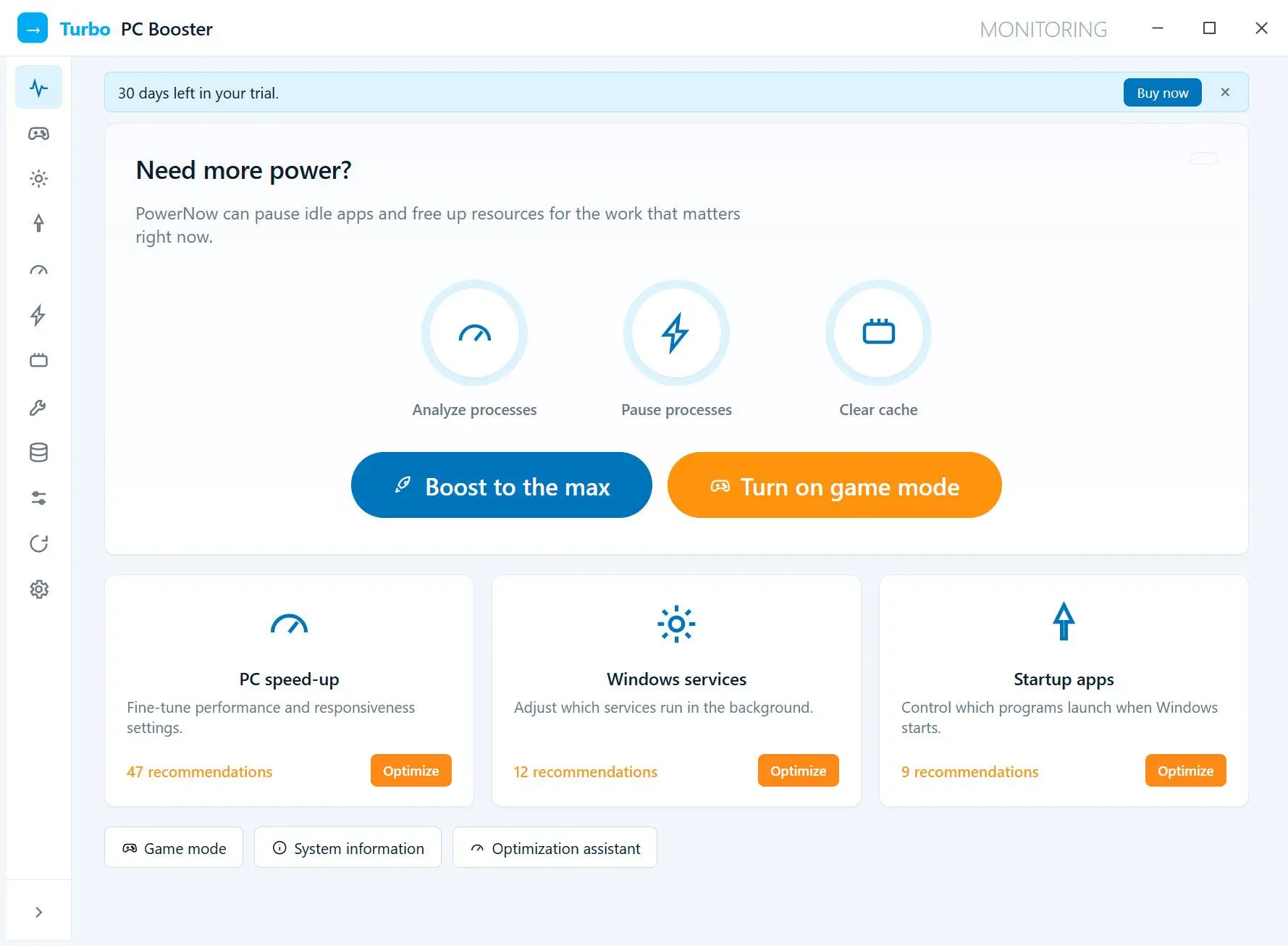
Point it at the usual suspects: heavy startup items, idle services, and background apps eating RAM. Review what it plans to change, apply, and undo any step from a saved restore point.
A speed tuner, not a junk cleaner
This is about what makes Windows quick: services, startup programs, registry tweaks, RAM trimming, and a turbo mode that pauses idle background processes. It does not pretend deleting temp files alone makes a PC fast.
How to use it
Run a quick scan
See your startup items, background apps, and services with notes on what each one costs you.
Apply the speed preset or pick your own
Use the safe automatic set, or check individual tweaks; risky ones are clearly marked and opt-in.
Hit turbo when you need it
Free RAM and pause idle processes before a game or render, then turn it off to restore everything.
Benefits
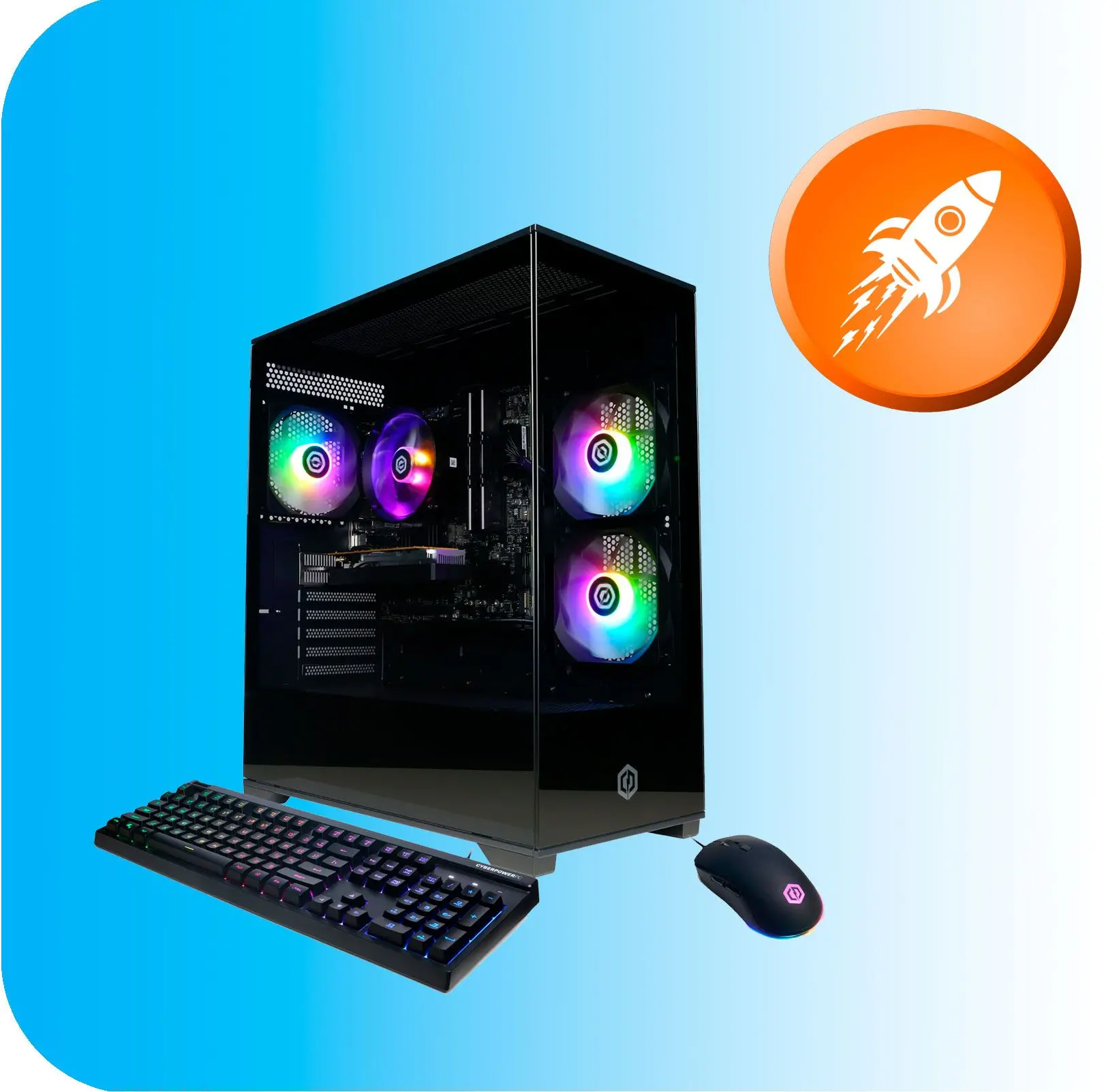
Free RAM on demand
Pause idle background apps and clear memory so the program in front of you gets the resources.
Faster boot and snappier Windows
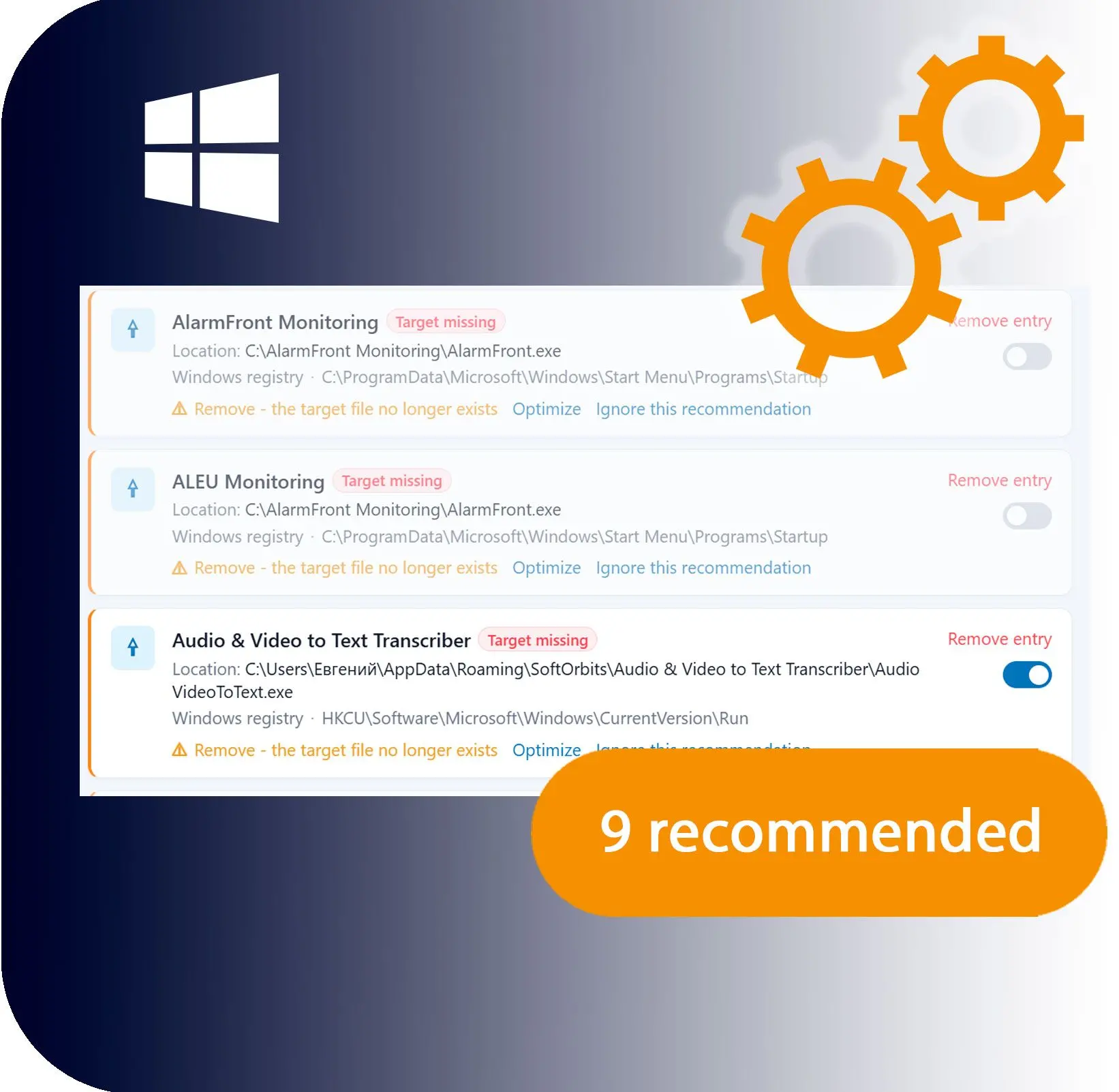
Trim startup entries and idle services, and apply Explorer and interface tweaks that cut everyday lag.
Change things without fear
A snapshot and restore point are saved before each batch, so any tweak can be rolled back.
Why people use it
One-click turbo for heavy tasks
Suspend idle background processes, drop them out of memory, and clear RAM so a game or render gets the full machine. Click again to bring everything back.
Tame startup and services
Cut boot time by disabling the items you never use, with plain-English notes on what each one does.
Safe by default
Every batch change saves a restore point first, and risky tweaks are flagged and left out of the automatic preset.
FAQ
System Requirements
Windows Speed Tuner
Languages
1.0
30 Mb
July 7, 2026
- Windows 11/10/8.1/8/7 (32/64 bit)
- Intel i3, AMD Ryzen 5 or above
- 4 GB of RAM or above
- NVIDIA® GeForce® series 8 and 8M, Intel® HD Graphics 2000, Quadro FX 4800, Quadro FX 5600, AMD Radeon™ R600, Mobility Radeon™ HD 4330, Mobility FirePro™ series, Radeon™ R5 M230 or higher graphics card with up-to-date drivers
- 1280 × 768 screen resolution, 32-bit color
- 1 GB of free hard disk space or above
GRT requirements trial note