
PST Duplicate Cleaner
Clear Duplicate Emails From Outlook Without Touching the Original
Find and clear duplicate emails across your Outlook .pst and .ost files offline, without Outlook running. It never edits your original - it writes a clean copy with the duplicates gone, plus a CSV report. Free trial from GRTSoft.
Full seller details: Legal information.
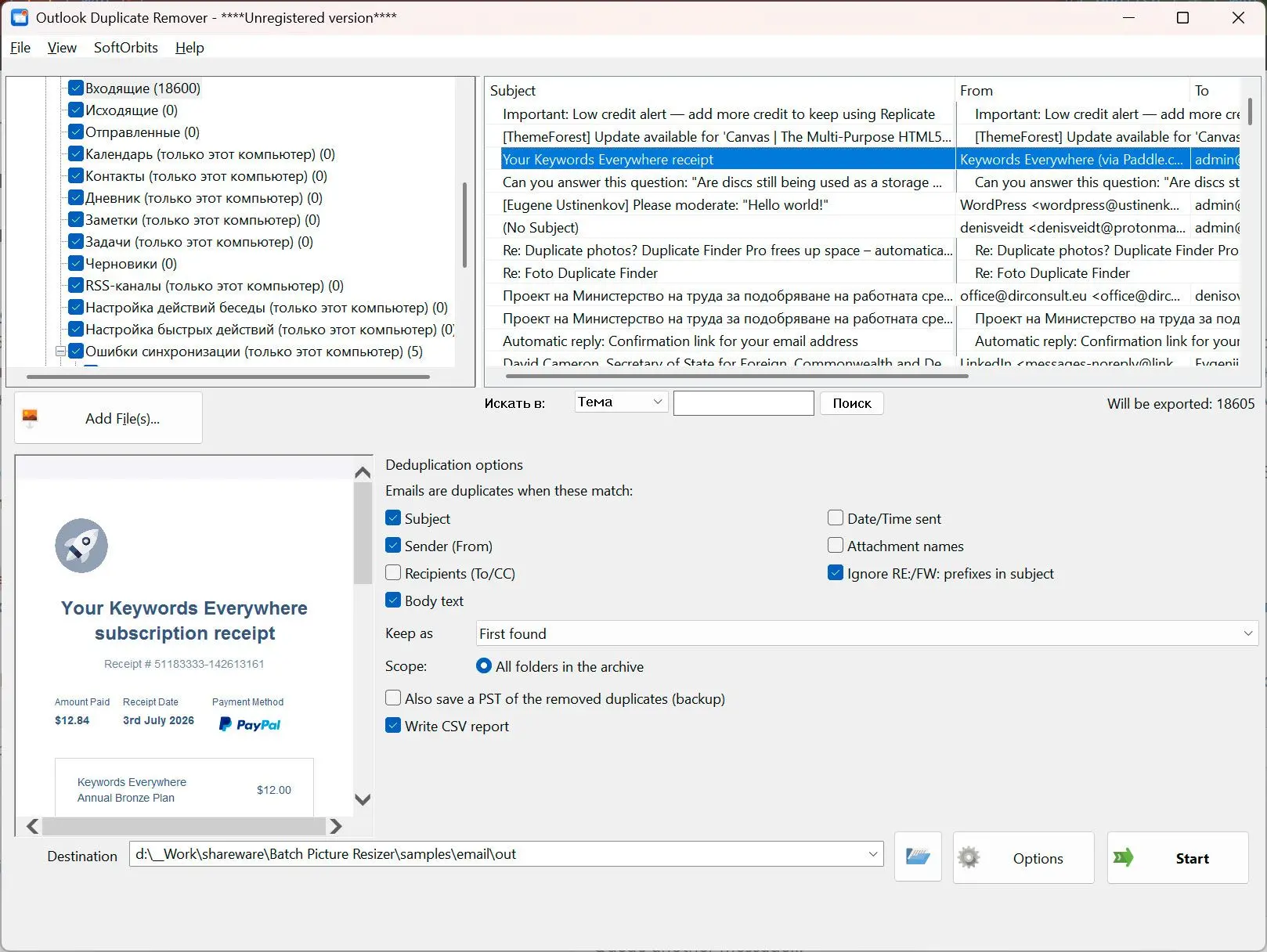
Open a .pst or .ost archive, choose what counts as a duplicate, and get a fresh PST with one copy of each message - the source file is left exactly as it was.
Duplicates pile up and Outlook will not clear them across folders
Re-imports, double-configured accounts and years of forwarding leave the same message sitting in Inbox, Archive and Sent at once. Outlook Clean Up does not catch copies that live in different folders. This reads the archive directly and finds them wherever they are, offline on your own PC.
How to use it
Open your .pst or .ost file
Point it at the archive and the folder tree appears with checkboxes. Outlook does not have to be installed or running - the file is read directly.
Decide what counts as a duplicate
Match on subject, sender and body, add recipients, date or attachment names when you need to be stricter, and choose which copy to keep - first found, oldest or newest.
Save a clean copy
A new PST is written with one copy of each message and the folder layout intact, plus a CSV listing every group and what was kept or removed. Your original is never modified.
Benefits
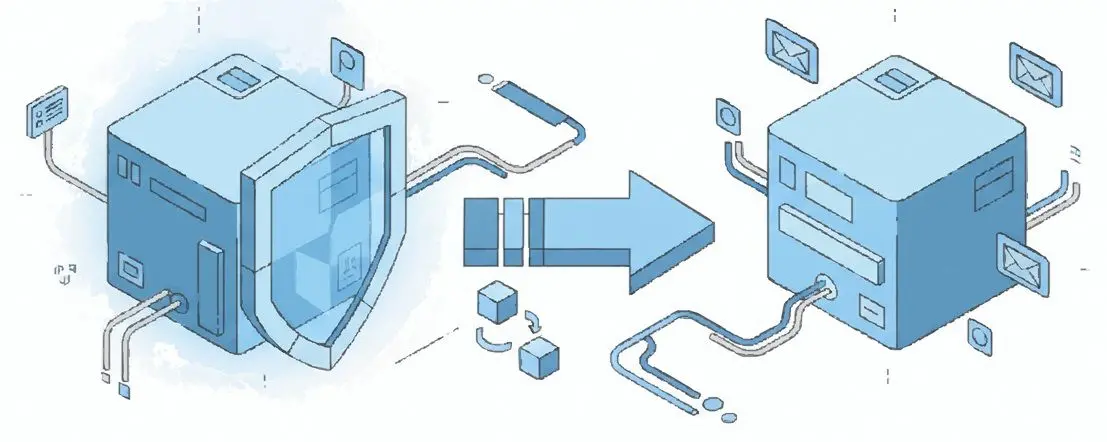
Your original is never edited
Nothing is deleted from the source. The cleaned mailbox comes out as a brand new PST, so there is no risk of losing a message you meant to keep.
Catches copies across folders
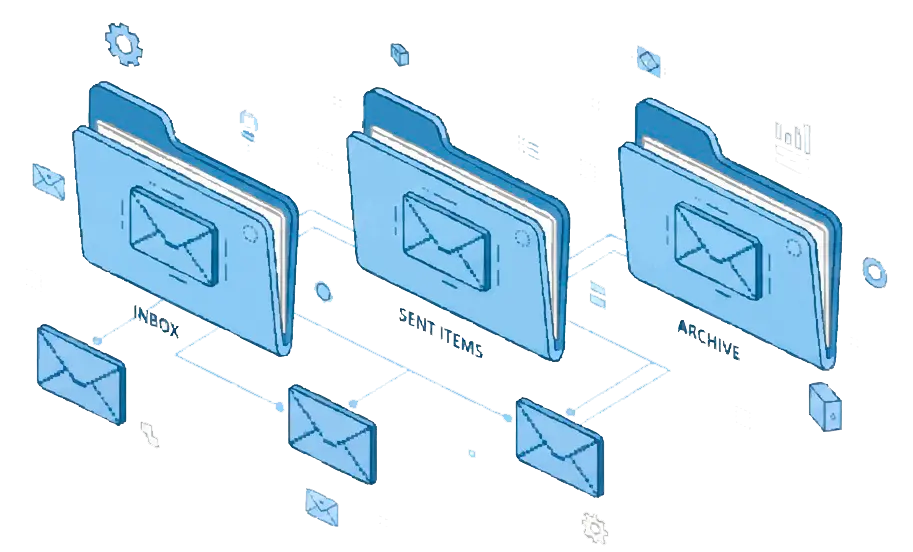
The same email in Inbox, Archive and a backup folder is found and collapsed to one, which is exactly the case Outlook Clean Up misses.

A report you can audit
Every duplicate group is written to a CSV with folder, subject, sender and date, so you can see what was removed before you trust the result.
Why people use it
You choose the match rule
Turn criteria on and off - subject, sender, body, recipients, date, attachment names - and ignore RE: and FW: prefixes so replies are not mistaken for originals.
Keep the copy you want
Decide whether the first found, the oldest or the newest message survives in each duplicate group.
Optional backup of what was cut
Ask it to also write a PST of the removed duplicates, so undoing a run is just opening that file.
FAQ
System Requirements
PST Duplicate Cleaner
Languages
1.0
8 Mb
July 3, 2026
- Windows 11/10/8.1/8/7 (32/64 bit)
- Intel i3, AMD Ryzen 5 or above
- 4 GB of RAM or above
- NVIDIA® GeForce® series 8 and 8M, Intel® HD Graphics 2000, Quadro FX 4800, Quadro FX 5600, AMD Radeon™ R600, Mobility Radeon™ HD 4330, Mobility FirePro™ series, Radeon™ R5 M230 or higher graphics card with up-to-date drivers
- 1280 × 768 screen resolution, 32-bit color
- 1 GB of free hard disk space or above
GRT requirements trial note