Orphaned OST to PST Recovery
Turn a Dead OST File Into a PST Outlook Will Actually Open
Convert an orphaned or Exchange-less OST file into a working Outlook PST. Local Windows app, full folder tree, byte-accurate messages and attachments - no server, no upload.
Full seller details: Legal information.
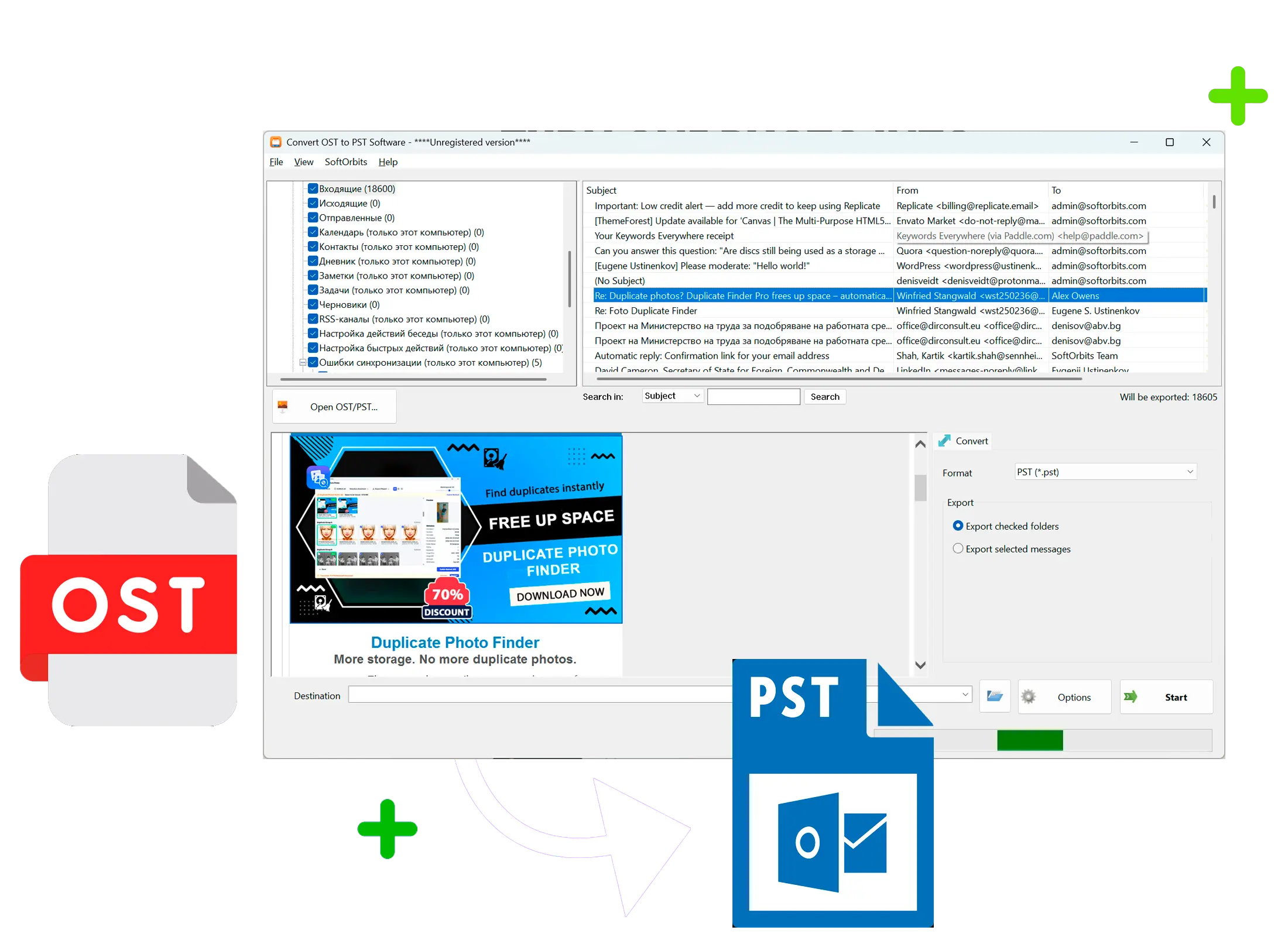
Your Exchange account is gone, your profile is gone, but the .ost file is still sitting on disk. This app reads it directly and writes a real PST you can open in Outlook.
Why Outlook Won't Just Open Your OST
Outlook does not import .ost files - only .pst, by design. An OST is tied to one Outlook profile and one Exchange or Microsoft 365 account; delete the profile, reinstall Outlook, or lose the mailbox, and the file becomes orphaned with no way to reattach it. This tool reads the OST on its own, outside of Outlook and without any Exchange connection, then builds a standard PST from what it finds.
How to use it
1. Load the .ost File
Point the app at the .ost file, including orphaned ones left behind by a deleted profile or a removed Exchange account. No Outlook login or server connection is required.
2. Check the Folder Tree
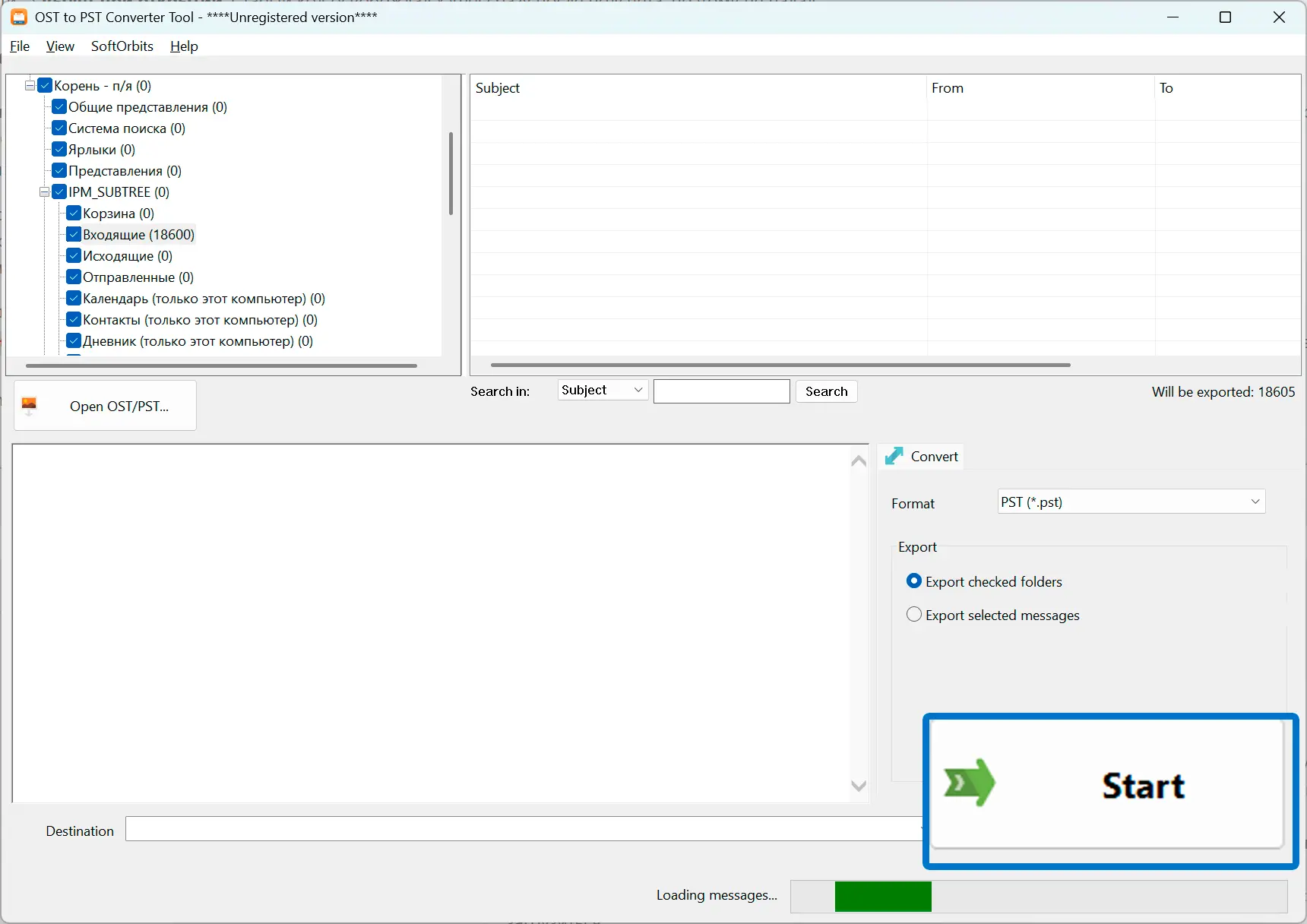
The app reads the OST with libpff and shows the real folder structure with checkboxes, so you can convert everything or just the folders you need. Empty system folders like Search Root are dropped automatically.
3. Save a Working PST
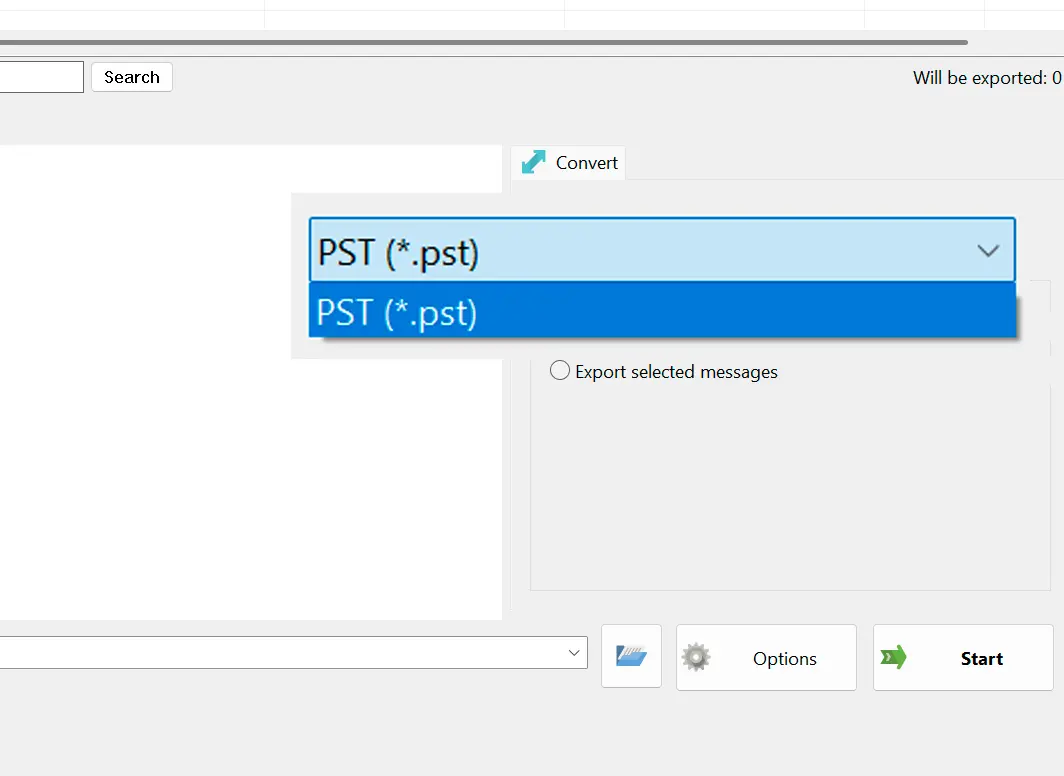
The output is a valid Unicode PST with the folder tree intact - not a flat pile of messages - ready to open in Outlook 2016 or newer.
Benefits
Handles Orphaned OST Files
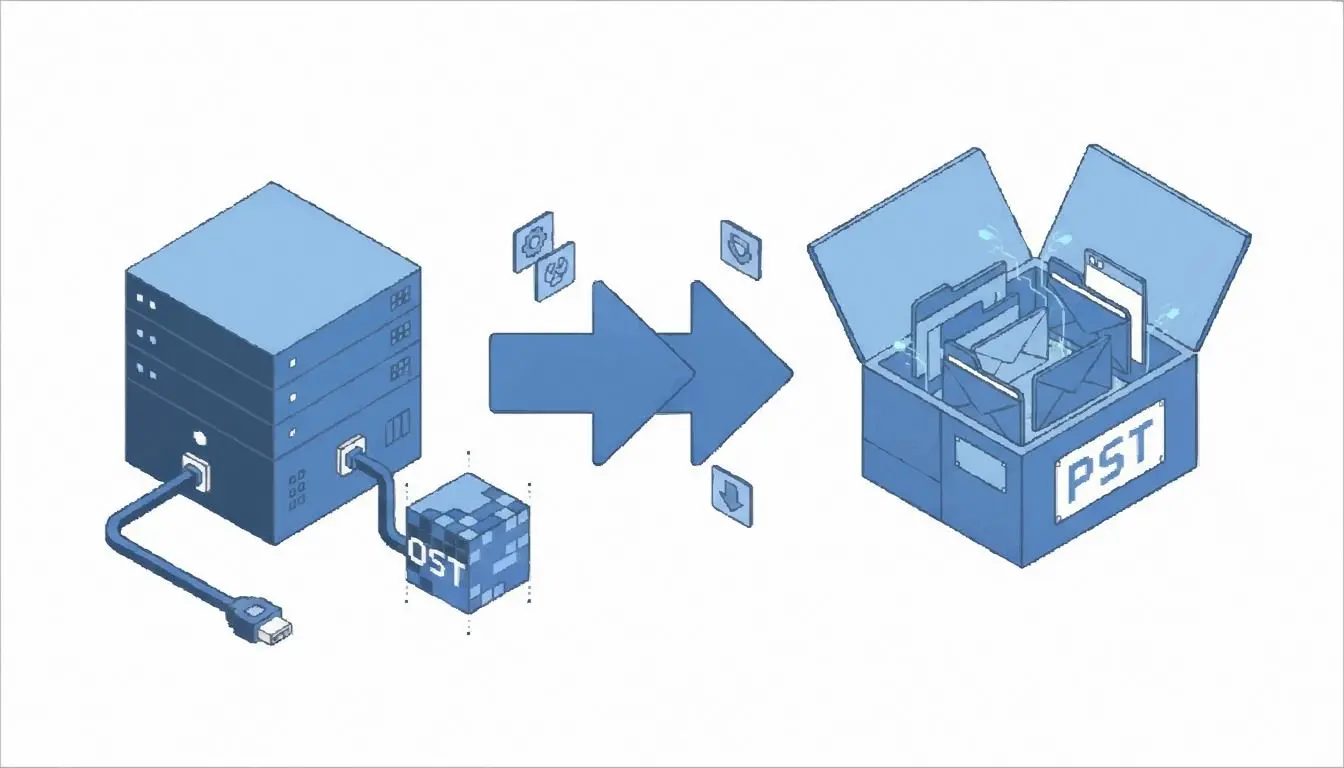
If the Outlook profile or Exchange account behind your OST is gone, this app still reads the file directly and rebuilds it as a PST.
Byte-Accurate Messages
Subject, HTML and plain-text body, sender, dates, the read/unread flag, and attachments carry over byte for byte, not just as approximations.
Runs Entirely on Your PC
The OST never leaves your machine - no upload to a website, no mailbox handed to a third-party server to get a result.
Why people use it
No Exchange Server, No Outlook Profile Needed
An OST only exists because of a Microsoft 365 or Exchange account; once that link is broken and the file is orphaned, this app still reads it without needing the original account or profile.
A Real Folder Tree, Not a Flat Dump
Folder hierarchy is preserved exactly as it was, with no extra wrapper folder added on top and no empty system containers like Search Root or IPM_VIEWS cluttering the result.
Built for Windows 10 and 11
A local desktop app with no per-folder message caps or upload limits the way some online OST converters impose on their free tier.
FAQ
System Requirements
Orphaned OST to PST Recovery
Languages
1.0
9 Mb
August 31, 2026
- Windows 11/10/8.1/8/7 (32/64 bit)
- Intel i3, AMD Ryzen 5 or above
- 4 GB of RAM or above
- NVIDIA® GeForce® series 8 and 8M, Intel® HD Graphics 2000, Quadro FX 4800, Quadro FX 5600, AMD Radeon™ R600, Mobility Radeon™ HD 4330, Mobility FirePro™ series, Radeon™ R5 M230 or higher graphics card with up-to-date drivers
- 1280 × 768 screen resolution, 32-bit color
- 1 GB of free hard disk space or above
GRT requirements trial note