
Mac Outlook OLM to PST Tool
Bring Your Mac Outlook Mailbox to Windows Outlook
Convert an Outlook for Mac .OLM export into a Windows .PST file that opens in Outlook. Processing runs locally on your PC - no upload, no live account needed.
Full seller details: Legal information.
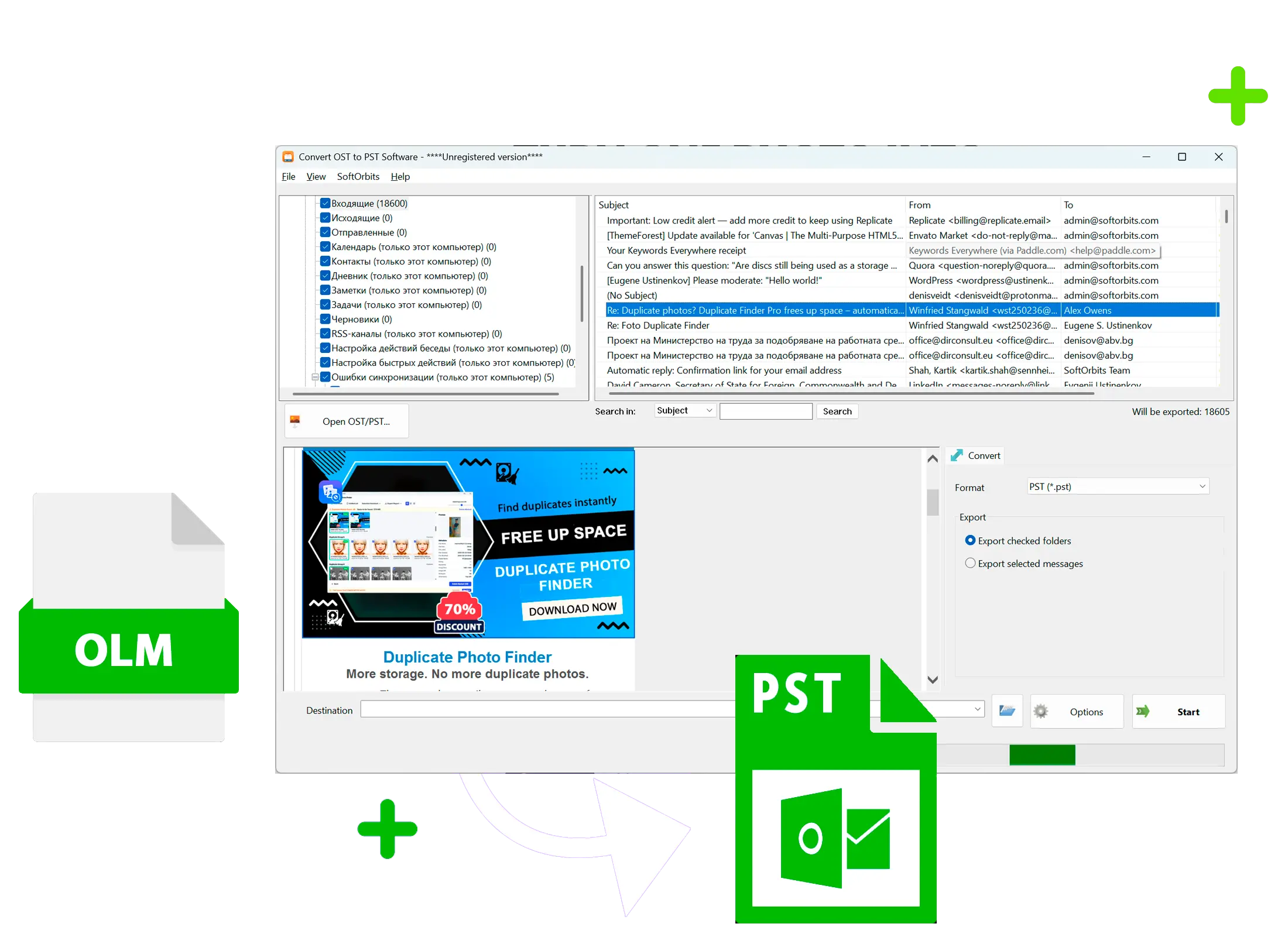
Export mail from Outlook for Mac as an .OLM archive, then turn it into a standard .PST that Outlook on Windows opens directly - folders, attachments, and all.
Windows Outlook Does Not Open OLM Files
An .OLM archive is the export format Outlook for Mac uses - it is not a format the Windows edition of Outlook recognizes. There is no Import command for it, and Microsoft's own workaround means routing your mail through a live online account in five separate steps. This tool skips that detour and writes a .PST you can open on Windows in minutes.
How to use it
Point It at Your .OLM File
Select the .OLM archive you exported from Outlook for Mac 2011, 2016, 2019, or Microsoft 365. The tool reads the archive directly - your Mac does not need to be connected.
Review the Folder Tree
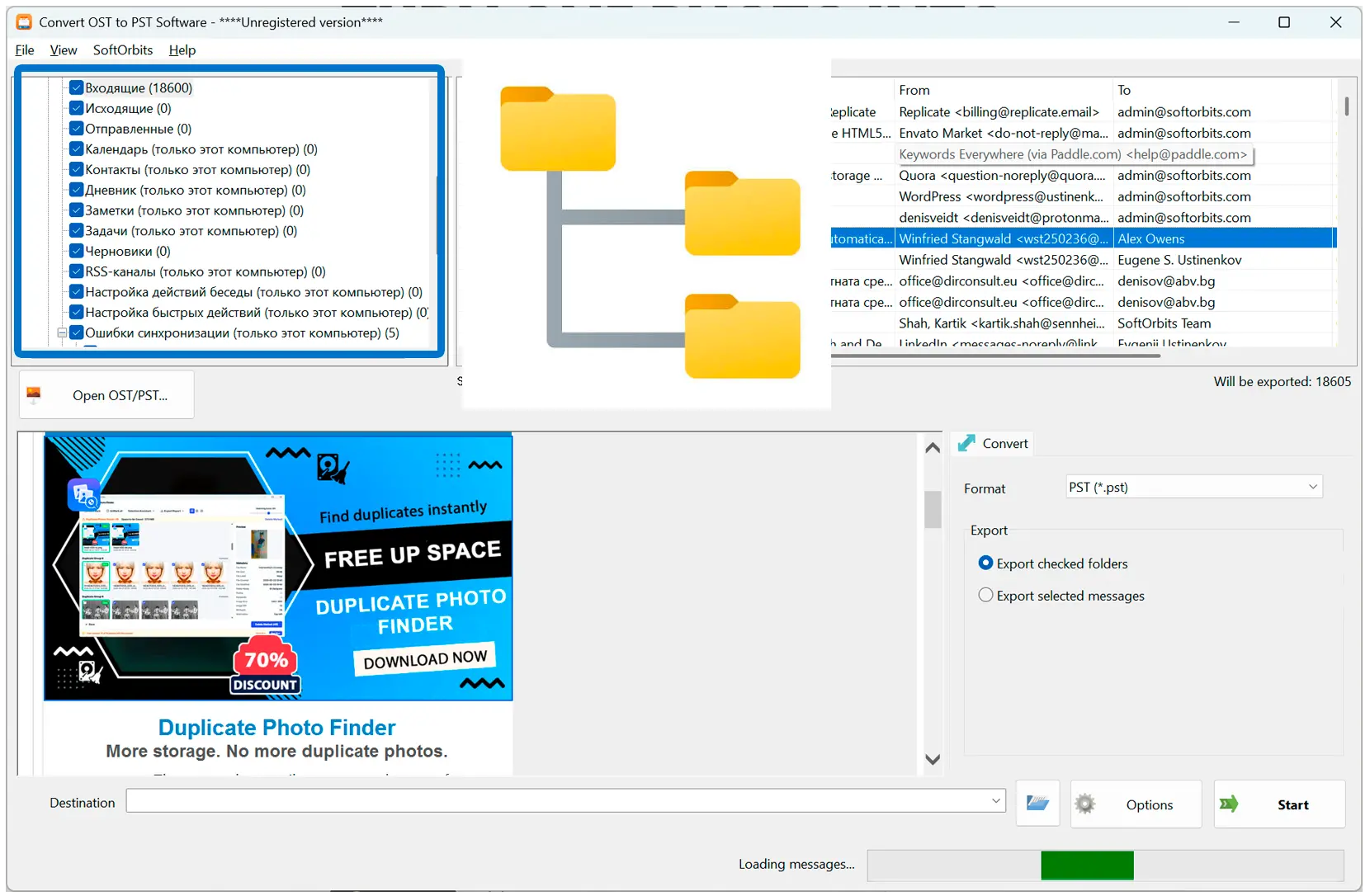
Every mailbox folder from the export is parsed and shown so you can see what is inside before converting - nothing is flattened into one bucket.
Get a Ready .PST File
The converter writes a standard Unicode .PST with the same folder structure, message bodies, and attachments, ready to open in Outlook for Windows.
Benefits

Runs Entirely on Your PC
The .OLM file is read and converted locally - nothing is uploaded to a server, which matters when the mailbox is a corporate one.
Folder Structure Stays Intact
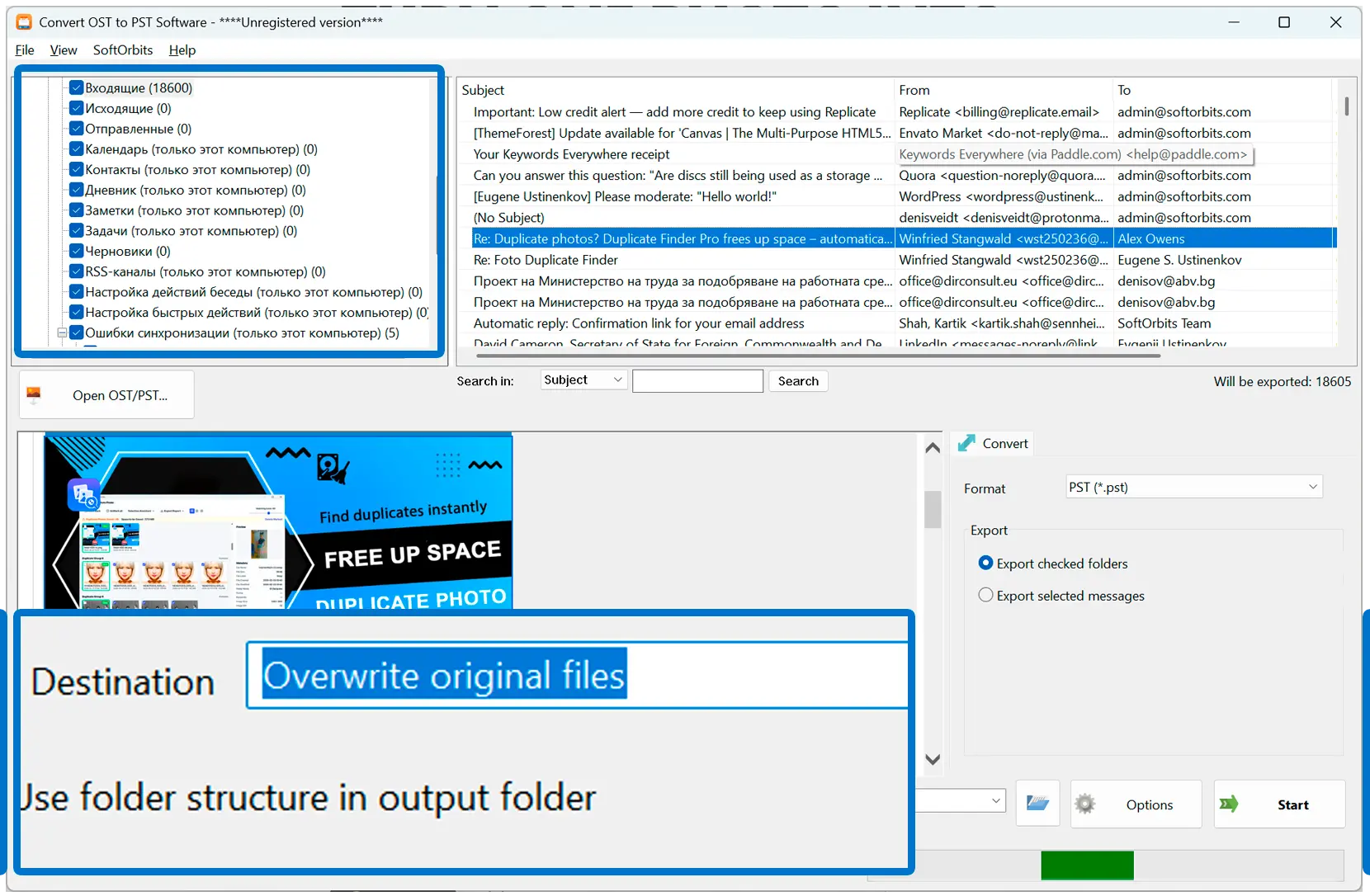
Mailbox folders convert into the same tree instead of dumping every message into a single flat folder.
Attachments and Unicode Text Preserved
Attachments come through byte-exact, and subject lines in non-Latin scripts such as Korean or Hebrew convert without corruption.
Why people use it
Why Not Use the Free Online Bridge?
Microsoft's free path to open OLM mail on Windows means signing into a live online account and re-downloading everything through it - five steps, and your mailbox passes through that account along the way. Converting the .OLM file directly skips the online hop entirely.
Built for the Mac-to-Windows Switch
Teams moving staff from Mac Outlook to Windows Outlook get a .PST per mailbox that opens the same way any other Windows Outlook data file does - no special import step for the recipient.
What This Version Converts
It converts mail, folders, and attachments from an .OLM export into .PST; contacts, calendar, and notes are not included, and password-protected exports are not supported yet.
FAQ
System Requirements
Mac Outlook OLM to PST Tool
Languages
1.0
9 Mb
August 5, 2026
- Windows 11/10/8.1/8/7 (32/64 bit)
- Intel i3, AMD Ryzen 5 or above
- 4 GB of RAM or above
- NVIDIA® GeForce® series 8 and 8M, Intel® HD Graphics 2000, Quadro FX 4800, Quadro FX 5600, AMD Radeon™ R600, Mobility Radeon™ HD 4330, Mobility FirePro™ series, Radeon™ R5 M230 or higher graphics card with up-to-date drivers
- 1280 × 768 screen resolution, 32-bit color
- 1 GB of free hard disk space or above
GRT requirements trial note