
Old Photo Restoration
Polish Headshots So They Still Look Like You—Not a Filter Meme
Headshots look tired or uneven on LinkedIn? Light skin smoothing, eye brightening & color balance—no plastic AI face. Photo Retoucher for Windows; try before your next post.
Full seller details: Legal information.
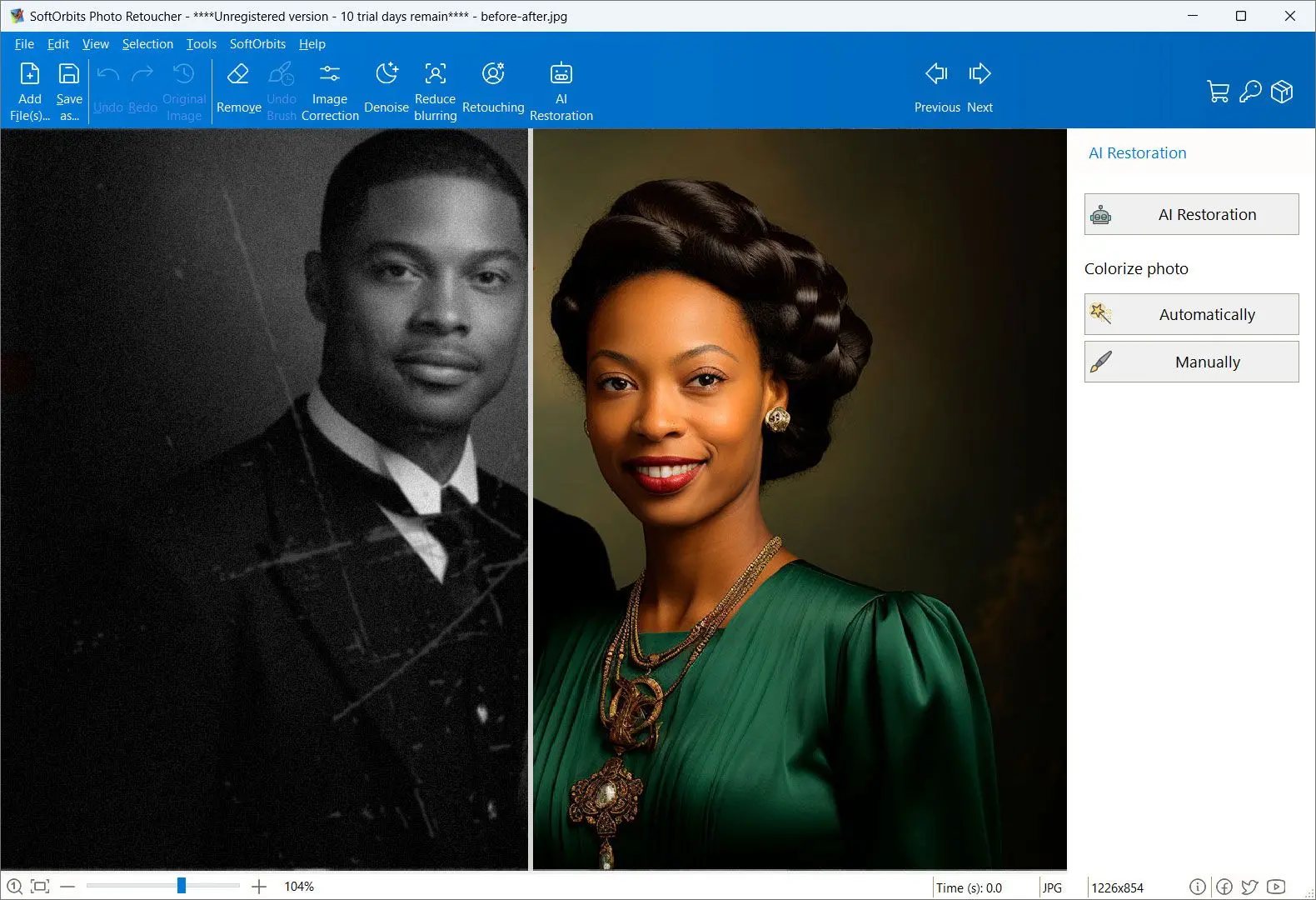
Open a photo, stack a few adjustments, compare before/after, export.
Photographer-paced
You move fast through a shoot folder with repeatable settings.
How to use it
Open your portrait
Load a headshot or portrait you want to polish for web, casting, or social use.
Adjust skin, eyes, and tone
Use sliders for light smoothing, eye brightening, and color balance—zoom to keep pores believable.
Export the retouched file
Save JPEG or PNG; repeat settings on similar shots from the same session if the app allows.
Benefits
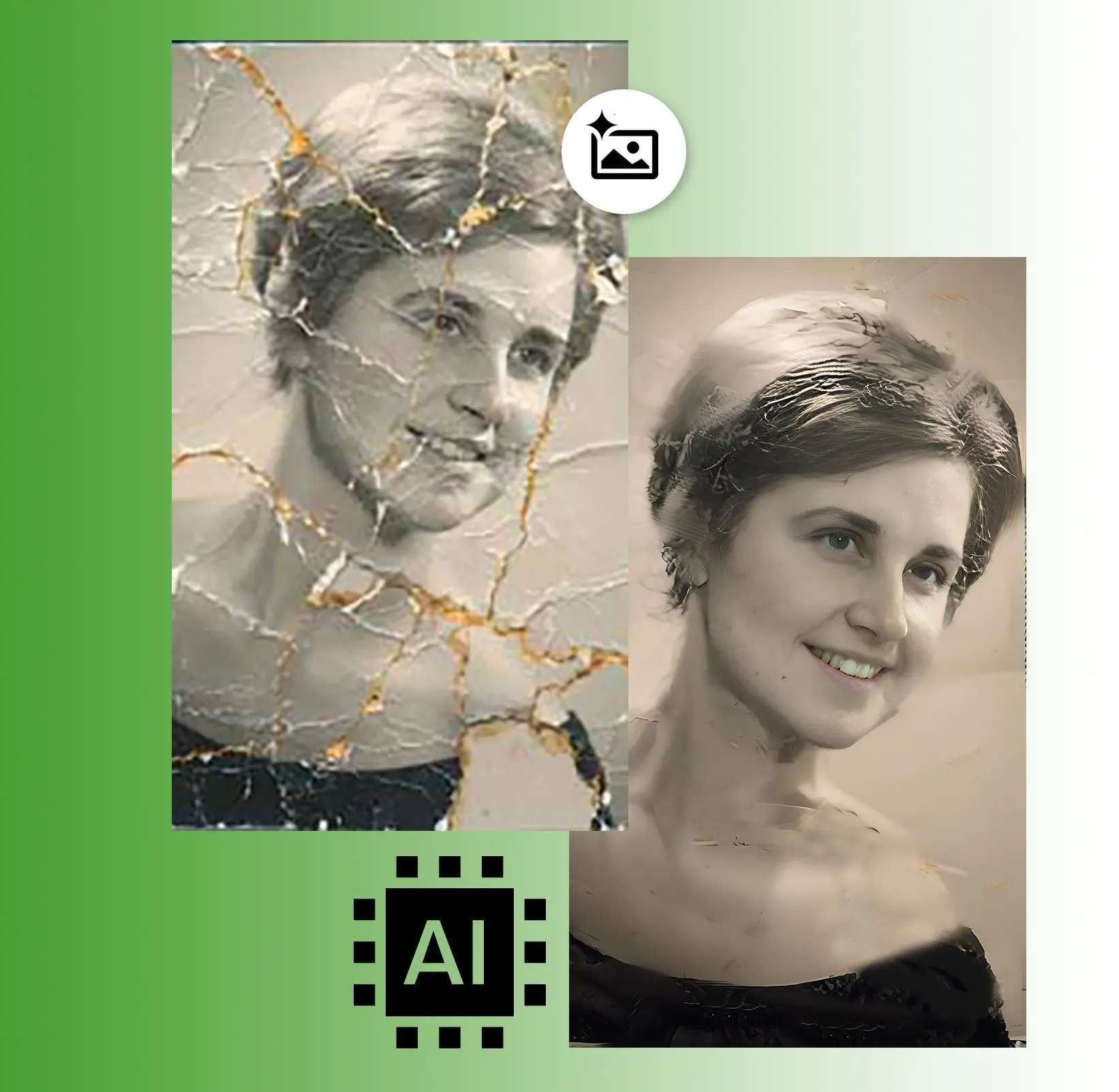
Polish portraits quickly
Brighten eyes, balance skin tone, and soften glare with sliders aimed at headshots—not mystery filters.
Keep texture believable
Work at real zoom levels so pores and hair still look human after touch-up.
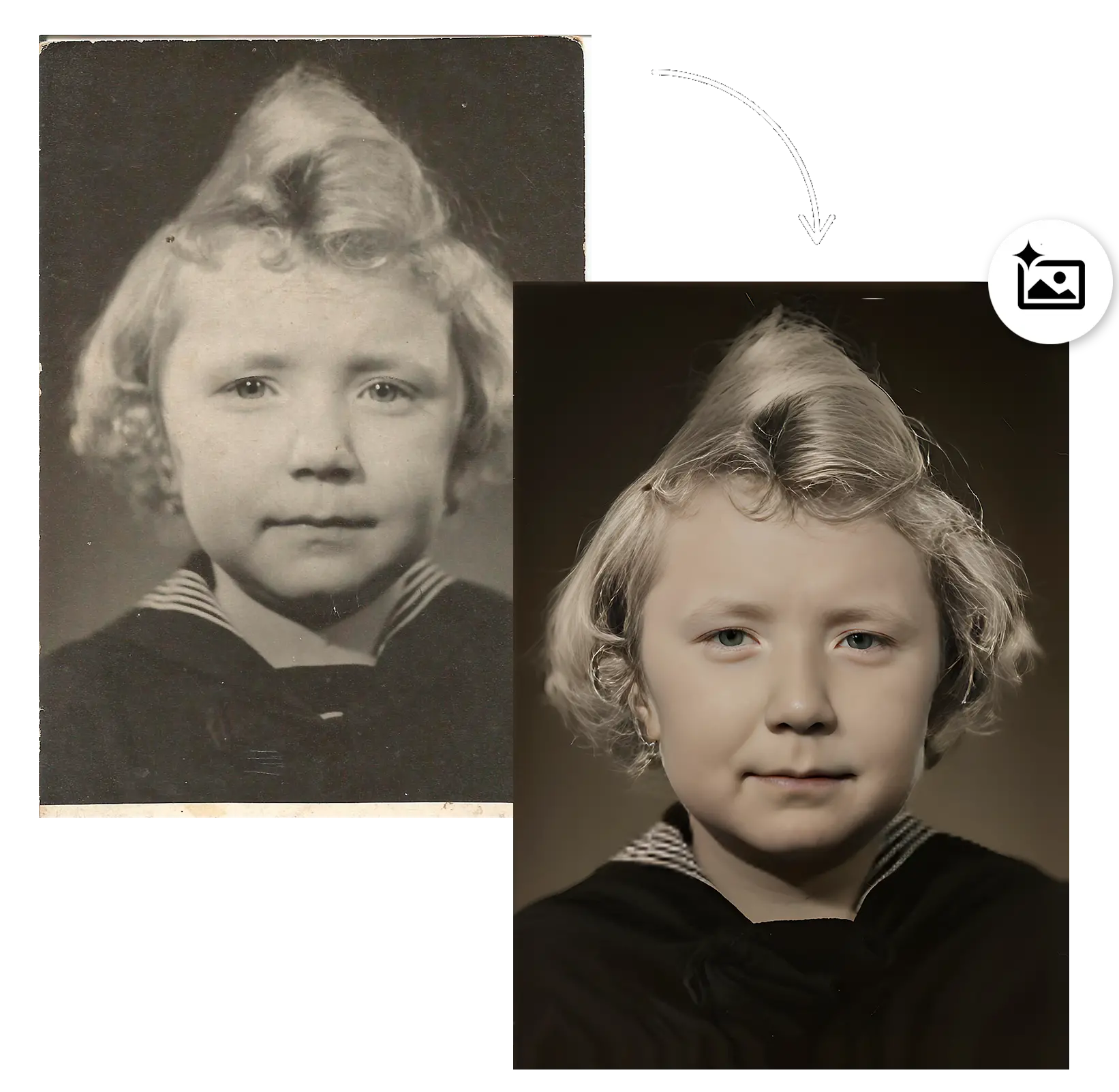
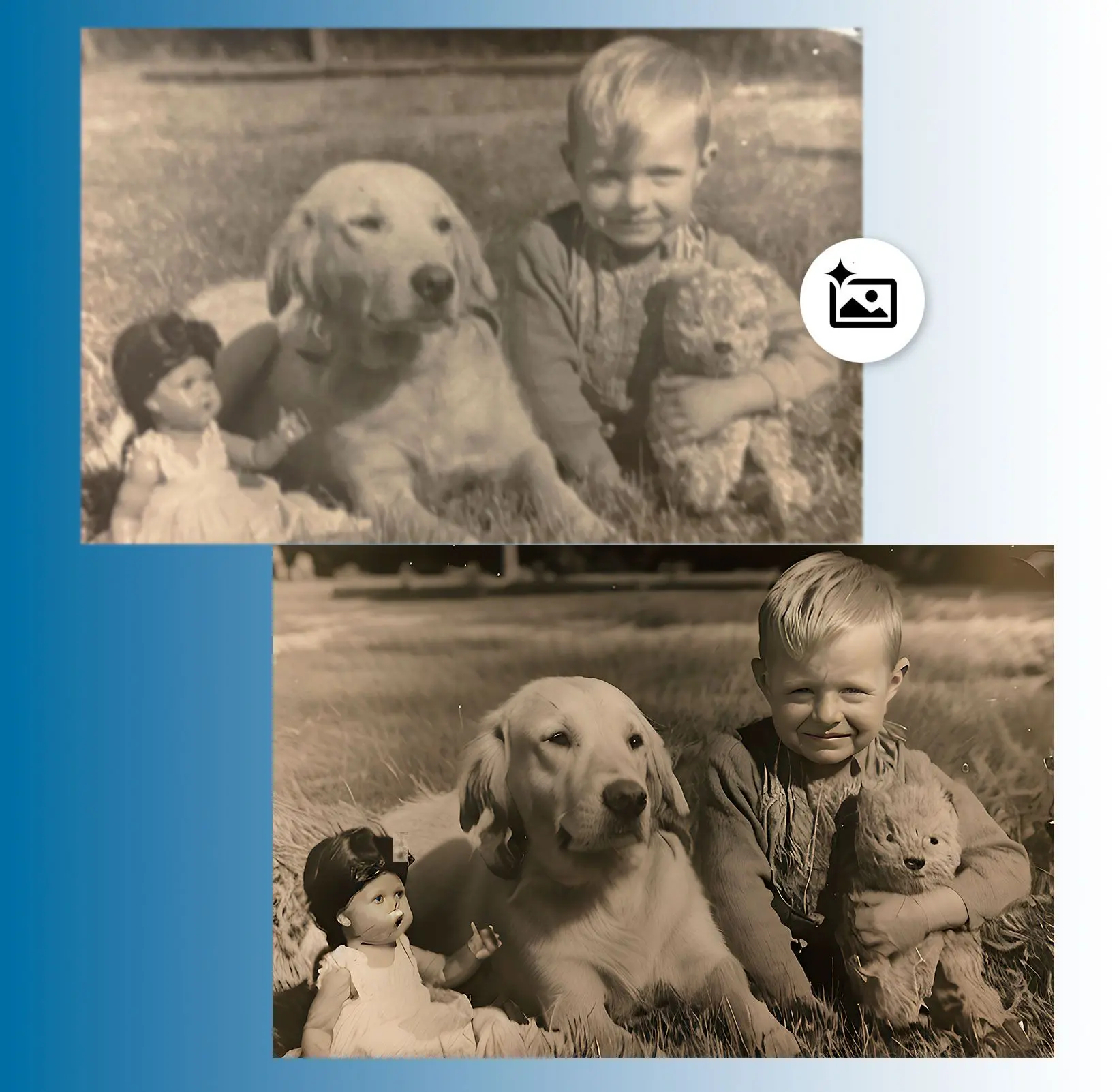
Ready for LinkedIn and casting
Export web-friendly JPEGs or higher-res files for print comps from the same session settings.
Why people use it
Non-destructive mindset
Work on copies or duplicate layers inside the workflow you prefer.
Portrait-oriented tools
Skin tone, teeth, eyes—common requests without a dozen plugins.
Offline capable
Studio networks without public internet still run.
FAQ
System Requirements
Old Photo Restoration
Languages
14.0
66.8 Mb
August 6, 2026
- Windows 11/10/8.1/8/7 (32/64 bit)
- Intel i3, AMD Ryzen 5 or above
- 4 GB of RAM or above
- NVIDIA® GeForce® series 8 and 8M, Intel® HD Graphics 2000, Quadro FX 4800, Quadro FX 5600, AMD Radeon™ R600, Mobility Radeon™ HD 4330, Mobility FirePro™ series, Radeon™ R5 M230 or higher graphics card with up-to-date drivers
- 1280 × 768 screen resolution, 32-bit color
- 1 GB of free hard disk space or above
GRT requirements trial note