Outlook and Microsoft 365 Backup
Your Mailbox, as a File You Own
Download a live Microsoft 365 or Outlook.com mailbox into an Outlook PST file on your own disk. Folders, attachments and dates are kept. Nothing passes through our servers. Free trial.
Full seller details: Legal information.
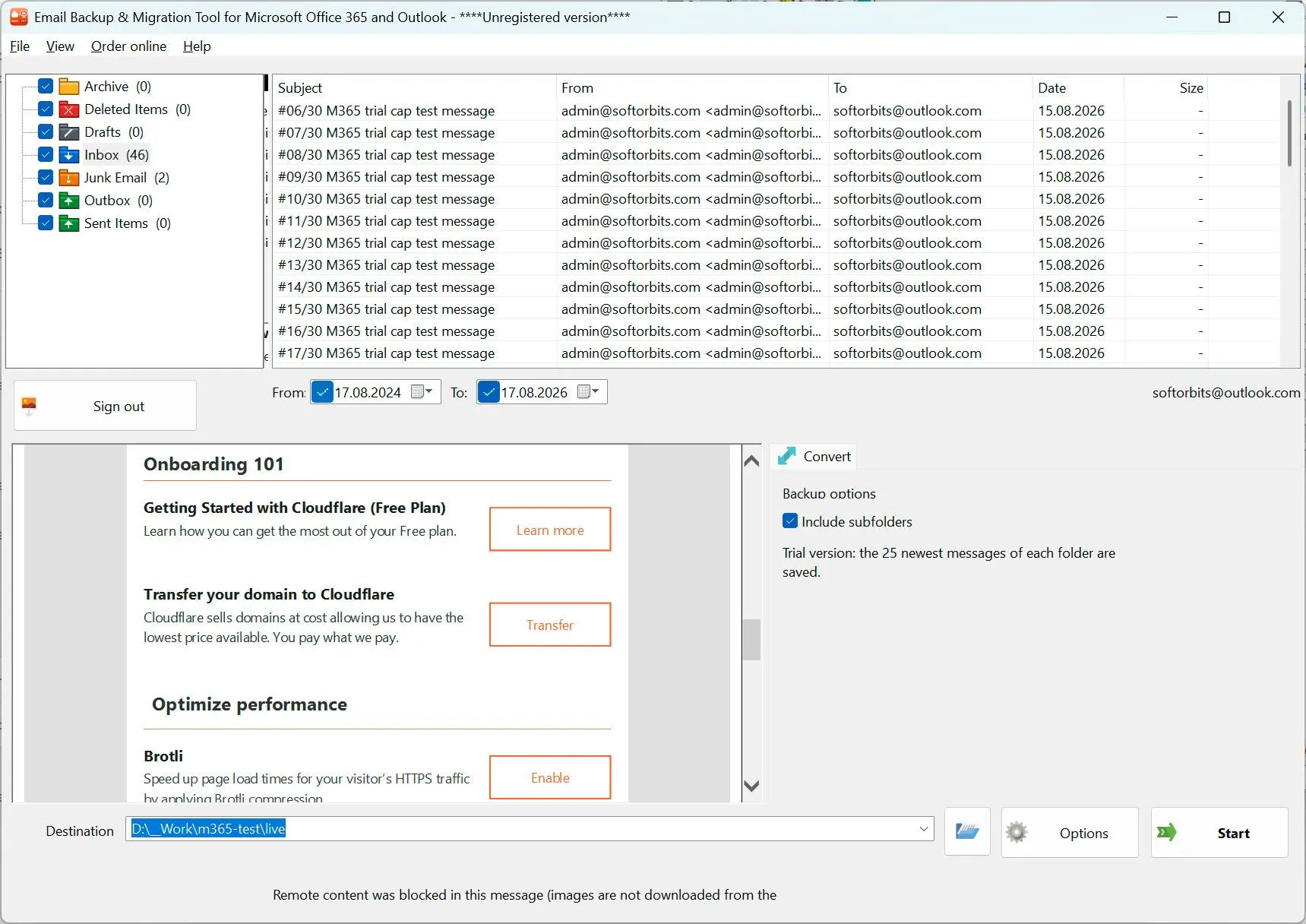
Sign in with your Microsoft account, tick the folders you want, and get a Unicode PST on your own drive. The mail travels between your PC and Microsoft, and stops on your disk.
A copy that outlives the account
Microsoft keeps your mail for exactly as long as the account is open and paid for. Change jobs, close a Hotmail address you have had since school, let a licence lapse, and the whole archive goes with it. Backup services solve that by keeping a second copy of your mail on their machines and charging every year for it. This does the other thing: it writes one file to your own drive and then gets out of the way.
How to use it
Sign in to the mailbox
Sign-in happens on the Microsoft page, not in a box inside our program, so your password is never typed into it. The access asked for is read-only mail. The session lives in memory while the program is open and is gone the moment you close it.
Pick folders and dates
The folder tree appears the way it looks in Outlook. Tick whole folders or single ones, open messages to check you are looking at the right mailbox, and narrow the run to a date range when you only need the last two years.
Let it write the PST
The download can run for hours on a large mailbox, and it survives that: a dropped connection or a closed laptop continues where it stopped instead of starting over. What comes out is a normal Outlook data file you open with File, Open Outlook Data File.
Benefits
Nothing passes through our servers
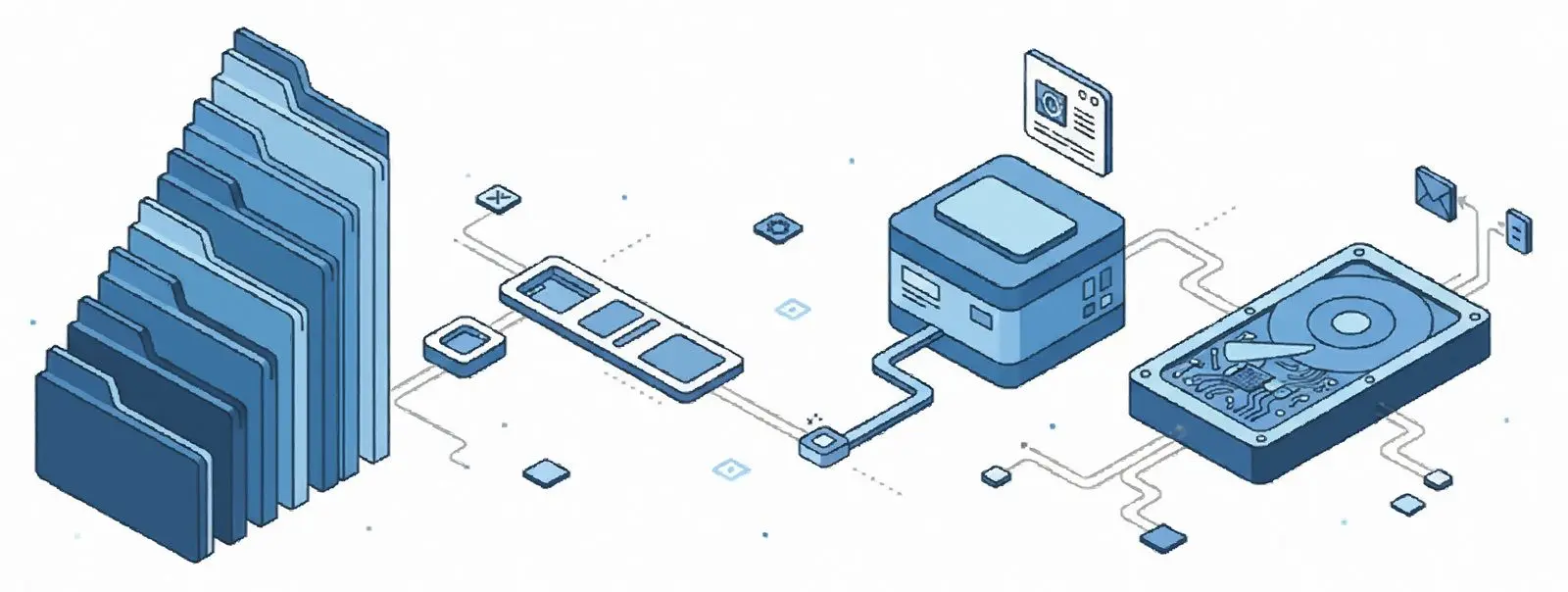
Your mail goes straight from Microsoft to your PC. There is no account to create with us, no upload, no copy of your mailbox anywhere but your own disk, and the sign-in token is never written down - not to a file, not to the registry.
A real PST, not a pile of exports
The folder tree comes across as it was, with subjects, HTML bodies, sender and recipients, dates, read and unread state, and attachments byte for byte. Open the file in Outlook and it looks like the mailbox, because it is.
Large mailboxes actually finish
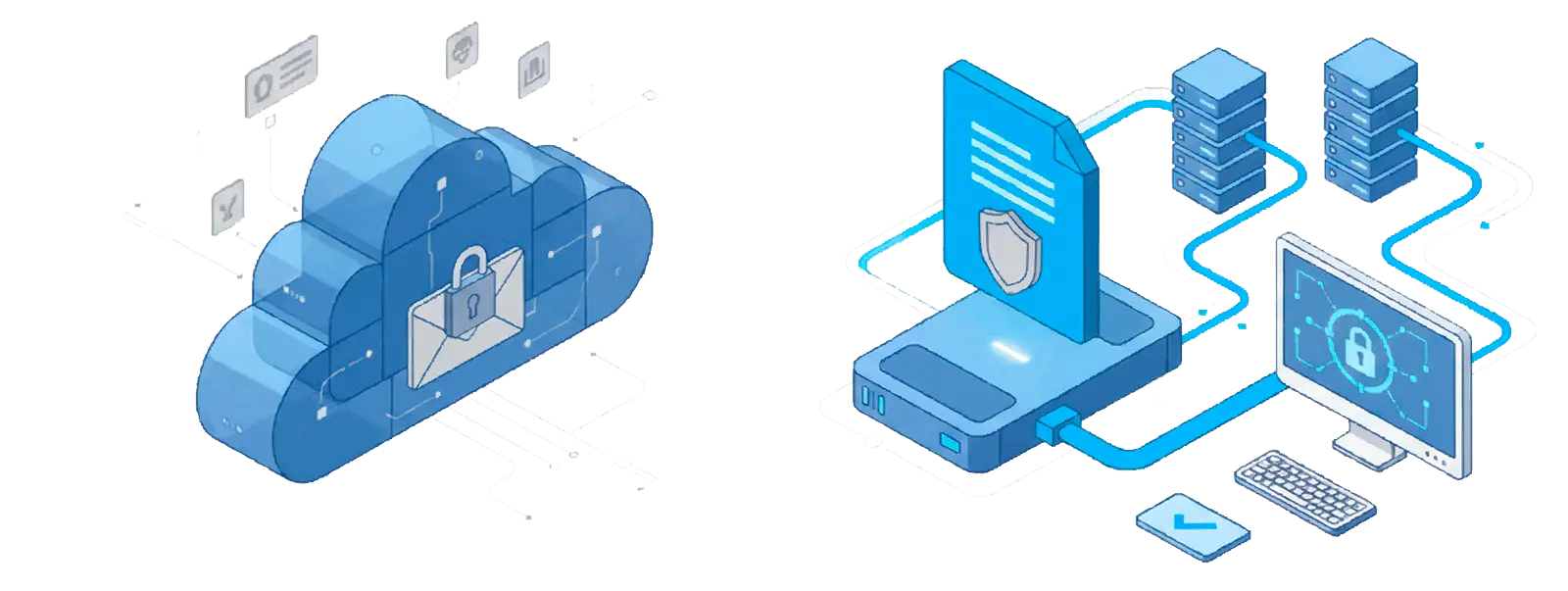
Throttling from Microsoft is expected and waited out rather than treated as an error. A run of 200 000 messages was measured end to end at three and a half hours with flat memory use. Before it starts you are told if the drive is short on space - plan for about the size of the mailbox - or if the destination folder is NTFS-compressed, which makes small messages cost far more, not less.
Why people use it
Read access only
The permission requested is reading mail. Nothing is written back into the mailbox, nothing is moved, nothing is deleted, and the account can revoke the access at any time from the Microsoft security page.
The count has to add up
The report reconciles what was in the mailbox with what was filtered out, written, skipped or failed, and names any remainder as a number. A backup that quietly lost mail is worse than one that failed loudly.
Outlook is not required
The PST is built directly, so the machine doing the backup needs neither Outlook nor an Office licence. You only need Outlook later, if and when you want to open the file in it.
FAQ
System Requirements
Outlook and Microsoft 365 Backup
Languages
1.0
20 Mb
August 29, 2026
- Windows 11/10/8.1/8/7 (32/64 bit)
- Intel i3, AMD Ryzen 5 or above
- 4 GB of RAM or above
- NVIDIA® GeForce® series 8 and 8M, Intel® HD Graphics 2000, Quadro FX 4800, Quadro FX 5600, AMD Radeon™ R600, Mobility Radeon™ HD 4330, Mobility FirePro™ series, Radeon™ R5 M230 or higher graphics card with up-to-date drivers
- 1280 × 768 screen resolution, 32-bit color
- 1 GB of free hard disk space or above
GRT requirements trial note