
Bulk MSG to PST Tool
Turn a Folder of Saved .MSG Files Into One Outlook PST
Merge a folder of saved Outlook .msg messages into a single importable PST on Windows. Subjects, senders, dates, read status, and attachments carry over intact, with no Outlook profile and no upload to a cloud service.
Full seller details: Legal information.
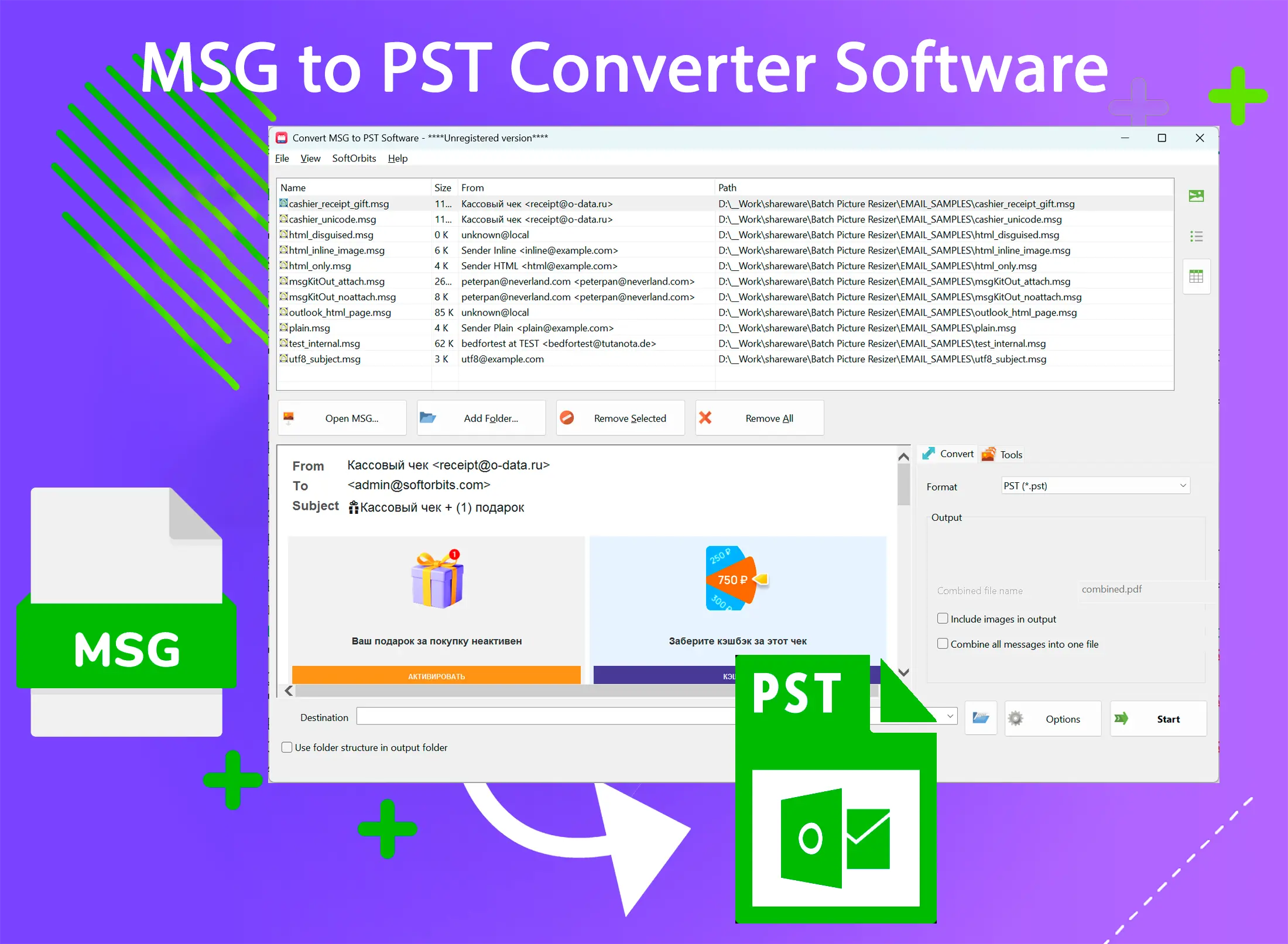
Point the tool at the .msg messages you have saved and get back one Unicode PST you can drop straight into Outlook, instead of a pile of loose files.
Why Saved .MSG Files Pile Up
A .msg file is what Outlook creates the moment you drag an email to the desktop or pick Save As - one message, one file. Do that a few hundred times across projects, tickets, or client threads and you end up with a folder of scattered messages that no longer behaves like a mailbox. This tool takes that whole folder and rebuilds it as one PST you can reopen in Outlook like a normal archive.
How to use it
Step 1: Select Your .MSG Files
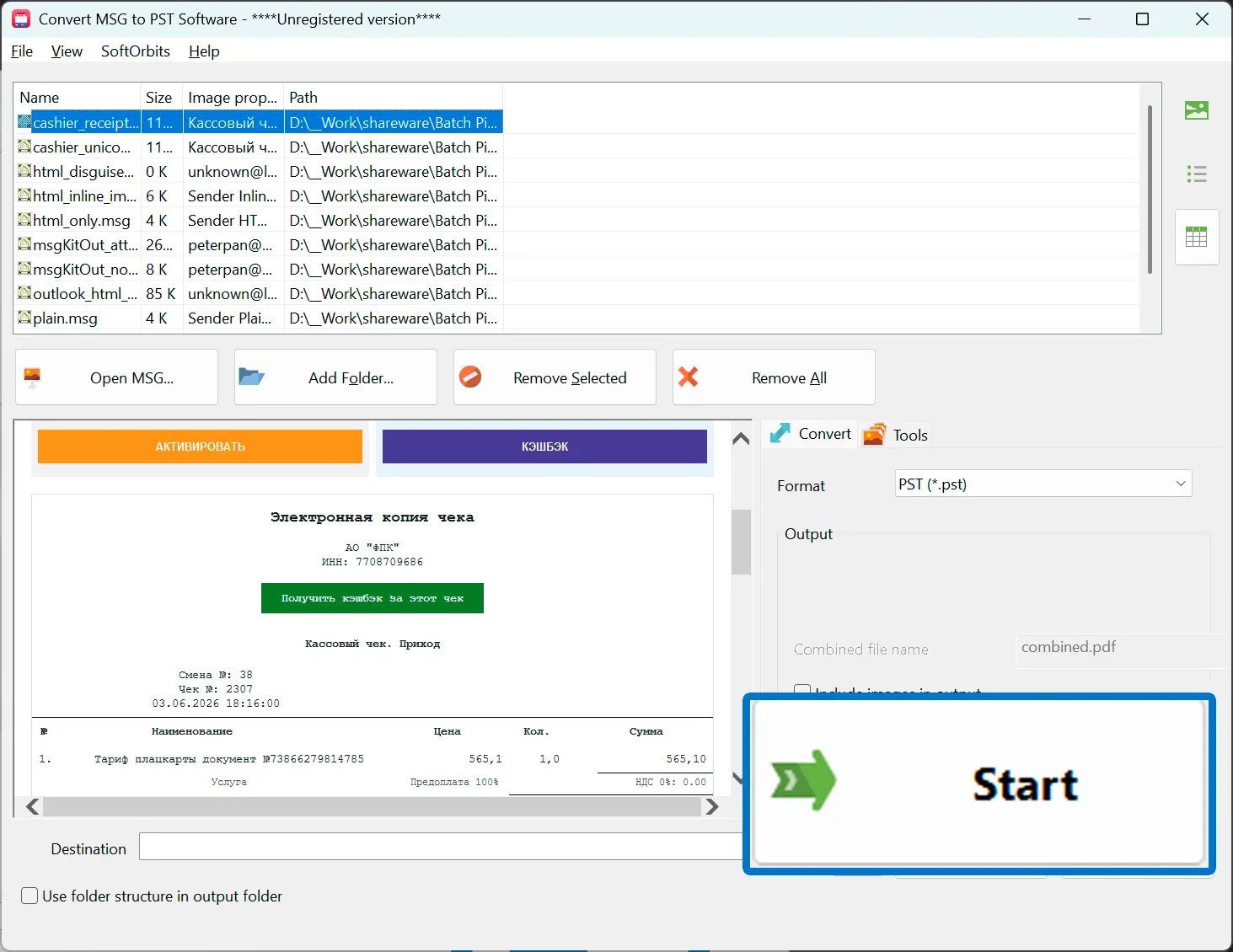
Add one .msg file, a folder, or several hundred at once - the tool reads each one directly, so Outlook does not need to be running.
Step 2: Merge Into a Single PST
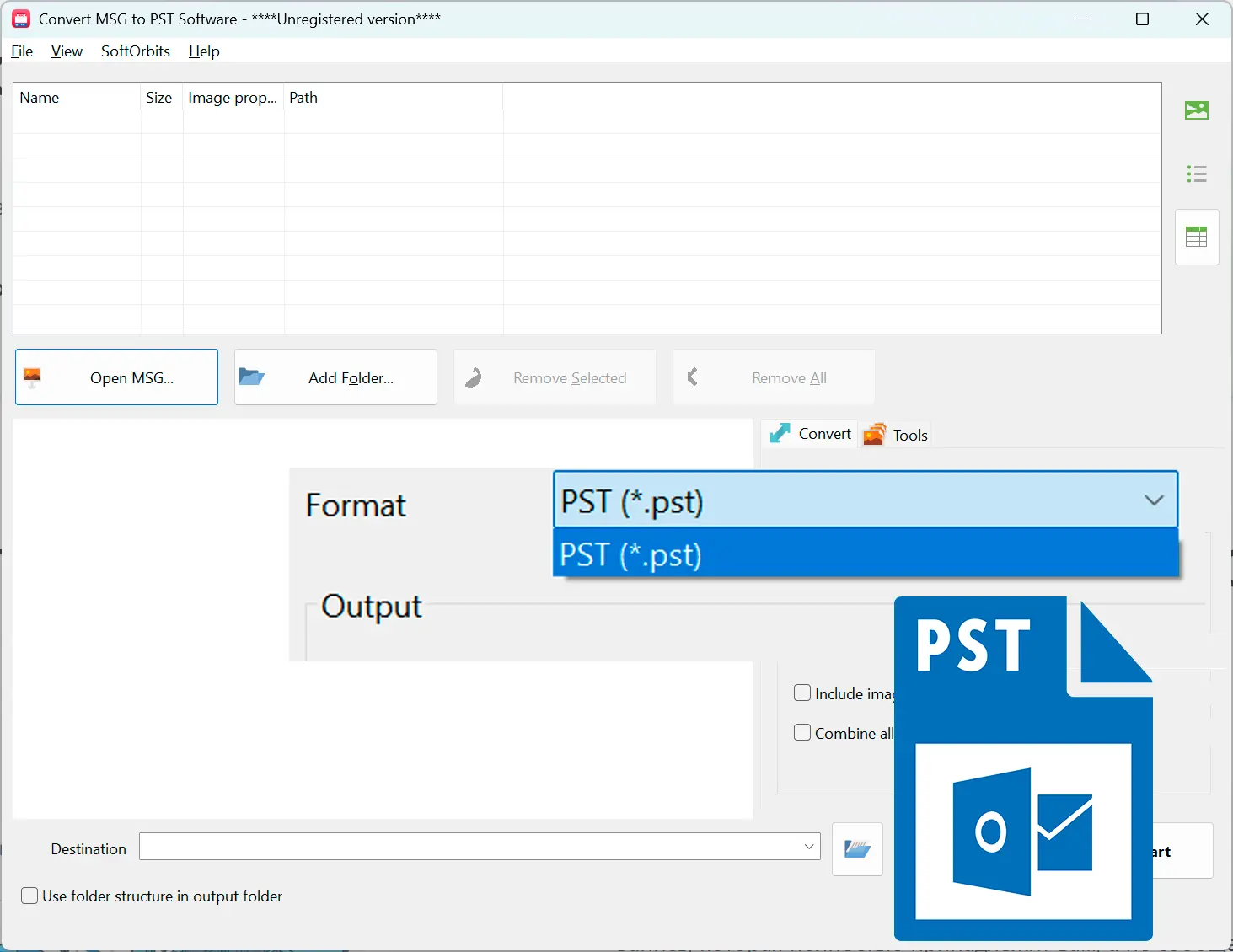
Every selected .msg is written into one Unicode PST container - there is no per-file export and no separate PST for each message.
Step 3: Import Into Outlook
Open the resulting PST from Outlook and browse the messages as a normal folder, with subjects, senders, and dates exactly as they were saved.
Benefits

Byte-Accurate Message Detail
Subject, HTML and plain-text body, from/to/cc, sent date, the read/unread flag, and attachments are carried over as-is, including correct Cyrillic in subjects and sender names.
Nothing Leaves Your PC
Conversion runs locally on your machine, so none of the saved messages are uploaded to a server the way they are with online .msg converters.
One PST, Not a Folder Full of Them
Any number of .msg files you select is combined into a single PST, so you get back one archive to import instead of managing dozens of tiny ones.
Why people use it
Consolidate Saved Email Threads
Reassemble the client or project emails you dragged out of Outlook over time into one PST you can actually browse instead of a loose stack of files.
Archive Exported Support Tickets
Ticket systems and help desks often export each case as its own .msg - batch them into a single PST for records or handover.
Keep Outlook-Native Details, Not Just Text
Because .msg stores native MAPI fields, sender, recipients, dates, and read status move into the PST correctly instead of being flattened to plain text.
FAQ
System Requirements
Bulk MSG to PST Tool
Languages
1.0
9 Mb
July 22, 2026
- Windows 11/10/8.1/8/7 (32/64 bit)
- Intel i3, AMD Ryzen 5 or above
- 4 GB of RAM or above
- NVIDIA® GeForce® series 8 and 8M, Intel® HD Graphics 2000, Quadro FX 4800, Quadro FX 5600, AMD Radeon™ R600, Mobility Radeon™ HD 4330, Mobility FirePro™ series, Radeon™ R5 M230 or higher graphics card with up-to-date drivers
- 1280 × 768 screen resolution, 32-bit color
- 1 GB of free hard disk space or above
GRT requirements trial note