MSG to PDF
Convert Outlook MSG Files on Your PC Not Uploaded Somewhere Else
Turn Outlook .MSG files into PDF or HTML on your PC batch convert saved messages or attachment bundles. No cloud upload, no Outlook required. GRTSoft MSG to PDF free trial for legal, compliance, and email archive workflows.
Full seller details: Legal information.
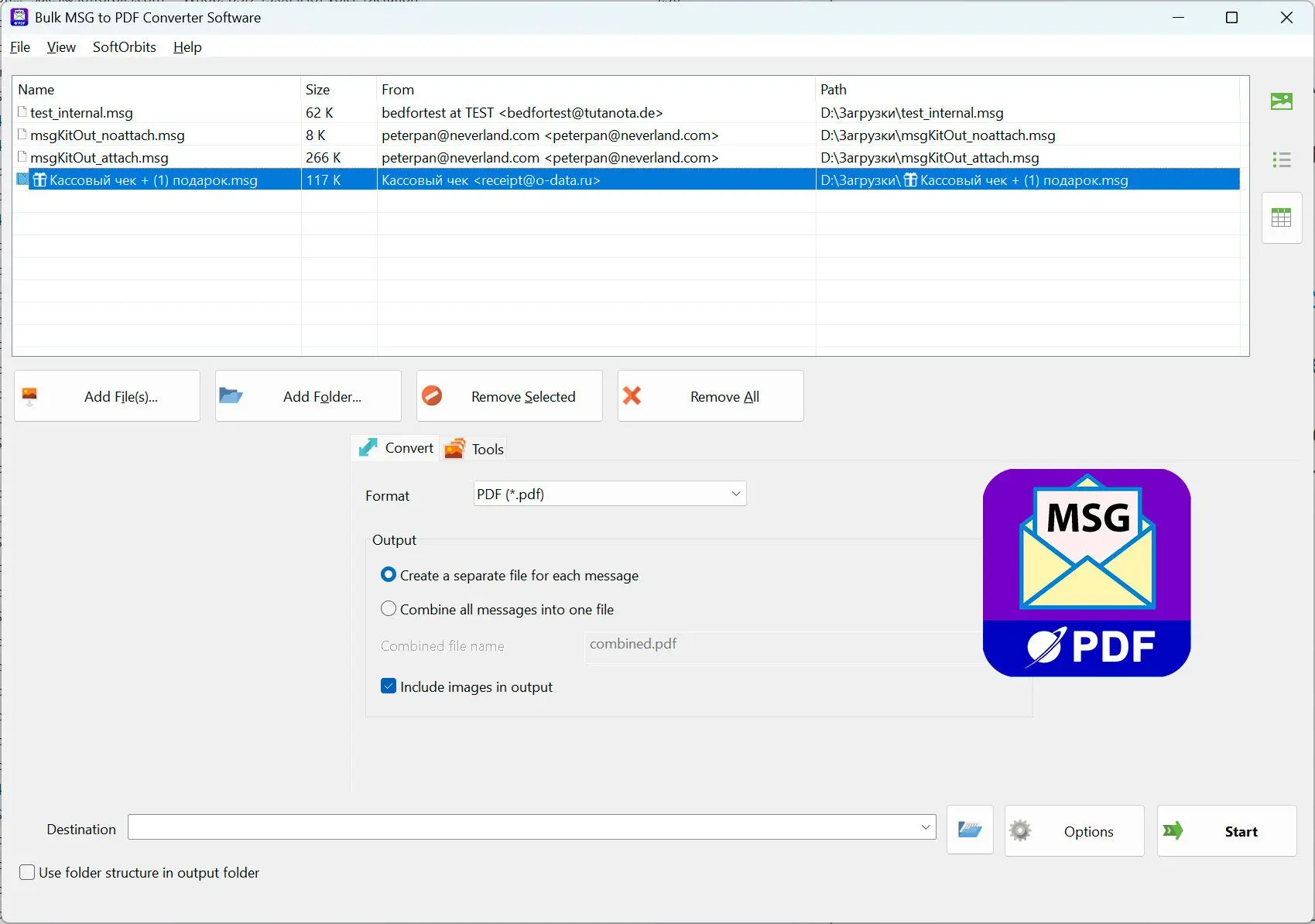
Point the app at a folder of .MSG files, pick output format, and let the queue run locally.
For saved Outlook messages and file-based archives
When you have dozens of .MSG exports or a backup of individual Outlook messages and need readable PDFs for discovery, legal hold, or secure handoff.
How to use it
Select your MSG folder
Click Browse and pick a folder containing .MSG files, or drag-drop a folder into the window.
Choose format and output location
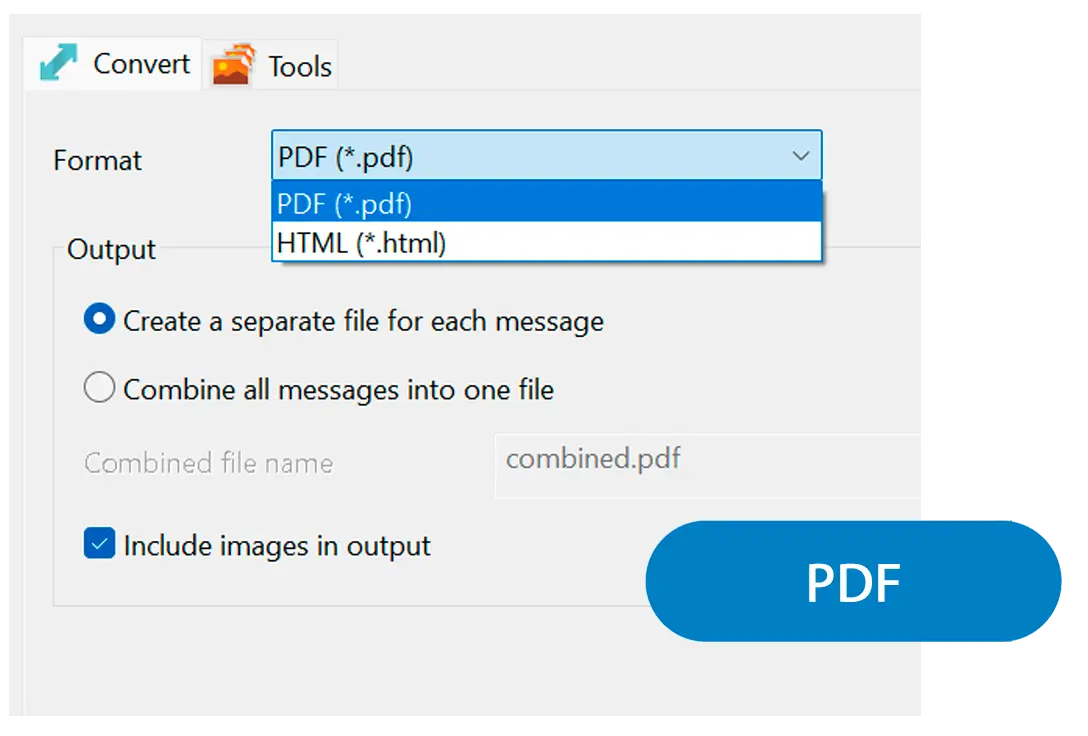
Pick PDF or HTML output, set where files go (per-message files or merged), and toggle inline images if needed.
Run the batch and check results
Start the queue and let it process all .MSG files. Open a few PDFs to verify headers, formatting, and attachments before you delete the originals.
Benefits
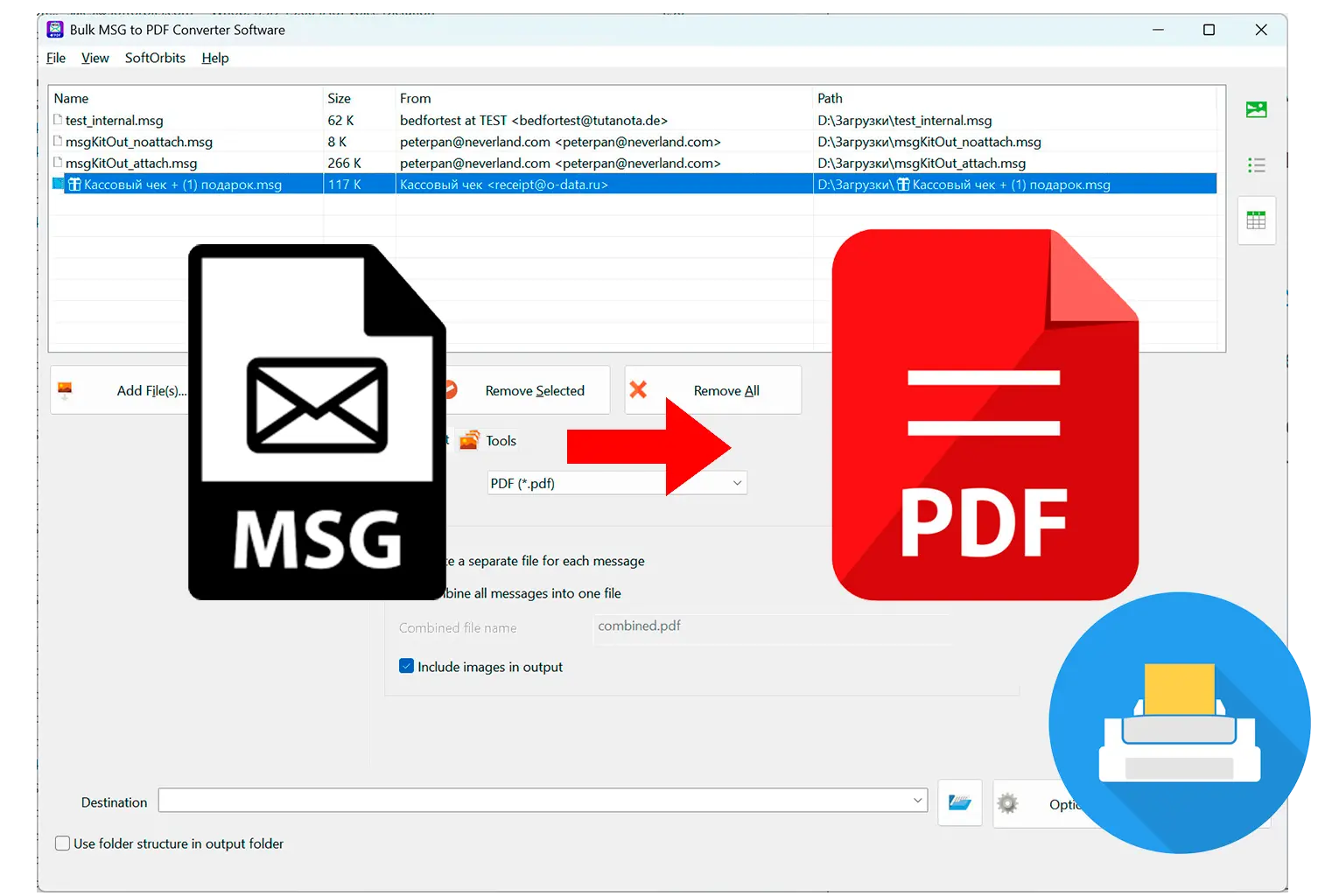
Batch Outlook .MSG files without a mail client
Convert saved messages and backups already on disk Outlook does not need to be running.
Per-message or merged PDF exports
Create one PDF per .MSG or combine a whole folder into a single document with page breaks.
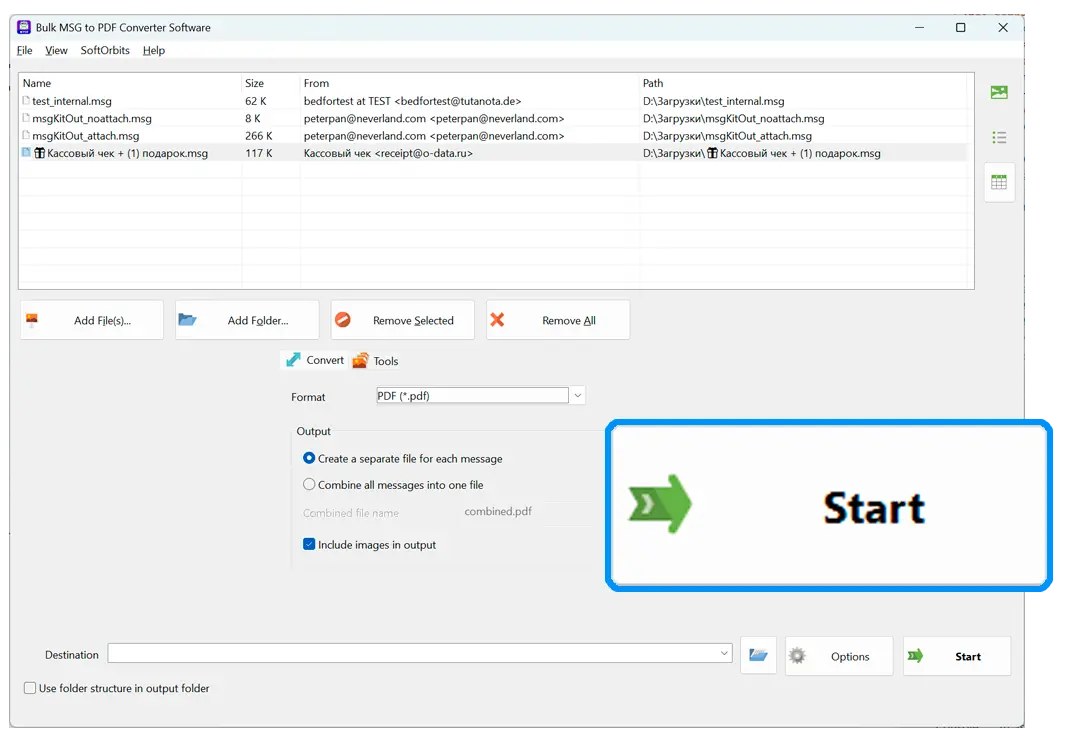
Preview before you commit
See how the first message renders before processing hundreds of files catches format surprises early.
Why people use it
Batch convert without Outlook
Process .MSG files already on disk the mail client does not need to be running or even installed.
One file per message or merged output
Create individual PDFs for each message or combine multiple .MSG files in one document.
100% offline
Files stay on your PC no browser upload, no API call home, no third-party storage.
FAQ
System Requirements
- Windows 11/10/8.1/8/7 (32/64 bit)
- Intel i3, AMD Ryzen 5 or above
- 4 GB of RAM or above
- NVIDIA® GeForce® series 8 and 8M, Intel® HD Graphics 2000, Quadro FX 4800, Quadro FX 5600, AMD Radeon™ R600, Mobility Radeon™ HD 4330, Mobility FirePro™ series, Radeon™ R5 M230 or higher graphics card with up-to-date drivers
- 1280 × 768 screen resolution, 32-bit color
- 1 GB of free hard disk space or above
GRT requirements trial note