MSG to EML Converter
Open Your Outlook Mail Anywhere by Converting MSG to EML
Turn Outlook .msg files into standard .eml that Thunderbird, Apple Mail and eM Client read - and convert .eml back to .msg. Batch, offline, no Outlook needed. Free trial from GRTSoft.
Full seller details: Legal information.
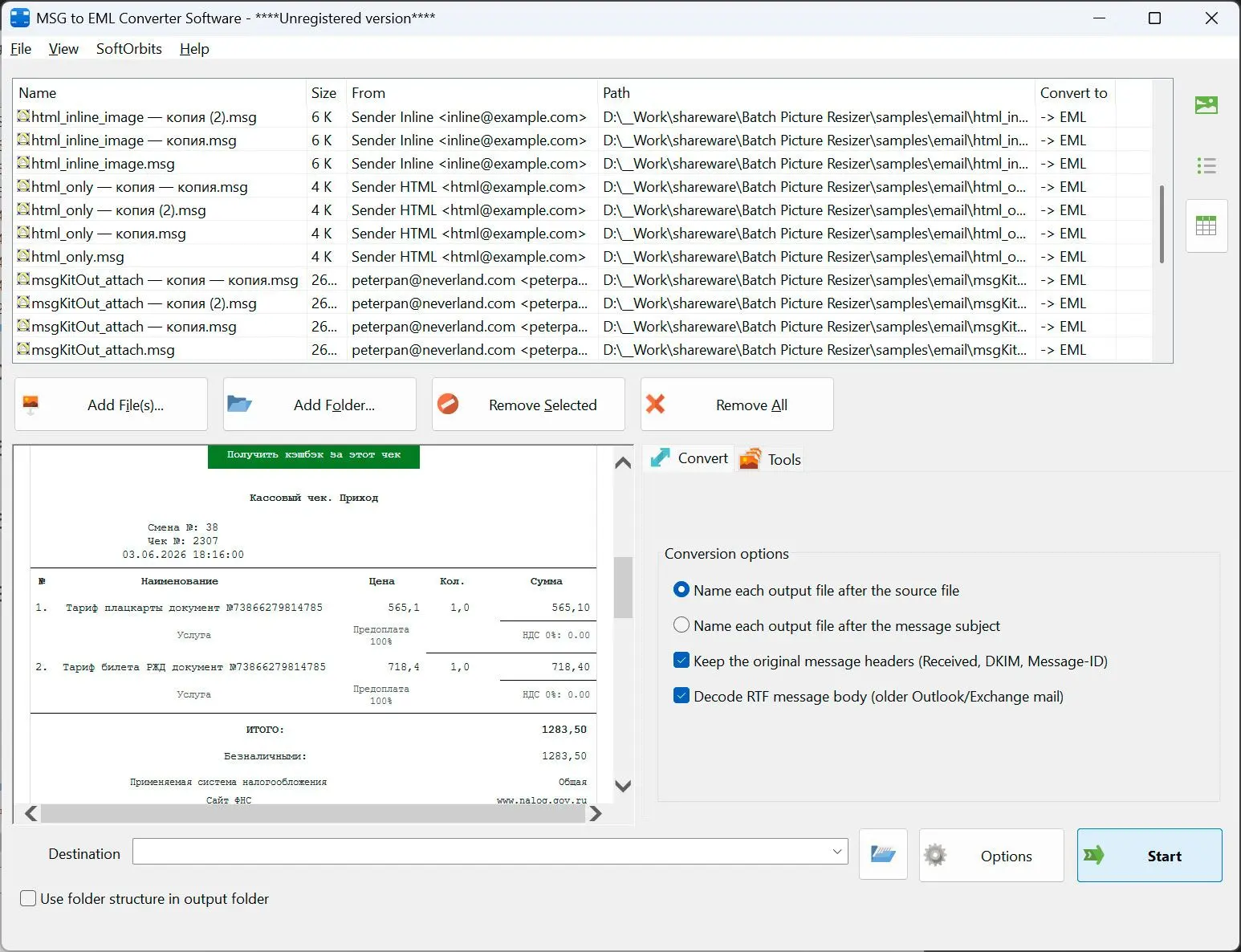
Drop in a folder of .msg files and get standard .eml messages with every recipient, date and attachment still in place - or drop in .eml files and get .msg back.
A .msg file is useless on a machine without Outlook
Outlook saves single messages in its own .msg format, which almost nothing else opens, and it will not save them as .eml at all. Online converters will do it, but only if you are willing to upload private mail to a server you do not control. This converts whole folders on your own PC, in both directions, and keeps the parts of the message that matter.
How to use it
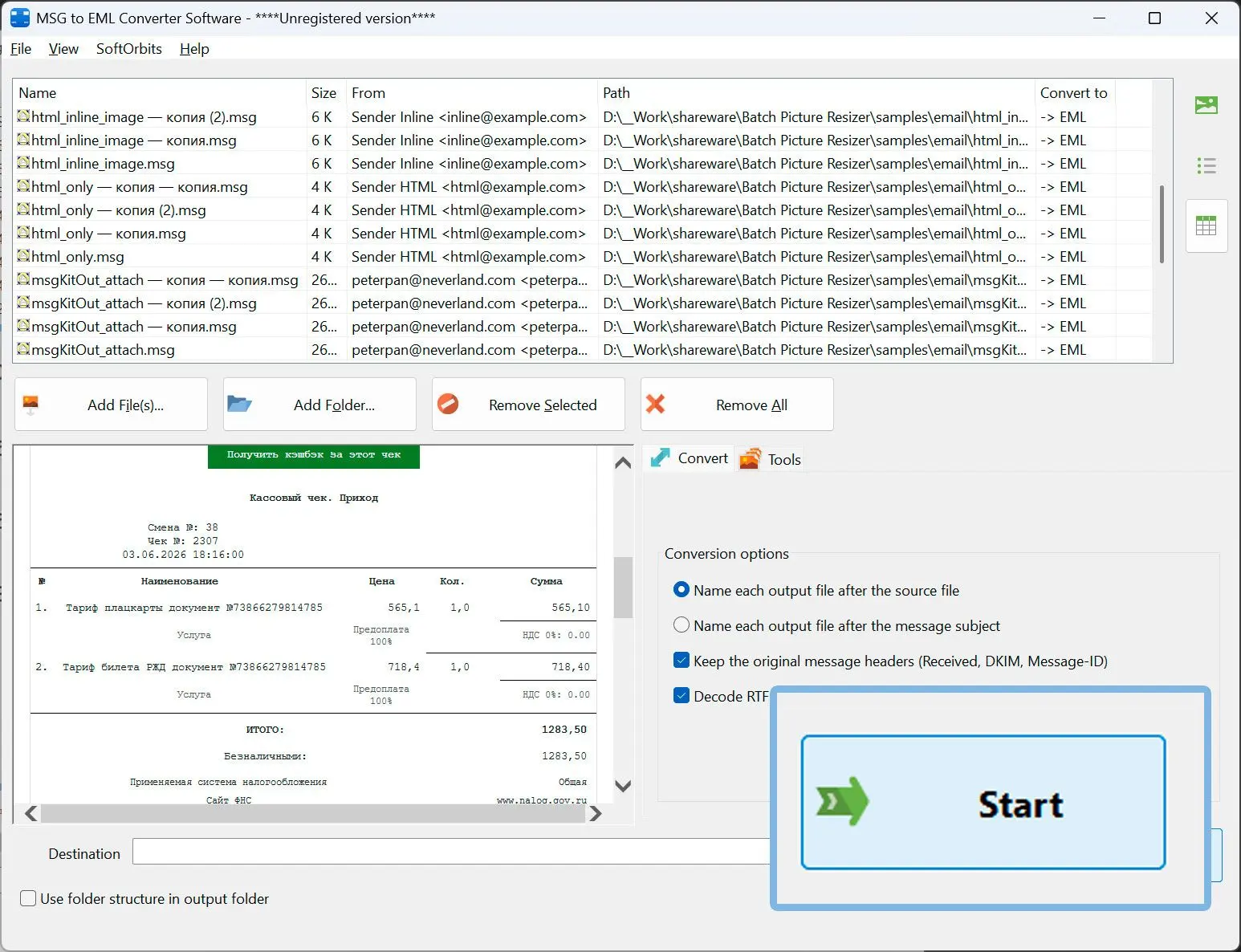
Add your messages
Drag in single files or add whole folders with their subfolders. Outlook does not have to be installed - the files are read directly.
Let it pick the direction
Each file is checked by its actual content, so .msg becomes .eml and .eml becomes .msg with no switch to set. A mixed queue is fine.
Convert the whole batch
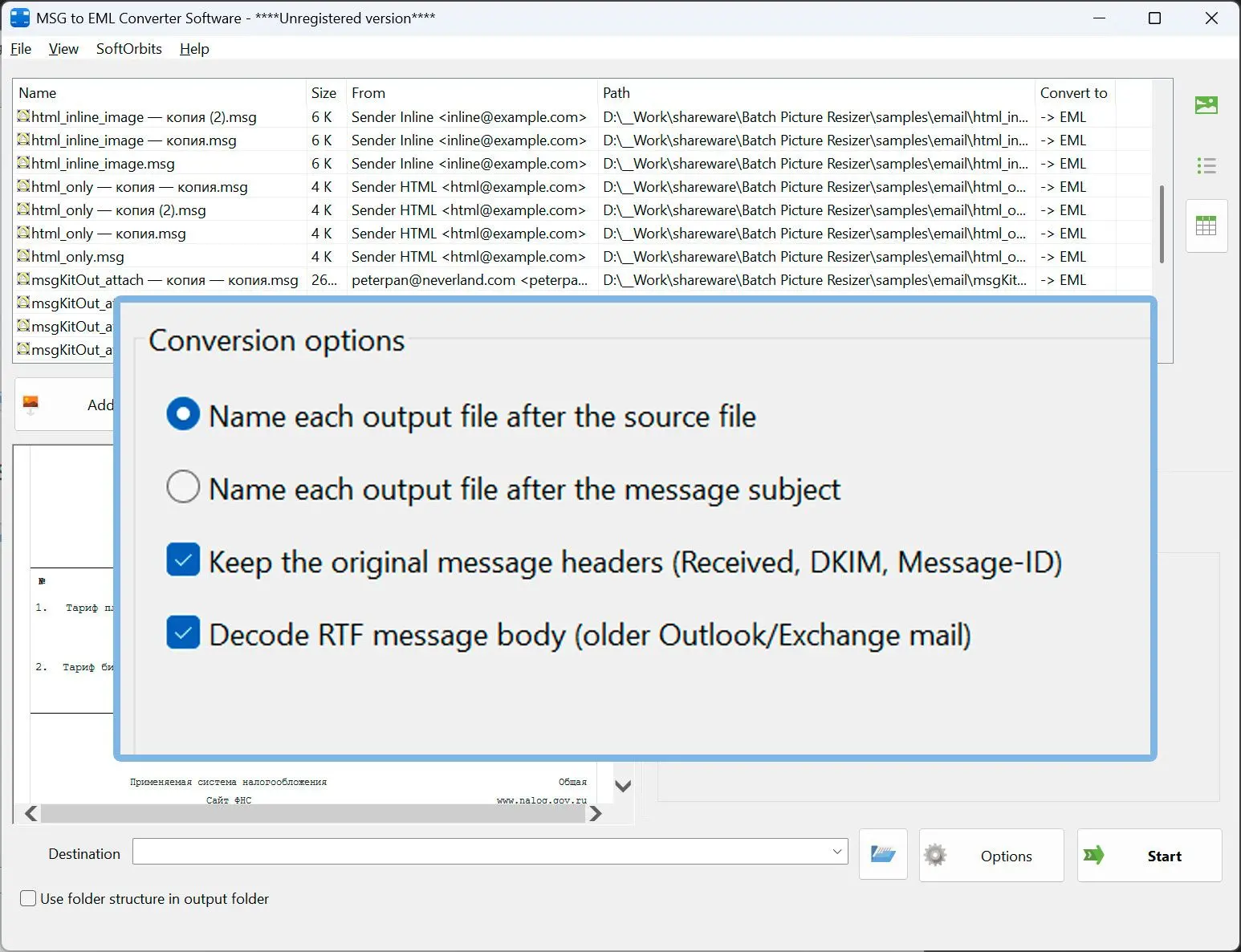
Name the output after the subject or after the source file, add a prefix or suffix if you want one, and get a count of converted, copied, skipped and failed files at the end.
Benefits
Every recipient and header comes across
All To, Cc and Bcc recipients, the date, Message-ID, References and In-Reply-To are written out, so conversations still hold together in the client you move to.
The original delivery headers are kept
When the message still carries its internet headers, the full Received chain, DKIM and Authentication-Results lines are copied into the .eml - the detail that matters for archiving and e-discovery.
Attachments and formatting survive
Attachments are written byte for byte, inline images stay inline, and a message stored only as RTF is decoded rather than rejected.
Why people use it
Works both ways
MSG to EML for moving off Outlook, EML to MSG for putting mail back into it - one tool, and the .msg files it writes open in real Outlook.
Non-English subjects stay readable
Subjects and names in Cyrillic, accented Latin or emoji are encoded the standard way, so the receiving client shows them instead of question marks.
Nothing leaves your computer
The whole batch runs locally on Windows. No upload, no account, and the log records file names and sizes only - never subjects, addresses or message text.
FAQ
System Requirements
MSG to EML Converter
Languages
1.0
3.5 Mb
August 5, 2026
- Windows 11/10/8.1/8/7 (32/64 bit)
- Intel i3, AMD Ryzen 5 or above
- 4 GB of RAM or above
- NVIDIA® GeForce® series 8 and 8M, Intel® HD Graphics 2000, Quadro FX 4800, Quadro FX 5600, AMD Radeon™ R600, Mobility Radeon™ HD 4330, Mobility FirePro™ series, Radeon™ R5 M230 or higher graphics card with up-to-date drivers
- 1280 × 768 screen resolution, 32-bit color
- 1 GB of free hard disk space or above
GRT requirements trial note