
MBOX to PST Migration Tool
Move Your Mail Out of MBOX and Into Outlook
Convert MBOX mailboxes from Thunderbird, Eudora, or Apple Mail into a PST file Outlook opens directly. Runs offline on your PC and keeps folders, attachments, and read status intact.
Full seller details: Legal information.
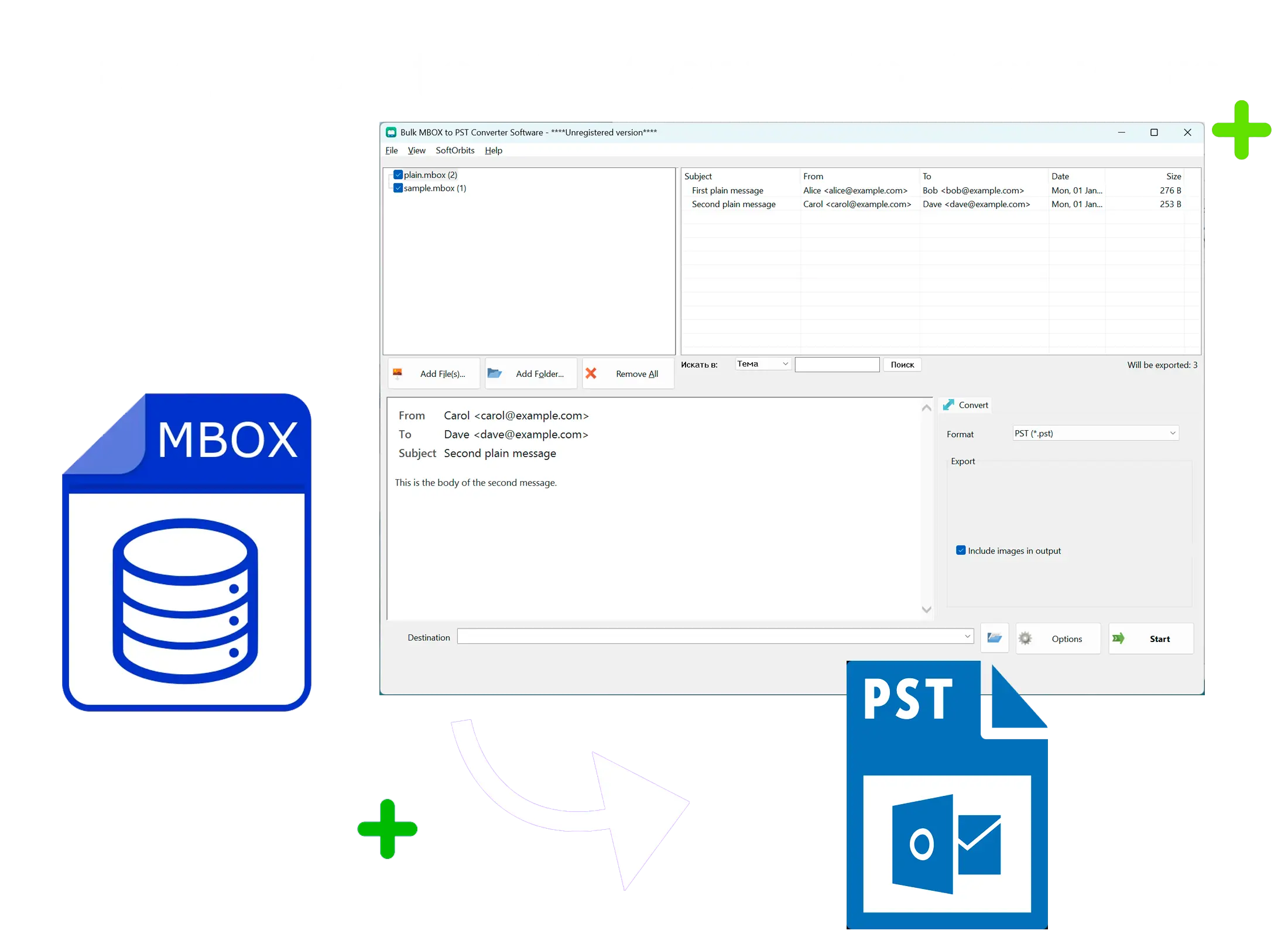
Outlook doesn't open .mbox files. This tool turns your Thunderbird, Eudora, or Unix mail archive into a PST it reads natively - no cloud upload, no manual export hacks.
Why You Need a Separate Converter
Outlook only imports PST and CSV files, so an .mbox export from Thunderbird, Eudora, or another mail client just sits there unreadable. This tool parses the mbox stream directly - it doesn't depend on Thunderbird's index files - and writes a standard PST you can open in Outlook right away.
How to use it
Point to Your MBOX File
Add one .mbox file or several at once - each one usually maps to a single Thunderbird folder, since mbox itself has no internal subfolder structure.
Choose Merge or Keep Separate
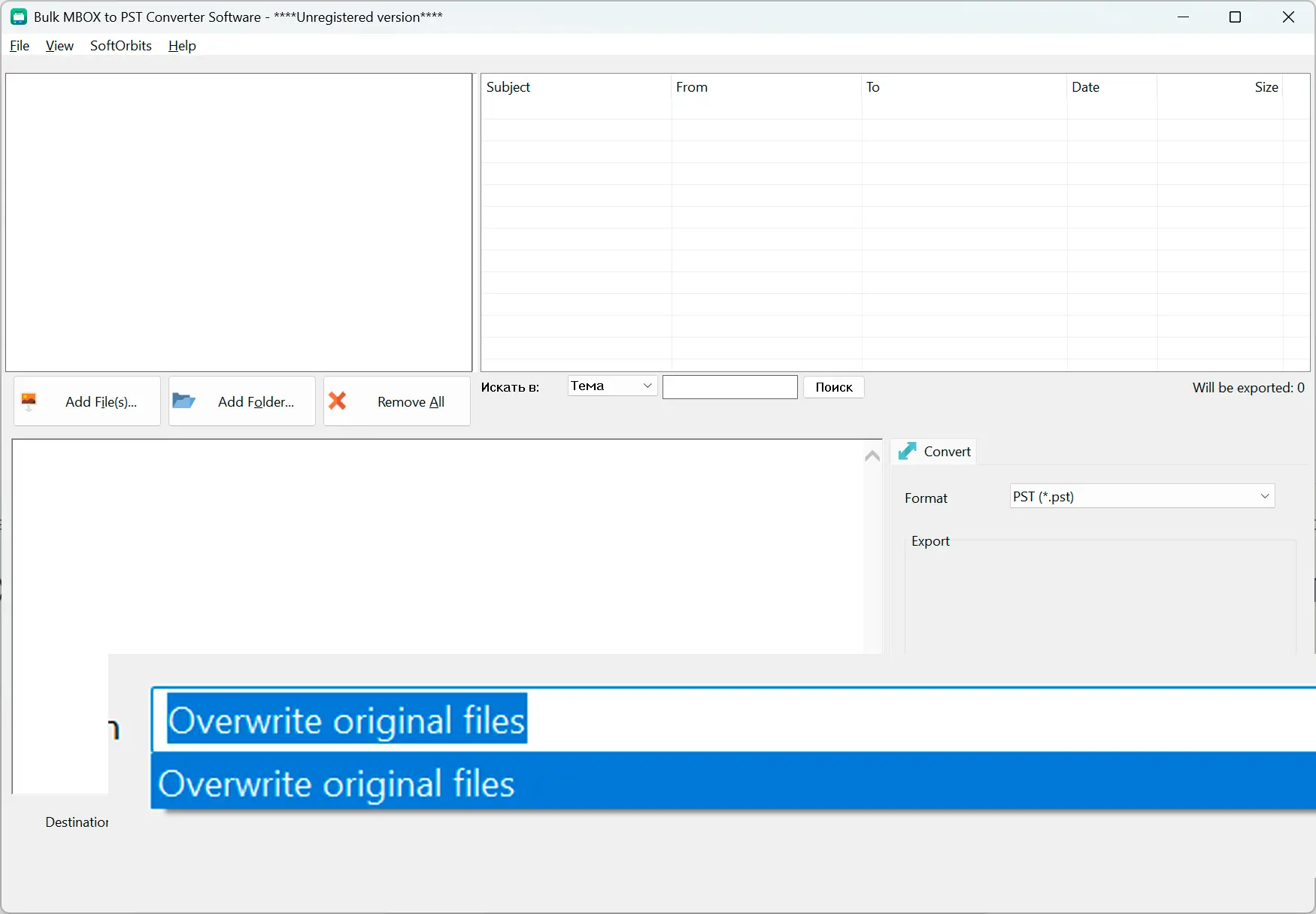
Turn on "Merge into one PST" to combine every input into one file, each landing in its own top-level folder so names never collide. Leave it off and get a separate PST per source file.
Convert and Open in Outlook
The tool builds a Unicode PST on your PC and closes it clean - just add the file to Outlook's profile and your mail, dates, and attachments are there.
Benefits
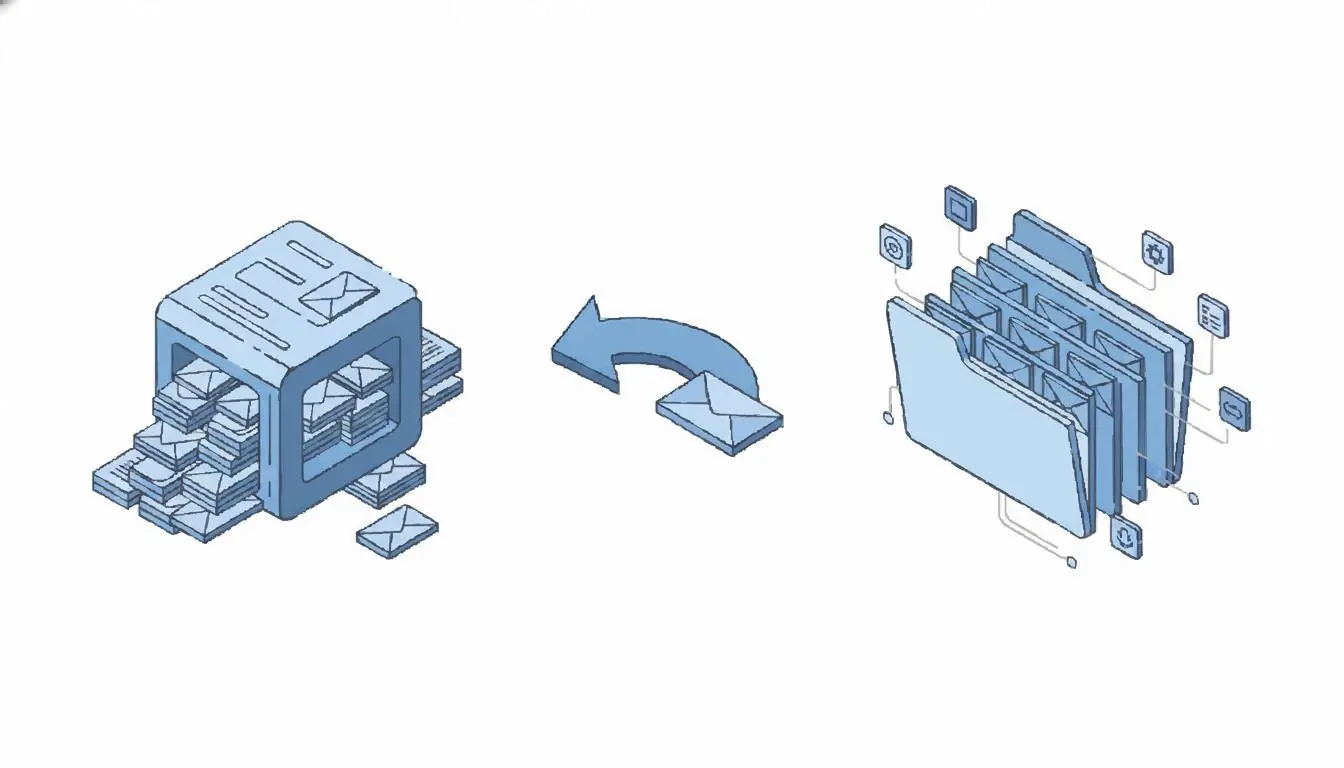
Nothing Leaves Your PC
Conversion runs locally - no upload to a server, so your emails never pass through a third party.
Folder Structure Stays Intact
Each source file becomes its own top-level folder in the PST, so you're not stuck untangling one giant merged inbox.
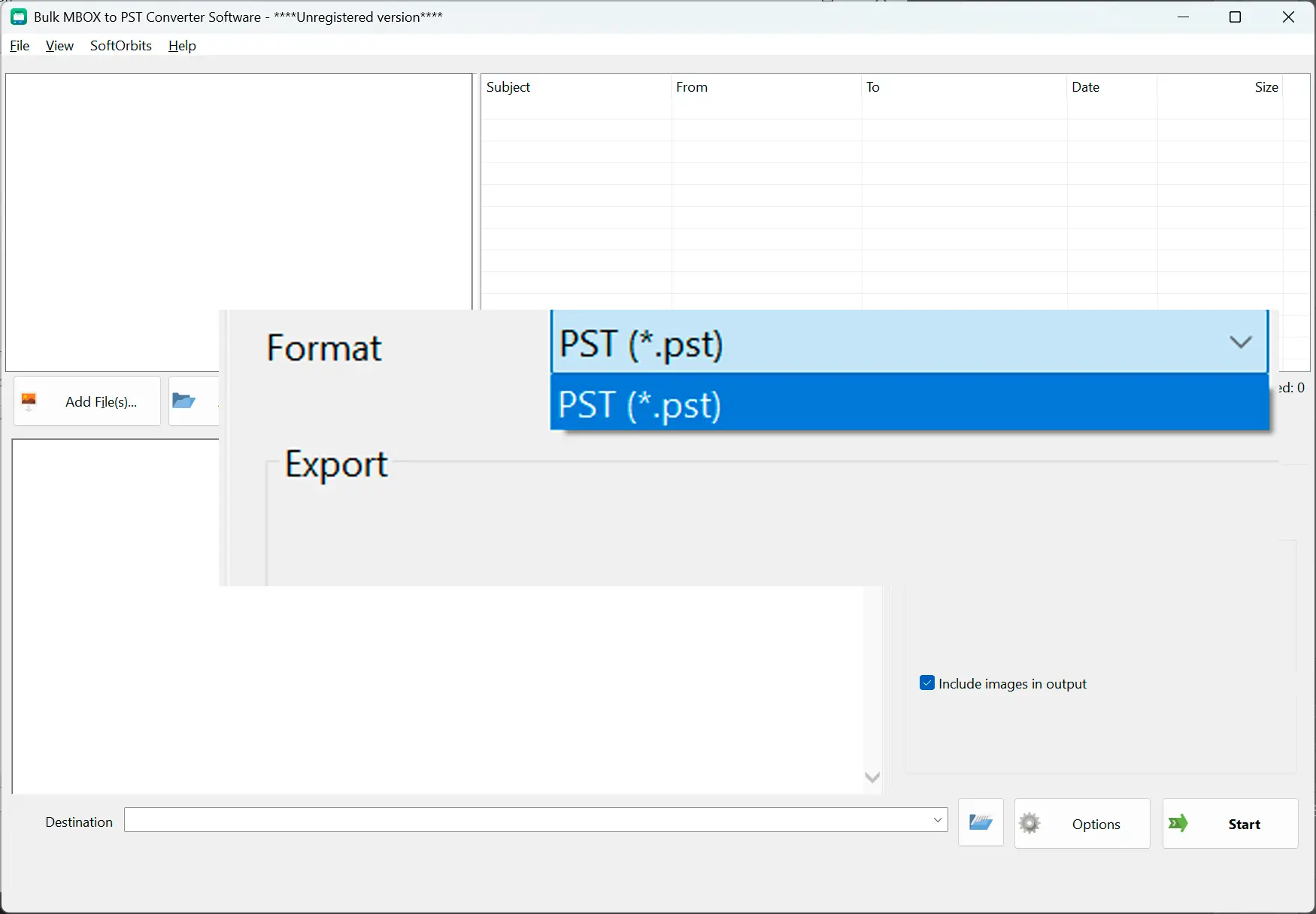
Reads Raw MBOX, Not Thunderbird's Index
It works straight from the mboxrd/mboxo stream, so a missing or corrupted .msf index file doesn't stop the conversion.
Why people use it
From/To/Cc and Dates Carry Over Exactly
Sender, recipients, subject, and timestamps convert byte for byte, so message threads still make sense once they're in Outlook.
HTML and Plain-Text Bodies Both Convert
Whichever format the original message used, the body renders the same way inside Outlook.
Attachments and Read/Unread Status Come Along
Attached files stay attached, and messages you'd already read don't come back marked unread.
FAQ
System Requirements
MBOX to PST Migration Tool
Languages
1.0
9 Mb
September 7, 2026
- Windows 11/10/8.1/8/7 (32/64 bit)
- Intel i3, AMD Ryzen 5 or above
- 4 GB of RAM or above
- NVIDIA® GeForce® series 8 and 8M, Intel® HD Graphics 2000, Quadro FX 4800, Quadro FX 5600, AMD Radeon™ R600, Mobility Radeon™ HD 4330, Mobility FirePro™ series, Radeon™ R5 M230 or higher graphics card with up-to-date drivers
- 1280 × 768 screen resolution, 32-bit color
- 1 GB of free hard disk space or above
GRT requirements trial note