MBOX to PDF
Read an Old .mbox Mailbox Without Reinstalling Thunderbird
Turn Thunderbird and Apple Mail .mbox files into PDF on your PC - one folder of mailboxes at a time, no mail client needed. No cloud upload. GRTSoft MBOX to PDF - free trial for archiving and legal handoff.
Full seller details: Legal information.
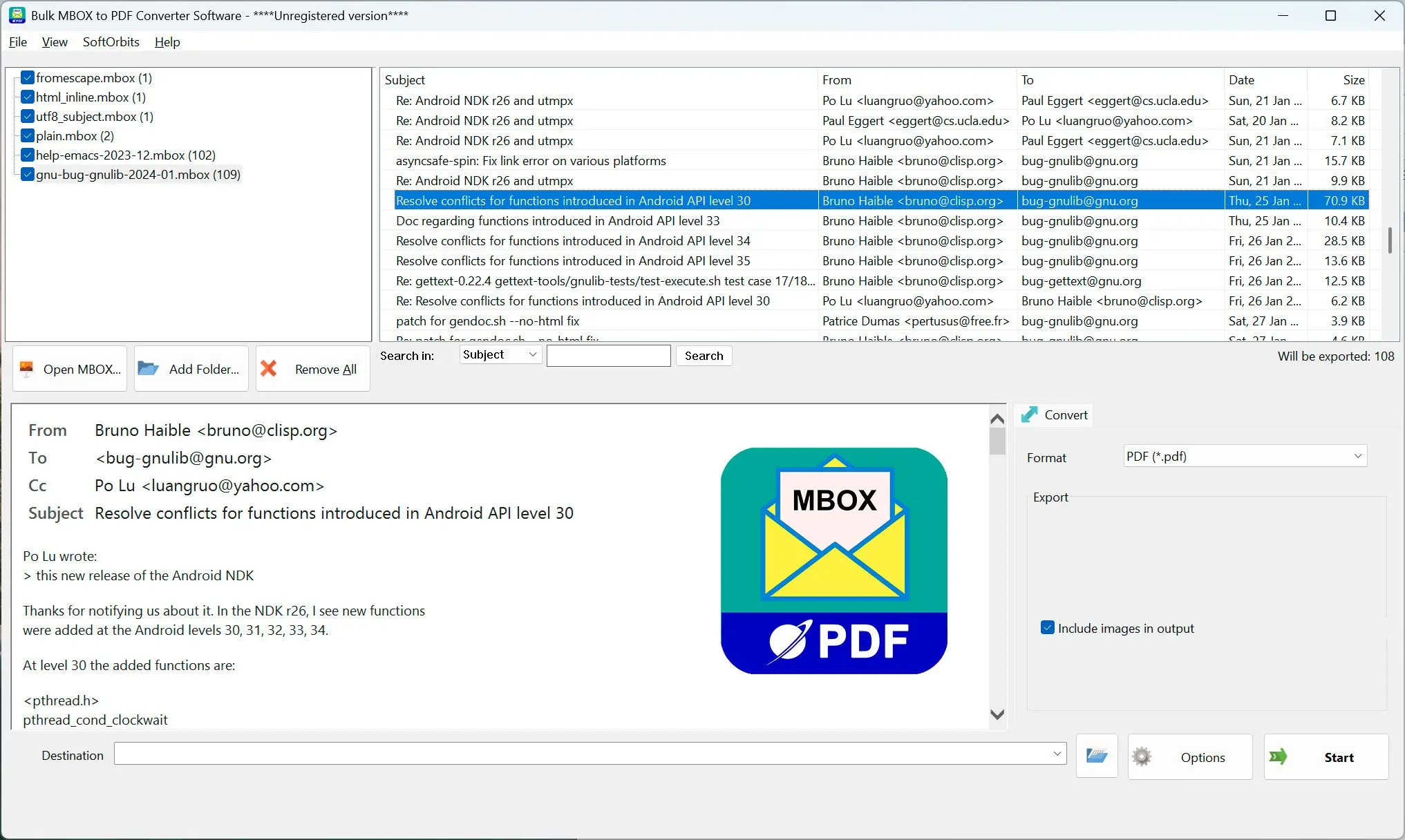
Drop in one or many .mbox files, scan the message list, and export each mailbox to PDF locally.
For migrations and leftover mailboxes
When you switched away from Thunderbird or Apple Mail and a stack of .mbox files is left over that nothing on Windows will open.
How to use it
Add your .mbox files
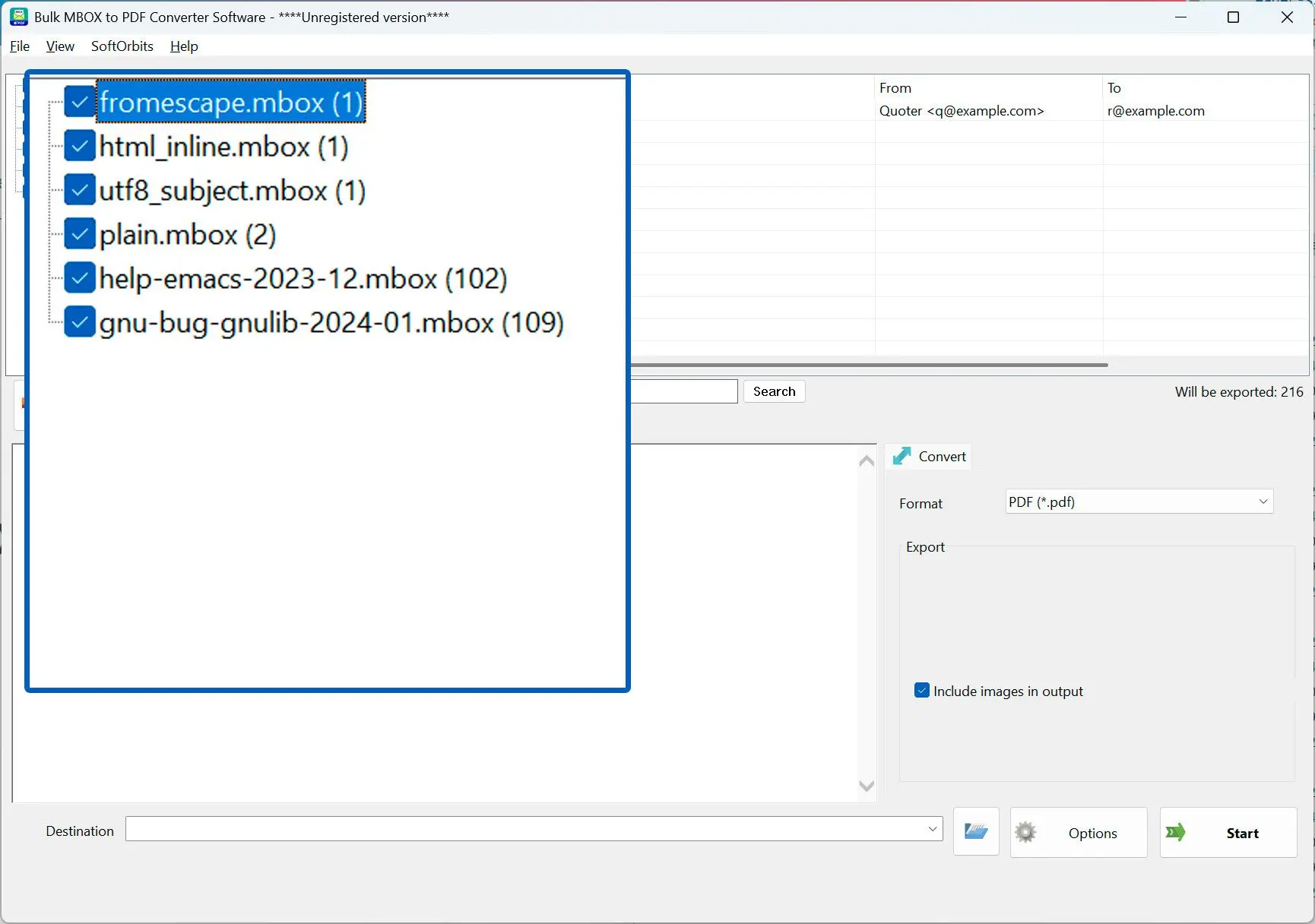
Use Add File for one or many mailboxes, drag-drop files and folders, or Add Folder to sweep a whole directory.
Pick mailboxes and check the messages
Each mailbox is one node in the tree with a checkbox; click it to see its messages, filter by From, To, Subject, or Body, and preview any one.
Run the export
Check the mailboxes you want, set a destination, and run. Each mailbox lands in its own subfolder so file names never collide.
Benefits
Convert .mbox without a mail client
Open mailboxes already saved to disk - no Thunderbird or Apple Mail install required.
Whole folders of mailboxes at once
Add Folder finds every .mbox in the tree, including .sbd subfolders, so a full profile export converts in one run.
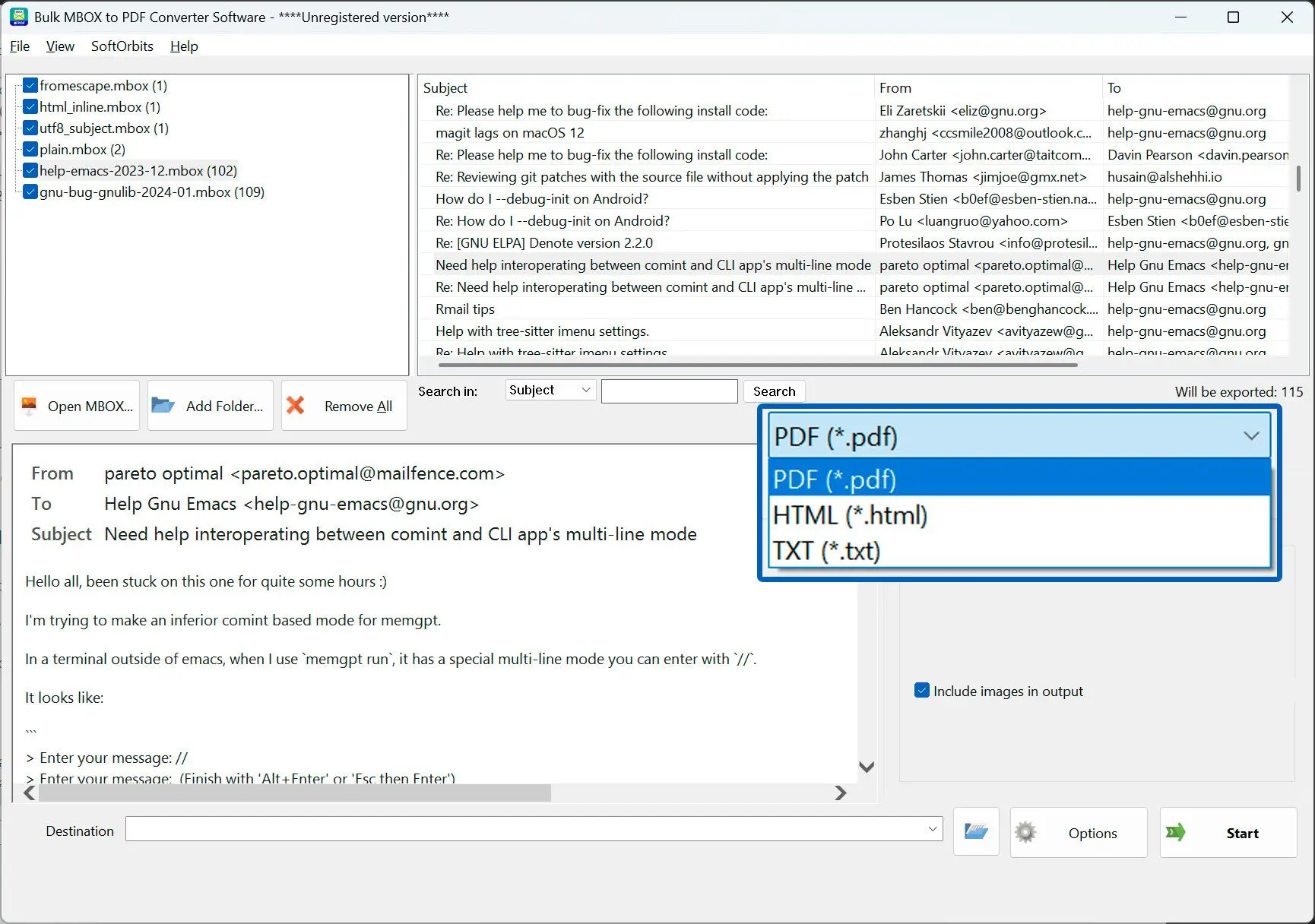
Preview before you batch
Scan the message list and HTML preview to confirm the right mailbox and content before exporting hundreds of messages.
Why people use it
Add many mailboxes at once
Multi-select files, drag in folders, or point Add Folder at a directory and it finds every .mbox in the subfolders.
Message list and preview
Each mailbox shows Subject, From, To, Date, and Size with an HTML preview, so you check before you batch.
100% offline
Mail never leaves the machine - no browser upload, no account, no third-party server.
FAQ
System Requirements
MBOX to PDF
Languages
1.0
6.5 Mb
August 6, 2026
- Windows 11/10/8.1/8/7 (32/64 bit)
- Intel i3, AMD Ryzen 5 or above
- 4 GB of RAM or above
- NVIDIA® GeForce® series 8 and 8M, Intel® HD Graphics 2000, Quadro FX 4800, Quadro FX 5600, AMD Radeon™ R600, Mobility Radeon™ HD 4330, Mobility FirePro™ series, Radeon™ R5 M230 or higher graphics card with up-to-date drivers
- 1280 × 768 screen resolution, 32-bit color
- 1 GB of free hard disk space or above
GRT requirements trial note