
ICS Calendar to CSV Exporter
Your Calendar Files, Readable in a Spreadsheet
Turn a folder of .ics and .vcs calendar files into one clean CSV for Excel, Google Calendar or Outlook. Time zones and all-day dates stay right. Offline, free trial from GRTSoft.
Full seller details: Legal information.
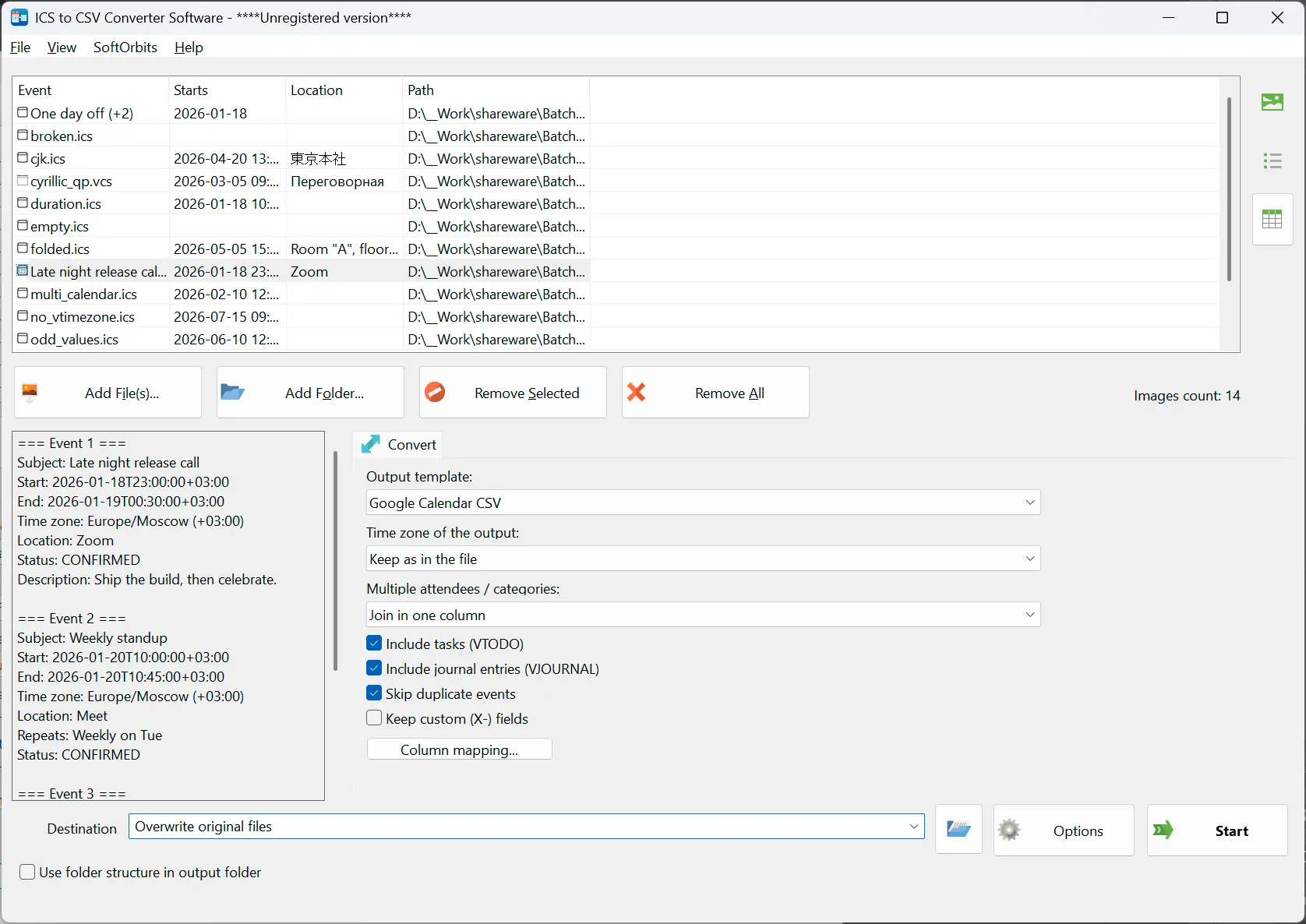
Drop in the .ics exports you have collected, get one CSV with every event in it, and open that file in Excel without a single time being off by an hour.
A calendar export is not a table
An .ics file is meant for one calendar app to hand to another, so a plain text editor shows you folded lines and codes instead of your schedule. Web converters will format it for you, but only after you upload a file that lists who you met and when. This reads the calendar on your own Windows PC and writes a spreadsheet you can sort, filter and hand to someone else.
How to use it
Add the calendars
Point it at a folder and every .ics inside is picked up, including a single Google Calendar export holding thousands of events and files carrying several calendars at once. Older .vcs files from Outlook and phone backups are read by the same parser.
Pick a layout
Google Calendar and Outlook Calendar layouts write the exact column names those two expect on import. Plain writes everything that was parsed - identifier, status, recurrence rule, custom fields - when the file is going into a report instead of another calendar.
Get one CSV
Every event from every file lands in a single table, duplicates folded by their calendar identifier. The file is written where you chose, and nothing was sent anywhere along the way.
Benefits
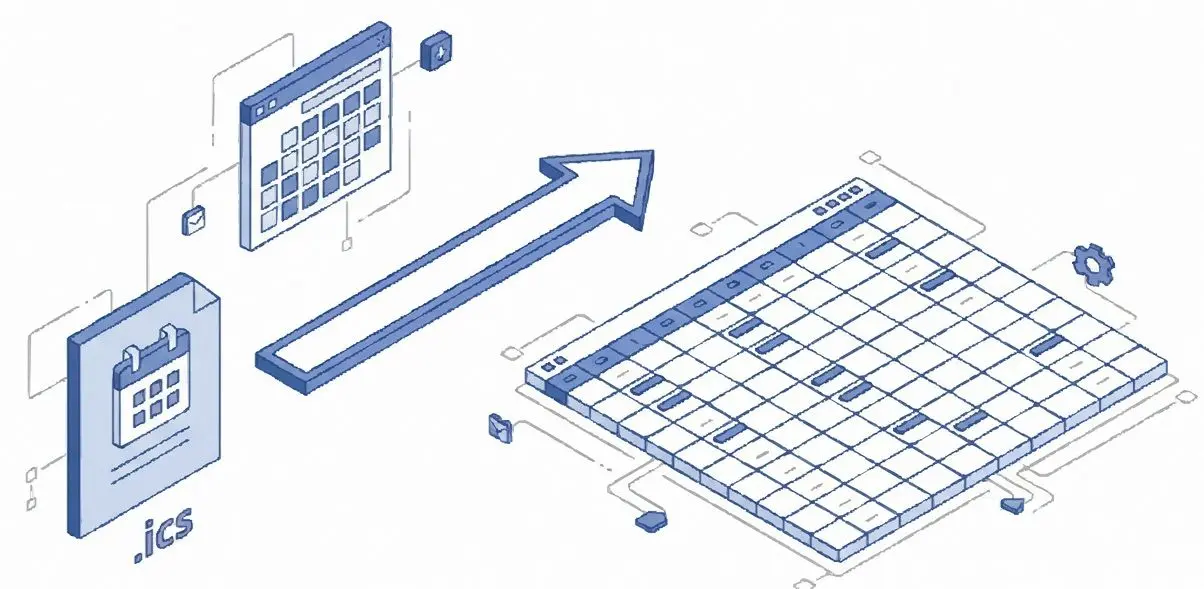
Times that survive the trip
An .ics carries its own time zone rules inside it, so the offset for each event is worked out from the file itself, including which rule was in force on that date. This is where most converters slip and everything arrives one to three hours off.
A one day event stays one day
In the calendar format the end of an all day event points at the next morning. Copy that number into a table without thinking and every birthday becomes a two day event. Here the boundary is converted, not copied.
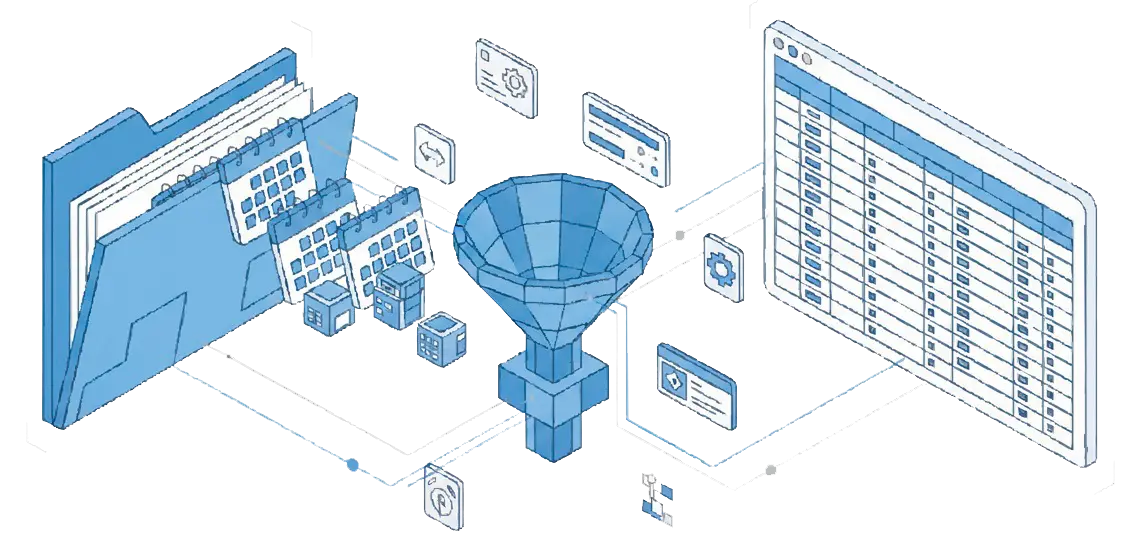

Repeats you can read
The raw recurrence rule is kept for anything that has to be imported back, and next to it sits a plain sentence - every 2 weeks on Mon, Wed, until 2026-12-31 - so a person reading the spreadsheet knows what the row means.
Why people use it
Excel opens it correctly
The CSV follows RFC 4180 and carries a UTF-8 byte order mark, so Cyrillic, accented and CJK titles show up on a double click instead of turning into rubbish.
Columns are yours to arrange
Switch columns off, reorder them and rename the headers before writing. Attendees, categories and extra dates go either into numbered columns or into one joined cell, whichever your next tool expects.
Tasks and notes too
Not only events: to-dos come across with their due date, completion date and progress, and journal entries come across as well. A calendar export usually holds more than appointments.
FAQ
System Requirements
ICS Calendar to CSV Exporter
Languages
1.0
5 Mb
August 5, 2026
- Windows 11/10/8.1/8/7 (32/64 bit)
- Intel i3, AMD Ryzen 5 or above
- 4 GB of RAM or above
- NVIDIA® GeForce® series 8 and 8M, Intel® HD Graphics 2000, Quadro FX 4800, Quadro FX 5600, AMD Radeon™ R600, Mobility Radeon™ HD 4330, Mobility FirePro™ series, Radeon™ R5 M230 or higher graphics card with up-to-date drivers
- 1280 × 768 screen resolution, 32-bit color
- 1 GB of free hard disk space or above
GRT requirements trial note