Focus Stacker Pro
Every Frame Sharp, One Photo Out
Merge a focus bracket into one fully sharp photo on Windows. JPEG, TIFF and camera RAW in, 16-bit TIFF out, and an optional background blur that brings the subject back forward. Free trial.
Full seller details: Legal information.
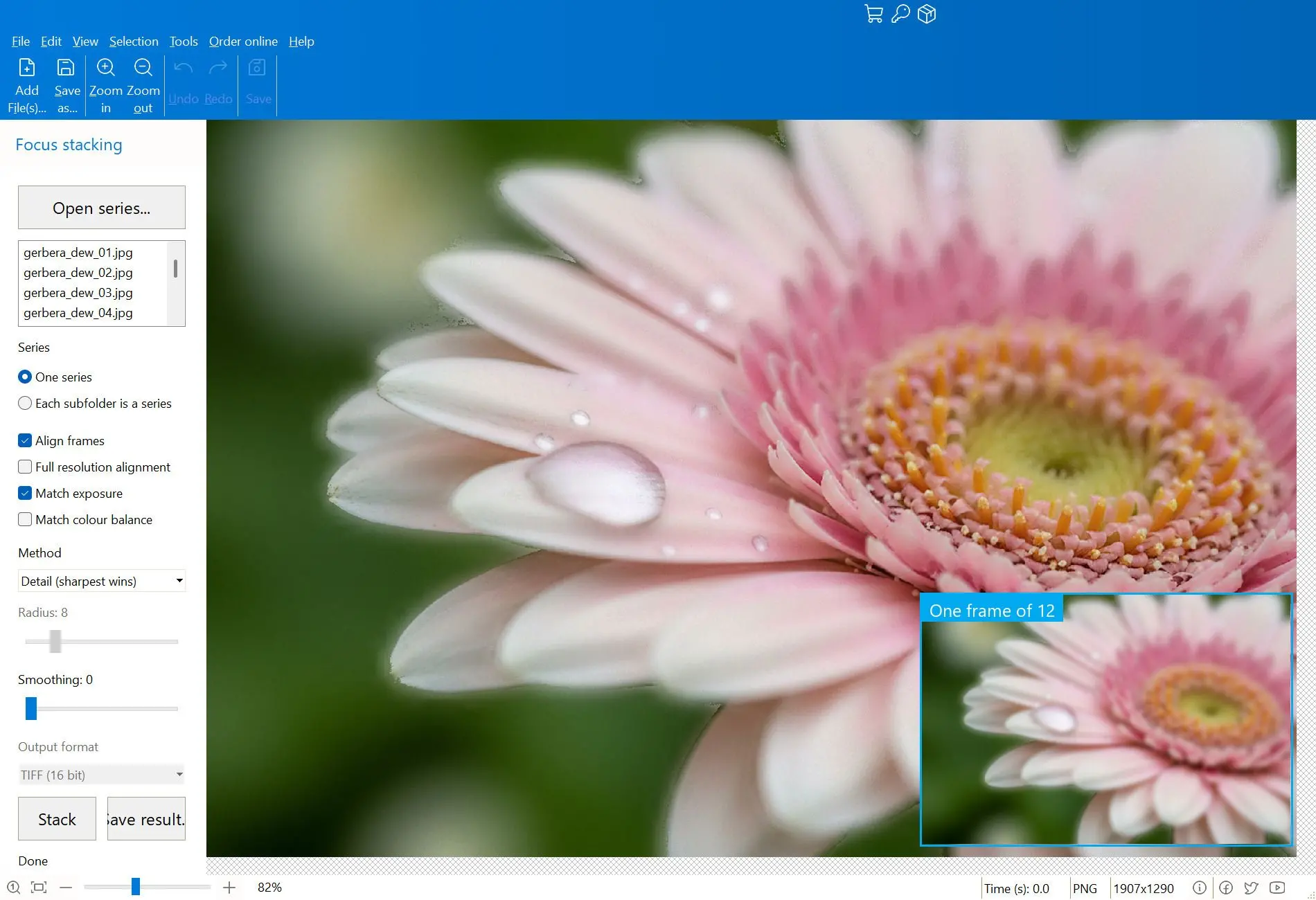
Load the 20 to 100 frames of a focus run and the sharpest part of each one is taken and assembled into a single image. Alignment is automatic, and the sharp pixels in the result are the original pixels of your own files.
Macro leaves you a sliver of sharpness
Photograph a coin, a beetle or a circuit board up close and depth of field collapses to about a millimetre. Stopping down does not rescue it either: past f/11 diffraction starts eating the detail you stopped down to get. So the shot is taken as a series, focus moved a hair at a time, and afterwards the sharp slices have to be put back together. Done by hand in a layer stack that is an evening of masking per photograph. Here it is one pass.
How to use it
Load the series
Add the frames of one run - JPEG, PNG, TIFF, or camera RAW read through LibRaw. Point it at a folder of subfolders instead and each subfolder is treated as its own series, so a night of shooting is processed while you sleep.
Let it align and merge
Frames are registered to each other with a two-stage affine fit, which cancels the small shift in scale and position that moving focus always introduces. Detail merging by wavelets is the default; Smooth builds a depth map instead and is the better choice on soft, gradual surfaces.
Save at full quality
Write the composite as 16-bit TIFF, JPEG or PNG. Nothing is resampled and nothing is tone-mapped on the way out, so a 16-bit workflow stays 16-bit all the way into your editor.
Benefits
The output is your own pixels
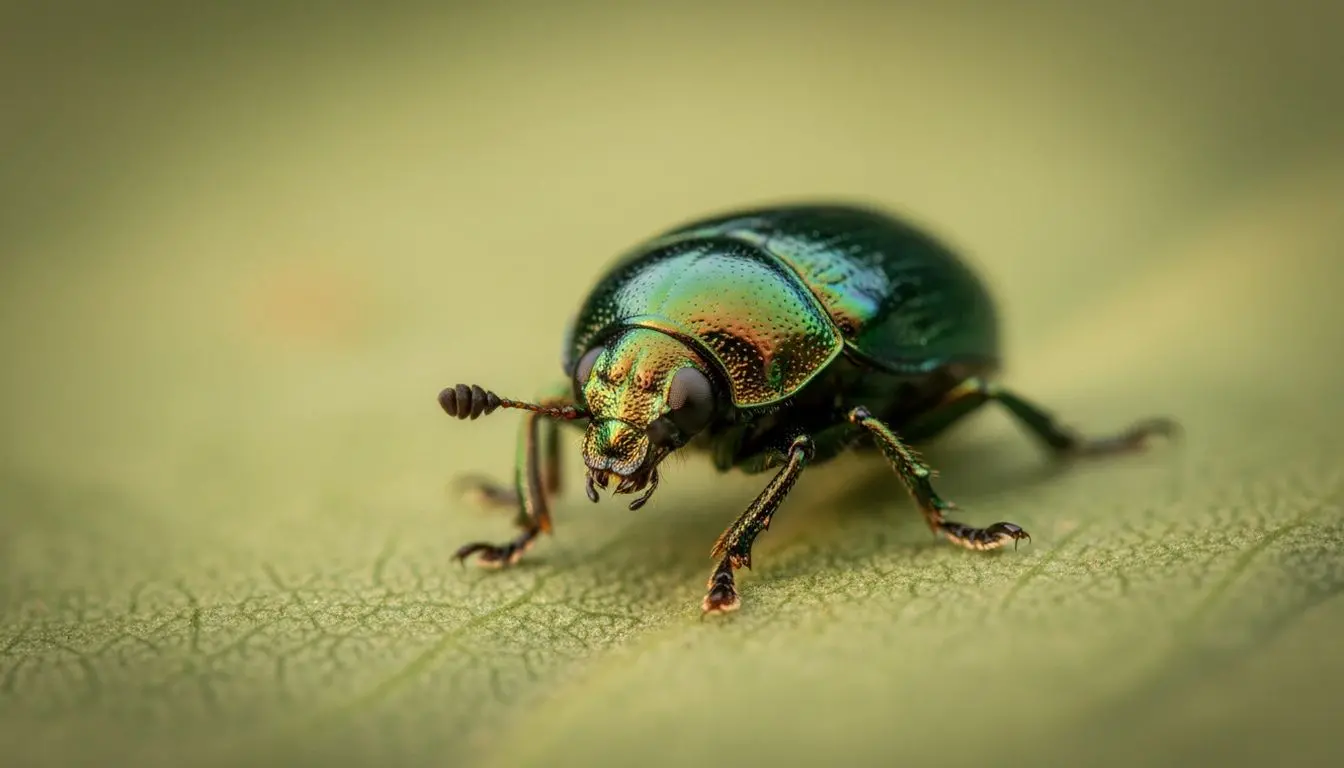
Across the sharp zone the result is copied byte for byte from whichever frame was sharpest at that point. There is no smoothing pass, no invented detail and no upscaling step, and that is what makes the file usable as documentation and not only as a picture.
Background blur, taken from the stack itself
A finished stack makes everything sharp, twig and grass included, and the subject stops standing out. Three controls - how much blur, how much stays sharp, and Lens or Soft - push the background back again. Lens works in linear light, so a bright speck opens into a round highlight the way real glass does it.
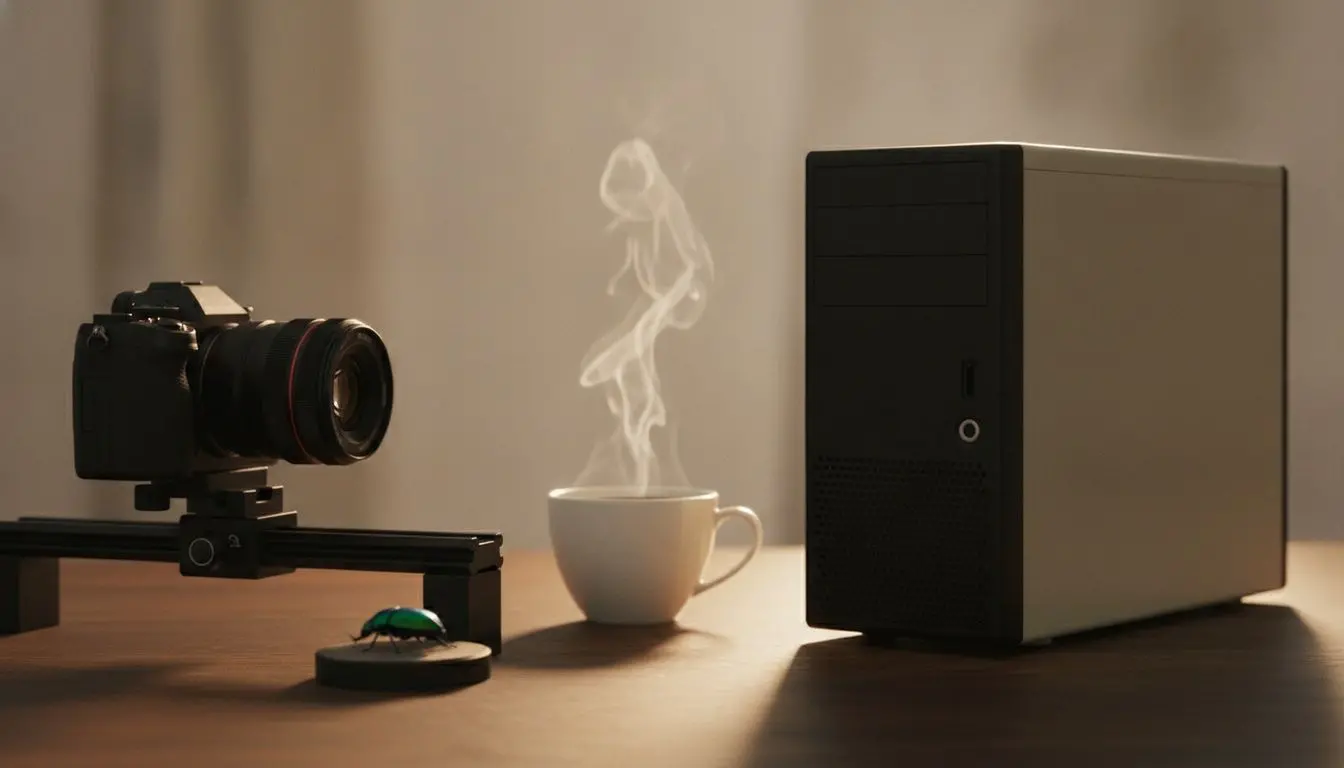
A hundred frames cost what twenty cost
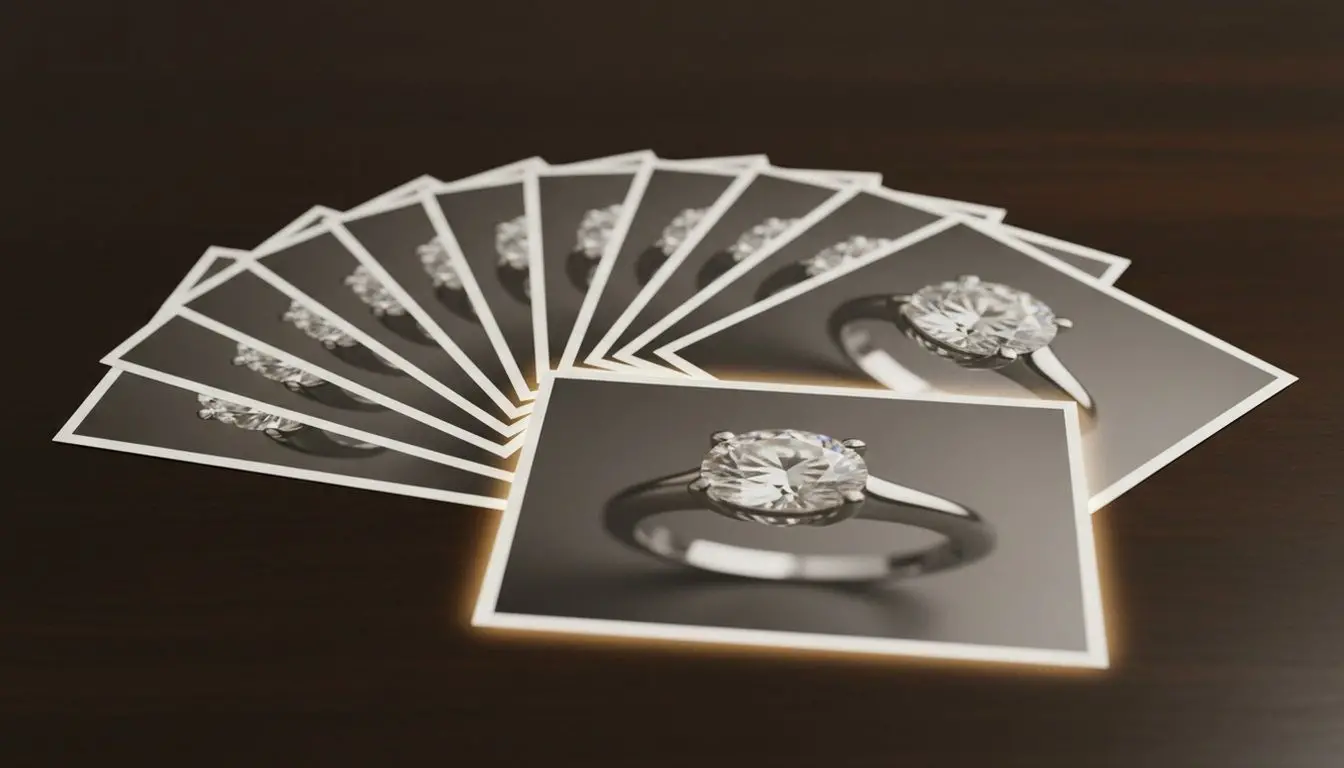
Memory use is set by the resolution of one frame, roughly 200 MB per megapixel, and not by how deep the stack is. Fifty-three frames and forty-seven frames from the same camera measured identical. Size the machine to the sensor once and then stop thinking about it.
Why people use it
RAW is read as RAW
Camera files are developed linearly at 16 bits instead of being handed the JPEG the camera would have made. Worth knowing before you start: RAW series are decoded repeatedly and run a good deal slower than JPEG or TIFF of the same size, so for RAW work 16 GB of memory and an SSD are the difference between minutes and a coffee break.
Batch by subfolder
One parent folder, one run, one result per subfolder, with the same merge settings and the same blur applied to every series. Museum digitising and coin listings are exactly this shape of work.
Nothing is uploaded
Frames are read from your own disk and the composite is written back beside them. There is no account, no queue on somebody else's server, and no image of yours leaving the machine.
FAQ
System Requirements
Focus Stacker Pro
Languages
1.0
18.4 Mb
August 5, 2026
- Windows 11/10/8.1/8/7 (32/64 bit)
- Intel i3, AMD Ryzen 5 or above
- 4 GB of RAM or above
- NVIDIA® GeForce® series 8 and 8M, Intel® HD Graphics 2000, Quadro FX 4800, Quadro FX 5600, AMD Radeon™ R600, Mobility Radeon™ HD 4330, Mobility FirePro™ series, Radeon™ R5 M230 or higher graphics card with up-to-date drivers
- 1280 × 768 screen resolution, 32-bit color
- 1 GB of free hard disk space or above
GRT requirements trial note