
EML to Outlook PST Exporter
One PST From All Your .eml Files - No Cloud, No Drag and Drop
Merge any number of .eml files into a single Outlook-ready PST archive, entirely on your own PC. No cloud upload, no per-message drag and drop, no lost attachments.
Full seller details: Legal information.
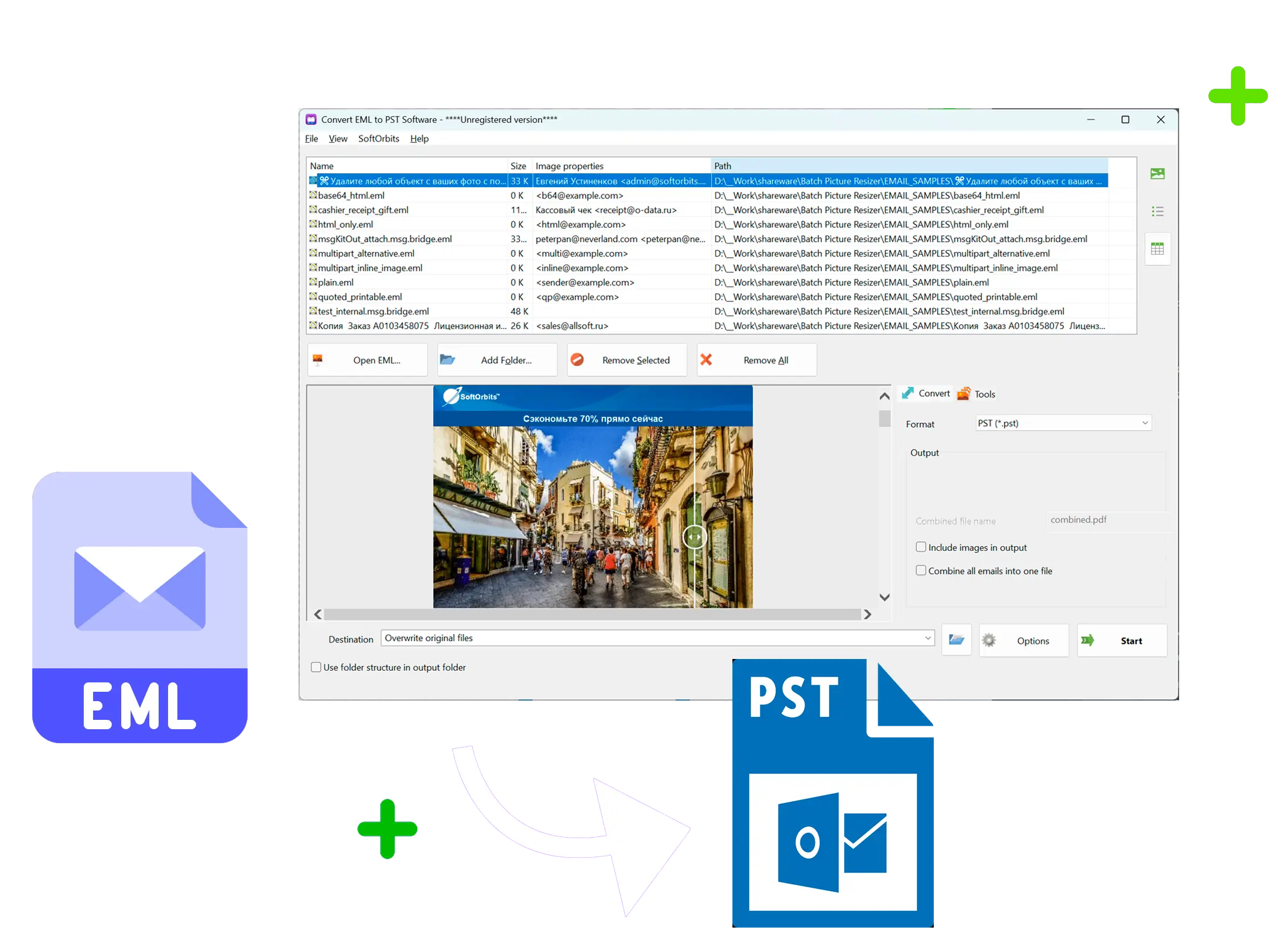
Point the tool at a folder of .eml messages and get back one Unicode PST that Outlook opens like it was always there.
Why a Folder of .eml Files Will Not Import Into Outlook
Each .eml file is one email saved as its own MIME message. Outlook has no built-in import for that format - drag a batch of them into a folder and you often get "no previewer installed" instead of a mailbox. GRT EML to Outlook PST Exporter reads every .eml file on disk and writes them all into one standard .pst file that Outlook mounts directly, no per-message copy-paste required.
How to use it
Point It at Your .eml Folder
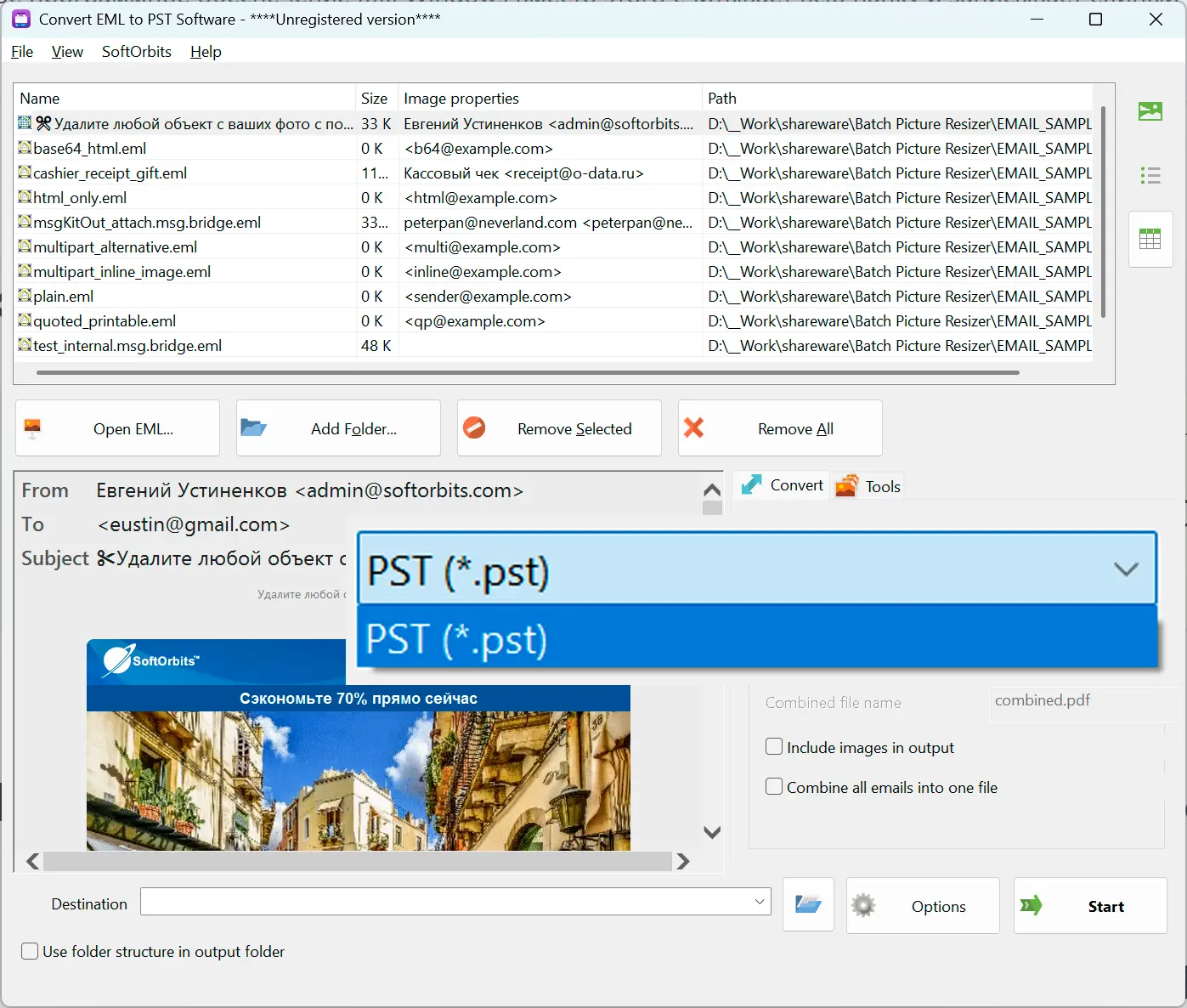
Select one file or an entire folder exported from Windows Live Mail, Outlook Express, Windows Mail, Thunderbird, or a webmail "download original" feature.
The Converter Reads Every Message
Each .eml is parsed on your machine - subject, sender, recipients, HTML or plain body, date, read/unread state, and attachments - nothing is uploaded anywhere.
Get One Outlook-Ready PST
All parsed messages are written into a single Unicode PST, landing in one Inbox folder that Outlook opens and lets you file, search, or archive as usual.
Benefits

Everything Lands in One PST
Hundreds or thousands of separate .eml files become one PST file, so you stop tracking loose messages scattered across a folder tree.
Nothing Leaves Your Computer
Conversion runs locally - your messages never pass through a web upload form or a third-party server.
Unicode Subjects and Attachments Survive Intact
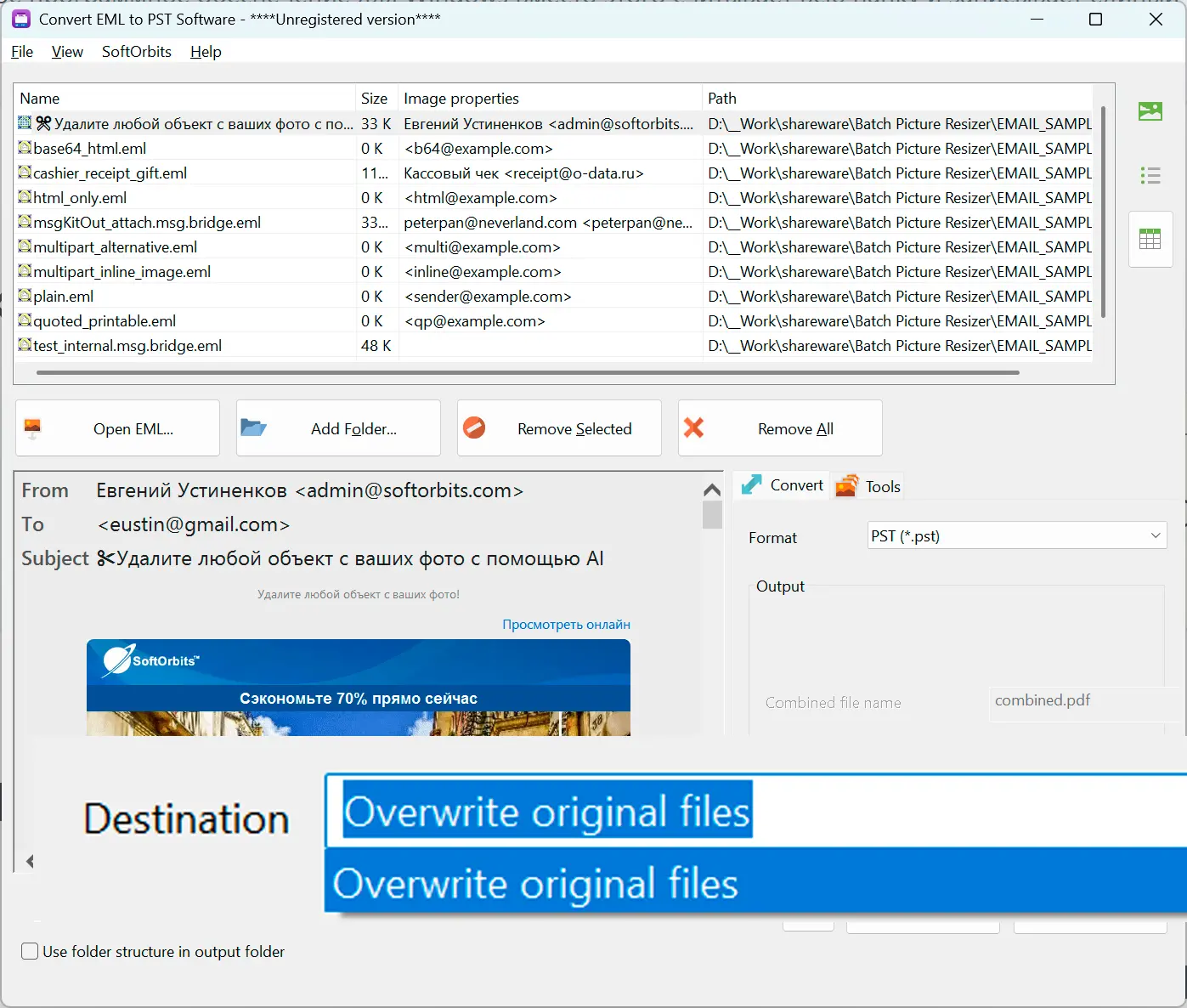
Cyrillic, CJK, and emoji in subject lines convert byte for byte, and every attachment stays linked to its original message.
Why people use it
Built for Windows Live Mail Migrations
Windows Live Mail has not been supported for years and grows less reliable on current Windows - exporting to .eml and converting to PST is the practical way off it.
Always One Merged PST, No Confusing Options
Every .eml you select gets merged into the same PST - there is no separate-files toggle to configure or get wrong.
Try It on Your Real Mail First
Convert up to 20 messages in full for free, or a sample of a larger batch, before deciding whether to buy.
FAQ
System Requirements
EML to Outlook PST Exporter
Languages
1.0
9 Mb
August 5, 2026
- Windows 11/10/8.1/8/7 (32/64 bit)
- Intel i3, AMD Ryzen 5 or above
- 4 GB of RAM or above
- NVIDIA® GeForce® series 8 and 8M, Intel® HD Graphics 2000, Quadro FX 4800, Quadro FX 5600, AMD Radeon™ R600, Mobility Radeon™ HD 4330, Mobility FirePro™ series, Radeon™ R5 M230 or higher graphics card with up-to-date drivers
- 1280 × 768 screen resolution, 32-bit color
- 1 GB of free hard disk space or above
GRT requirements trial note