EML to PDF
Archive Saved Email Files on Your PC Not on Someone Else Server
Turn saved .EML files into PDF or HTML on your PC one file per message or one merged archive. No cloud upload, no Outlook required. GRTSoft EML to PDF free trial for HR and legal folders.
Full seller details: Legal information.
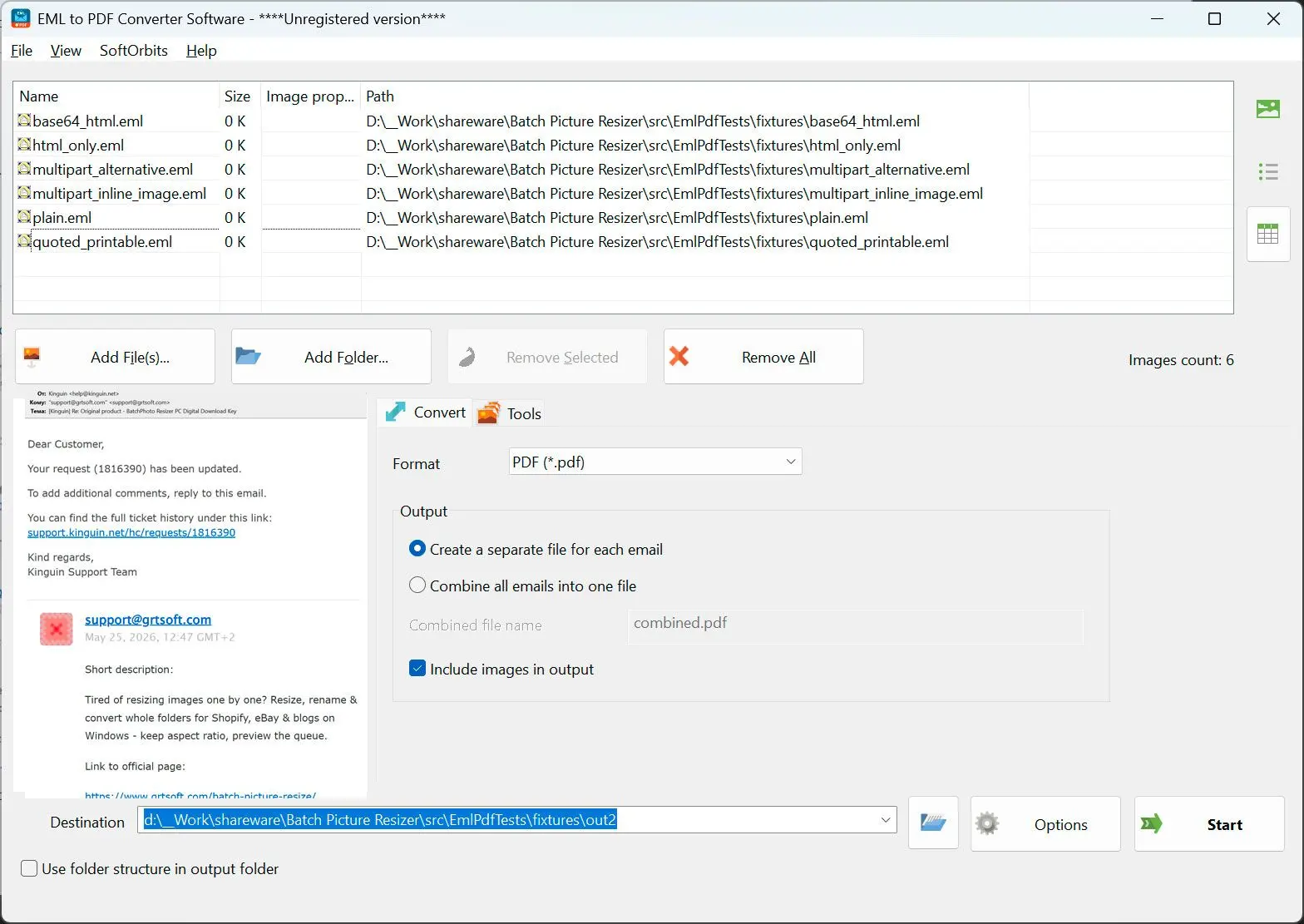
Drop a folder of .EML exports, pick PDF or HTML, run the queue locally.
HR, legal, and IT handoffs
When Thunderbird or Outlook Save as left hundreds of .EML files and you need readable PDFs without opening a mail client.
How to use it
Add .EML files or folders
Drag saved messages from Thunderbird, Outlook exports, or backups only .EML in this version.
Choose PDF or HTML and layout
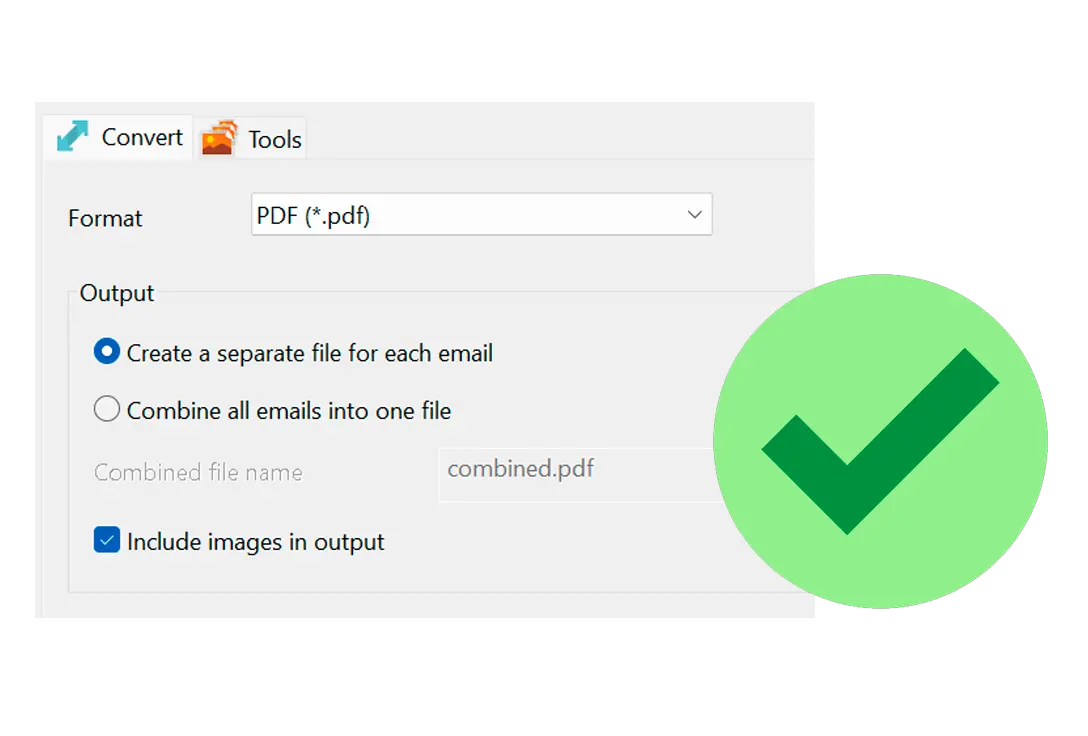
Pick one output per message or a single combined PDF/HTML; set whether inline images print.
Run batch and file the archive
Start the queue, open the output folder, and spot-check a few PDFs before you delete the originals.
Benefits
Batch .EML without a mail client
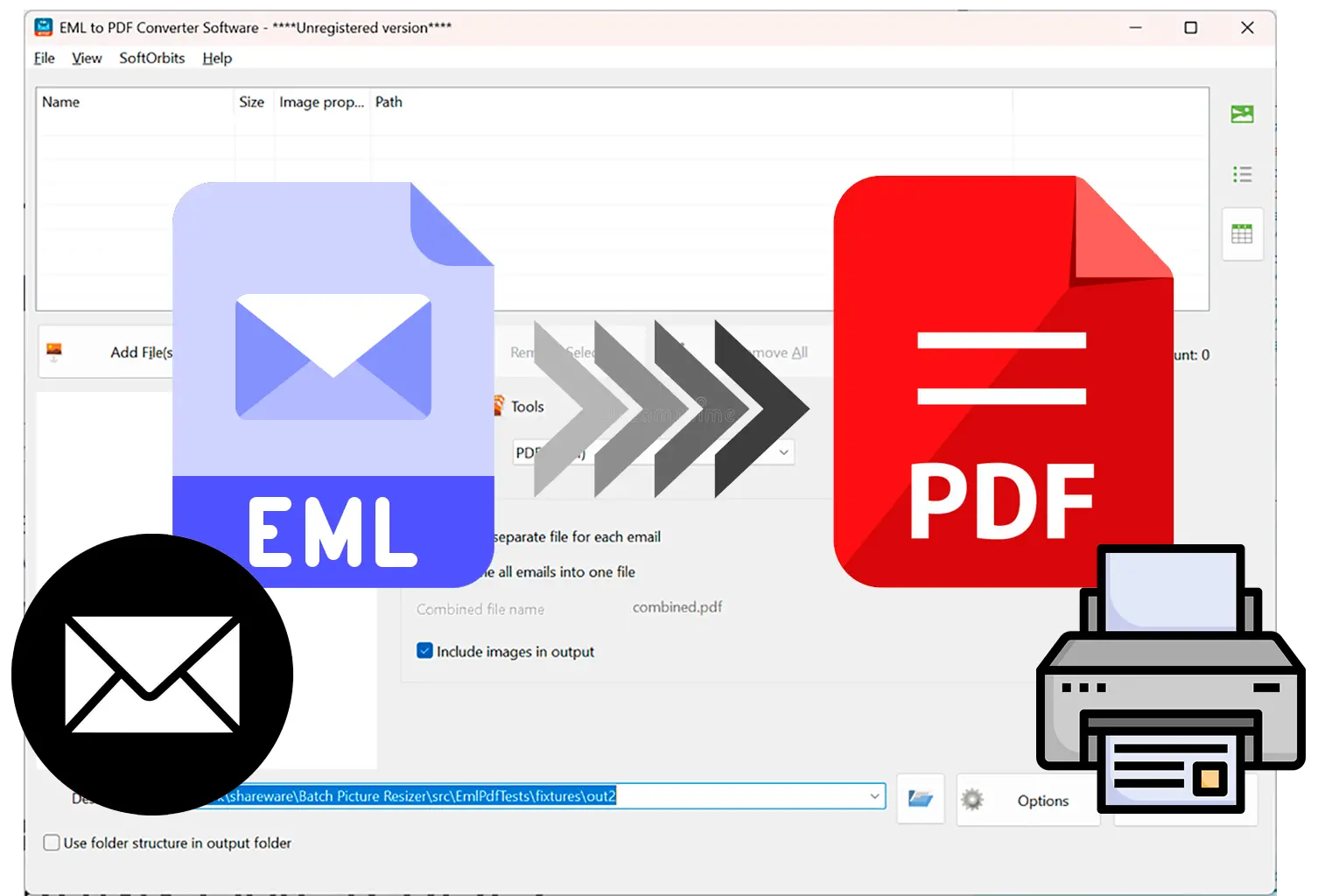
Convert files already on disk'you do not need Outlook or Thunderbird running.
PDF and HTML from one render
Same HTML pipeline feeds both formats so archives stay consistent.
Rename outputs in bulk
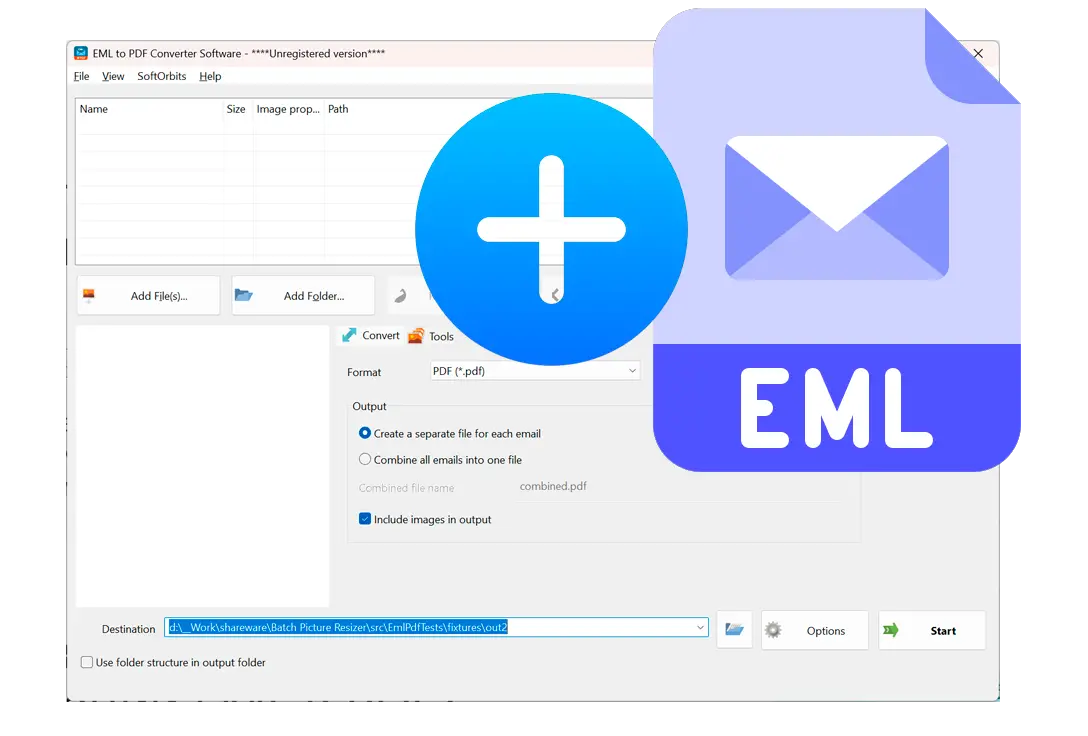
Use the Tools tab to add prefix or suffix before a long export run.
Why people use it
Per message or one merged PDF
Export each .EML to its own file or combine the whole queue in list order.
Inline images on or off
Toggle whether photos in the body render in the PDF; attachment names still list separately.
100% offline
Mail never leaves the machine no browser upload step.
FAQ
System Requirements
- Windows 11/10/8.1/8/7 (32/64 bit)
- Intel i3, AMD Ryzen 5 or above
- 4 GB of RAM or above
- NVIDIA® GeForce® series 8 and 8M, Intel® HD Graphics 2000, Quadro FX 4800, Quadro FX 5600, AMD Radeon™ R600, Mobility Radeon™ HD 4330, Mobility FirePro™ series, Radeon™ R5 M230 or higher graphics card with up-to-date drivers
- 1280 × 768 screen resolution, 32-bit color
- 1 GB of free hard disk space or above
GRT requirements trial note