Email to PDF
One Converter for Every Saved Mail Format on Your PC
One tool for every saved mail format - .eml, Outlook .msg, .pst/.ost archives, and .mbox - converted to PDF, HTML, or TXT on your PC. No Outlook, no cloud upload. GRTSoft Email to PDF - free trial.
Full seller details: Legal information.
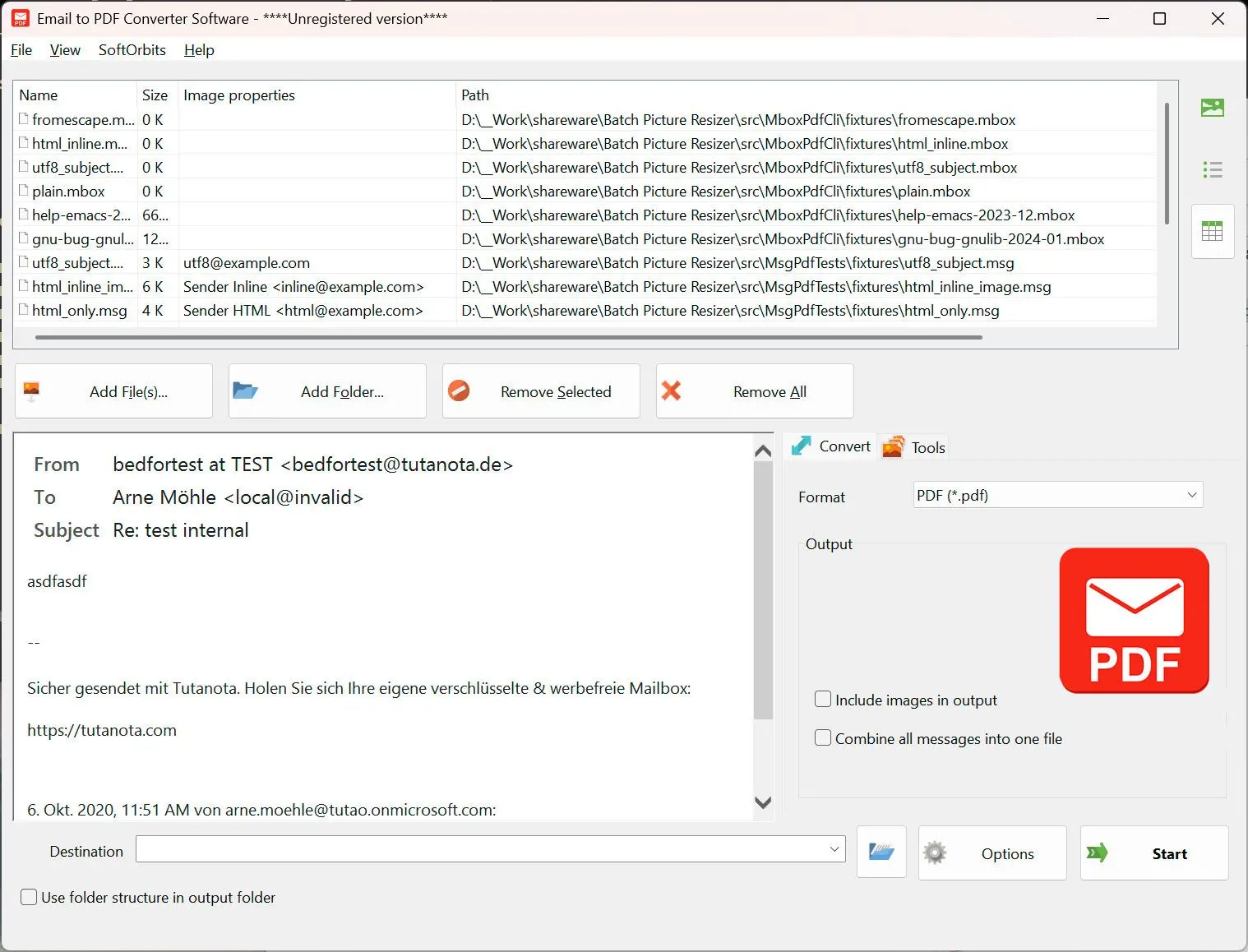
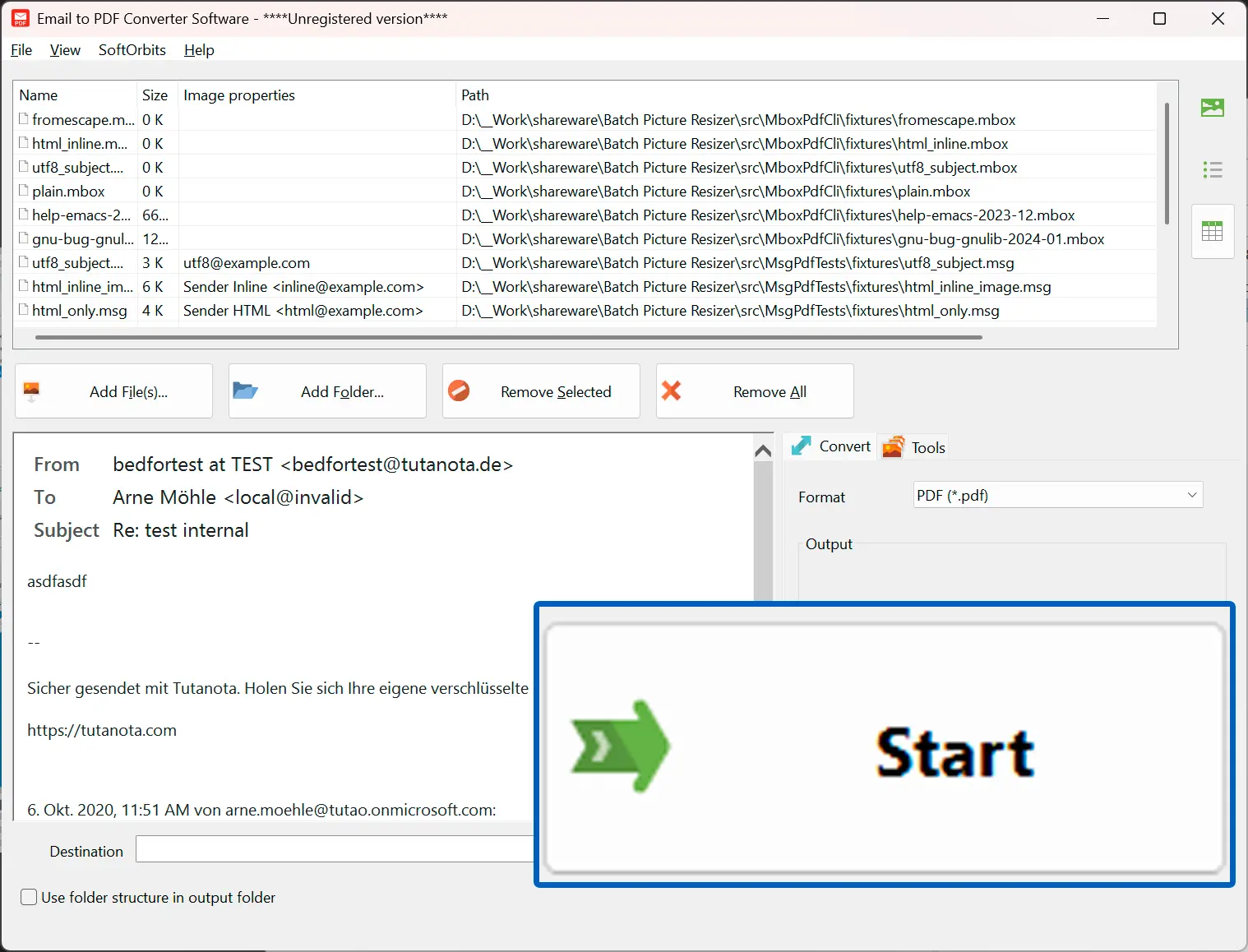
Drop in a mix of .eml, .msg, .pst, .ost, and .mbox files, pick PDF, HTML, or TXT, and run the batch locally.
For mixed mail archives
When a legal, HR, or IT handoff arrives as a pile of different mail formats and you need readable PDFs without juggling four separate tools.
How to use it
Add your mail files
Drag-drop or use Add Files for any mix of .eml, .msg, .pst, .ost, and .mbox - folders work too.
Pick output format and mode
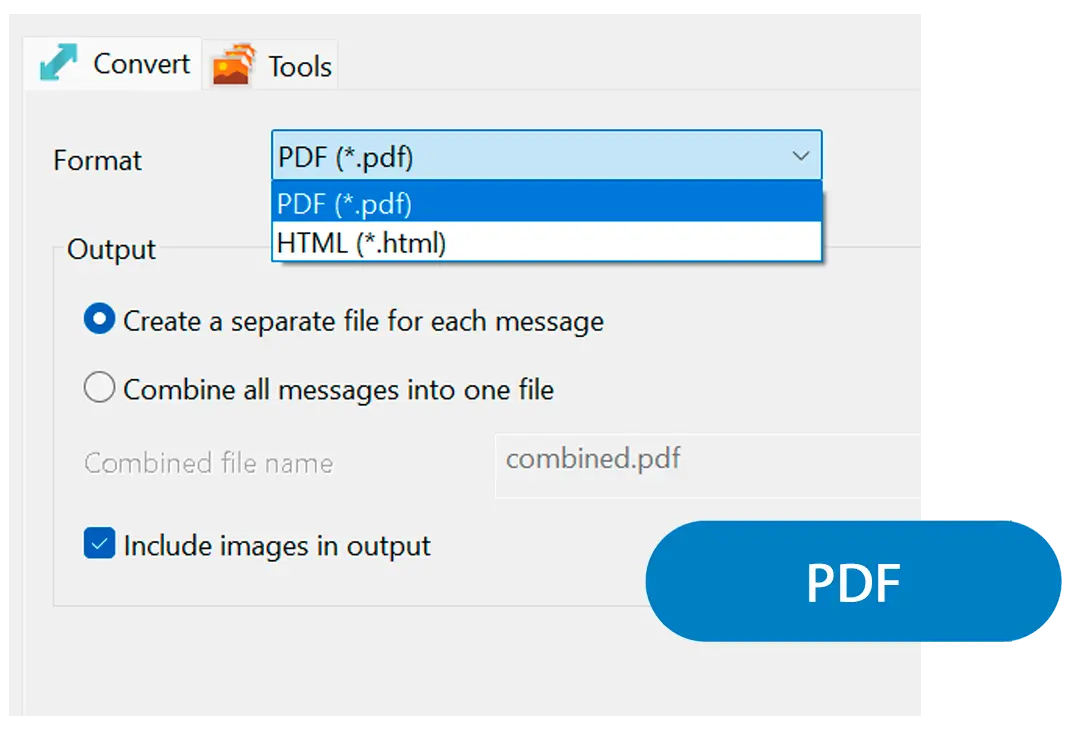
Choose PDF, HTML, or TXT, set one file per message or a merged document, and toggle inline images.
Run the batch and verify
Start the queue - containers expand automatically. Open a few files to confirm headers and formatting before you archive the lot.
Benefits
Every mail format in one tool
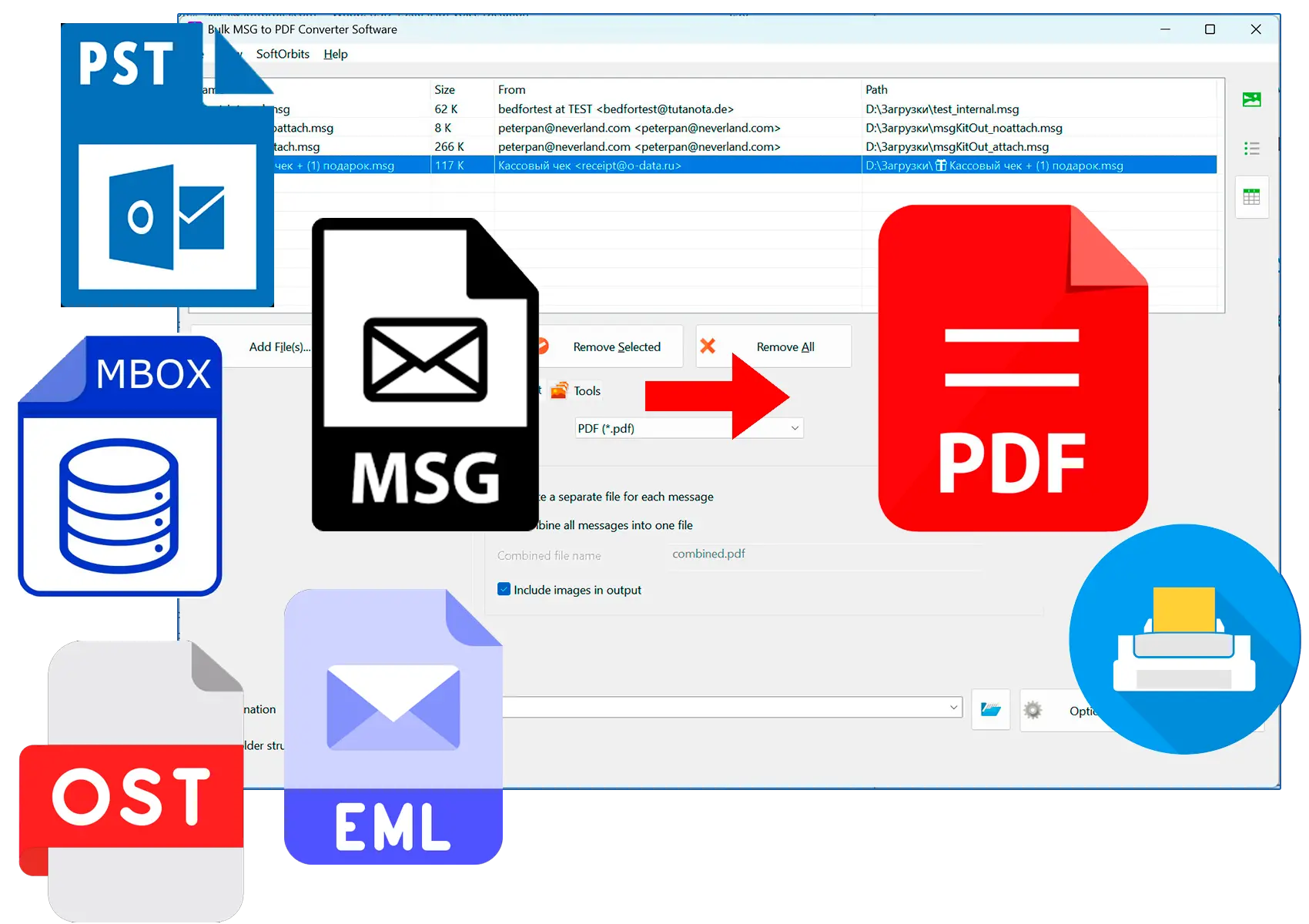
Stop matching a converter to each extension - EML, MSG, PST, OST, and MBOX all convert from the same window.
Auto-expanding archives
PST, OST, and MBOX containers unpack into the queue with every folder and message, so nothing gets missed.
PDF, HTML, or TXT, all offline
Pick the output your workflow needs and keep the whole job on your PC - no cloud step, no account.
Why people use it
Reads every common mail format
EML, Outlook MSG, PST and OST archives, and MBOX mailboxes - all in one app, sorted by extension automatically.
Containers expand on their own
Drop in a .pst, .ost, or .mbox and every folder and message is queued for you - no manual unpacking.
100% offline
Mail stays on your PC - no Outlook running, no Thunderbird, no upload to a web converter.
FAQ
System Requirements
Email to PDF
Languages
1.0
9 Mb
August 6, 2026
- Windows 11/10/8.1/8/7 (32/64 bit)
- Intel i3, AMD Ryzen 5 or above
- 4 GB of RAM or above
- NVIDIA® GeForce® series 8 and 8M, Intel® HD Graphics 2000, Quadro FX 4800, Quadro FX 5600, AMD Radeon™ R600, Mobility Radeon™ HD 4330, Mobility FirePro™ series, Radeon™ R5 M230 or higher graphics card with up-to-date drivers
- 1280 × 768 screen resolution, 32-bit color
- 1 GB of free hard disk space or above
GRT requirements trial note