
Exchange EDB to PST Extractor
Get Mail Out of a Dead Exchange Database Without Rebuilding the Server
Open an Exchange mailbox database (.edb) on your own PC and export the mailboxes you need to Outlook PST - no Exchange Server, no Outlook, nothing uploaded. Free trial from GRTSoft.
Full seller details: Legal information.
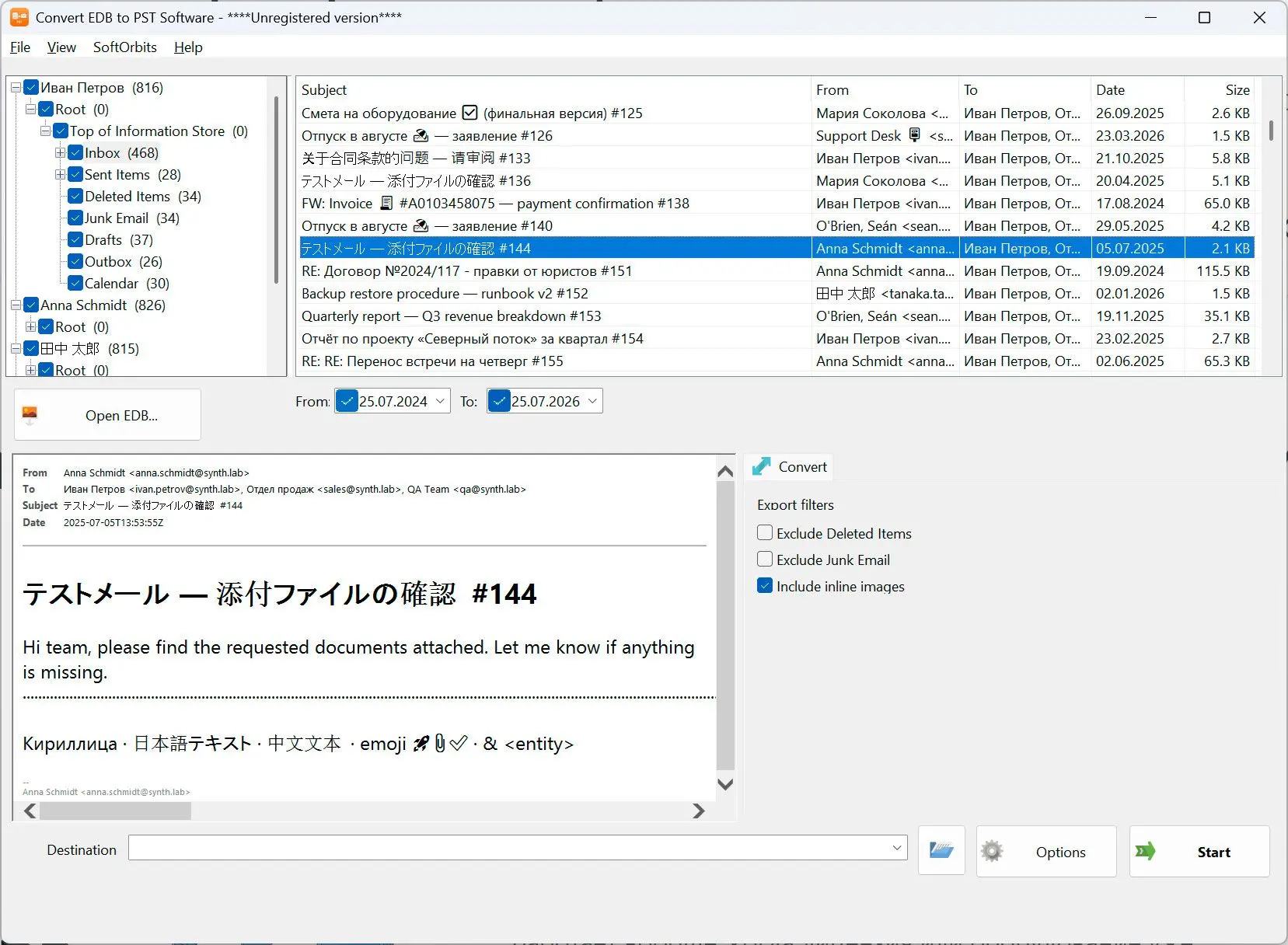
Point it at the .edb file you were handed, tick the mailboxes and folders you actually need, and write them out as Outlook PST files on the same machine.
The server is gone and all you have left is the database file
After a failed Exchange box or a half-finished migration you are usually left holding a dismounted .edb and a list of people who want their mail back. Standing the server up again just to read it costs days, and a cloud migration service means handing the whole database to somebody else. This reads the file directly on your PC and writes ordinary PST files that open in any Outlook.
How to use it
Open the .edb file
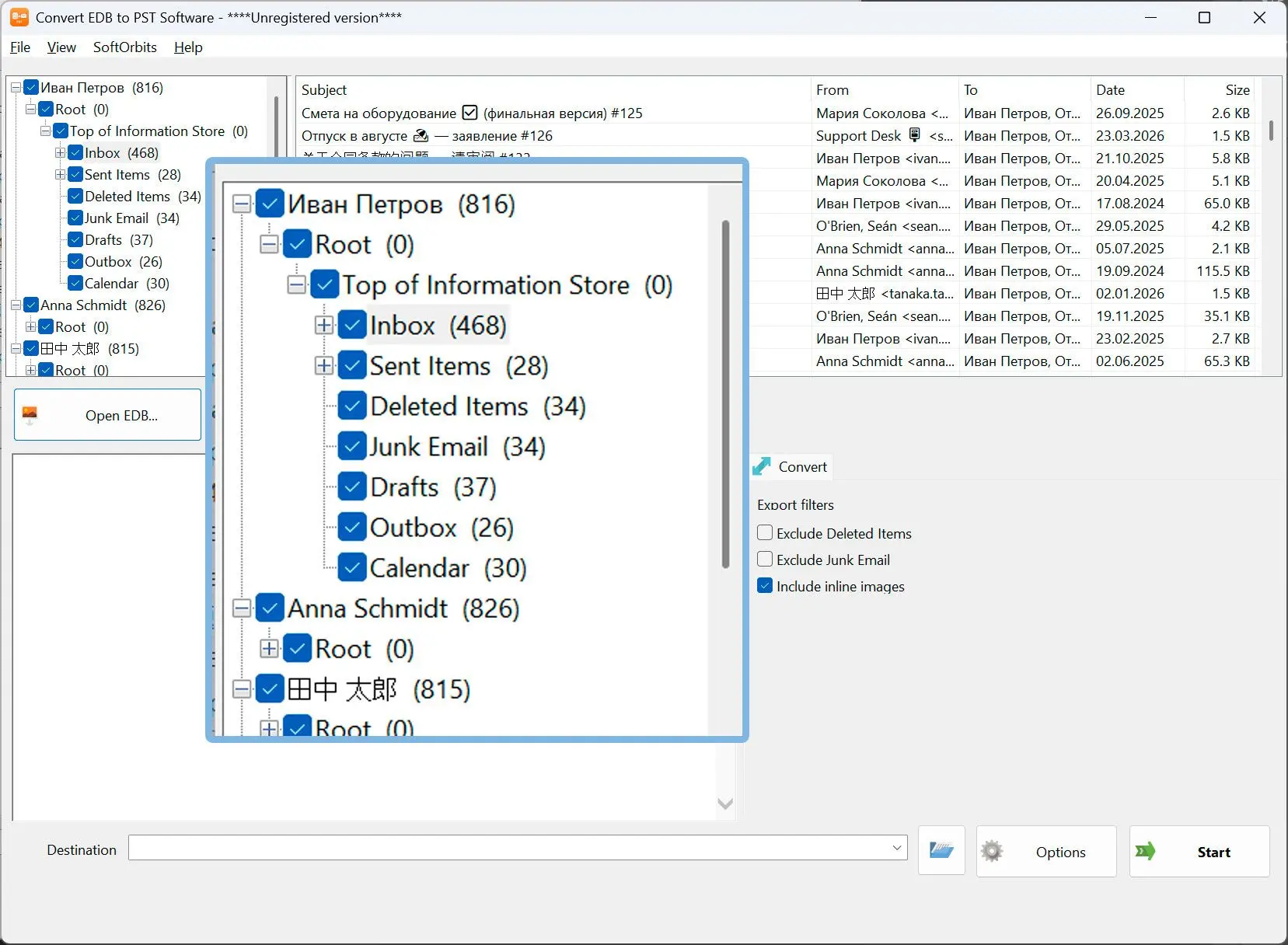
Select the dismounted mailbox database and the mailboxes inside it are listed with their folder tree. Exchange does not have to be installed or running, and Outlook is not required either.
Pick the mailboxes, folders and dates
Tick only the mailboxes and folders you need, set a date range, and leave Deleted Items and Junk out. Click a message to read it in the built-in preview before you commit to the export.
Export to Outlook PST
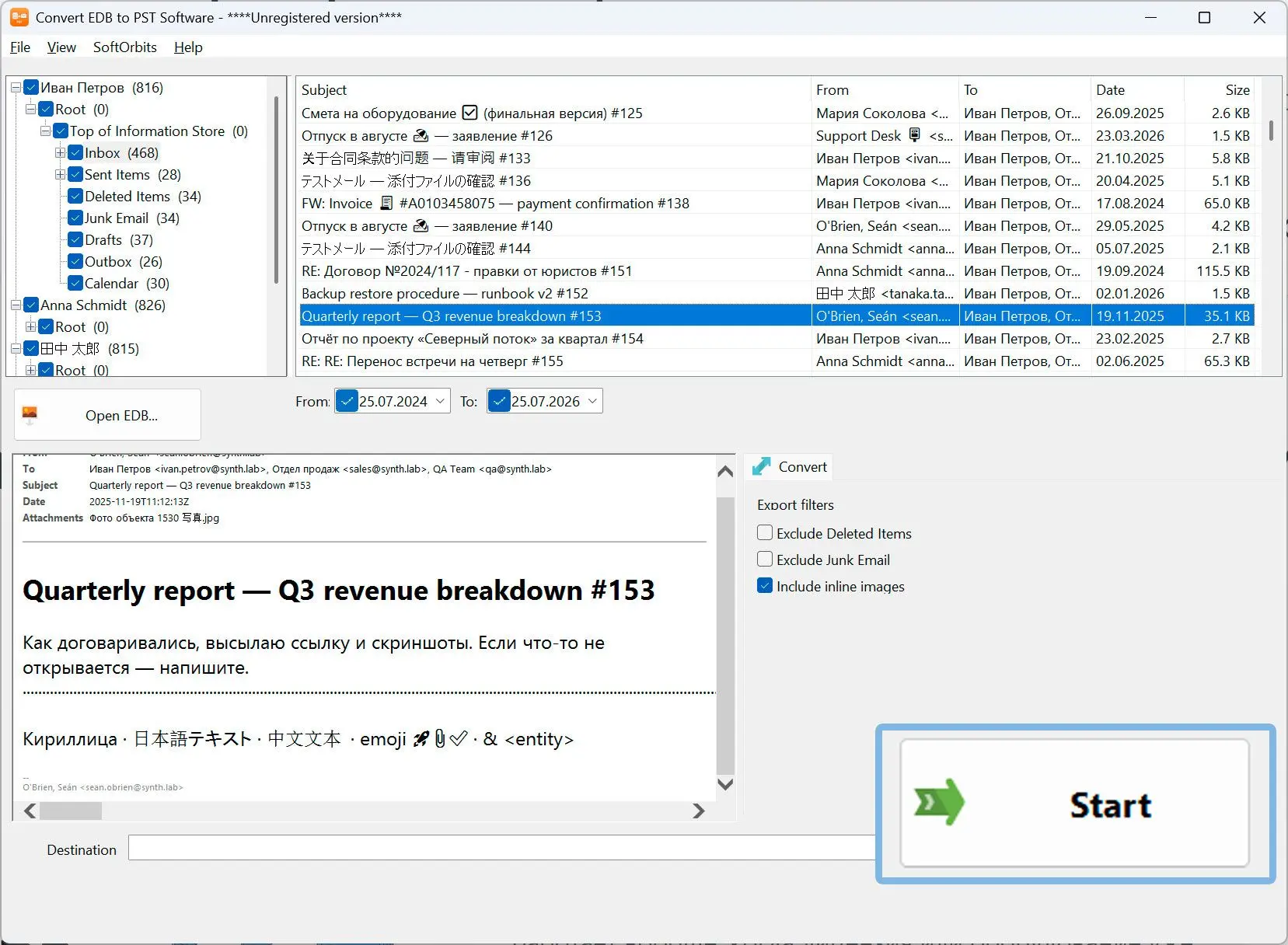
What you selected is written to a Unicode PST with the folder tree, HTML bodies, sender and recipients, dates, read status and attachments kept byte for byte. The .edb is only ever read, never modified.
Benefits

No Exchange Server and no cloud service
The database is parsed on the machine in front of you. Nothing is uploaded, no migration tenant is needed, and the mail of everyone in that database stays inside your network.
See what is inside before you export
Mailbox tree, a message list with subject, sender, recipients, date and size, and a preview of the selected message - so you can confirm you have the right database and the right people first.
Export only what matters
A date range, folder checkboxes and switches for Deleted Items and Junk cut a huge database down to the PST files somebody actually asked for.
Why people use it
Exchange 2013, 2016 and 2019
Built for the partitioned mailbox layout used from Exchange 2013 onwards. Older schemas are reported honestly at the door instead of producing half-empty PST files.
Attachments and formatting intact
HTML bodies, inline images, read and unread status and attachments come across unchanged, so the exported PST looks the way the mailbox did.
A standard PST that any Outlook opens
The result is an ordinary Unicode .pst file - attach it in Outlook, hand it back to the user, or keep it as an archive for e-discovery.
FAQ
System Requirements
Exchange EDB to PST Extractor
Languages
1.0
9 Mb
August 28, 2026
- Windows 11/10/8.1/8/7 (32/64 bit)
- Intel i3, AMD Ryzen 5 or above
- 4 GB of RAM or above
- NVIDIA® GeForce® series 8 and 8M, Intel® HD Graphics 2000, Quadro FX 4800, Quadro FX 5600, AMD Radeon™ R600, Mobility Radeon™ HD 4330, Mobility FirePro™ series, Radeon™ R5 M230 or higher graphics card with up-to-date drivers
- 1280 × 768 screen resolution, 32-bit color
- 1 GB of free hard disk space or above
GRT requirements trial note