
Duplicate Photo Finder
Reclaim Disk Space Without Deleting the One Good Copy
Phone backups leave the same shot saved five times. Scan folders or your whole drive, group near-identical photos, keep the sharpest, and send the rest to the Recycle Bin. Runs on any Windows PC, no graphics card needed.
Full seller details: Legal information.
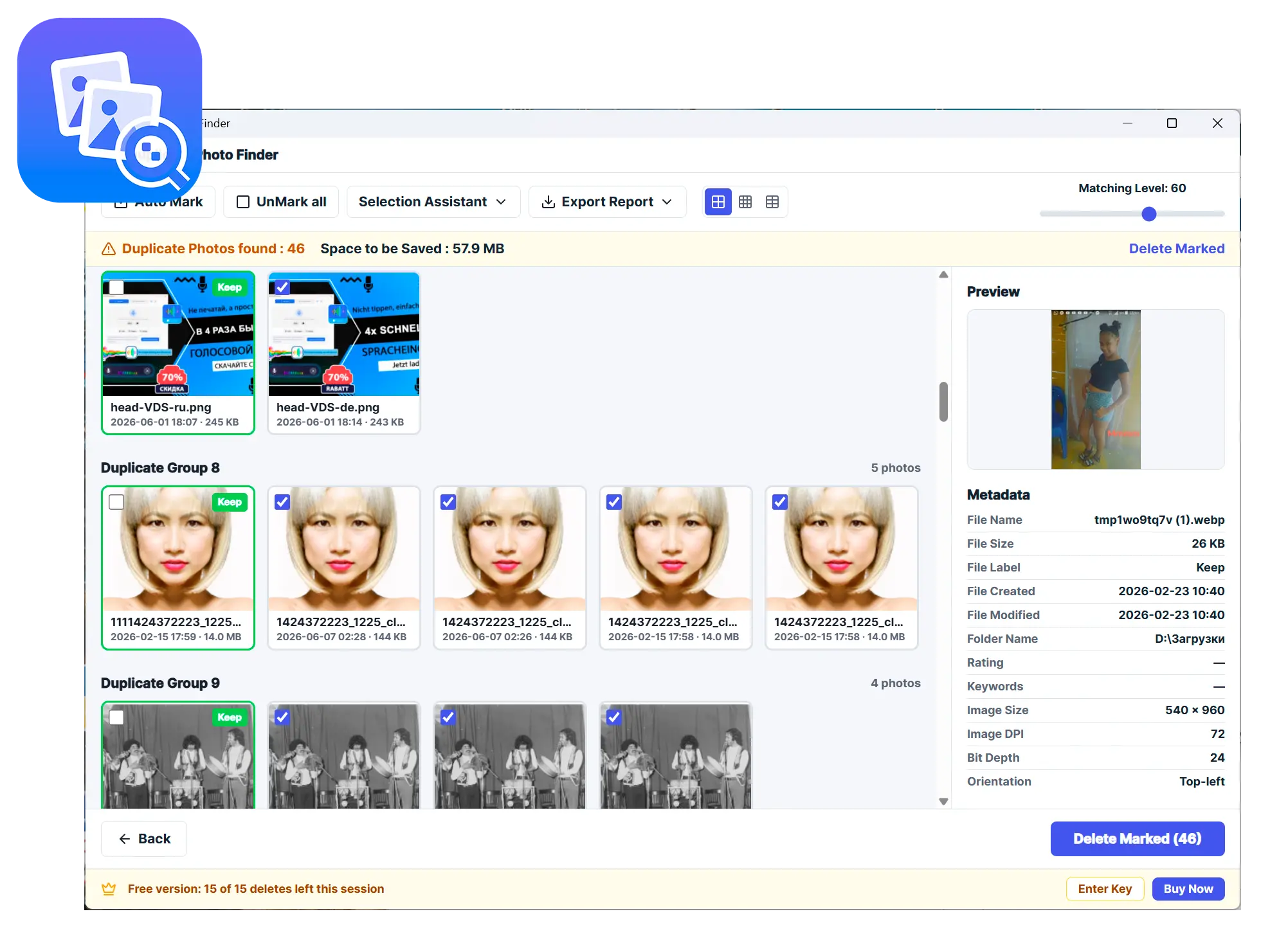
Pick folders or scan the whole drive, review each group, keep the sharpest shot, delete the rest.
Built for messy photo archives
Years of phone backups and re-saves pile up duplicates and near-identical bursts. This finds them and keeps the best frame in each group.
How to use it
Add folders or scan the drive
Drag in folders or let it scan the whole disk; system paths are skipped so the sweep stays safe.
Review the groups
Similar shots are grouped with the best copy already marked to keep; adjust the match level if needed.
Delete the extras
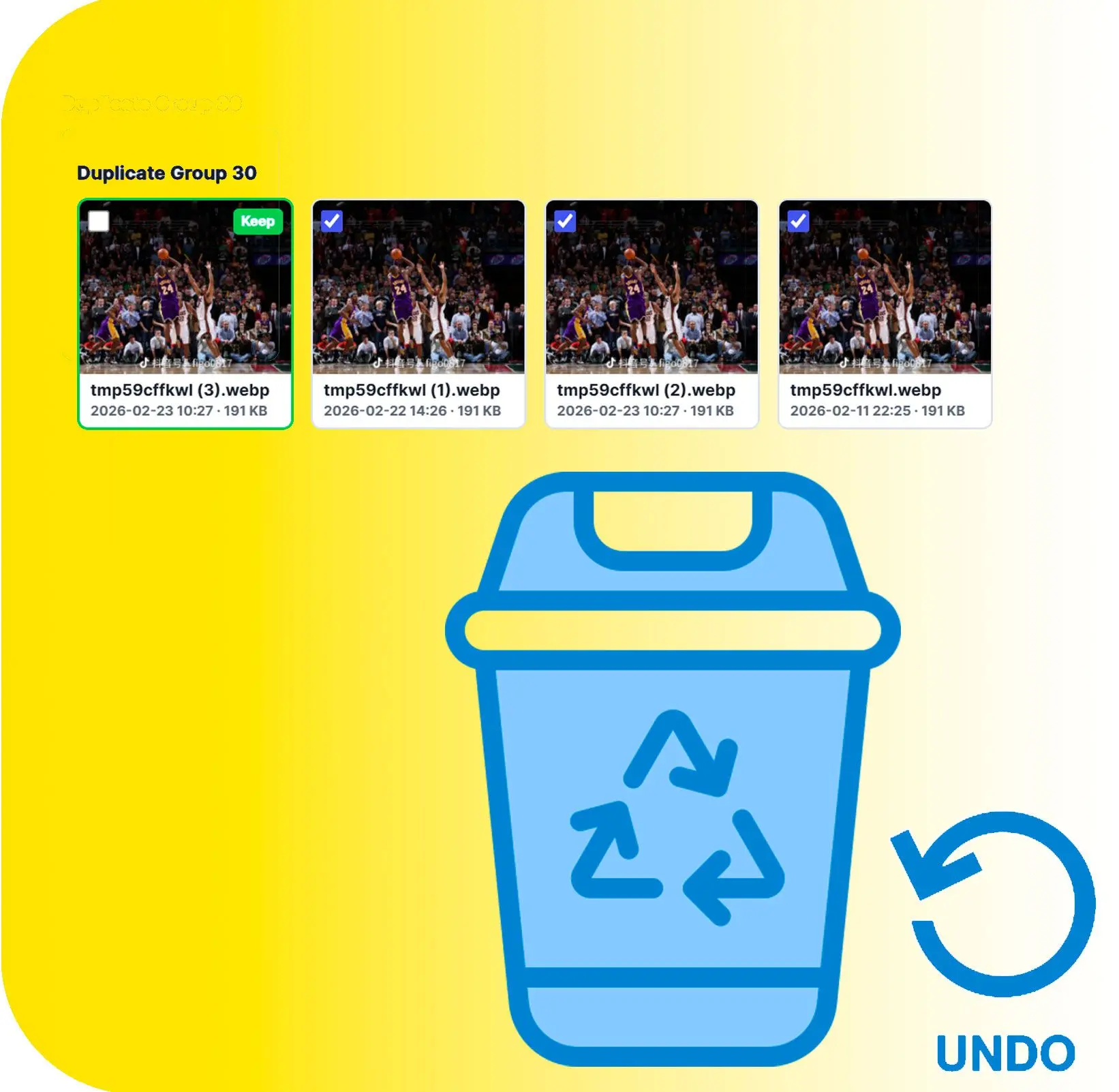
Send marked copies to the Recycle Bin - at least one photo per group is always kept.
Benefits
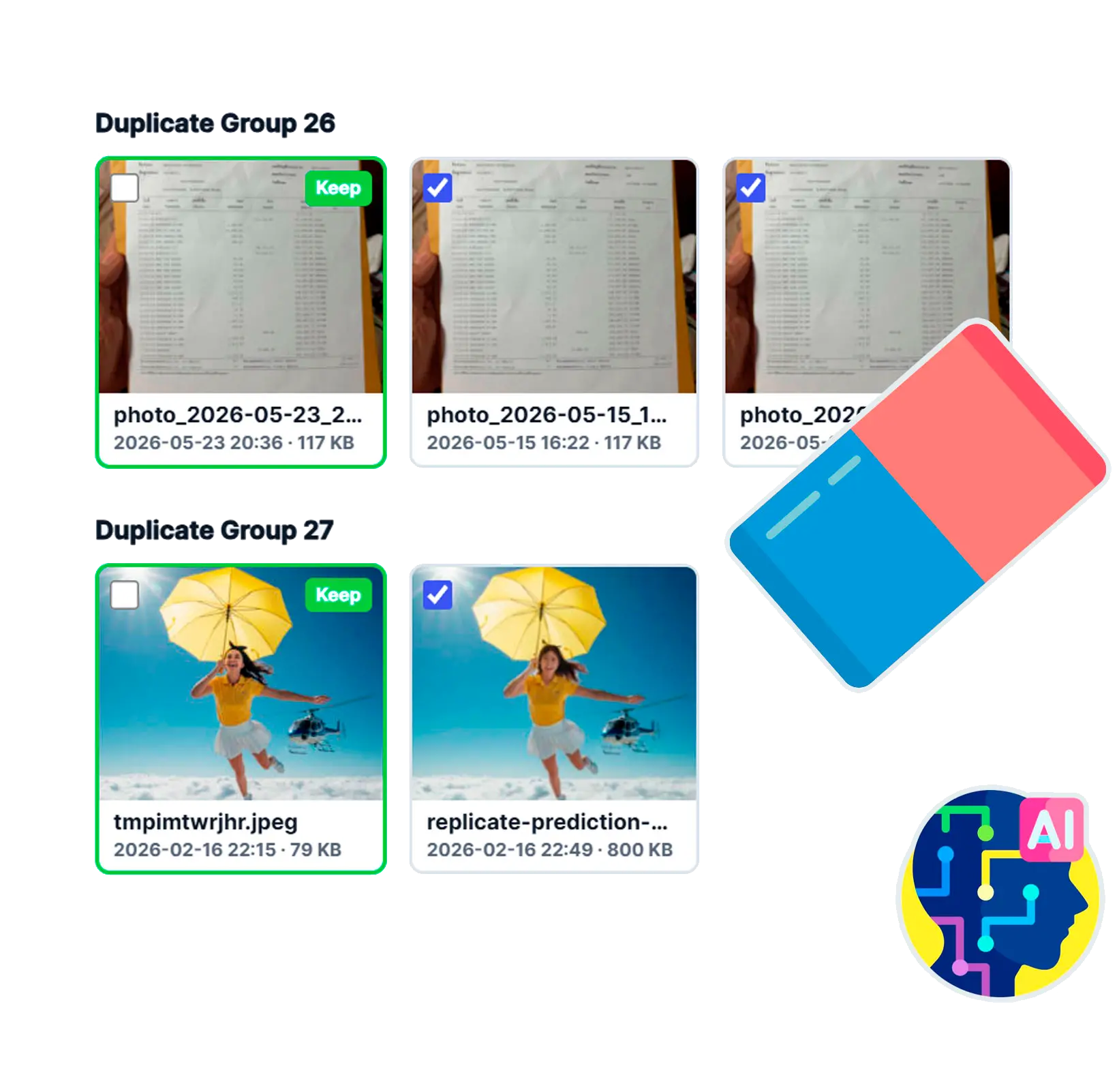
Find exact and look-alike copies
Perceptual matching catches resized and re-saved versions, not just byte-identical files.
Keeps the sharpest shot
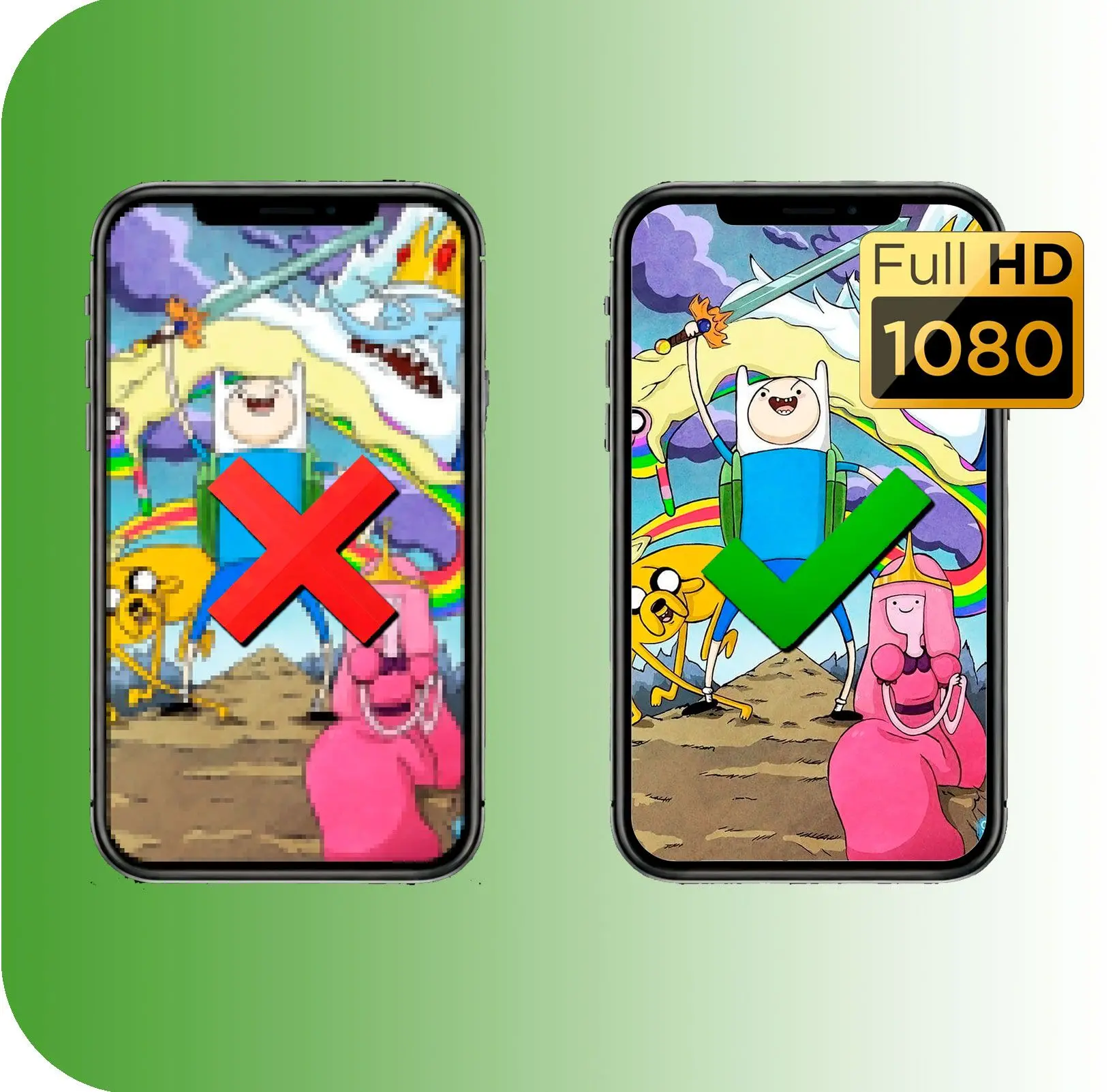
Each group is ranked by resolution, sharpness, and size, so the best frame is the one you keep.
Runs on any PC, fully offline
CPU-only matching means no graphics card is required, and your photos never leave the machine.
Why people use it
Whole-drive scan
Point it at a drive and let it sweep, with system folders left out of the results.
Find blurry shots
A separate mode flags soft, out-of-focus frames that are worth clearing out.
Photos, video, or any file
Switch to exact-duplicate matching to catch repeated videos and documents too.
FAQ
System Requirements
Duplicate Photo Finder
Languages
1.0
25 Mb
August 6, 2026
- Windows 11/10/8.1/8/7 (32/64 bit)
- Intel i3, AMD Ryzen 5 or above
- 4 GB of RAM or above
- NVIDIA® GeForce® series 8 and 8M, Intel® HD Graphics 2000, Quadro FX 4800, Quadro FX 5600, AMD Radeon™ R600, Mobility Radeon™ HD 4330, Mobility FirePro™ series, Radeon™ R5 M230 or higher graphics card with up-to-date drivers
- 1280 × 768 screen resolution, 32-bit color
- 1 GB of free hard disk space or above
GRT requirements trial note