Digital Photo Workbench
Stop Installing Random One-Job Apps—Keep Everyday Photo Tasks Under One Roof
Juggling five trial apps for one job? Digital Photo Workbench bundles everyday photo tools with a shared UI—one update cycle. Compare bundle vs singles on the order page.
Full seller details: Legal information.
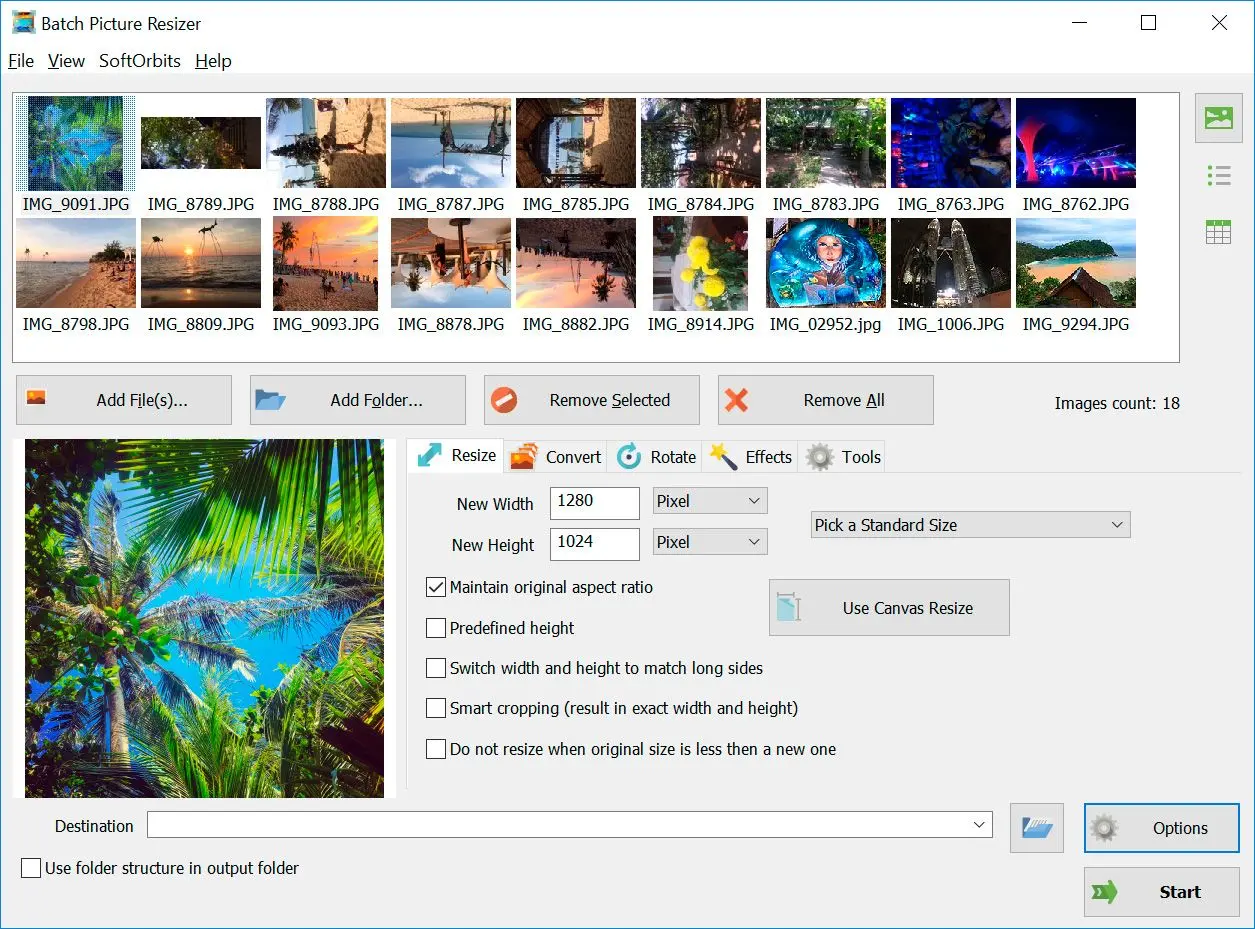
Launch the hub, pick the module you need, move files between steps without hunting installers.
Small studios
Train interns on one suite instead of five random trial apps.
How to use it
Install and open the suite
Launch the hub after setup; you will pick a module instead of separate installers.
Choose a tool
Open resize, retouch, convert, sketch, or another bundled app for the job at hand.
Work through your task
Save outputs and switch modules when the next step needs a different feature set.
Benefits

One hub, many jobs
Resize, retouch, convert, and sketch from a shared launcher instead of juggling unrelated installers.
Train teams faster
Similar controls across modules mean interns learn one layout, not five.


Better bundle value
Cover everyday photo chores under a single license footprint when standalone SKUs add up.
Why people use it
Shared learning curve
Menus reuse patterns across tools.
Value bundle
Cheaper than buying every standalone title at list price.
Offline modules
Most features run without cloud dependency.
FAQ
System Requirements
Digital Photo Workbench
Languages
16.0
335 Mb
June 16, 2026
- Windows 11/10/8.1/8/7 (32/64 bit)
- Intel i3, AMD Ryzen 5 or above
- 4 GB of RAM or above
- NVIDIA® GeForce® series 8 and 8M, Intel® HD Graphics 2000, Quadro FX 4800, Quadro FX 5600, AMD Radeon™ R600, Mobility Radeon™ HD 4330, Mobility FirePro™ series, Radeon™ R5 M230 or higher graphics card with up-to-date drivers
- 1280 × 768 screen resolution, 32-bit color
- 1 GB of free hard disk space or above
GRT requirements trial note