
HEIC Converter
Stop the “I Can’t Open Your Photos” Texts—Give Them JPGs That Just Work
Windows won’t open HEIC from iPhone? Batch-convert to JPEG/PNG with quality & resize—no sketchy uploads. HEIC Converter for PC—free trial for family & studio dumps.
Full seller details: Legal information.
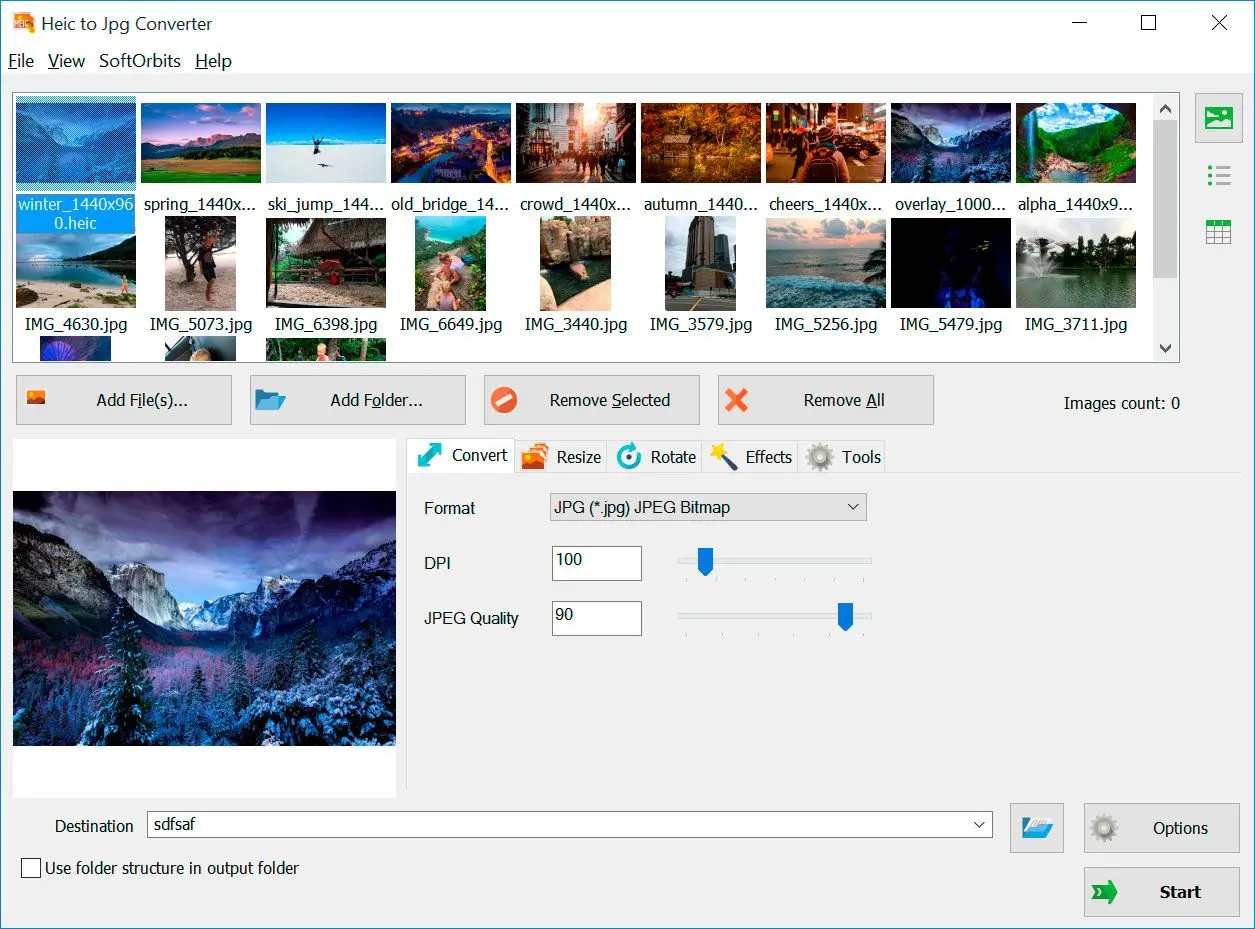
Drag a vacation folder, pick JPEG quality, run overnight.
Family IT hero
Relatives still on Windows 10 photo viewers need JPEGs.
How to use it
Add HEIC files
Drag in iPhone or camera HEIC/HEIF files—or an entire folder of them.
Choose JPEG or PNG
Set quality, resizing, and destination folder for editors that expect bitmap input.
Convert and verify color
Run conversion, open samples in your viewer, then archive or delete sources per your backup rules.
Benefits
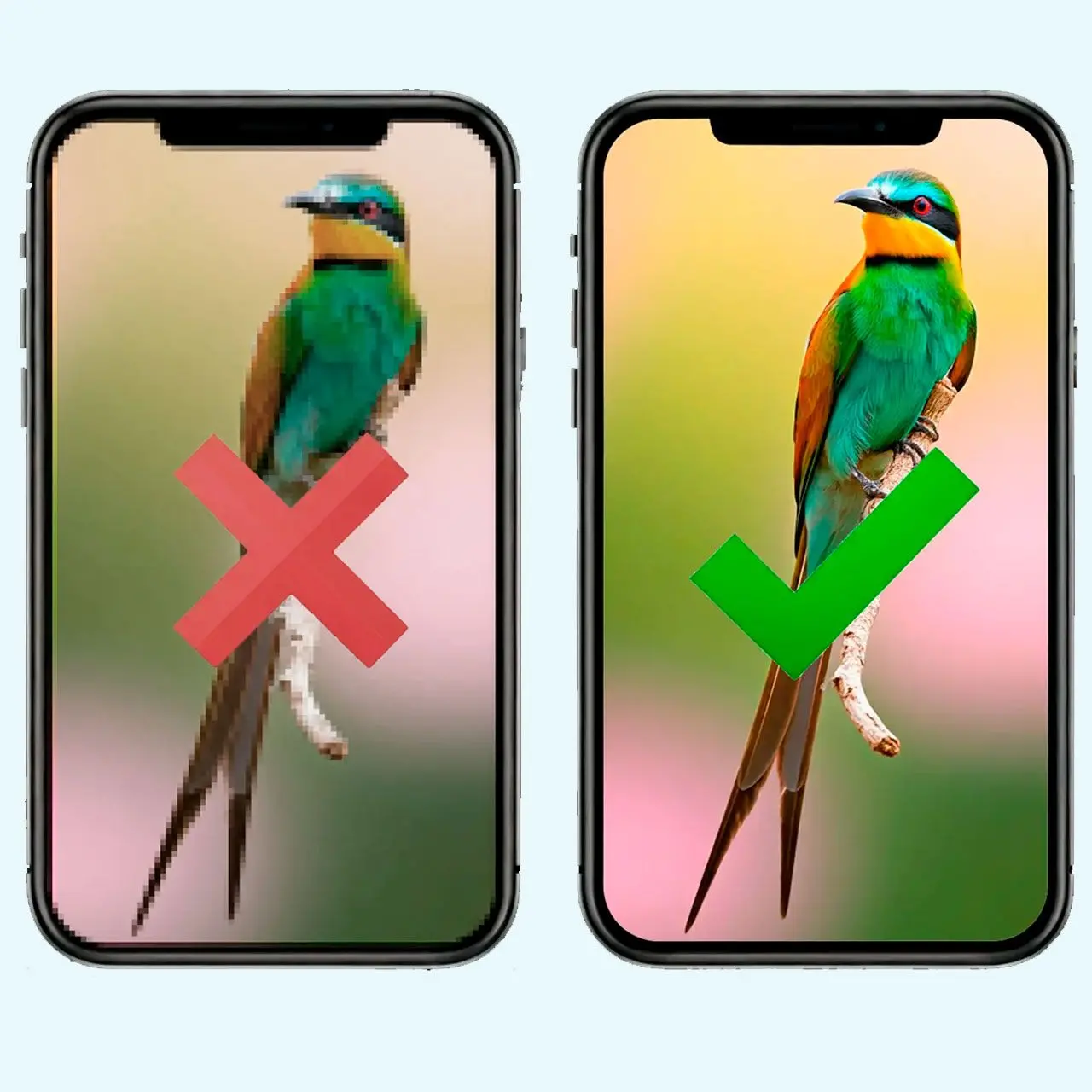
Open iPhone HEIC everywhere
Convert HEIF stacks to JPEG or PNG so Windows tools and older editors can see them.
Resize on the way out
Shrink massive phone files before email and CMS uploads without a second app.
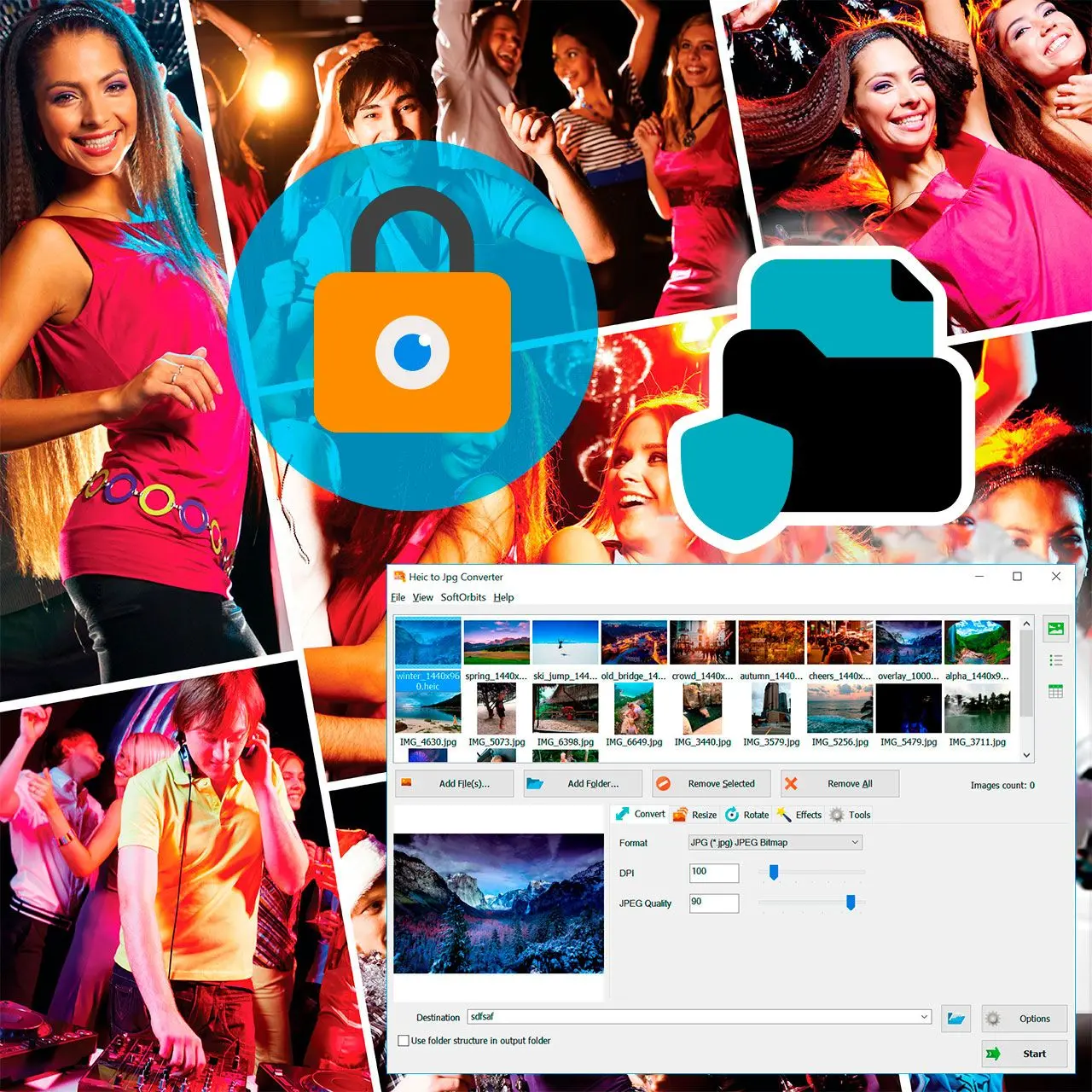

Folder in, folder out
Point at an entire album and keep dinner shots organized in a new directory.
Why people use it
Preserves EXIF when possible
Dates and orientation travel with the file.
Folder queues
Same recipe across hundreds of shots.
No upload
Baby photos never hit a random server.
FAQ
System Requirements
HEIC Converter
Languages
14.0
10.6 Mb
August 9, 2026
- Windows 11/10/8.1/8/7 (32/64 bit)
- Intel i3, AMD Ryzen 5 or above
- 4 GB of RAM or above
- NVIDIA® GeForce® series 8 and 8M, Intel® HD Graphics 2000, Quadro FX 4800, Quadro FX 5600, AMD Radeon™ R600, Mobility Radeon™ HD 4330, Mobility FirePro™ series, Radeon™ R5 M230 or higher graphics card with up-to-date drivers
- 1280 × 768 screen resolution, 32-bit color
- 1 GB of free hard disk space or above
GRT requirements trial note