Bulk Document Printer
Send a Folder to the Printer, Not a File
Print every file in a folder in one run - PDFs, images, Word and Excel documents, emails, XPS and plain text. Copies, duplex, pages per sheet and page ranges for the whole batch. Free trial.
Full seller details: Legal information.
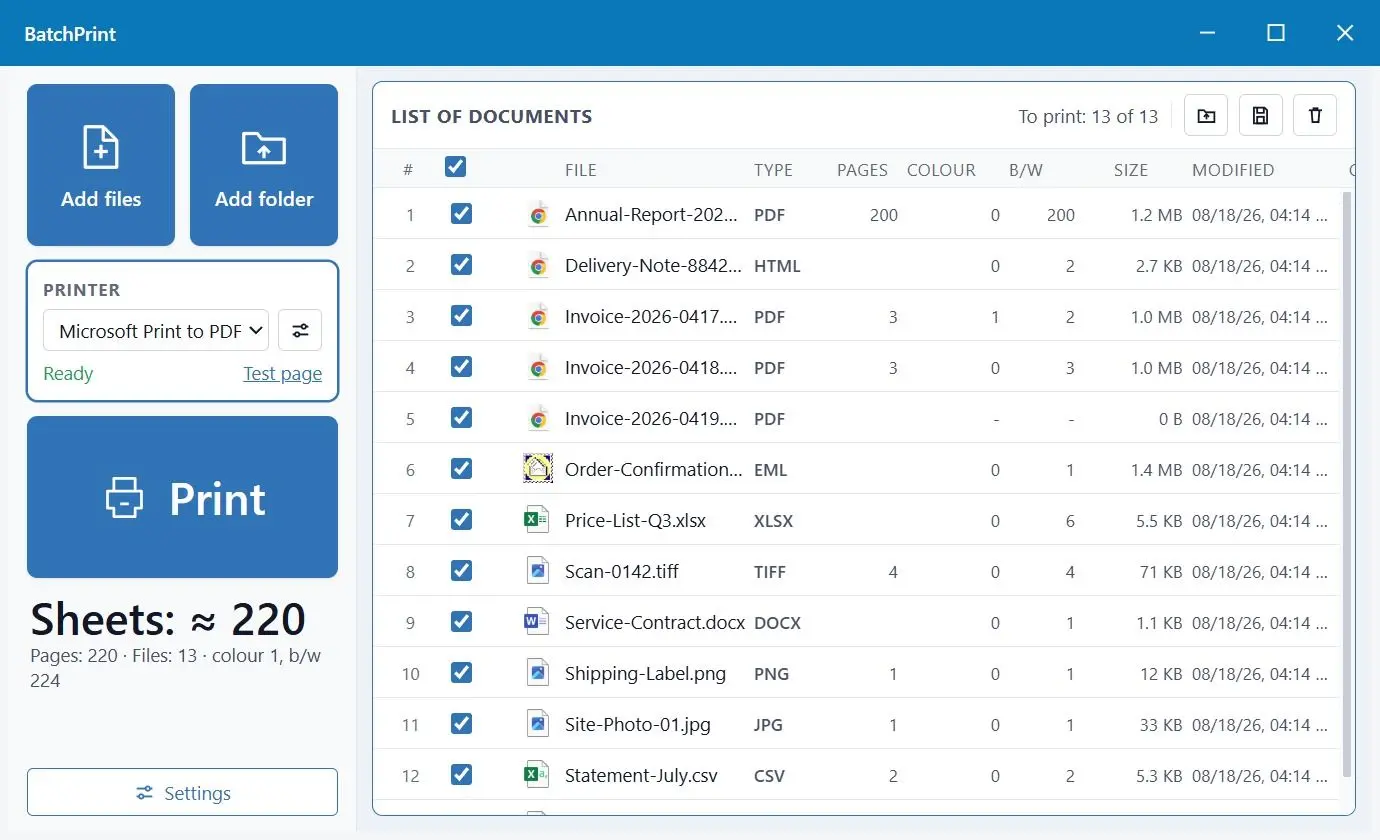
Drop in the files or the whole folder, set copies, duplex and pages per sheet once, then press Start. Nothing has to be opened in its own program first.
The job that eats the afternoon
Open a file, wait for the program that owns it, Ctrl+P, pick the printer, set duplex, print, close, next file. Do that a hundred and thirty times and the day is gone. The Print command in Windows Explorer looks like the way out until you meet its two limits: it stops at fifteen files and it uses whatever settings each program happens to remember. This builds one queue out of everything you selected and prints it with one set of settings you chose yourself.
How to use it
Build the queue
Add single files, a folder, or a folder with everything under it. The list keeps your order and you can move rows around. ZIP archives are unpacked and their contents join the queue instead of being skipped.
Set the run once
Printer, tray, paper size, copies, duplex, pages per sheet, page range, scale and orientation are chosen for the whole batch. Any single document can override them when it needs to, and a saved set of settings can be reused next week.
Press Start and walk away
Files go to the printer one after another while you do something else. A file that cannot be printed is skipped with a reason written down, so one bad document does not stop the pile behind it.
Benefits
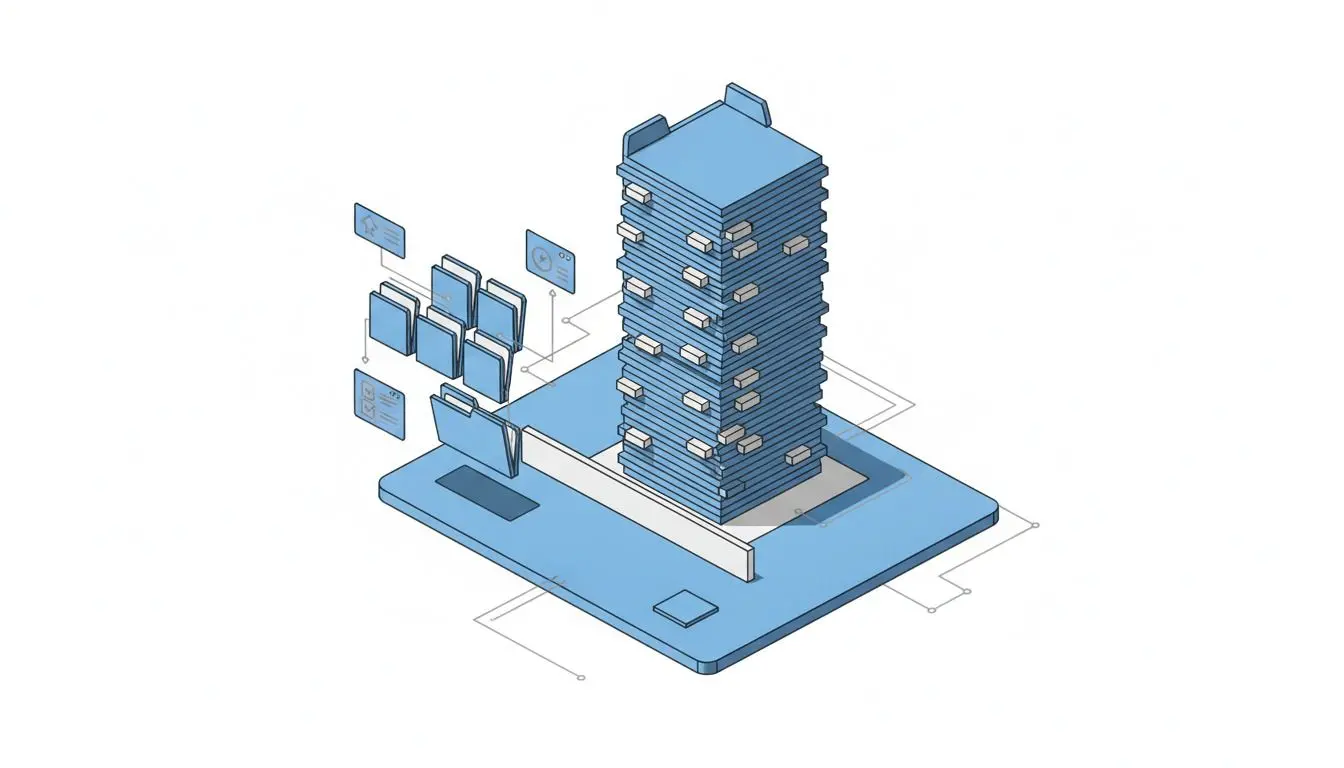
Fifty file types, one queue
PDF, JPG, PNG, BMP, GIF, TIFF, WEBP and HEIC, HTML, MHT, SVG and Markdown, EML and MSG mail, XPS and OXPS, RTF, TXT, LOG, CSV, JSON and XML, plus Word, Excel and PowerPoint documents. A folder with all of them mixed together is a normal case, not a problem.
Office documents print without Office
Microsoft Office is used when it is installed, because then the paper matches what you saw on screen. Without it LibreOffice is used, and without that the built-in reader lays out the DOCX or XLSX itself - headings, tables, images, column widths and real dates instead of numbers like 46251.
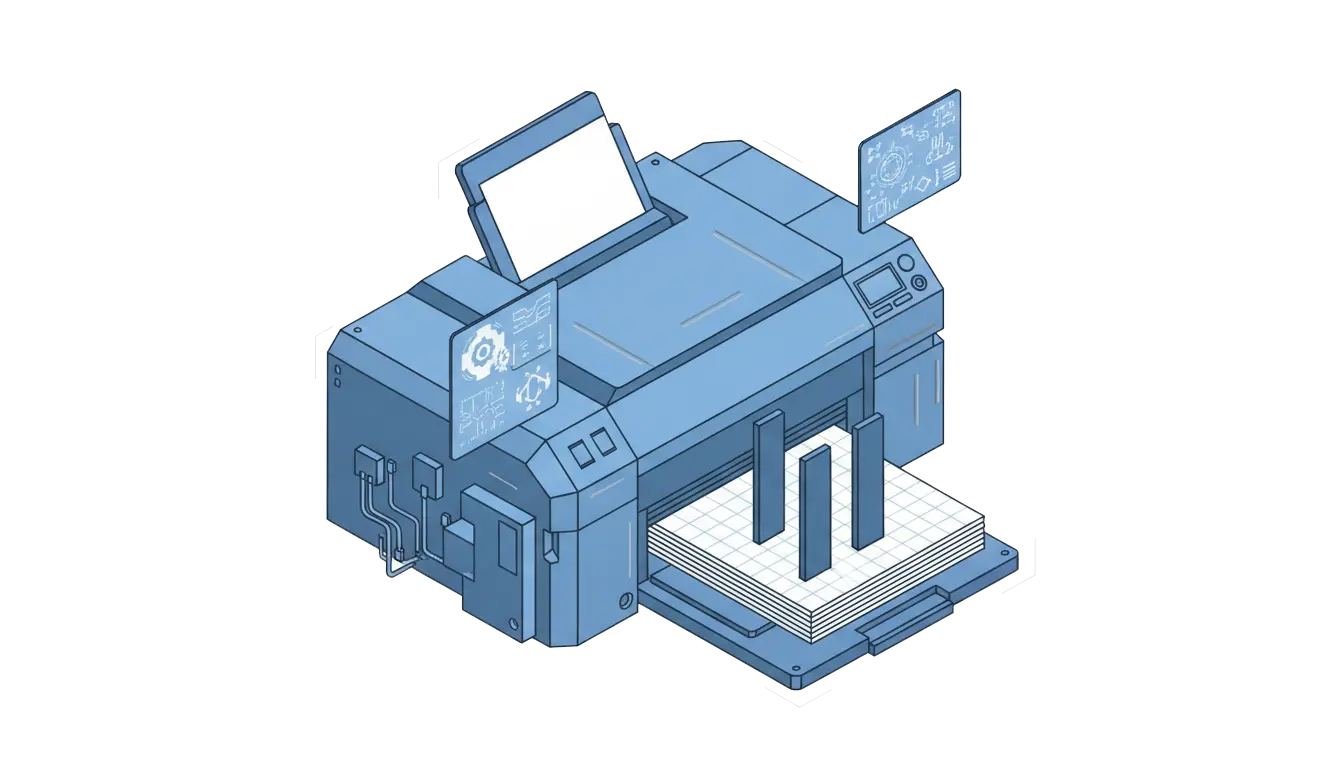
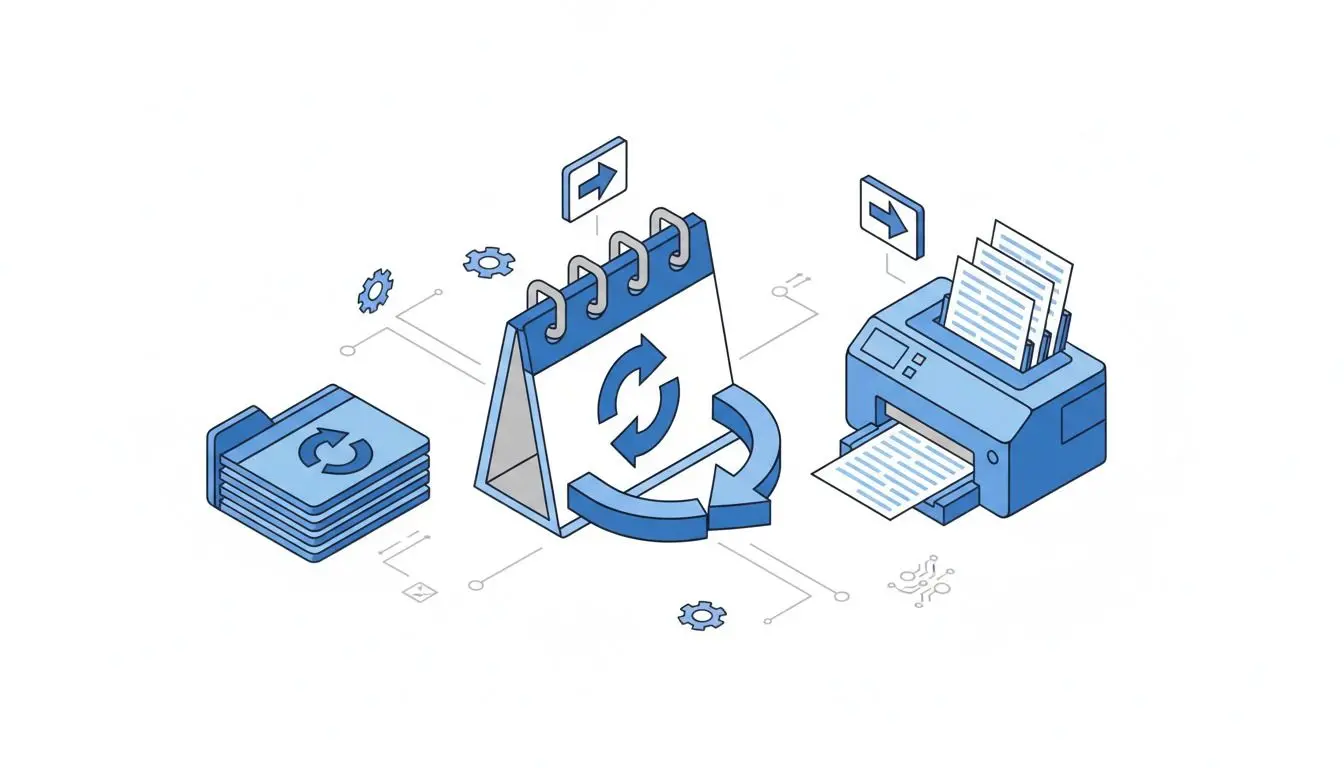
Nothing is dropped in silence
Every file in the run gets a line saying what happened to it, and a skipped one says why: no system codec, a password on the document, a reader that is not on this machine. You find out from the report, not by counting the sheets in the output tray.
Why people use it
Duplex and pages per sheet for the batch
Two-sided printing, two or four pages on a sheet with the layout order and frame you pick, page ranges and multiple copies apply to everything in the queue at once. These are the settings people otherwise redo by hand in every single document.
One document can differ
The contract that has to come out single-sided, on the good tray, with its own watermark, still travels in the same batch as the drafts. Per-file settings sit on top of the batch settings and touch only that one file.
It stays on your machine
Files are read and printed locally. The HTML engine runs with scripts off and deliberately skips links to images on the internet, so printing an invoice never calls out to somebody else's server.
FAQ
System Requirements
Bulk Document Printer
Languages
1.0
40 Mb
August 10, 2026
- Windows 11/10/8.1/8/7 (32/64 bit)
- Intel i3, AMD Ryzen 5 or above
- 4 GB of RAM or above
- NVIDIA® GeForce® series 8 and 8M, Intel® HD Graphics 2000, Quadro FX 4800, Quadro FX 5600, AMD Radeon™ R600, Mobility Radeon™ HD 4330, Mobility FirePro™ series, Radeon™ R5 M230 or higher graphics card with up-to-date drivers
- 1280 × 768 screen resolution, 32-bit color
- 1 GB of free hard disk space or above
GRT requirements trial note